
Yakala
A visual helper tool for GNU/Linux: Show system statistics, search for files, search for networks, SSH into networks, see active TCP/UDP sockets, modify your aliases, search and kill processes, edit environment variables...
Install / Use
/learn @mozcelikors/YakalaREADME
yakala
A visual helper tool for GNU/Linux. Made with love.
Features
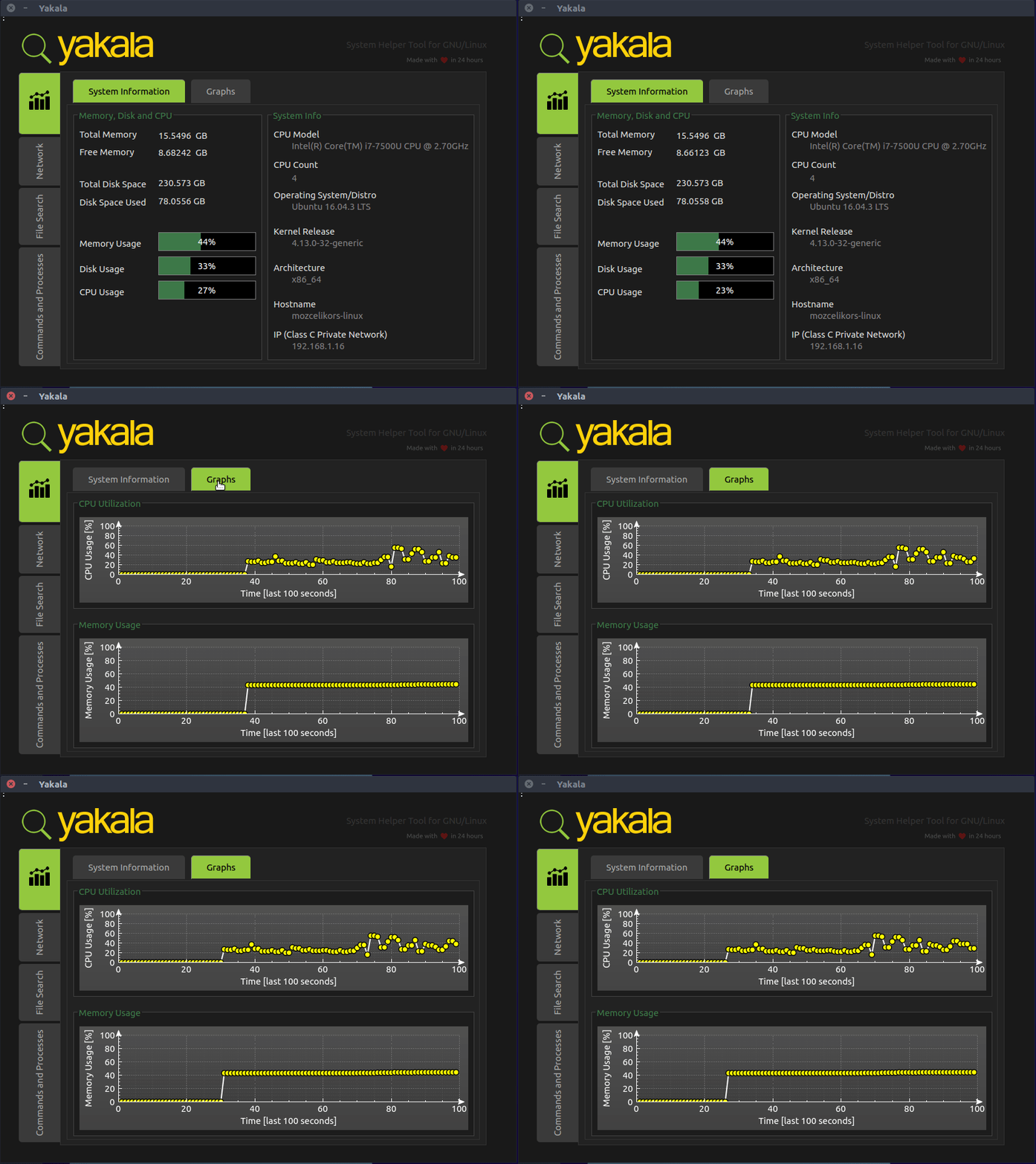
- Show system statistics: CPU, Memory, Disk stats and system information
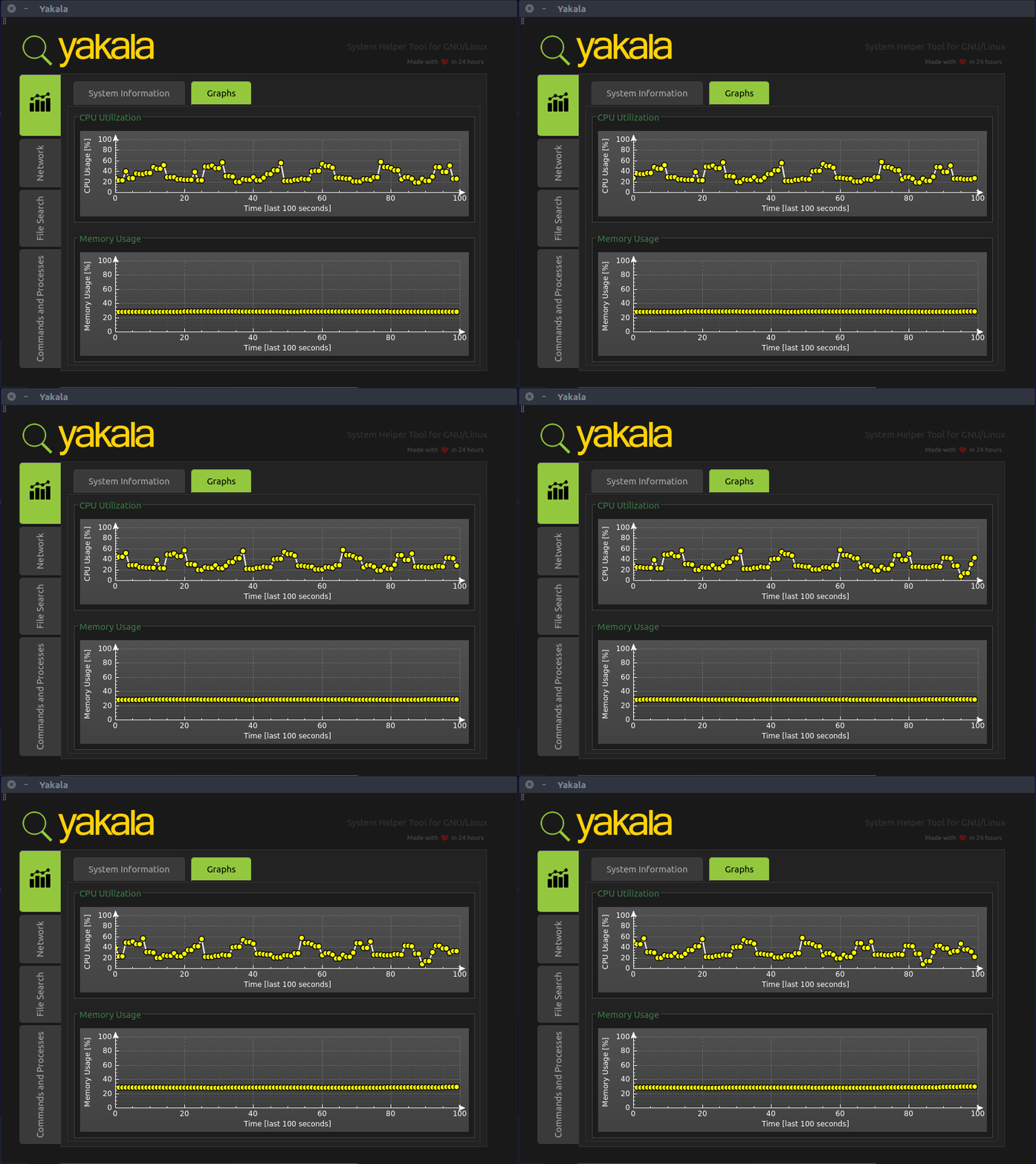
- Visualize recent CPU and Memory activity
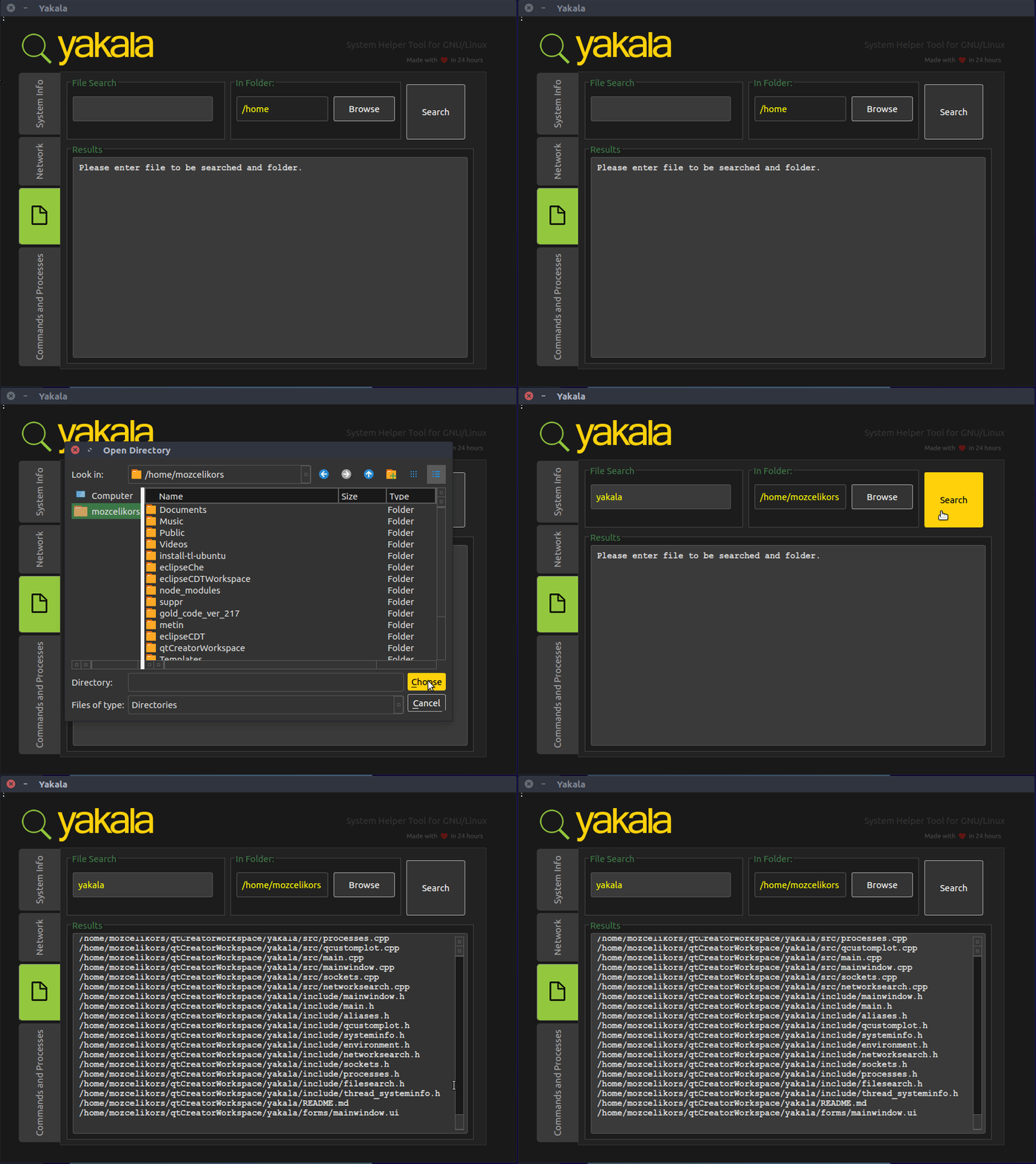
- Search for files
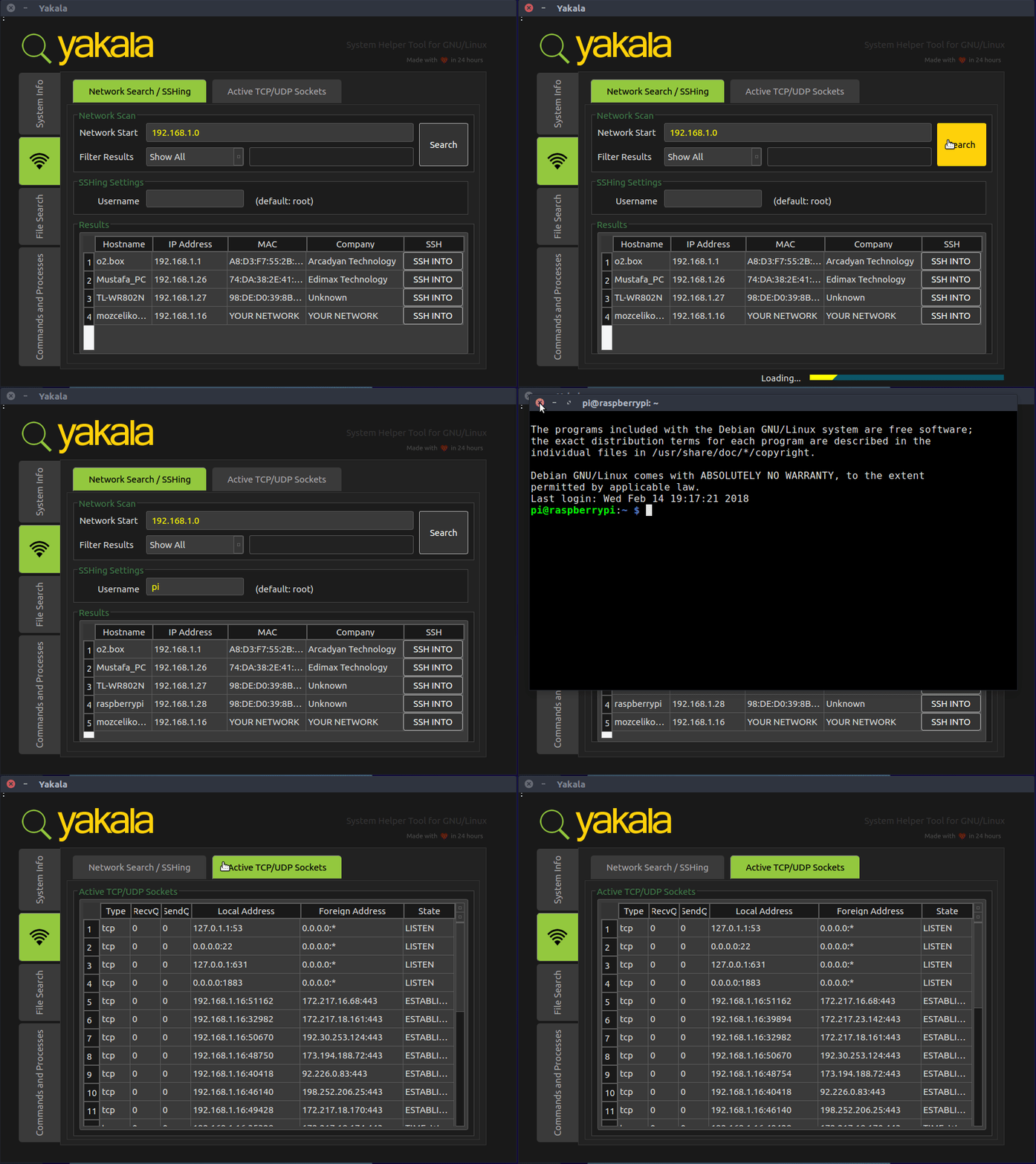
- Search for networks
- SSH into networks
- See active TCP/UDP sockets
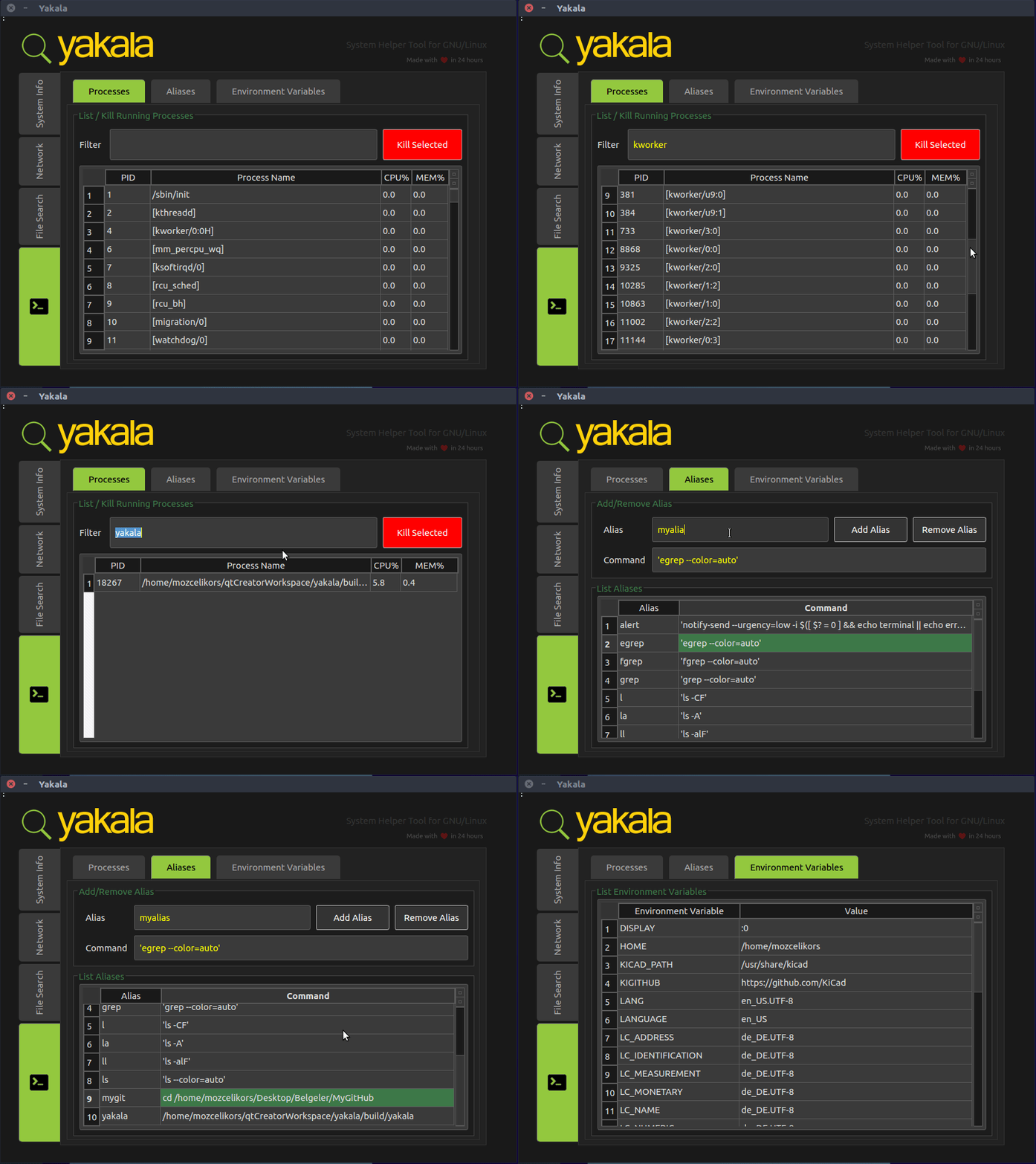
- Modify your aliases
- Search and kill processes
- List environment variables
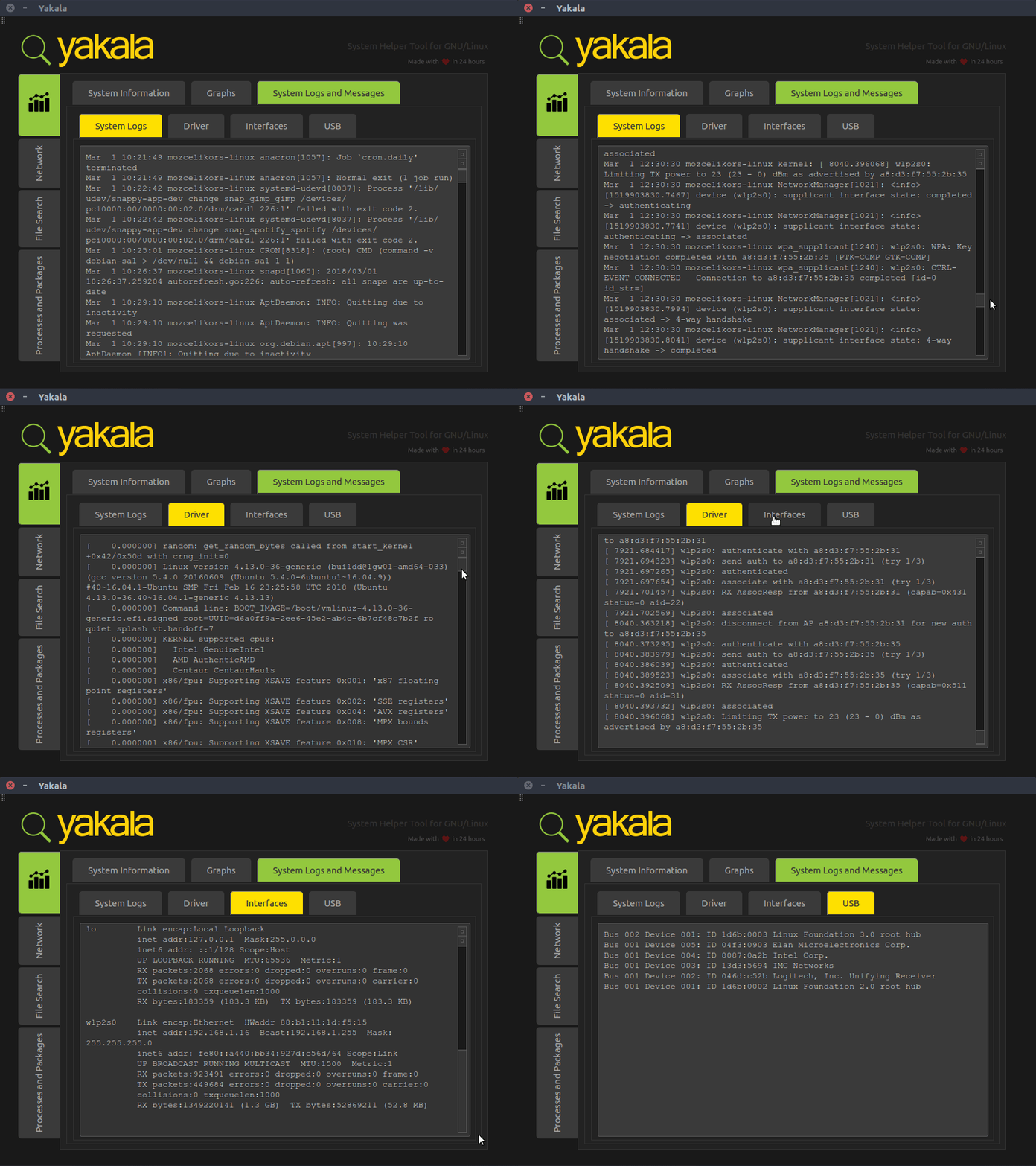
- View system logs
- View driver messages
- View network interface messages
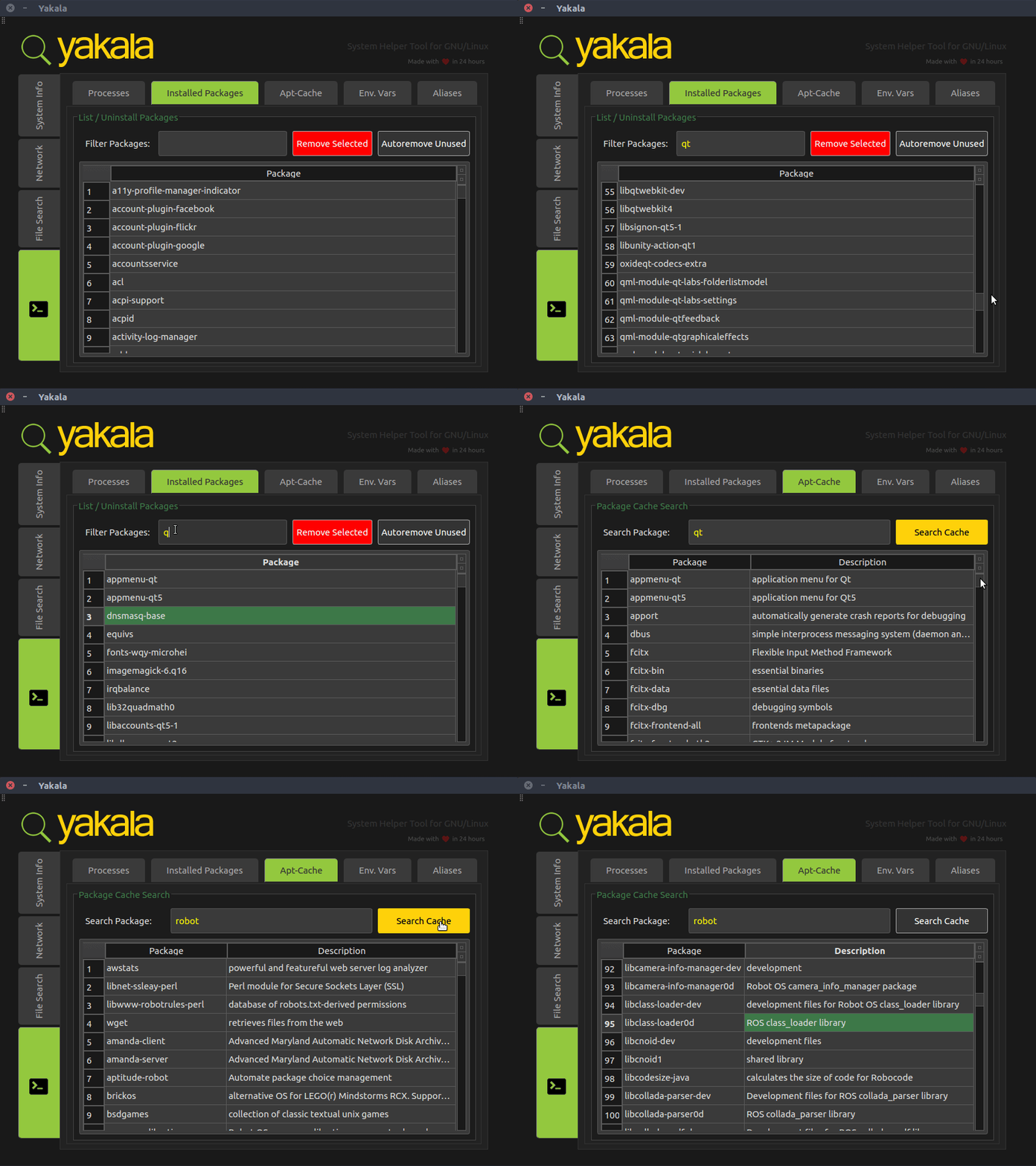
- Search for installed packages / uninstall them
- Search for available packages in apt cache
New features involve (as of March 1st, 2018):
- View system logs
- View driver messages
- View network interface messages
- Search for installed packages / uninstall them
- Search for available packages in apt cache
Compiling from Source (Works for Ubuntu 16.04, 18.04):
git clone https://github.com/mozcelikors/yakala
cd yakala && sudo ./install.sh
Running
Installation script will automatically create a desktop icon for you. You can use that icon or execute the following to run Yakala:
cd <yakala-dir>/build
sudo ./yakala
Animations
System Information:
System Logs:
Network:
File Searching:
Processes, Aliases, Variables:
Installed package Searching, Package cache searching
Contributions
Contributions are more than welcome. Please create a descriptive pull request.
