
Npp One Monokai Theme
One Monokai Theme for Notepad Plus Plus
Install / Use
npx skills add mnmlize/npp-one-monokai-themeInstalls into whichever agent you are using.
README
One Monokai Theme for Notepad++
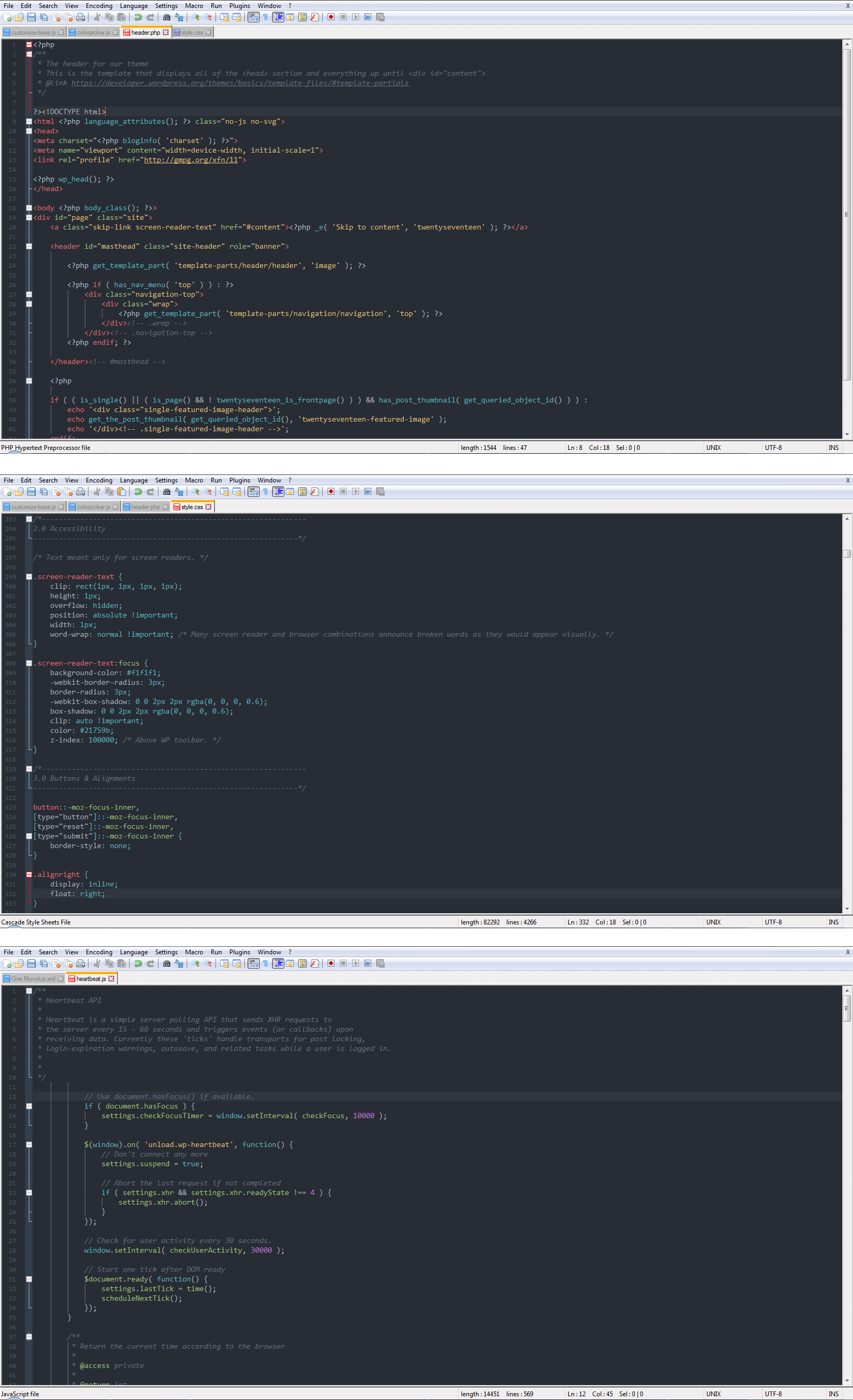
Based on the popular Monokai theme and One Dark theme for VS Code, This is my setup for wokring with HTML, PHP, JavaScript and CSS files, other languages have been also tested.
Tested Languages
php / CSS / HTML / JavaScript / XML / Ruby / C# / C++ / SQL / Perl / Pascal / Python
Installation
- Download
One Monokai.xml - Open Notepad++ -> Settings -> Import -> Import style theme
- OR
- Start -> Run -> type
%APPDATA%/Notepad++ - Copy this file to
themesfolder then Restart Notepad++. - Open
Settings->Style Configurator. - Select
One Monokaifrom the theme drop-down box. - Click Save & Close
Screenshot
Credits & Feedback
Color scheme adopted from One Dark Theme for VS Code by Joshua Azemoh. If you find anything wrong or not styled properly, feel free to let me know.
Thanks to mayankpj for the hint about an alternative way to install the style.
Related Skills
node-connect
385.5kDiagnose OpenClaw Android, iOS, or macOS node pairing, QR/setup code, route, auth, and connection failures.
blender-python-addon
40.5kBlender Python add-on rules for operators, panels, properties, registration, testing, and API-safe scripting
flutter-development-guidelines-cursorrules-prompt-file
40.5kCursor rules for Flutter development with MVVM architecture, Riverpod state management, Material widgets, and Dart style guidelines.
commit-push-pr
140.7kCommit, push, and open a PR

Security Score
Audited on Jul 16, 2026