
Merkur
tiny extensible javascript library for front-end microservices
Install / Use
/learn @mjancarik/MerkurREADME
Merkur




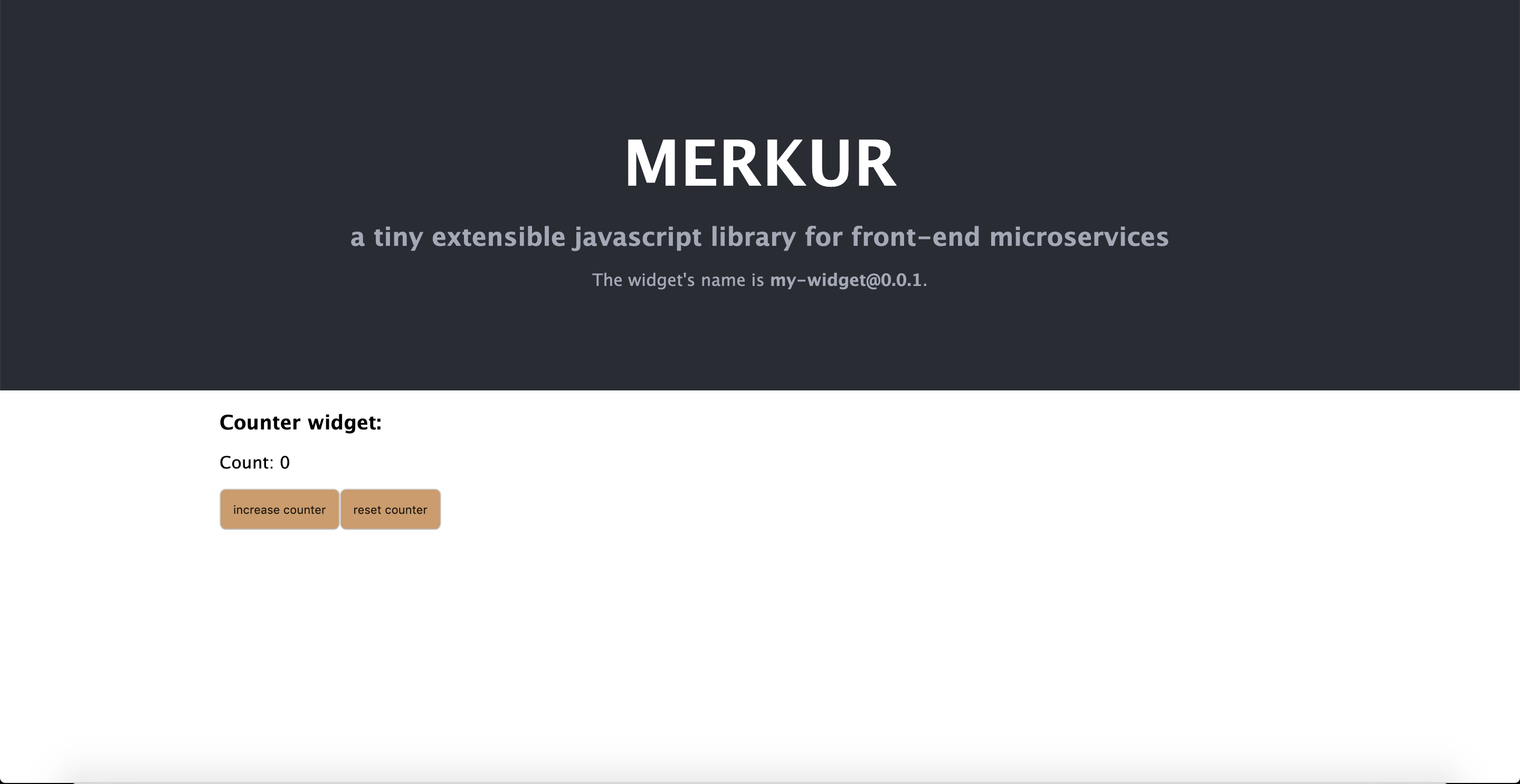
The Merkur is tiny extensible javascript library for front-end microservices(micro frontends). It allows by default server side rendering for loading performance boost. You can connect it with other frameworks or languages because merkur defines easy API. You can use one of six predefined template's library Preact, µhtml, Svelte and vanilla but you can easily extend for others.
Features
- Flexible templating engine
- Usable with all tech stacks
- SSR-ready by default
- Easy extensible with plugins
- Tiny - 1 KB minified + gzipped
Getting started
npx @merkur/create-widget <name>

cd name

npm run dev // Point your browser at http://localhost:4444/
Documentation
To check out live demo and docs, visit https://merkur.js.org.
Contribution
Contribute to this project via Pull-Requests.
We are using Changesets for versioning and releasing. To add a changeset describing your changes, run npm run changeset.
Note: The release process is documented only in this root README. Any per-package README sections that still describe a Lerna/Conventional Commits–based release flow are outdated and should be ignored in favour of the instructions below.
Changeset format
Each changeset file (.changeset/*.md) must follow this structure:
Frontmatter — standard Changesets YAML listing affected package names and bump types (patch, minor, major).
First line after frontmatter — a single brief sentence summarising the change. No heading, no bold, no trailing bullet — just a plain declarative sentence. This section is not required but helps to quickly understand the change when browsing the changesets.
Body — three bullet points in this exact order, with no blank lines between them:
- What One or more sentences describing what changed: which APIs, files, or behaviours were added, removed, or fixed. Make sublists if needed to break down complex changes, but keep each bullet point as a single paragraph.
- Why One or more sentences explaining the motivation: why the change was necessary or beneficial.
- How Migration steps for consumers or contributors. If no action is required, write exactly:
Nothing.
Additional rules:
- Each bullet is a single paragraph — no nested lists, no code blocks inside a bullet.
- Do not use headings (
##,###) inside the body. - Code symbols (function names, paths, package names) use backtick inline code.
Example:
---
"@merkur/example": minor
---

Add `createFoo` helper for simplified widget initialisation.

- **What** New `createFoo(options)` export in `@merkur/example` wraps the low-level `initFoo` call and applies sensible defaults for `name` and `version`.
- **Why** Every project was duplicating the same boilerplate to call `initFoo`; centralising it reduces setup friction and ensures consistent defaults.
- **How** Replace direct `initFoo` calls with `createFoo({ name, version })`. The returned object is API-compatible, so no further changes are needed.
Release
To release a version you must have the right permissions, please contact one of the repo maintainers.
Regular version release
To do a regular release, from the master branch with no uncommitted changes, run:
npm run release
This runs release:prepare (applies pending changesets, bumps versions, updates package-lock.json) followed by release:push (commits, tags, and pushes to the repository).
Packages are published from a GitHub Action triggered when a new version tag is pushed.
RC (pre-release) release
-
Enter pre-release mode (only needs to be done once per RC cycle):
npm run release:next:initThis sets pre-release mode to
rc, so subsequent version bumps producercversions (e.g.v0.44.0-rc.0). -
Add a changeset describing your changes:
npm run changeset -
Bump versions and push the RC release:
npm run releaseRepeat steps 2–3 for each subsequent RC iteration (e.g.
rc.0 → rc.1). -
When ready to graduate to a stable release, exit pre-release mode and prepare the final version:
npm run release:graduateThen push with:
npm run release:push
Thank you to all the people who already contributed to Merkur!
<a href="https://github.com/mjancarik/merkur/graphs/contributors"> <img src="https://contrib.rocks/image?repo=mjancarik/merkur" /> </a>Related Skills
bluebubbles
346.8kUse when you need to send or manage iMessages via BlueBubbles (recommended iMessage integration). Calls go through the generic message tool with channel="bluebubbles".
node-connect
346.8kDiagnose OpenClaw node connection and pairing failures for Android, iOS, and macOS companion apps
slack
346.8kUse when you need to control Slack from OpenClaw via the slack tool, including reacting to messages or pinning/unpinning items in Slack channels or DMs.
frontend-design
107.6kCreate distinctive, production-grade frontend interfaces with high design quality. Use this skill when the user asks to build web components, pages, or applications. Generates creative, polished code that avoids generic AI aesthetics.
