
MMMaterialDesignSpinner
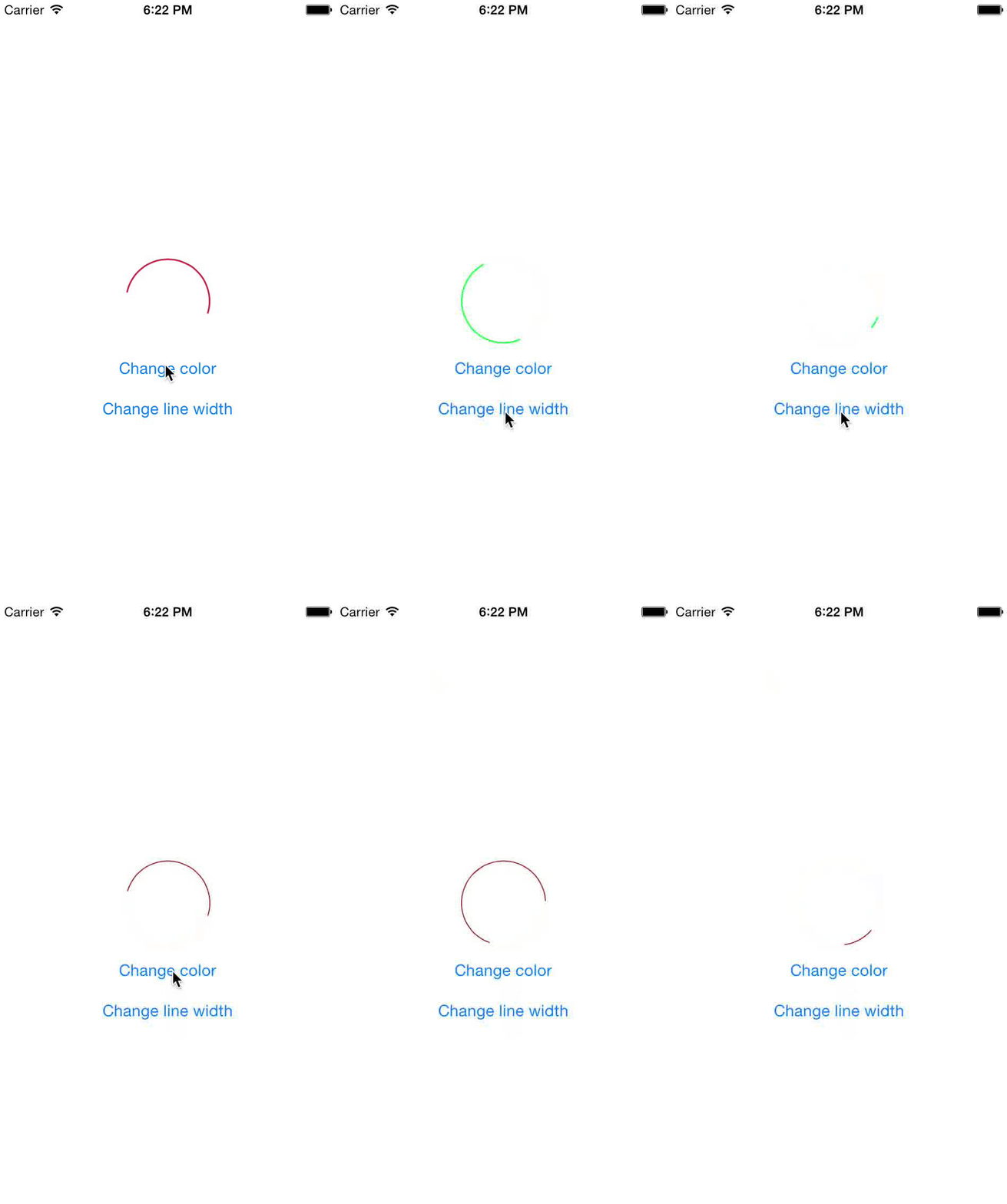
An iOS activity spinner modeled after Google's Material Design Spinner
Install / Use
/learn @misterwell/MMMaterialDesignSpinnerREADME
MMMaterialDesignSpinner




Usage
To run the example project, clone the repo, and run pod install from the Example directory first.
// Initialize the progress view
MMMaterialDesignSpinner *spinnerView = [[MMMaterialDesignSpinner alloc] initWithFrame:CGRectMake(0, 0, 40, 40)];

// Set the line width of the spinner
spinnerView.lineWidth = 1.5f;
// Set the tint color of the spinner
spinnerView.tintColor = [UIColor redColor];

// Add it as a subview
[self.view addSubview:spinnerView];

...

// Start & stop animations
[spinnerView startAnimating];
[spinnerView stopAnimating];
Also Support Xib & StoryBoard
The lineWidth and tintColor properties can even be set after animating has been started, which you can observe in the included example project.
Requirements
- CoreGraphics
Installation
MaterialDesignSpinner is available through CocoaPods. To install it, simply add the following line to your Podfile:
pod "MMMaterialDesignSpinner"
MaterialDesignSpinner is also Carthage compatible, add the following line to your Cartfile:
github "misterwell/MMMaterialDesignSpinner"
Author
Mike Maxwell, mmaxwell@vertical.com
License
MMMaterialDesignSpinner is available under the MIT license. See the LICENSE file for more info.
Related Skills
clearshot
Structured screenshot analysis for UI implementation and critique. Analyzes every UI screenshot with a 5×5 spatial grid, full element inventory, and design system extraction — facts and taste together, every time. Escalates to full implementation blueprint when building. Trigger on any digital interface image file (png, jpg, gif, webp — websites, apps, dashboards, mockups, wireframes) or commands like 'analyse this screenshot,' 'rebuild this,' 'match this design,' 'clone this.' Skip for non-UI images (photos, memes, charts) unless the user explicitly wants to build a UI from them. Does NOT trigger on HTML source code, CSS, SVGs, or any code pasted as text.
openpencil
2.0kThe world's first open-source AI-native vector design tool and the first to feature concurrent Agent Teams. Design-as-Code. Turn prompts into UI directly on the live canvas. A modern alternative to Pencil.
HappyColorBlend
HappyColorBlendVibe Project Guidelines Project Overview HappyColorBlendVibe is a Figma plugin for color palette generation with advanced tint/shade blending capabilities. It allows designers to
Flyaro-waffle-app
Waffle Delight - Full Stack MERN Application Rules & Documentation Project Overview A comprehensive waffle delivery application built with MERN stack featuring premium UI/UX, admin management, a
