
Obscure.nvim
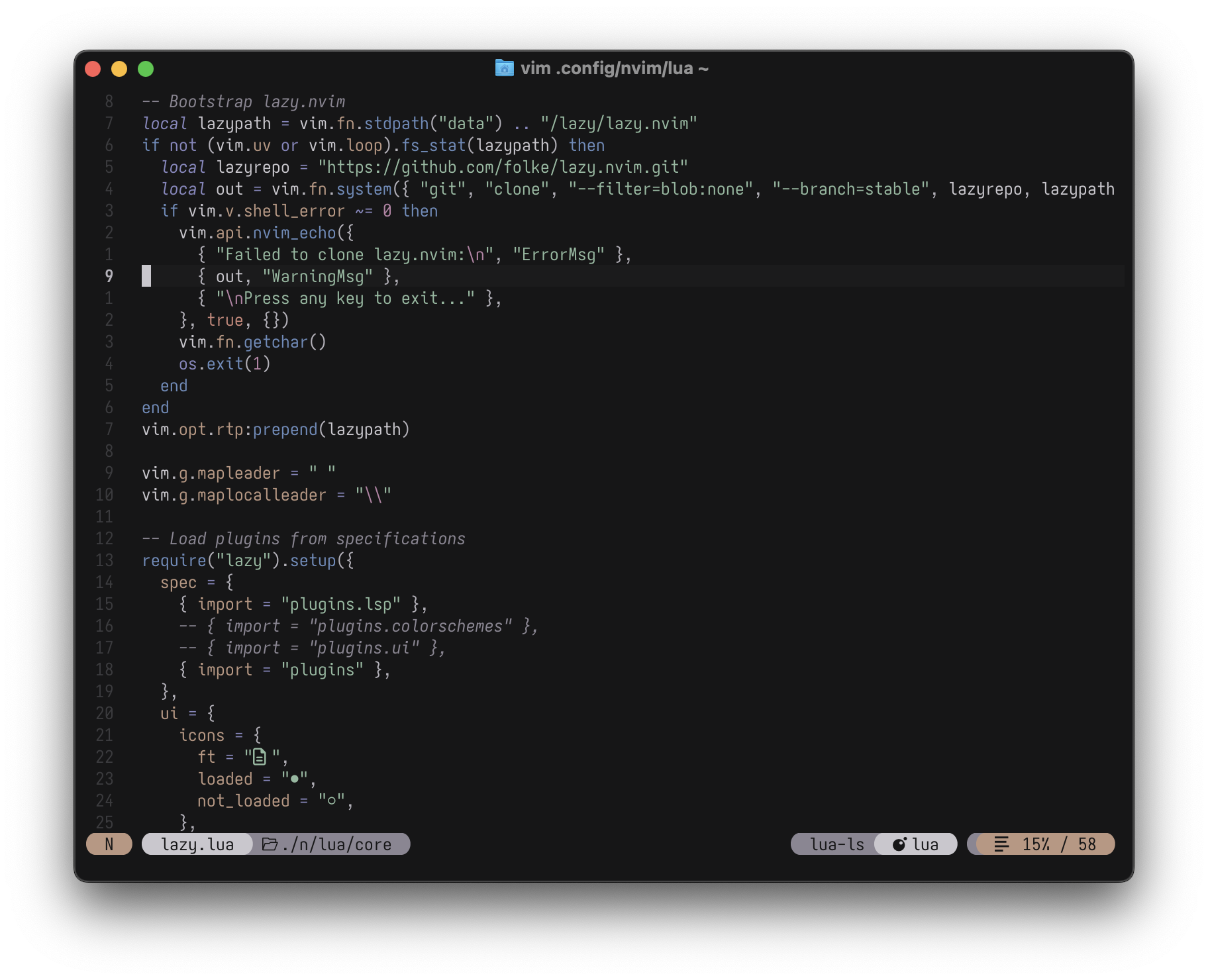
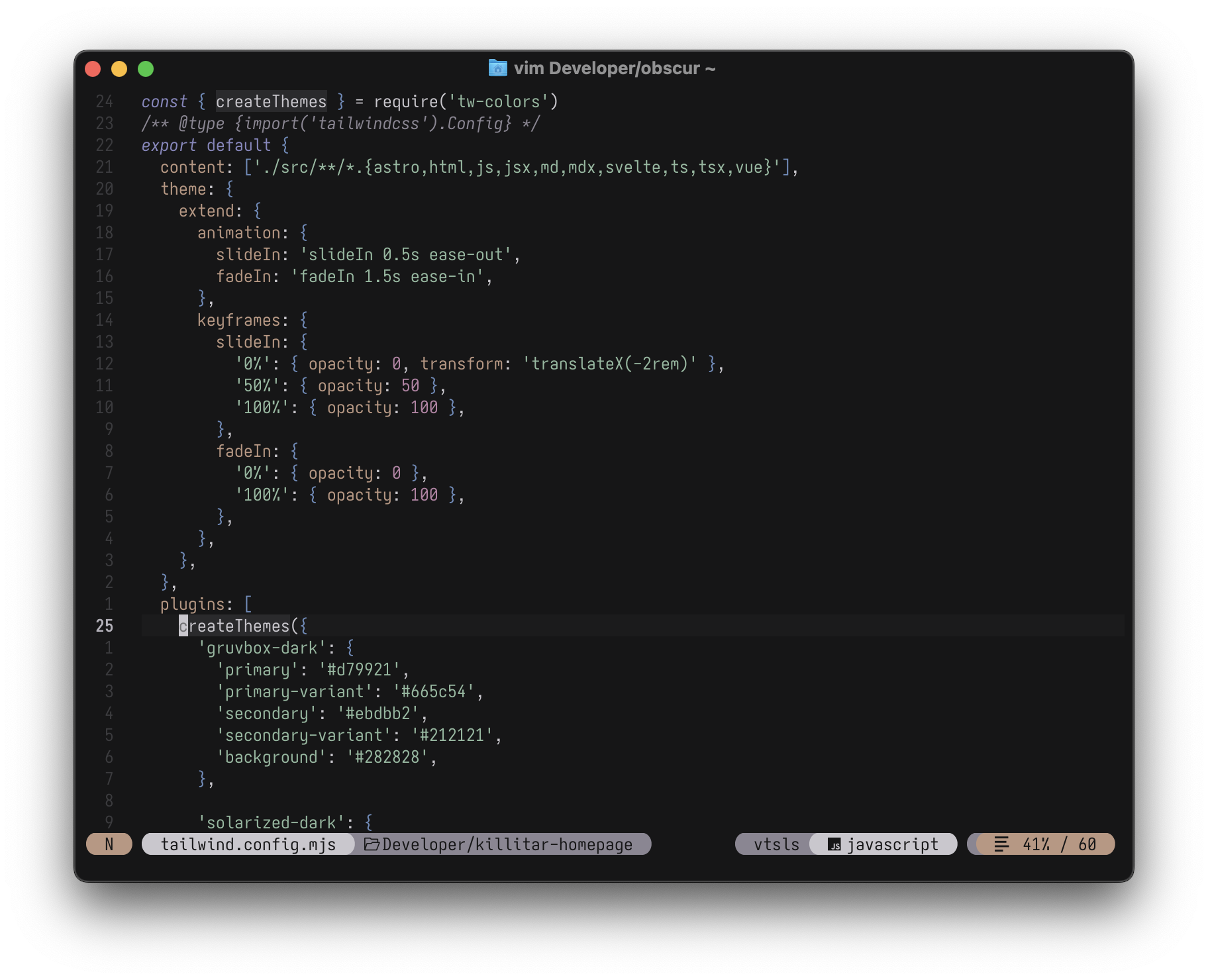
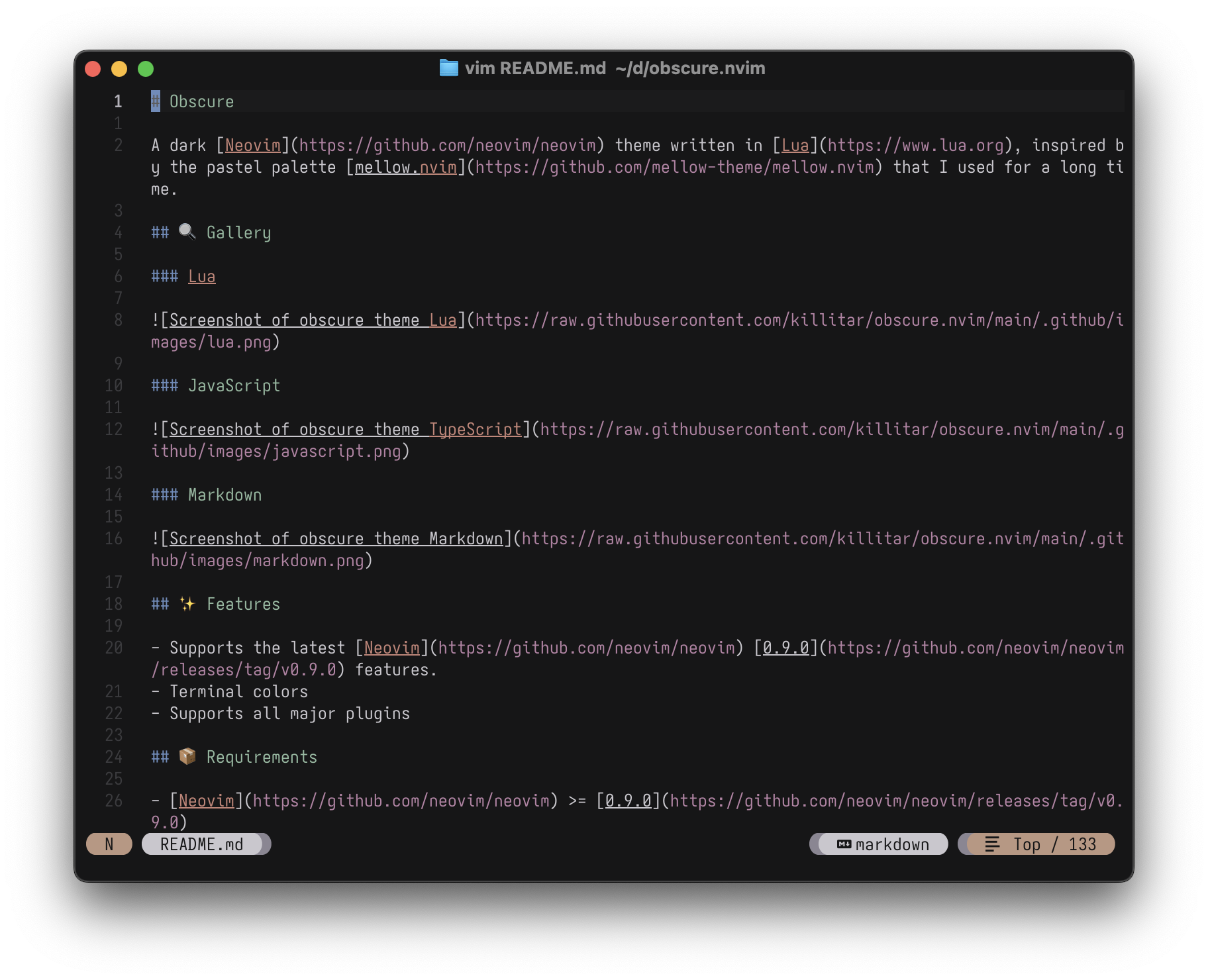
A dark Neovim theme written in Lua, with support for LSP, Tree-sitter and lots of plugins.
Install / Use
/learn @mikovskii/Obscure.nvimREADME
Obscure
A dark Neovim theme written in Lua, inspired by the pastel palette mellow.nvim that I used for a long time.
🔍 Gallery
Lua
JavaScript
Markdown
✨ Features
📦 Requirements
⚡️ Installation
Install the theme using your preferred package manager, e.g. lazy:
{
  "mslvx/obscure.nvim",
  lazy = false,
  priority = 1000,
  opts = {}
}
🚀 Usage
Vim Script
colorscheme obscure
Lua
vim.cmd[[colorscheme obscure]]
⚙️ Configuration
<details> <summary>Default Options</summary> <!-- config:start -->[!IMPORTANT] Set the configuration BEFORE loading the color scheme with
colorscheme obscure.
{
  transparent = false,
  terminal_colors = true,
  dim_inactive = true,
  styles = {
    keywords = { italic = true },
    identifiers = {},
    functions = {},
    variables = {},
    booleans = {},
    comments = { italic = true },
  },

  --- You can override specific highlights to use other groups or a hex color
  --- function will be called with a Highlights and ColorScheme table
  on_highlights = function(highlights, colors) end,

  plugins = {
    -- enable all plugins when not using lazy.nvim
    -- set to false to manually enable/disable plugins
    all = package.loaded.lazy == nil,
    -- uses your plugin manager to automatically enable needed plugins
    -- currently only lazy.nvim is supported
    auto = true,
    -- add any plugins here that you want to enable
    -- for all possible plugins, see:
    --   * https://github.com/killitar/obscure.nvim/tree/main/lua/obscure/groups
    -- flash = true,
  },
}
🪓 Overriding Colors & Highlight Groups
To configure a setting, you should pass that setting with the changed value following the structure of the default configuration.
require("obscure").setup({
    styles = {
        booleans = { italic = true, bold = true },
    },
    on_highlights = function(hl,c)
        hl.Comment = { fg = "#ffffff" }
        -- Or
        hl.Comment = { fg = c.orange }
    end
})
🧵 Extra
You can easily use the color palette for other plugins inside your Neovim configuration:
local colors = require("obscure.palettes").get_palette("obscure") -- pass in any of the config options as explained above

plugin.bg = colors.yellow
👏 Acknowledgements
Related Skills
openhue
349.2kControl Philips Hue lights and scenes via the OpenHue CLI.
sag
349.2kElevenLabs text-to-speech with mac-style say UX.
weather
349.2kGet current weather and forecasts via wttr.in or Open-Meteo
tradingview-mcp
682Advanced TradingView MCP Server for AI-powered market analysis. Real-time crypto & stock screening, technical indicators, Bollinger Band intelligence, and candlestick patterns. Works with Claude Desktop & AI assistants. Multi-exchange support (Binance, KuCoin, Bybit+). Open source trading toolkit.
