
SmoothState.js
Unobtrusive page transitions with jQuery.
Install / Use
/learn @miguel-perez/SmoothState.jsREADME
smoothState.js
smoothState.js is a jQuery plugin that progressively enhances page loads to give us control over page transitions. If the user's browser doesn't have the required features, smoothState.js fades into the background and never runs.
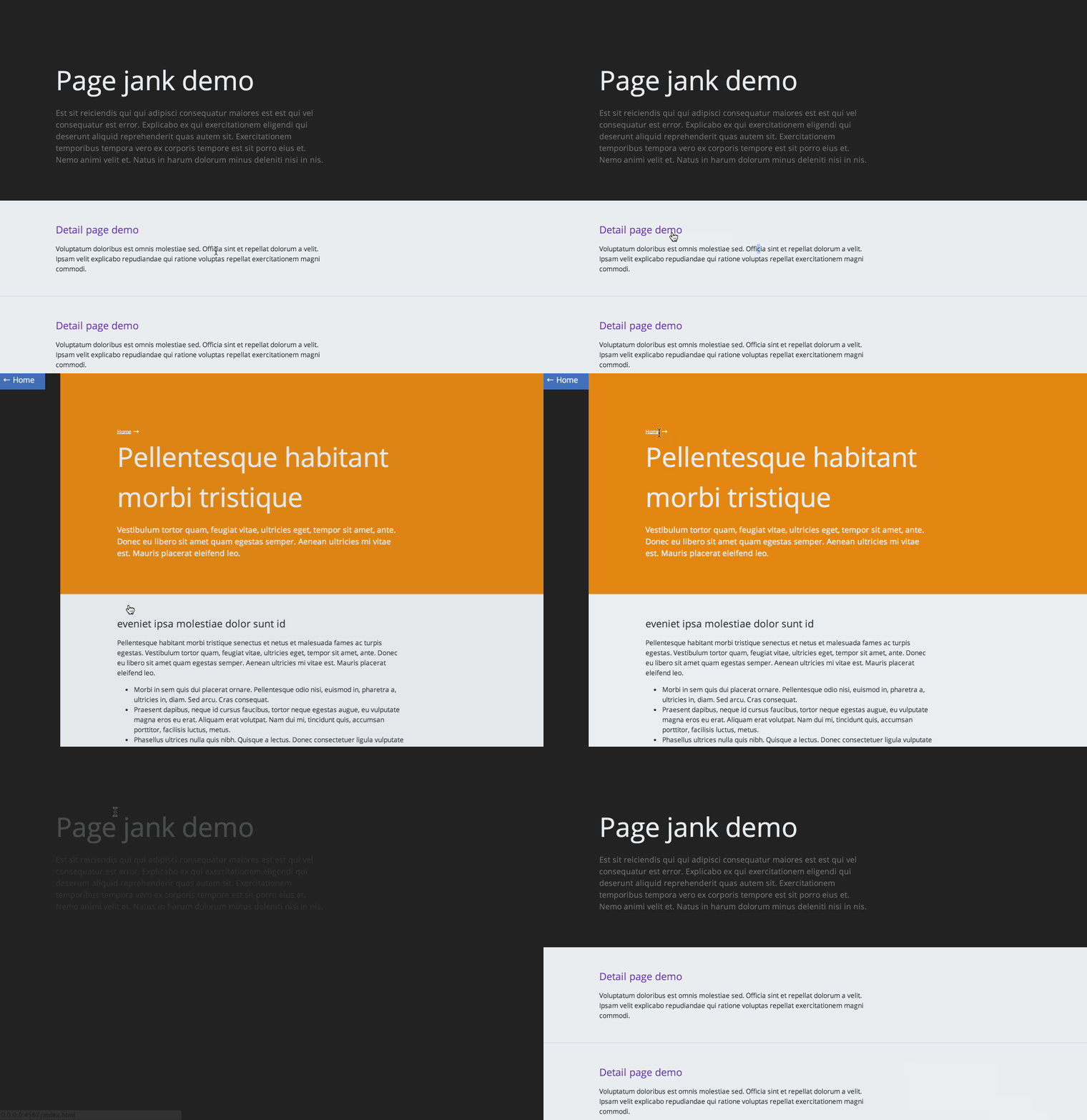


Built with smoothState.js
Below are some cool sites built with smoothState.js. Feel free to submit a pull request with your own site, or tweet me with a link.
Contributor demos
Live Sites
- Twitch Conf by Alexis Gallisá
- Interactive portfolio by Recardo Zanutta
- Refune by Victor Meyer
- Beau Han Xu London by Lawrence Gosset
- Rock Werchter by Rock Werchter
- Portfolio Site by Aaron Porter
- Open Innovation in Science by Roland Schütz
Need help?
If you need a little help implementing smoothState there are a couple things you could do to get some support:
- Post on stackoverflow using the smoothState.js tag.
- Join the Gitter room and talk to some of the contributors.
- Contact Miguel directly, he provides pair-programing help billed by the hour
Please avoid creating a Github issue with personal support requests, to keep the tracker clear for bugs and pull requests.
Intro
Imagine, for a second, how disorienting it would be if touching a doorknob teleported you to the other side of the door. Navigating the web feels like using a teleporting doorknob. Layouts change, elements rearrange or disappear, and it takes time for the user to adjust. Smooth transitions reduce the effort it takes for users to get settled into a new environment.
Javascript SPA frameworks, sometimes referred to as MVC frameworks, are a common way to solve this issue. These frameworks often lose the benefits of unobtrusive code. Writing unobtrusive javascript gives us more resilience to errors, and improved performance and accessibility.
How does smoothState.js work?
smoothState.js provides hooks that can be used to choreograph how elements enter and exit the page during navigation. It uses the time the animations are running to fetch content via AJAX to inject into the page.
smoothState.js doesn't dictate how things on the page should be animated. It supports CSS animations, as well as JS animation libraries like velocity.js.
Design philosophy and requirements
The project's main goal is to allow developers to add page transitions without having to add any logic to the backend. We keep things unobtrusive at all times.
smoothState.js initializes on containers, not links. Think of a container as a small window object embedded in the page.
- Every URL on your site should return a full layout - not just an HTML fragment
- The smoothState container needs to have an
idset - a unique hook to tell us what to update on the page - All links and forms on the page should live within the container
These requirements makes the website resilient, since it smoothState.js can abort and simply redirect the user if an error occurs. Making each link return a full page also ensures that pages are created with progressive enhancement in mind.
Getting started
All we need to do to get started is:
- Include a copy of jQuery and jQuery.smoothState.js on your page
- Add a container with an id of
#mainand include some links inside of it - Create a new js file and run
$('#main').smoothState()
$(function() {
  $('#main').smoothState();
});
By default, smoothState.js will:
- Prevent links and forms from triggering a full page load, if possible
- Use AJAX to request pages and replace the content appropriately
- Update URLs and browsing history so that browsing expectations aren't broken
smoothState.js will not add page transitions to pages. You'll need to define the animations you want to run using the hooks smoothState.js provides.
onBefore- Runs before a page load has been startedonStart- Runs once a page load has been activatedonProgress- Runs if the page request is still pending and theonStartanimations have finishedonReady- Run once the requested content is ready to be injected into the page and the previous animations have finishedonAfter- Runs after the new content has been injected into the page and all animations are complete
Options
smoothState.js provides some options that allow customization of the plugin's functionality. The default options are overridden by passing an object into the smoothState function.
Options example
$(function(){
  'use strict';
  var options = {
    prefetch: true,
    cacheLength: 2,
    onStart: {
      duration: 250, // Duration of our animation
      render: function ($container) {
        // Add your CSS animation reversing class
        $container.addClass('is-exiting');

        // Restart your animation
        smoothState.restartCSSAnimations();
      }
    },
    onReady: {
      duration: 0,
      render: function ($container, $newContent) {
        // Remove your CSS animation reversing class
        $container.removeClass('is-exiting');

        // Inject the new content
        $container.html($newContent);

      }
    }
  },
  smoothState = $('#main').smoothState(options).data('smoothState');
});
debug
If set to true, smoothState.js will log useful debug information to the console, instead of aborting. For example, instead of redirecting the user to a page on an error, it might log:
No element with an id of “#main” in response from “/about.html”.
// Default
$('#main').smoothState({ debug: false });
anchors
A jQuery selector specifying which anchors within the smoothState element should be bound.
// Default
$('#main').smoothState({ anchors: 'a' });
hrefRegex
A regular expression to specify which anchor with a specific href property based on the regex smoothState should bind to. If empty, every href will be permitted.
// Default
$('#main').smoothState({ hrefRegex: '' });
forms
A jQuery selector specifying which forms within the smoothState element should be bound.
// Default
$('#main').smoothState({ forms: 'form' });
allowFormCaching
Controls whether or not form submission responses are preserved in the cache. If set to true, smoothState will store form responses in the cache. This should be set to false unless you understand how caching form results will affect your website's behaviour very well.
// Default
$('#main').smoothState({ allowFormCaching: false });
repeatDelay
The minimum number of milliseconds between click/submit events. User events ignored beyond this rate are ignored. This can be used to ignore double-clicks so that the user's browser history won't become cluttered by incompleted page loads.
// Default
$('#main').smoothState({ repeatDelay: 500 });
blacklist
A jQuery selector specifying which elements within the smoothState element should be ignored. This includes both form and anchor elements.
// Default
$('#main').smoothState({ blacklist: '.no-smoothState' });
prefetch
There is a 200ms to 300ms delay between the time that a user hovers over a link and the time they click it. On touch screens, the delay between the touchstart and touchend is even greater. If the prefetch option is set to true, smoothState.js will begin to preload the contents of the URL during that delay. This technique will increase the perceived performance of the site.
// Default
$('#main').smoothState({ prefetch: false });
prefetchOn
The name of the events to listen to from anchors when prefetching.
// Default
$('#main').smoothState({ prefetchOn: 'mouseover touchstart' });
If you would like to throttle the prefetch, do so by firing custom events.
Libraries like @tristen's hoverintent can be used to throttle prefetching based on the user's intent, by triggering a custom intent event. To use it with smoothState.js, set intent as the prefetchOn option.
$('#main').smoothS
Related Skills
node-connect
341.2kDiagnose OpenClaw node connection and pairing failures for Android, iOS, and macOS companion apps
frontend-design
84.5kCreate distinctive, production-grade frontend interfaces with high design quality. Use this skill when the user asks to build web components, pages, or applications. Generates creative, polished code that avoids generic AI aesthetics.
openai-whisper-api
341.2kTranscribe audio via OpenAI Audio Transcriptions API (Whisper).
commit-push-pr
84.5kCommit, push, and open a PR
