
WinCCLibrary
No description available
Install / Use
/learn @mfumagalli95/WinCCLibraryREADME
WinCCLibrary
Source code to create a simple Dynamic-Link Library (DLL) which can be used in WinCC's script (VBS and C++).
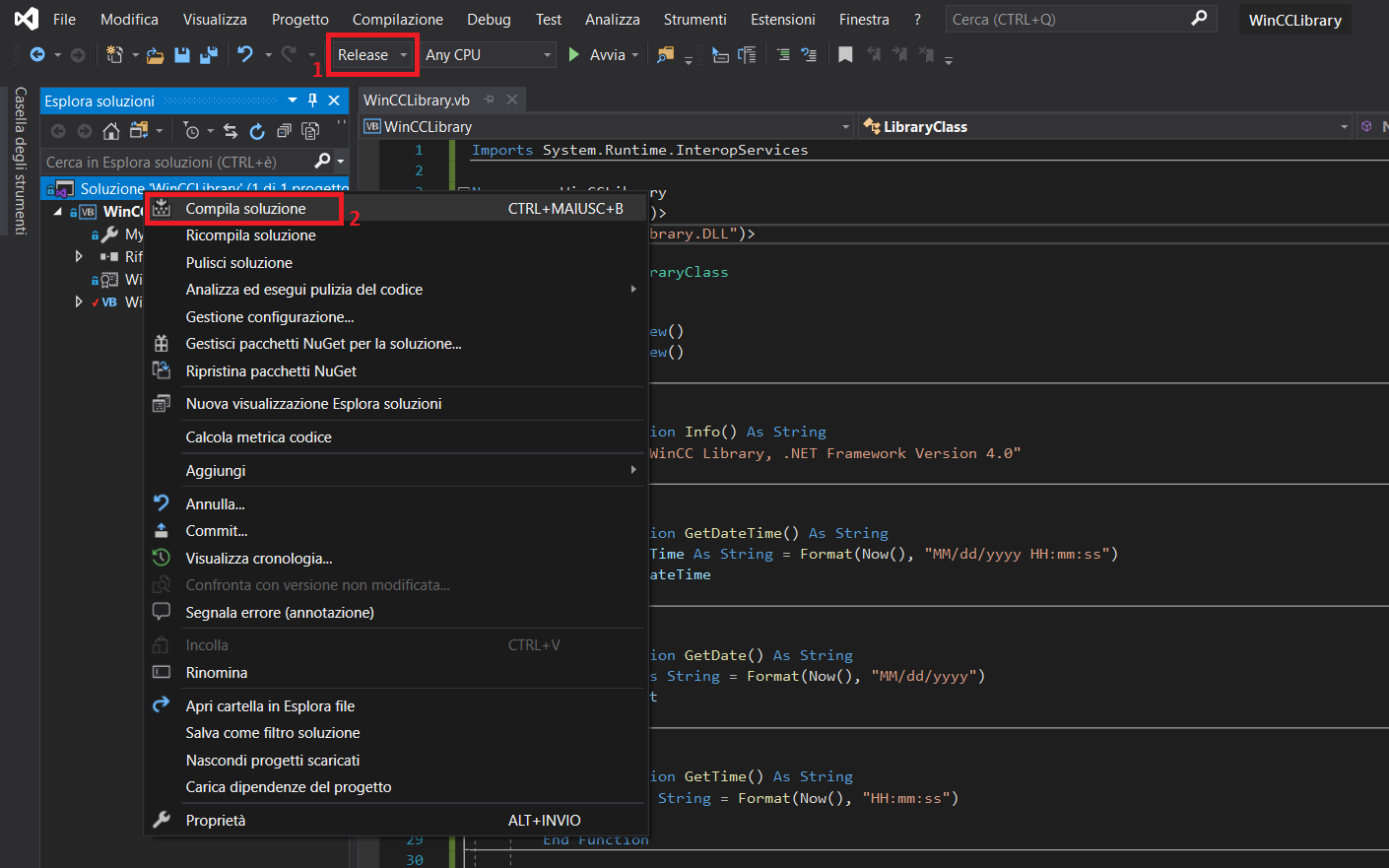
Compile the project and get the DLL
Compile the project with Visual Studio and get the DLL in project path ".../WinCCLibrary/bin/release/WinCCLibrary.dll"
Register DLL on system
To use the DLL in WinCC is necessary to register it with the following Command Prompt
C:\Windows\Microsoft.NET\Framework\V4.0.30319>RegAsm /CODEBASE C:\...\WinCCLibrary.dll pause
If all went well you can see the following text in Command Prompt

Use library's methods in WinCC VBS script
Create a new VBS script file and try library's method as following
Sub WinCCLibTest()

On Error Resume Next
Dim obj
Set obj = CreateObject("WinCCLibrary.dll")
MsgBox(obj.Info())

End Sub
Versions
WinCC Professional v15.1, Visual Studio Community 2019
