
Tplay
A terminal ASCII media player. View images, gifs, videos, webcam, YouTube, etc.. directly in the terminal as ASCII art.
Install / Use
/learn @maxcurzi/TplayREADME
Terminal Media Player




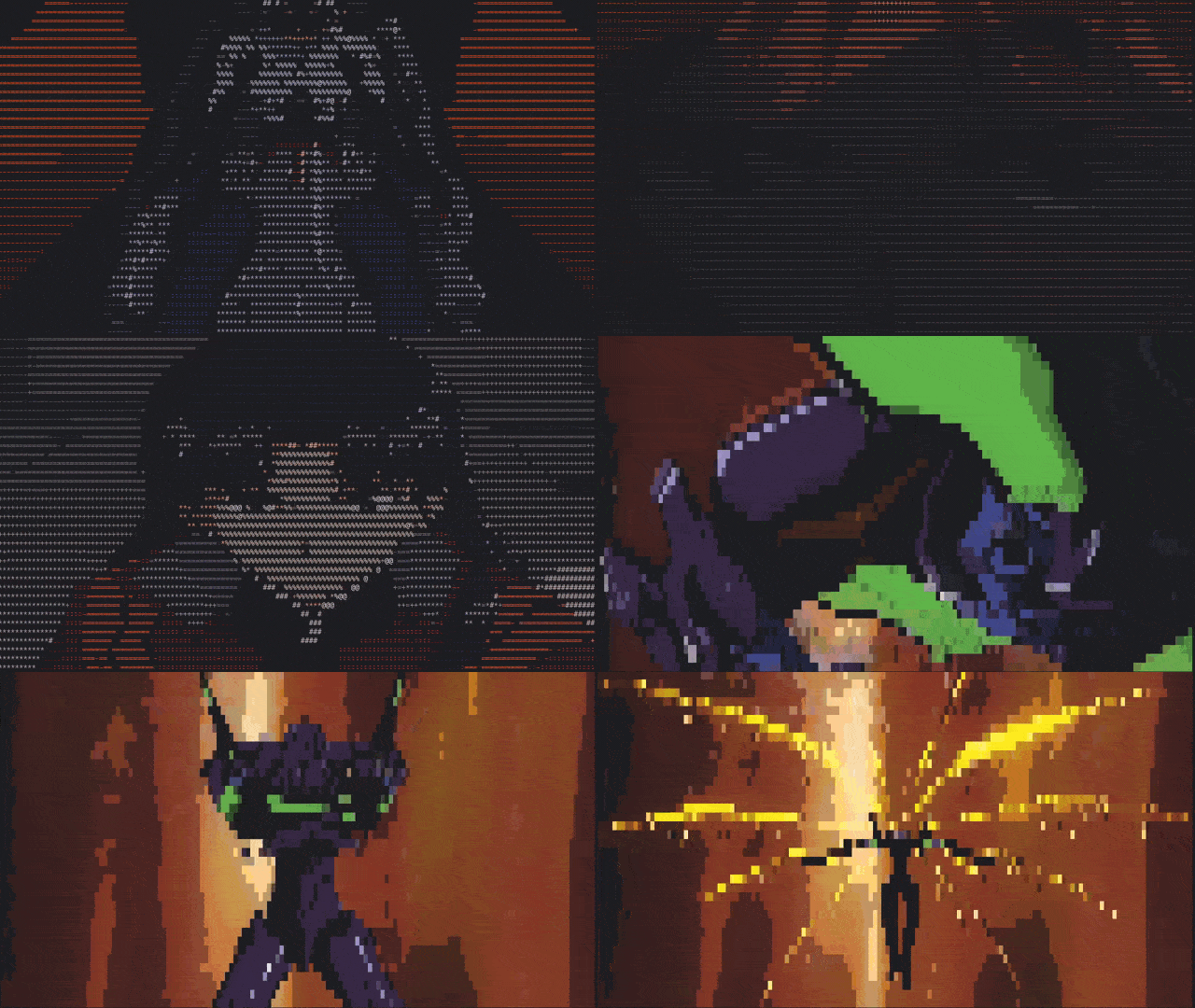
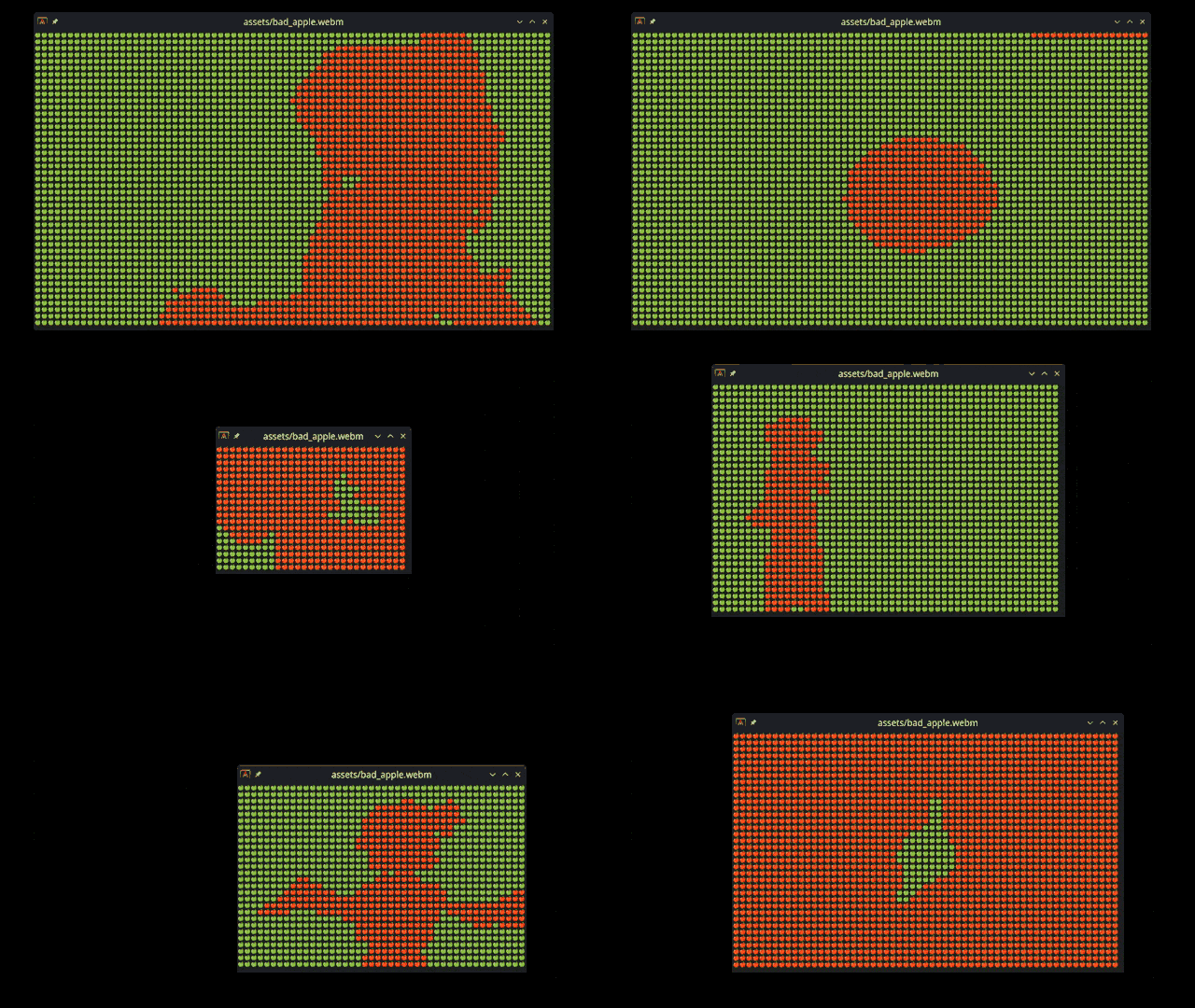
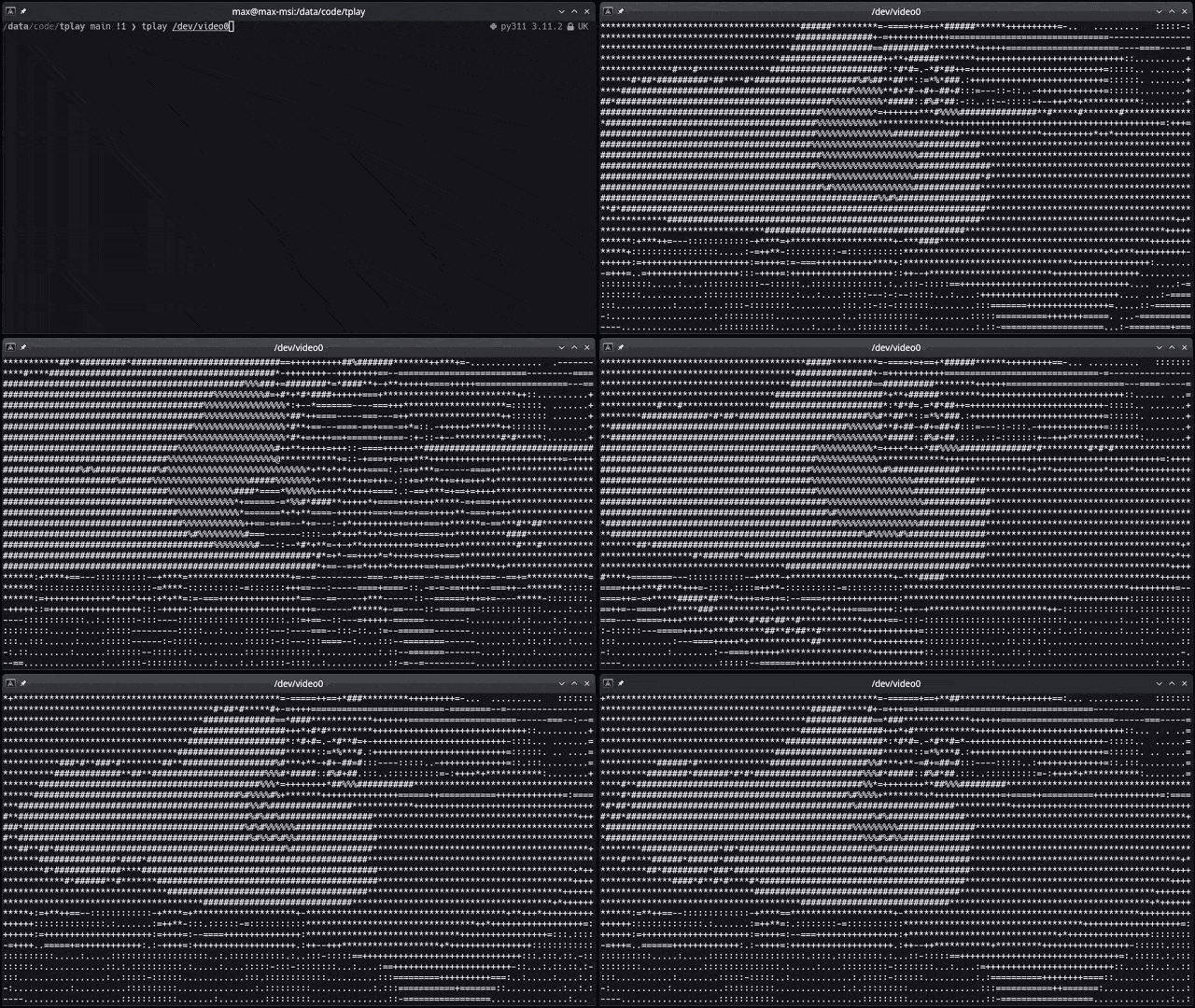
View images, videos (files or YouTube links), webcam, etc directly in the terminal as ASCII. All images you see below are just made by characters on the terminal command line, drawn really fast.
<details> <summary><b>Table of Contents</b></summary> <p>- Terminal Media Player
- Who is it for?
- Features
- Getting Started
- Prerequisites
- Installation
- Usage
- Playback commands
- Playback Speed Control
- Subtitle Support
- Known Issues
- Alternatives
- Contributing
- License
- Why?
- Credits
Who is it for?
- You really don't like graphical applications or work on a computer without graphical capabilities.
- You are looking for a quick way to convert visual media to ASCII art.
- You want to watch a video in the terminal, but you don't want to use
mpvorvlcbecause they're too mainstream. - You want to show off your terminal skills to your friends and make them think you're a hacker.
Features
This crate is still in early development, but it already has a lot of features. Here's a list of what it can or can't do:
- [x] Converts and shows any media to ASCII art in the terminal
- [x] Supports images/gifs/videos/webcam, YouTube links, and streaming protocols (RTSP, RTMP, SRT, UDP, TCP, RTP, MMS, HLS)
- [x] Any resolution, aspect ratio, and framerate
- [x] Use any character set as supported by your terminal
- [x] Handy pause/unpause and char map selection controls
- [x] RGB Colors (on terminals that support RGB colors)
- [x] Play sounds
- [x] Spark joy
- [x] Full media controls (forward, backwards, etc)
- [x] Subtitles
- [ ] Replace a fully-fledged media player
RGB Colors
Live update when updating character size
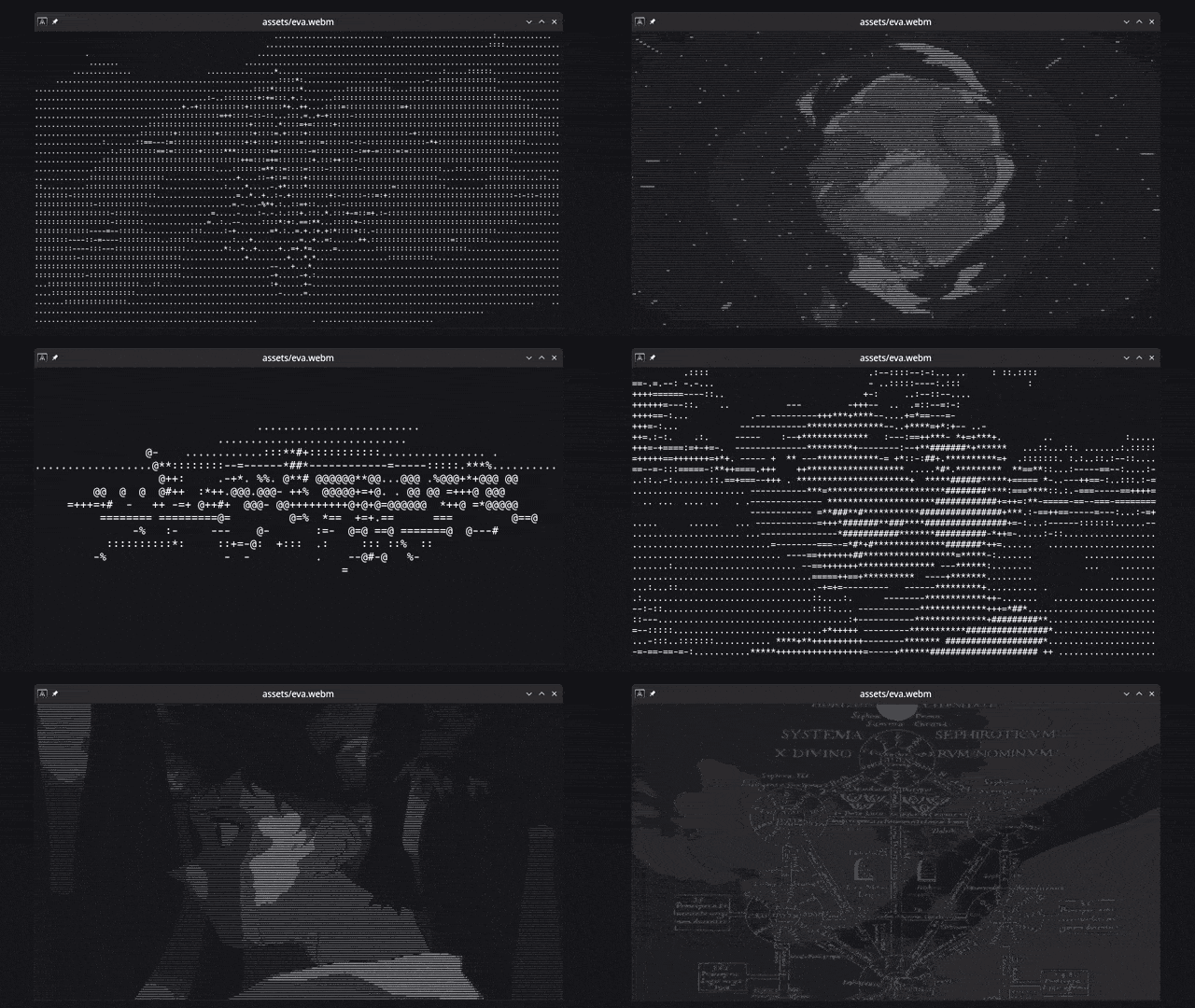
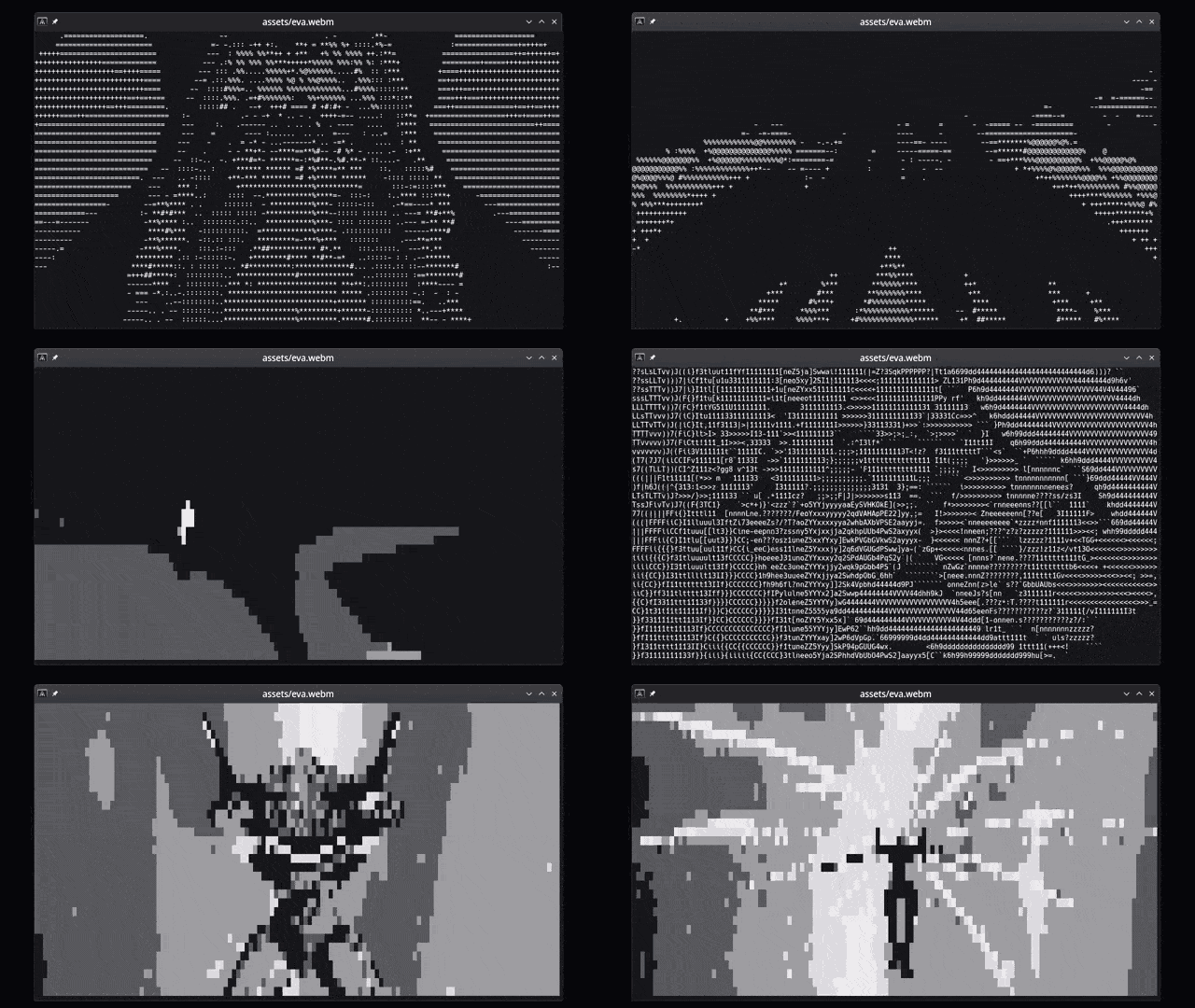
On-the-fly character map selection
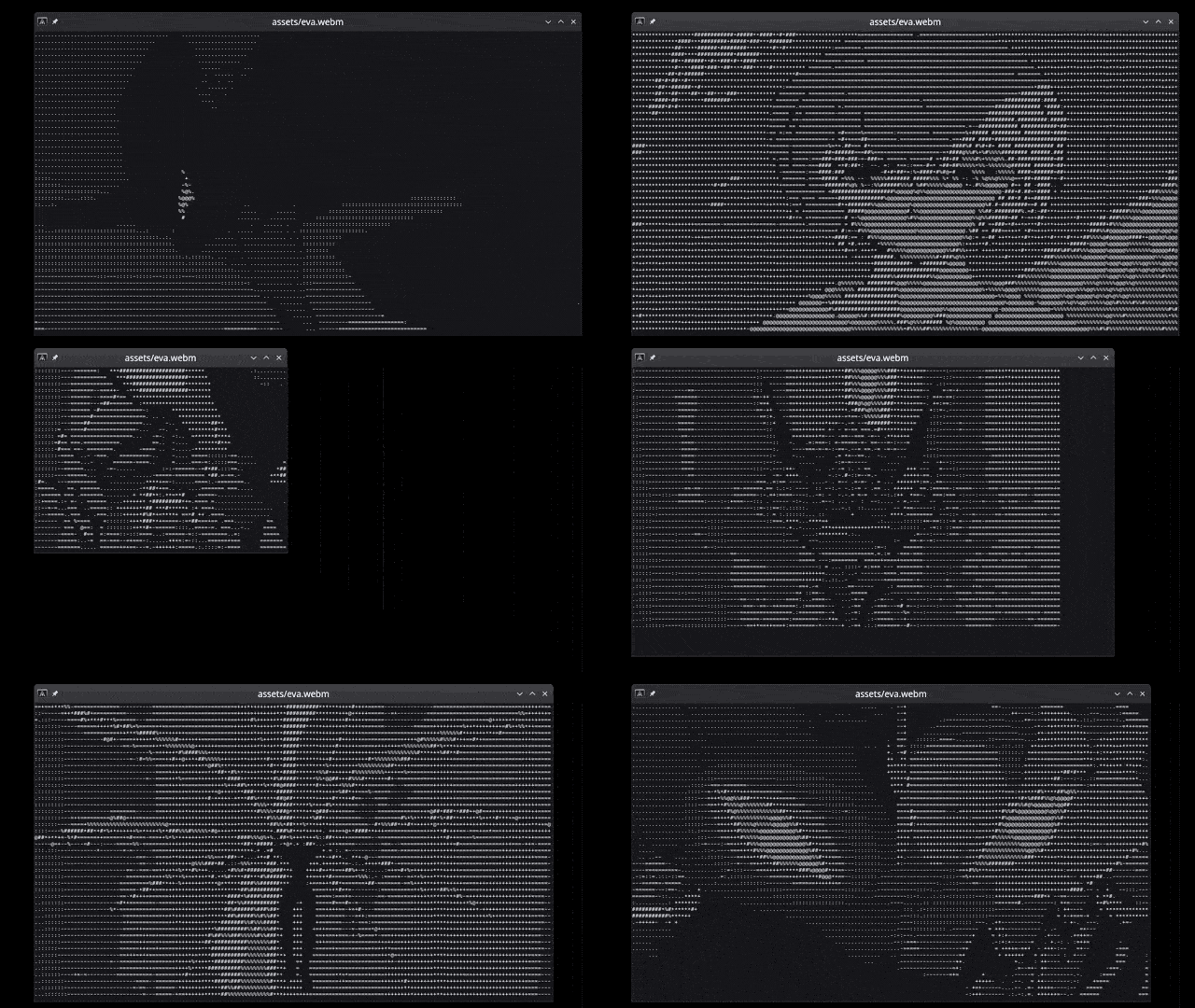
Dynamic resize
Emojis
Webcam support
Getting Started
These instructions will get you a copy of the project up and running on your local machine for development and testing purposes.
Prerequisites
Being a Rust crate, you will need to have Rust installed on your system. You can find the installation instructions here.
The following dependencies are also required:
- FFmpeg (development libraries) — Tested with FFmpeg 6.1 (Linux) and 7.x (macOS/Homebrew)
- libmpv-dev (development libraries for audio playback and subtitles)
- Optional dependency for YouTube playback support: yt-dlp
They can be simply installed on Linux with your package manager. See below for more details.
Prerequisites Installation on Ubuntu Linux
If you're on Linux (Ubuntu), you can install all dependencies with your package manager. First install Rust:
sudo apt install curl
curl --proto '=https' --tlsv1.2 -sSf https://sh.rustup.rs | sh
Then install tplay's prerequisite dependencies:
sudo apt install libssl-dev ffmpeg libavfilter-dev libavdevice-dev libavformat-dev libavcodec-dev libswscale-dev libasound2-dev yt-dlp libmpv-dev clang
Prerequisites Installation on macOS (Homebrew)
Minimal setup on macOS using Homebrew. Commands below set the needed env vars, run quick checks, then install.
# 1) Install dependencies
xcode-select -p >/dev/null 2>&1 || xcode-select --install
brew update
brew install pkg-config cmake ffmpeg yt-dlp mpv
# 2) Session-only exports so pkg-config can find FFmpeg
export PKG_CONFIG_PATH="$(brew --prefix)/lib/pkgconfig:$(brew --prefix)/share/pkgconfig:$(brew --prefix ffmpeg)/lib/pkgconfig:${PKG_CONFIG_PATH:-}"
# 3) Quick checks (should print versions)
pkg-config --modversion libavutil
# 4) Install / update
cargo install tplay         # fresh install
# or
cargo install tplay --force # update existing
Troubleshooting (one-off FFmpeg selection): If the FFmpeg check fails, try Homebrew’s versioned formula for this command only:
brew install ffmpeg@7
PKG_CONFIG_PATH="$(brew --prefix ffmpeg@7)/lib/pkgconfig:$PKG_CONFIG_PATH" cargo install tplay
Prerequisites installation on Windows
The crate can run on Windows and all prerequisites (ffmpeg) can be installed with vcpkg. However, the installation/setup process is lengthy and prone to errors. Performance is also very poor. Save yourself a headache: use WSL and follow the Linux instructions.
Installation
For users
Arch Linux
You can install it on Arch Linux using aur by running the following commands (using paru):
paru -S tplay-git
NixOS
https://search.nixos.org/packages?channel=24.05&show=tplay&from=0&size=50&sort=relevance&type=packages&query=tplay
Other Distros
With your contribution and support it can be made available on other distros as well :).
Install Using Cargo
You can install the tplay command line tool by running the following command:
# Install the tplay command line tool
cargo install tplay
So that you can run it from anywhere as
tplay <media> [options]
For developers
# Clone the repository
git clone https://github.com/maxcurzi/tplay.git

# Change to the project directory
cd tplay

# (optional) Build the project
cargo build --release

# (optional) Run the tests
cargo test

# Run the project (use --release for faster performance)
cargo run --release -- <media> [options]
Feature flags
By default, the crate uses MPV (libmpv-dev) for audio playback and subtitles.
For MPV 0.34 instead of 0.35+:
cargo build --release --no-default-features --features mpv_0_34
Alternative rodio backend (no playback speed control or pitch preserving):
cargo build --release --no-default-features --features rodio_audio
Usage
tplay <media> [options]
| Argument | Description |
|--------|-------------|
| media | Name of the file or stream to be processed (required). |
| -f, --fps | Forces a specific frame rate (--fps 23.976). |
| -c, --char-map | Custom lookup character table to use for the output. |
| -g, --gray | Start in grayscale mode |
| -w, --w-mod | Experimental width modifier for certain characters such as emojis (default: 1). Use a value of 2 if your char_map is composed of emojis. |
| -a, --allow-frame-skip | Experimental frame skip flag. Try to use it if the playback is too slow. |
| -n, --new-lines | Experimental flag. Adds newline and carriage return \n\r at the end of each line (except the last). Terminals wrap around and don't need new lines, but if you want to copy-paste the text outside the terminal you may want them. The output would be a single long string otherwise. Uses more CPU. |
| -l, --loop-playback | Loop video/gif forever (default: do not loop - play once) |
| -x, --auto-exit | Exit automatically when the media ends (default: keep displaying the last frame) |
| -s, --stretch | Stretch video to fill terminal (ignore aspect ratio) |
| -b, --browser | It's used when downloading videos from YouTube, maps to yt-dlp cookies-from-browser to prove YouTube you're not a robot. Defaults to "firefox". Supported browsers are: brave, chrome, chromium, edge, firefox, opera, safari, vivaldi, whale |
Substitute tplay with cargo run --release -- if you plan to run from source.
# Run it
tplay <media> [options]

# Example: local image
tplay ./image.png

# Example: local gif
tplay ./image.gif

# Example: local video
tplay ./video.mp4

# Example: remote v
