
Dtale
Visualizer for pandas data structures
Install / Use
/learn @man-group/DtaleREADME







What is it?
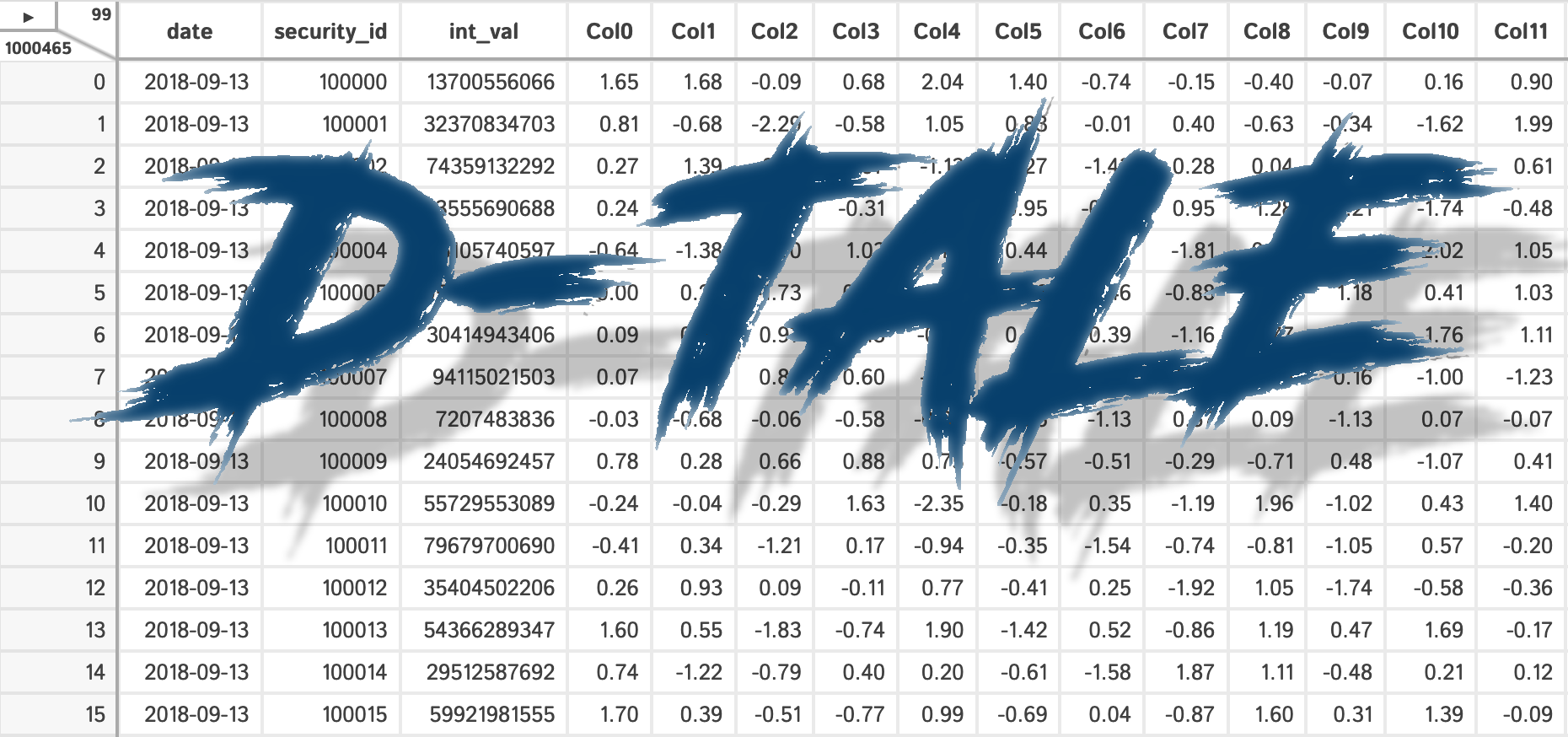
D-Tale is the combination of a Flask back-end and a React front-end to bring you an easy way to view & analyze Pandas data structures. It integrates seamlessly with ipython notebooks & python/ipython terminals. Currently this tool supports such Pandas objects as DataFrame, Series, MultiIndex, DatetimeIndex & RangeIndex.
Origins
D-Tale was the product of a SAS to Python conversion. What was originally a perl script wrapper on top of SAS's insight function is now a lightweight web client on top of Pandas data structures.
In The News
- 4 Libraries that can perform EDA in one line of python code
- React Status
- KDNuggets
- Man Institute (warning: contains deprecated functionality)
- Python Bytes
- FlaskCon 2020
- San Diego Python
- Medium: towards data science
- Medium: Exploratory Data Analysis – Using D-Tale
- EOD Notes: Using python and dtale to analyze correlations
- Data Exploration is Now Super Easy w/ D-Tale
- Practical Business Python
Tutorials
- Pip Install Python YouTube Channel
- machine_learning_2019
- D-Tale The Best Library To Perform Exploratory Data Analysis Using Single Line Of Code🔥🔥🔥🔥
- Explore and Analyze Pandas Data Structures w/ D-Tale
- Data Preprocessing simplest method 🔥
Related Resources
- Adventures In Flask While Developing D-Tale
- Adding Range Selection to react-virtualized
- Building Draggable/Resizable Modals
- Embedding Flask Apps within Streamlit
Contents
- Where To Get It
- Getting Started
- Python Terminal
- As A Script
- Jupyter Notebook
- Jupyterhub w/ Jupyter Server Proxy
- Jupyterhub w/ Kubernetes
- Docker Container
- Google Colab
- Kaggle
- Binder
- R with Reticulate
- Startup with No Data
- Command-line
- Custom Command-line Loaders
- Embedding Within Your Own Flask App
- Embedding Within Your Own Django App
- Embedding Within Streamlit
- Running D-Tale On Gunicorn w/ Redis
- Configuration
- Authentication
- Predefined Filters
- Using Swifter
- Behavior for Wide Dataframes
- UI
- Dimensions/Ribbon Menu/Main Menu
- Header
- Resize Columns
- Editing Cells
- Copy Cells Into Clipboard
- Main Menu Functions
- XArray Operations, Describe, Outlier Detection, Custom Filter, Dataframe Functions, Merge & Stack, Summarize Data, Duplicates, Missing Analysis, Correlations, Predictive Power Score, Heat Map, Highlight Dtypes, Highlight Missing, Highlight Outliers, Highlight Range, Low Variance Flag, Instances, Code Exports, Export CSV, Load Data & Sample Datasets, Refresh Widths, About, Theme, Reload Data, Unpin/Pin Menu, Language, Shutdown
- Column Menu Functions
- Charts
- Network Viewer
- Hotkeys
- Menu Functions Depending on Browser Dimensions
- For Developers
- Global State/Data Storage
- Startup Behavior
- Documentation
- Dependencies
- Acknowledgements
- License
Where To get It
The source code is currently hosted on GitHub at: https://github.com/man-group/dtale
Binary installers for the latest released version are available at the Python package index and on conda using conda-forge.
# conda
conda install dtale -c conda-forge
# if you want to also use "Export to PNG" for charts
conda install -c plotly python-kaleido
# or PyPI
pip install dtale
Getting Started
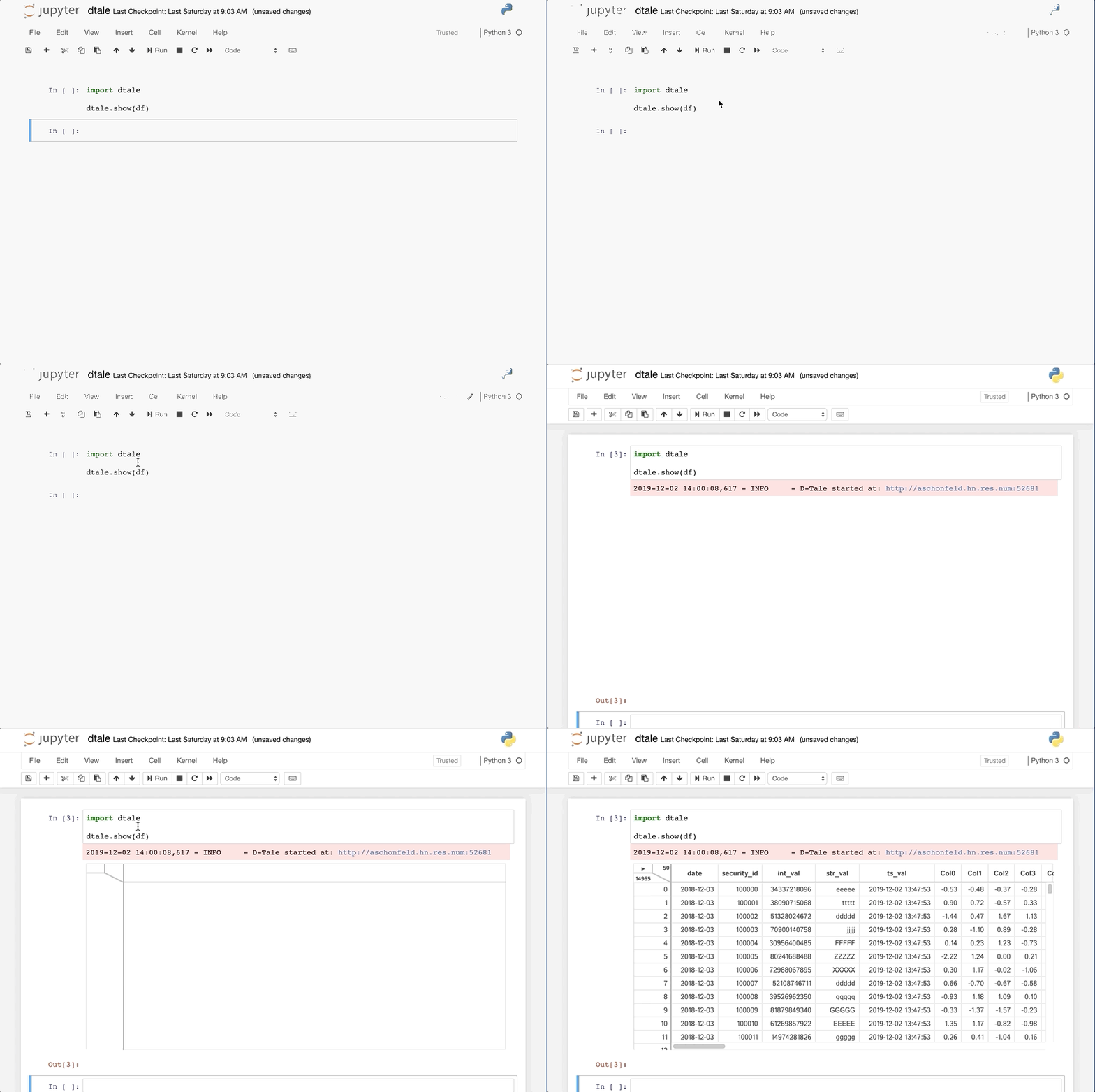
|PyCharm|jupyter|
|:------:|:------:|
| |
| |
|
Python Terminal
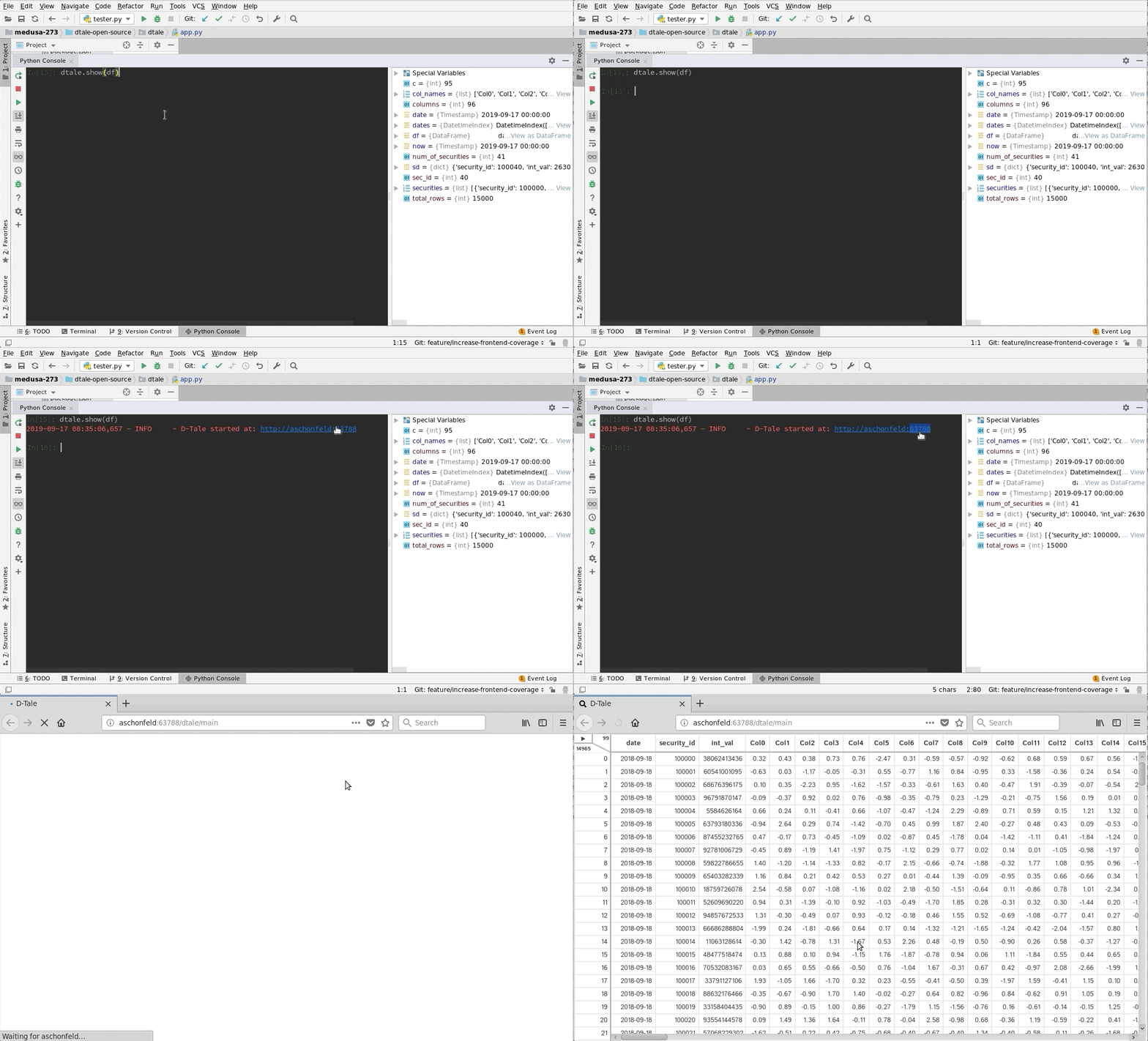
This comes courtesy of PyCharm
 Feel free to invoke
 python or ipython directly and use the commands in the screenshot above and it should work
Issues With Windows Firewall
If you run into issues with viewing D-Tale in your browser on Windows please try making Python public under "Allowed Apps" in your Firewall configuration. Here is a nice article: How to Allow Apps to Communicate Through the Windows Firewall
Additional functions available programmatically
import dtale
import pandas as pd

df = pd.DataFrame([dict(a=1,b=2,c=3)])

# Assigning a reference to a running D-Tale process.
d = dtale.show(df)

# Accessing
