
MZFormSheetController
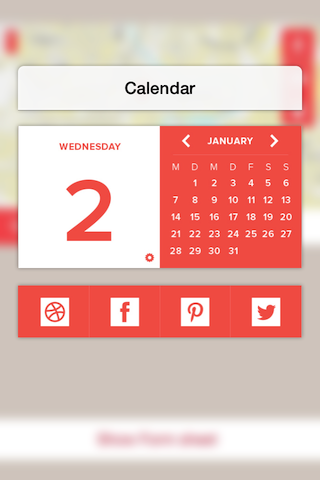
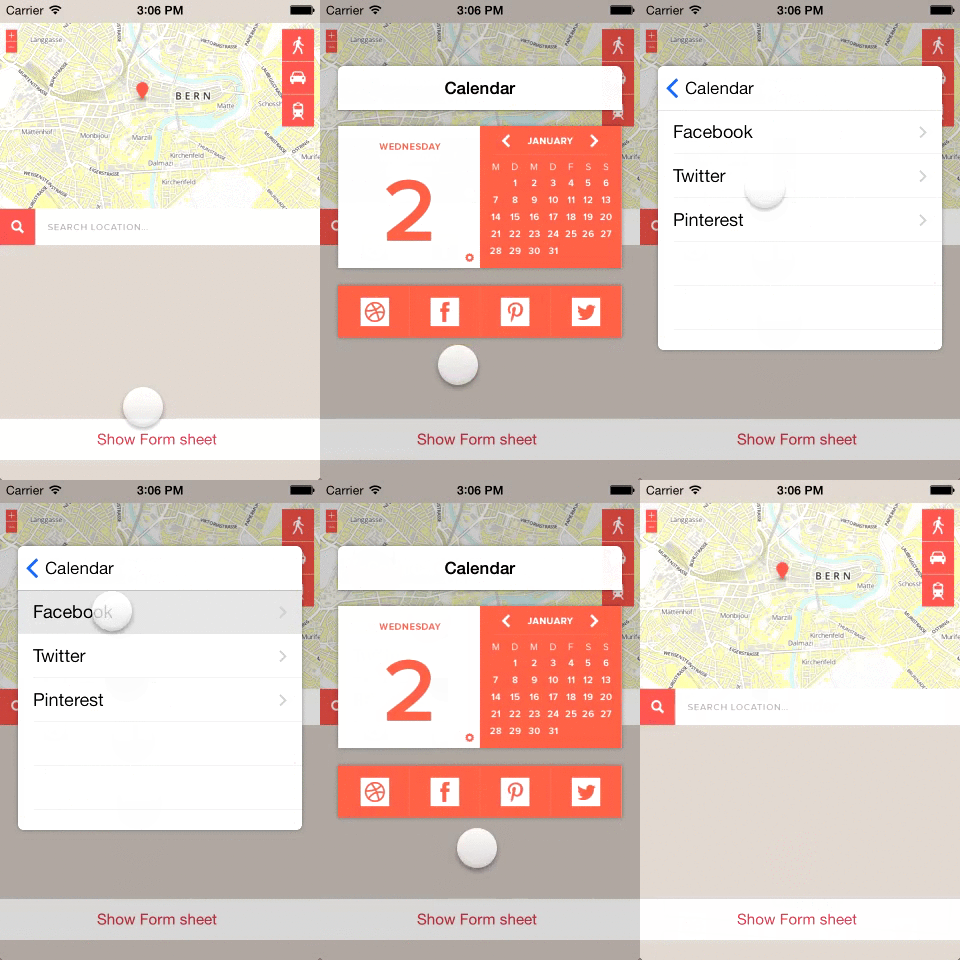
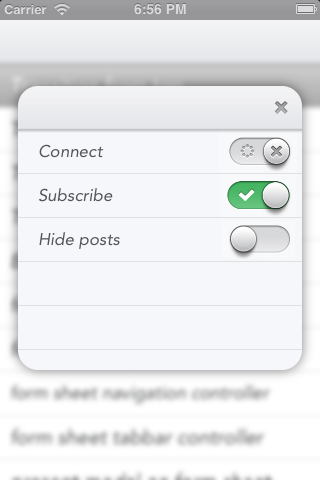
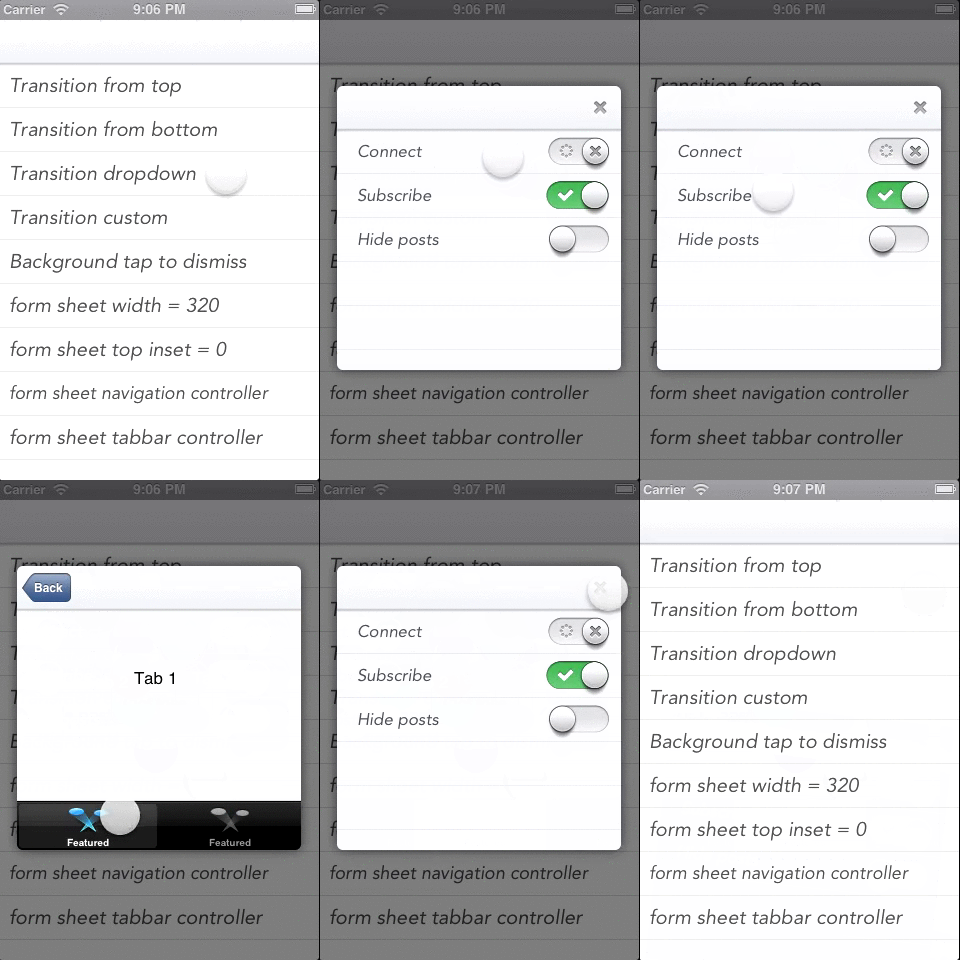
MZFormSheetController provides an alternative to the native iOS UIModalPresentationFormSheet, adding support for iPhone and additional opportunities to setup controller size and feel form sheet.
Install / Use
/learn @m1entus/MZFormSheetControllerREADME

MZFormSheetController v3
MZFormSheetController was rewritten and replaced by MZFormSheetPresentationController which base on new iOS 8 modal presentation API. You can still use MZFormSheetController if you want to support <iOS8, but if you have deployment target set to iOS8 i recommed you to use MZFormSheetPresentationController, i have dropped support for this project in favour of MZFormSheetPresentationController. MZFormSheetPresentationController don't use any tricky hacks to present form sheet as a UIWindow, it use native modalPresentationStyle UIModalPresentationOverFullScreen, and use native UIVisualEffect view to make blur.
MZFormSheetPresentationController contain example project for Swift and Objective-C.
MZFormSheetController
MZFormSheetController provides an alternative to the native iOS UIModalPresentationFormSheet, adding support for iPhone and additional opportunities to setup controller size and feel form sheet.
How To Use
Let's start with a simple example
UIViewController *vc = [self.storyboard instantiateViewControllerWithIdentifier:@"nav"];

// present form sheet with view controller
[self mz_presentFormSheetController:vc animated:YES completionHandler:^(MZFormSheetController *formSheetController) {
   //do sth
}];
This will display view controller inside form sheet container.
If you want to dismiss form sheet controller, you can use category on UIViewController to provide access to the formSheetController.
[self mz_dismissFormSheetControllerAnimated:YES completionHandler:^(MZFormSheetController *formSheetController) {
    // do sth
}];
Passing data
formSheet.willPresentCompletionHandler = ^(UIViewController *presentedFSViewController) {
    // Passing data
    UINavigationController *navController = (UINavigationController *)presentedFSViewController;
    navController.topViewController.title = @"PASSING DATA";
};
Touch transparent background
If you want to have access to the controller that is below MZFormSheet, you can set background window to be touch transparent.
MZFormSheetController *formSheet = [[MZFormSheetController alloc] initWithViewController:vc];

formSheet.formSheetWindow.transparentTouchEnabled = YES;

[formSheet presentAnimated:YES completionHandler:^(UIViewController *presentedFSViewController) {

}];
Blur background effect
It is possible to display blurry background, you can set MZFormSheetWindow appearance or directly to window
[[MZFormSheetBackgroundWindow appearance] setBackgroundBlurEffect:YES];
[[MZFormSheetBackgroundWindow appearance] setBlurRadius:5.0];
[[MZFormSheetBackgroundWindow appearance] setBackgroundColor:[UIColor clearColor]];
[[MZFormSheetController sharedBackgroundWindow] setBackgroundBlurEffect:YES];
[[MZFormSheetController sharedBackgroundWindow] setBlurRadius:5.0];
[[MZFormSheetController sharedBackgroundWindow] setBackgroundColor:[UIColor clearColor]];
Transitions
MZFormSheetController has predefined couple transitions.
typedef NS_ENUM(NSInteger, MZFormSheetTransitionStyle) {
    MZFormSheetTransitionStyleSlideFromTop = 0,
    MZFormSheetTransitionStyleSlideFromBottom,
    MZFormSheetTransitionStyleSlideFromLeft,
    MZFormSheetTransitionStyleSlideFromRight,
    MZFormSheetTransitionStyleSlideAndBounceFromLeft,
    MZFormSheetTransitionStyleSlideAndBounceFromRight,
    MZFormSheetTransitionStyleFade,
    MZFormSheetTransitionStyleBounce,
    MZFormSheetTransitionStyleDropDown,
    MZFormSheetTransitionStyleCustom,
    MZFormSheetTransitionStyleNone,
};
You can create your own transition by subclassing MZTransition.
/**
 *  Register custom transition animation style.
 *  You need to setup transitionStyle to MZFormSheetTransitionStyleCustom.
 *
 *  @param transitionClass Custom transition class.
 *  @param transitionStyle The transition style to use when presenting the receiver.
 */
+ (void)registerTransitionClass:(Class)transitionClass forTransitionStyle:(MZFormSheetTransitionStyle)transitionStyle;

+ (Class)classForTransitionStyle:(MZFormSheetTransitionStyle)transitionStyle;

@protocol MZFormSheetControllerTransition <NSObject>
@required
/**
 Subclasses must implement to add custom transition animation.
 When animation is finished you must call super method or completionHandler to keep view life cycle.
 */
- (void)entryFormSheetControllerTransition:(MZFormSheetController *)formSheetController completionHandler:(MZTransitionCompletionHandler)completionHandler;
- (void)exitFormSheetControllerTransition:(MZFormSheetController *)formSheetController completionHandler:(MZTransitionCompletionHandler)completionHandler;

@end

@interface MZCustomTransition : MZTransition <MZFormSheetControllerTransition>
@end

- (void)entryFormSheetControllerTransition:(MZFormSheetController *)formSheetController completionHandler:(MZTransitionCompletionHandler)completionHandler
{
    // It is very important to use self.view.bounds not self.view.frame !!!
    // When you rotate your device, the device is not changing its screen size.
    // It is staying the same, however the view is changing. So this is why you would want to use bounds.

    CGRect formSheetRect = self.presentedFSViewController.view.frame;
    CGRect originalFormSheetRect = formSheetRect;
    originalFormSheetRect.origin.x = self.view.bounds.size.width - formSheetRect.size.width - 10;
    formSheetRect.origin.x = self.view.bounds.size.width;
    self.presentedFSViewController.view.frame = formSheetRect;
    [UIView animateWithDuration:MZFormSheetControllerDefaultAnimationDuration
                     animations:^{
                         self.presentedFSViewController.view.frame = originalFormSheetRect;
                     }
                     completion:^(BOOL finished) {
                         if (completionHandler) {
                             completionHandler();
                         }
                     }];
}
- (void)exitFormSheetControllerTransition:(MZFormSheetController *)formSheetController completionHandler:(MZTransitionCompletionHandler)completionHandler
{
    CGRect formSheetRect = self.presentedFSViewController.view.frame;
    formSheetRect.origin.x = self.view.bounds.size.width;
    [UIView animateWithDuration:MZFormSheetControllerDefaultAnimationDuration
                          delay:0
                        options:UIViewAnimationOptionCurveEaseIn
                     animations:^{
                         self.presentedFSViewController.view.frame = formSheetRect;
                     }
                     completion:^(BOOL finished) {
                         if (completionHandler) {
                             completionHandler();
                         }
                     }];
}

- (void)viewDidLoad
{
    [super viewDidLoad];
    // Do any additional setup after loading the view.
    [MZFormSheetController registerTransitionClass:[MZCustomTransition class] forTransitionStyle:MZFormSheetTransitionStyleCustom];

    self.transitionStyle = MZFormSheetTransitionStyleCustom;
    self.presentedFSViewController.view.autoresizingMask = UIViewAutoresizingFlexibleLeftMargin;
}
Full screen modal view controllers
It is possible to full screen present modal view controllers over the form sheet.
UIViewController *vc = [self.storyboard instantiateViewControllerWithIdentifier:@"nav"];
UIViewController *modal = [self.storyboard instantiateViewControllerWithIdentifier:@"modal"];

[self mz_presentFormSheetWithViewController:vc animated:YES transitionStyle:MZFormSheetTransitionStyleSlideAndBounceFromLeft completionHandler:^(MZFormSheetController *formSheetController) {

    [formSheetController presentViewController:modal animated:YES completion:^{

    }];

}];
Custom compose view controllers
You can easly create your own custom compose view controllers on storyboard, and present it.
UIViewController *vc = [self.storyboard instantiateViewControllerWithIdentifier:@"facebook"];

MZFormSheetController *formSheet = [[MZFormSheetController alloc] initWithViewController:vc];
formSheet.shouldDismissOnBackgroundViewTap = YES;
formSheet.transitionStyle = MZFormSheetTransitionStyleSlideFromBottom;
formSheet.cornerRadius = 8.0;
formSheet.portraitTopInset = 6.0;
formSheet.landscapeTopInset = 6.0;
formSheet.presentedFormSheetSize = CGSizeMake(320, 200);


formSheet.willPresentCompletionHandler = ^(UIViewController *presentedFSViewController){
    presentedFSViewController.view.autoresizingMask = presentedFSViewController.view.autoresizingMask | UIViewAutoresizingFlexibleWidth;
};

[formSheet presentAnimated:YES completionHandler:^(UIViewController *presentedFSViewController) {

}];

or

[self presentFormSheetController:formSheet animated:YES completionHandler:^(MZFormSheetController *formSheetController) {

}];
Appearance
MZFormSheetController supports appearance proxy.
id appearance = [MZFormSheetController appearance];

[appearance setBackgroundOpacity:0.2];
[appearance setCornerRadius:4];
[a
