
Powerflow
macOS App for monitoring power usage and charging status
Install / Use
/learn @lzt1008/PowerflowREADME
Powerflow
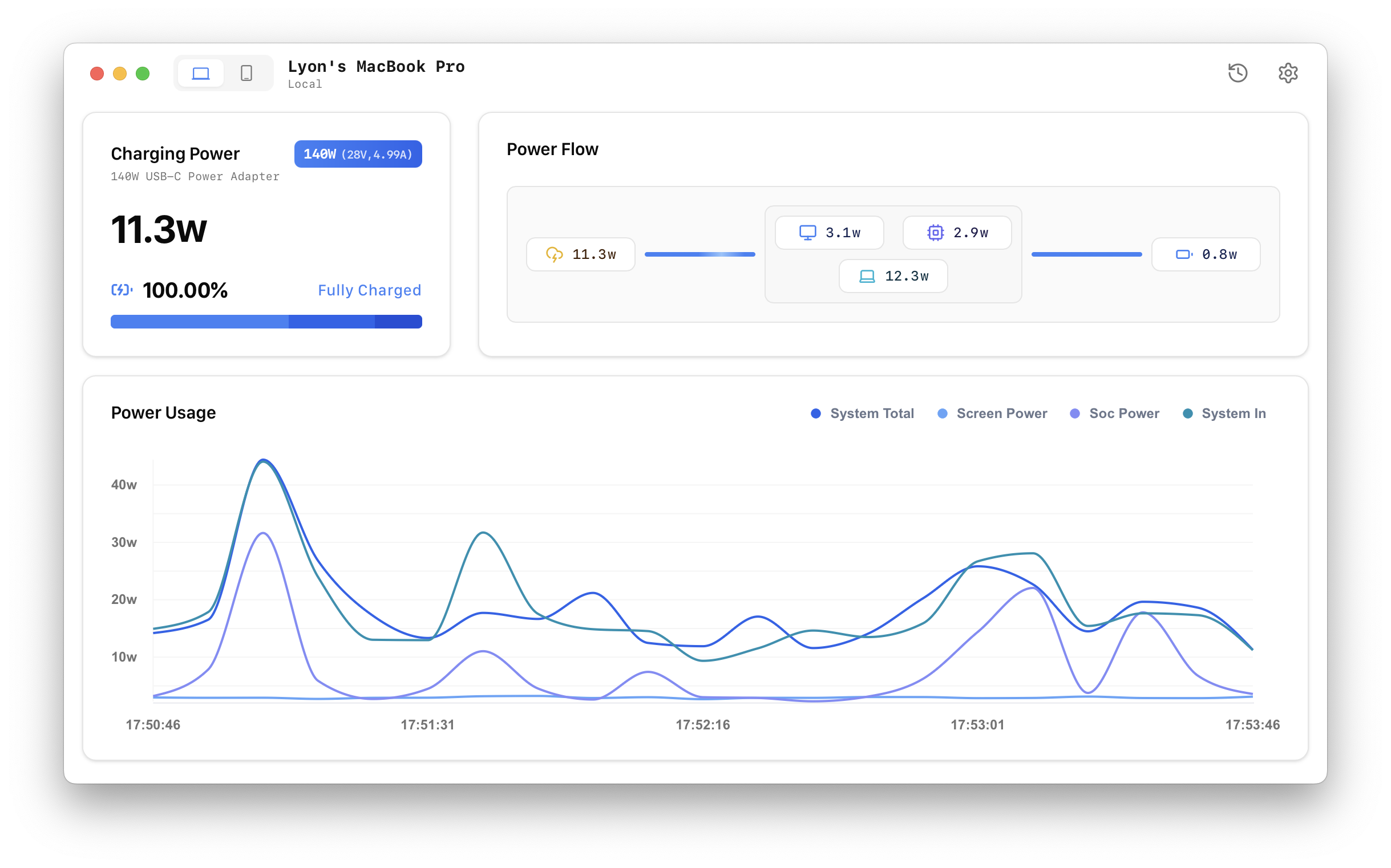
Powerflow is a macOS application designed to monitor the power usage and charging status of your devices. With Powerflow, you can gain insights into your device's power consumption.
Features
- 🖥️ Monitoring: Monitor your Mac and iOS devices power consumption and charging status in real-time.
- 📊 Detailed Insights: View historical power usage and charging trends.
- 🚀 Lightweight and Fast: Designed with performance in mind for seamless operation.
Installation
Manual Installation
- Download the latest
.dmgfile from the Releases page. - Open the
.dmgfile and drag the Powerflow app to your Applications folder. - If you encounter an error, try the following steps:
- Open System Preferences > Security & Privacy.
- In the General tab, you will see a message about Powerflow being blocked.
- Click "Open Anyway".
- Confirm the dialog that appears by clicking "Open".
Install via Homebrew
Open your terminal and run the following command:
brew tap lzt1008/powerflow
brew install --cask powerflow
Contributing
We welcome contributions! Here's how you can help:
- Fork the repository.
- Create a new branch for your feature or bugfix.
- Commit your changes and push them to your branch.
- Create a pull request for review.
License
Powerflow is released under the MIT License. Feel free to use, modify, and distribute this software as per the license terms.
Feedback and Support
We'd love to hear from you! If you have any feedback, issues, or suggestions, please open an issue on GitHub
Thank you for using Powerflow! 🚀
