
Quark
A GUI typesetting display engine and cross platform GUI application development framework based on OpenGL
Install / Use
/learn @louis-tru/QuarkREADME
Quark
Quark is a cross-platform GUI framework (Android / iOS / macOS / Linux)
designed for building high-performance, interactive applications with a
clear and predictable runtime model.
Quark is implemented primarily in C++, with a custom OpenGL-based rendering pipeline, a lightweight layout engine, and an embedded JavaScript / JSX runtime for application logic and UI description.
Unlike browser-based frameworks, Quark is not a web runtime. Its architecture and APIs are designed specifically for GUI view trees, with explicit structure, deterministic behavior, and controllable performance characteristics.
Core Capabilities
-
Cross-platform GUI rendering
- Android / iOS / macOS / Linux
- Unified rendering and layout behavior across platforms
-
C++ core with JS / JSX integration
- Native performance–critical logic in C++
- High-level UI and interaction logic written in JavaScript / JSX
-
Lightweight layout engine
- Explicit layout models optimized for GUI applications
- No dependency on browser DOM or CSS layout engines
-
Class-driven style system (CSS-like subset)
- Supports class-based selectors (e.g.
.a,.a.b,.a .b) - Supports hierarchical selectors and limited pseudo states
(
:normal,:hover,:active) - Designed for predictable performance and efficient propagation
- Optimized for GUI usage rather than full web CSS compatibility
- Supports class-based selectors (e.g.
-
Deterministic runtime model
- Explicit view hierarchy
- Explicit event handling and state propagation
- No implicit browser-style reflow or style invalidation
Quark is intended for developers who want fine-grained control over UI structure and performance, without sacrificing development efficiency.
- From here,
Go API Indextakes you to the API Documentation Index.
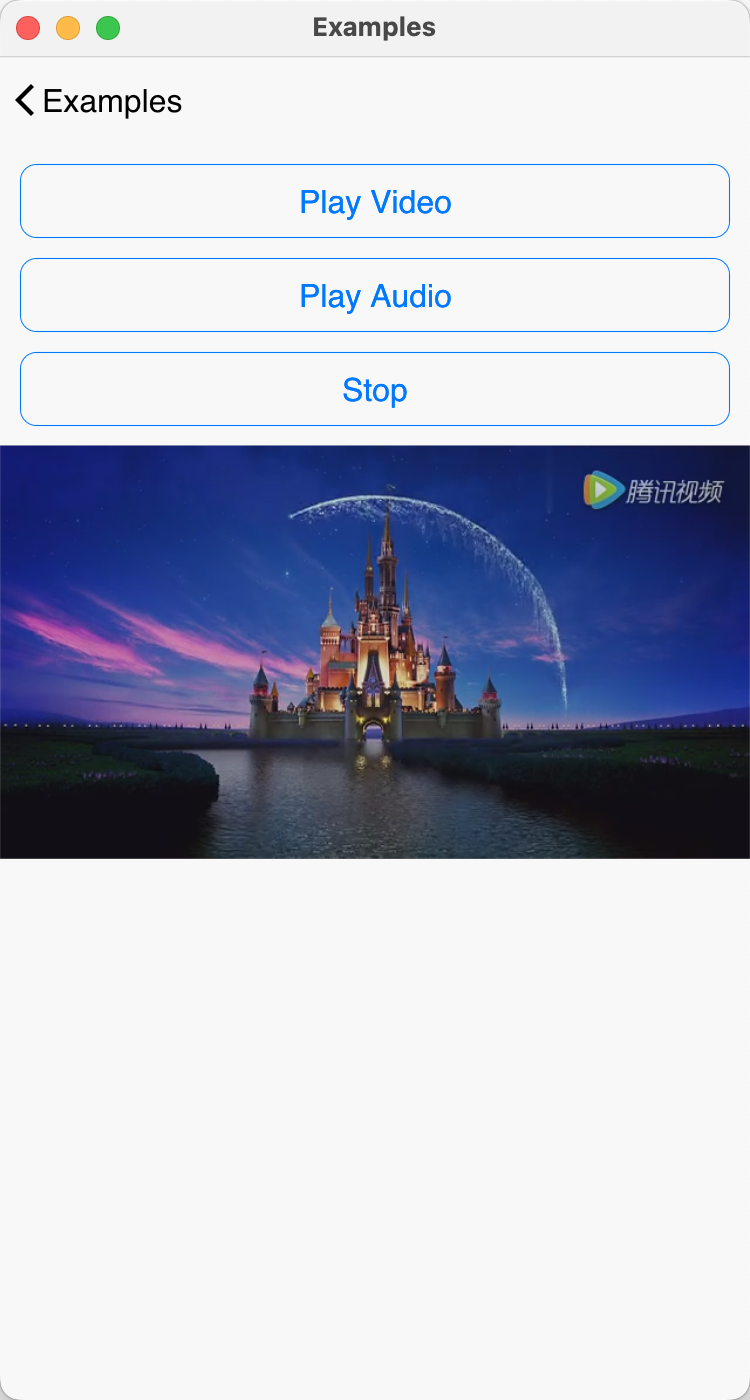
| 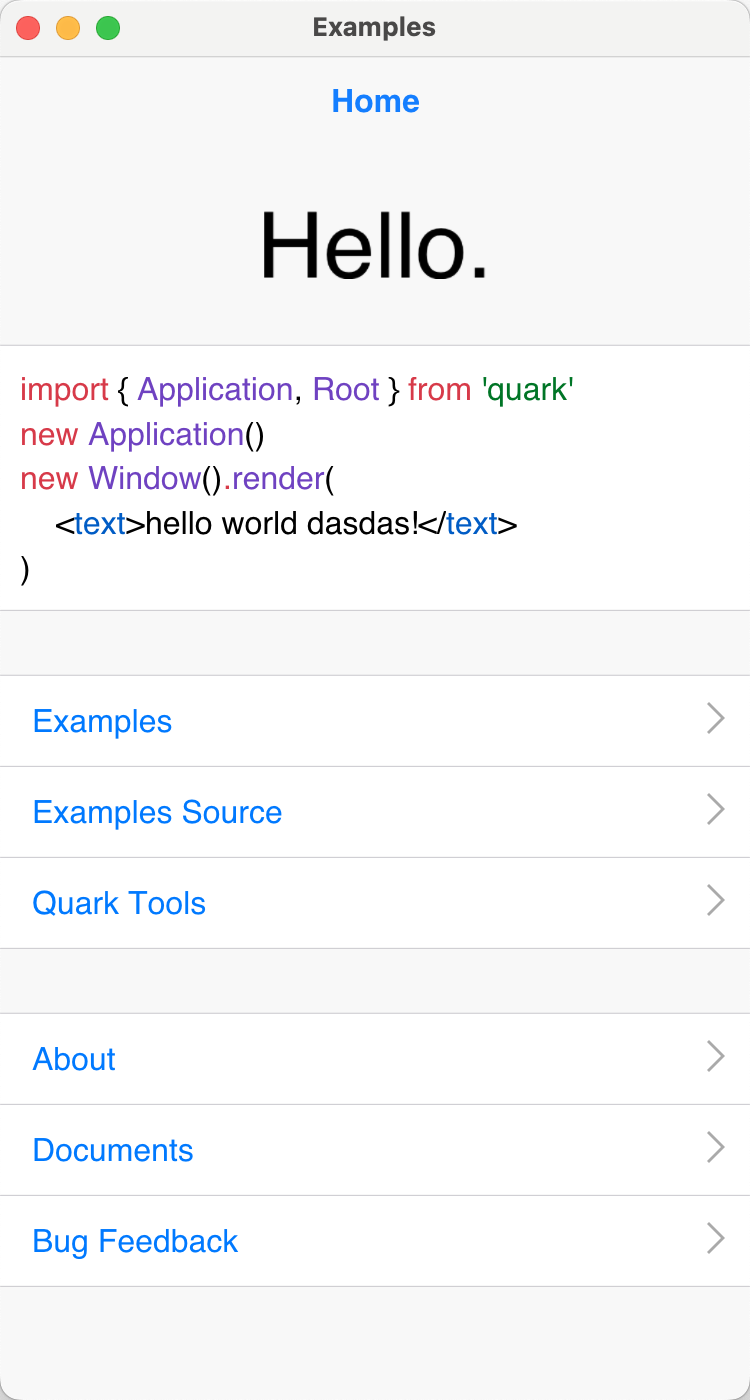 |
|  |
|  |
|--|--|--|
|
|--|--|--|
Source Code Build
-
Build the required dependencies
Xcode/JDK/Android-SDK/python/nodejs -
Set the
ANDROID_SDKandNDKenvironment variables -
Pull down the dependent libraries and run
make sync
Compiling and installing qkmake and running make all or make install will take a long time.
Get the [Source code] from Github here.
Simple Example
This is a simple program that displays "Hello world" on the screen.
import { Jsx, Application, Window } from 'quark'
new Application();
new Window().render(
	<text value="Hello world" fontSize={48} align="centerMiddle" />
);
You can get more detailed [Examples]
Getting Started
If you've never used Quark before, you can start here and build your Quark program step by step.
Installing qkmake from npm
First, you need to install the Quark toolkit.
- Install
qkmakeusing the nodejsnpmcommand. - Open Terminal and execute the following command:
# shell
$ sudo npm install -g qkmake
-
Running
qkmakerequiresnodejsandpython. -
Currently not supported on Windows; you need to use it on a Mac.
Creating a New Project Using the qkmake Tool
Use the following shell command to create a new Quark project:
# shell
$ mkdir myproj
$ cd myproj
$ qkmake init
Building the Project
This step compresses and packages the JavaScript code and resource files within the project.
If this is a new project, you can skip this step and proceed directly to the next one.
# shell
$ qkmake build
Export Project
This step exports the [Xcode] or [Android Studio] project, as the final release will be a .apk or .ipa.
# shell
# export xcode ios project
$ qkmake export ios
# export android studio project
$ qkmake export android
After exporting the project, project/ios and project/android will be generated in the project root directory, corresponding to the [Xcode] and [Android Studio] projects, respectively.
Test HTTP Server
qkmake provides a test HTTP server. Every time you modify ts or tsx code, it notifies devices connected to the server and sets the app's launch address to the debug server address. This allows the interface to automatically update when code changes are made, without having to restart the app.
When you export a project, the startup address is automatically set to this debug address. In most cases, you don't need to modify it unless you want to connect to a different location.
Start the server by executing the following code:
# shell
$ qkmake watch
# Start web server:
# http://192.168.1.200:1026/
# Watching files change:
View Layout
Views describe all visible elements on the screen and are also responders to events triggered by the hardware and operating system.
For detailed API documentation, please visit [View].
Here are all the [View] classes currently available and their inheritance relationships:
- [ScrollView]
- [MorphView]
- [TextOptions]
- [View]
- [Sprite]<[MorphView]>
- [Spine]<[MorphView]>
- [Box]
- [Flex]
- [Flow]
- [Free]
- [Image]
- [Video]
- [Input]<[TextOptions]>
- [Textarea]<[ScrollView]>
- [Scroll]<[ScrollView]>
- [Text]<[TextOptions]>
- [Button]
- [Morph]<[MorphView]>
- [Root]
- [Flex]
- [Label]
This is a bit like HTML layout:
import {Jsx,Application,Window} from 'quark'
new Application()
new Window().render(
	<flex width="100%" height="50%" itemsAlign="centerCenter">
		<button
			minWidth="10%"
			maxWidth="40%"
			height="100%"
			paddingLeft={5}
			lineHeight={1} // 100%
			fontSize={18}
			fontFamily="iconfont"
			backgroundColor="#f00"
			whiteSpace="noWrap"
			textAlign="center"
		>
			<label fontFamily="default" fontSize={16} textOverflow="ellipsis" value="ABCDEFGHIJKMLNOPQ" />
		</button>
		<text
			weight={[0,1]}
			height="100%"
			textColor="#00f"
			lineHeight={1}
			fontSize={16}
			whiteSpace="noWrap"
			weight="bold"
			textOverflow="ellipsisCenter"
			textAlign="center"
			value="Title"
			backgroundColor="#0f0"
		/>
		<text
			minWidth="10%"
			maxWidth="40%"
			height="100%"
			textColor="#f0f"
			lineHeight={1}
			backgroundColor="#0ff"
			textAlign="center"
			value="A"
			opacity={0.5}
		/>
	</flex>
)
CSS Stylesheet
Quark provides a class-driven style system inspired by CSS, designed specifically for GUI view hierarchies.
-
The style system is based on a tree-structured selector model: each named style rule may have descendant rules separated by spaces, forming a hierarchical relationship aligned with the view tree.
-
The stylesheet data structure is actually a tree. Each named stylesheet can have child stylesheets, separated by spaces. There is no limit to the number of child stylesheets, but in theory, the more levels there are, the slower the query speed.
Supported selector features
- Class selectors (e.g.
.a,.a.b) - Hierarchical selectors (e.g.
.a .b) - Direct child selectors (e.g.
.a > .b) - Pseudo states:
normalhoveractive
Style transitions
Each style rule may specify a time value (in milliseconds)
to indicate the transition duration when switching into that rule.
If time is not specified, the style change is applied immediately.
When a transition is triggered, an action is created internally and played automatically.
Pseudo states
The style system supports three pseudo states:
normal
Applied when the pointer or touch leaves the view.hover
Applied when the pointer enters the view or the view gains focus.active
Applied when the pointer or touch is pressed.
Pseudo states are resolved at runtime based on view interaction events.
CSS Stylesheet Examples
Here is how to write the stylesheet:
import { Jsx, createCss } from 'quark';
createCss({
	'.a': {
		width: 'match',
		lineHeight: 45,
		whiteSpace: 'pre',
		fontSize: 16,
	},
	'.a:normal': {
		textColor: '#0f0',
	},
	'.a:hover': {
		textColor: '#f0f',
	},
	'.a:active': {
		textColor: '#f00',
	},
	'.a .b': {
		fontSize: 20,
	},
	'.a > .c': {
		width: 100,
	},
	'.a:normal .b': {
		time: 500,  // 设置一个过渡时间
		textColor: '#000',
	},
	'.a:hover .b': {
		time: 500,
		textColor: '#f00',
	},
	'.a:action .b:action': { // 这条规则无效,伪类不能存在子伪类
		time: 500,
		textColor: '#f0f',
	},
});
const vx = (
	<text class="a" >
		<label value="Hello A!" />
		<label class="b" value="Hello B!" />
	</text>
);
Actions
What is an action? As the name suggests, it's the central hub for managing all actions in the runtime environment, or more simply, animations. It's also one of the core components of the entire framework, providing the ability to create, delete, and insert actions, as well as various operations on keyframes and transitions. Keyframe transitions can use cubic Bezier curves or built-in curves like linear/ease/easeIn/easeOut/easeInOut, similar to most mainstream frameworks and game engines.
How do actions work?
How do actions drive smooth view movement? The principle is simple. Think of the action system as an independent system, completely unrelated to the view or rendering. The relationship between them is that changes in the action itself are ultimately reflected in the view. This process is accomplished by calling public methods or properties exposed by the view. It's a completely one-way process, and the view doesn't issue any instructions to the action.
For example, let's create a new keyframe action with two keyframes, and set the x value to change from 0 to 100 over one second. When an action changes, it calls the bound view's API to modify the view's layout properties. In this process, the view is passive, while the action is active.
import { Application, Window, Box, KeyframeAction } from 'quark'
var app = new Application();
var win = new Window();
var box = new Box(win);
var act = new KeyframeAction(win);
act.add({ x: 0, time: 0 });
act.add({ x: 100, time:
Related Skills
node-connect
342.5kDiagnose OpenClaw node connection and pairing failures for Android, iOS, and macOS companion apps
frontend-design
85.3kCreate distinctive, production-grade frontend interfaces with high design quality. Use this skill when the user asks to build web components, pages, or applications. Generates creative, polished code that avoids generic AI aesthetics.
openai-whisper-api
342.5kTranscribe audio via OpenAI Audio Transcriptions API (Whisper).
qqbot-media
342.5kQQBot 富媒体收发能力。使用 <qqmedia> 标签,系统根据文件扩展名自动识别类型(图片/语音/视频/文件)。
