
EntityTrackerScript
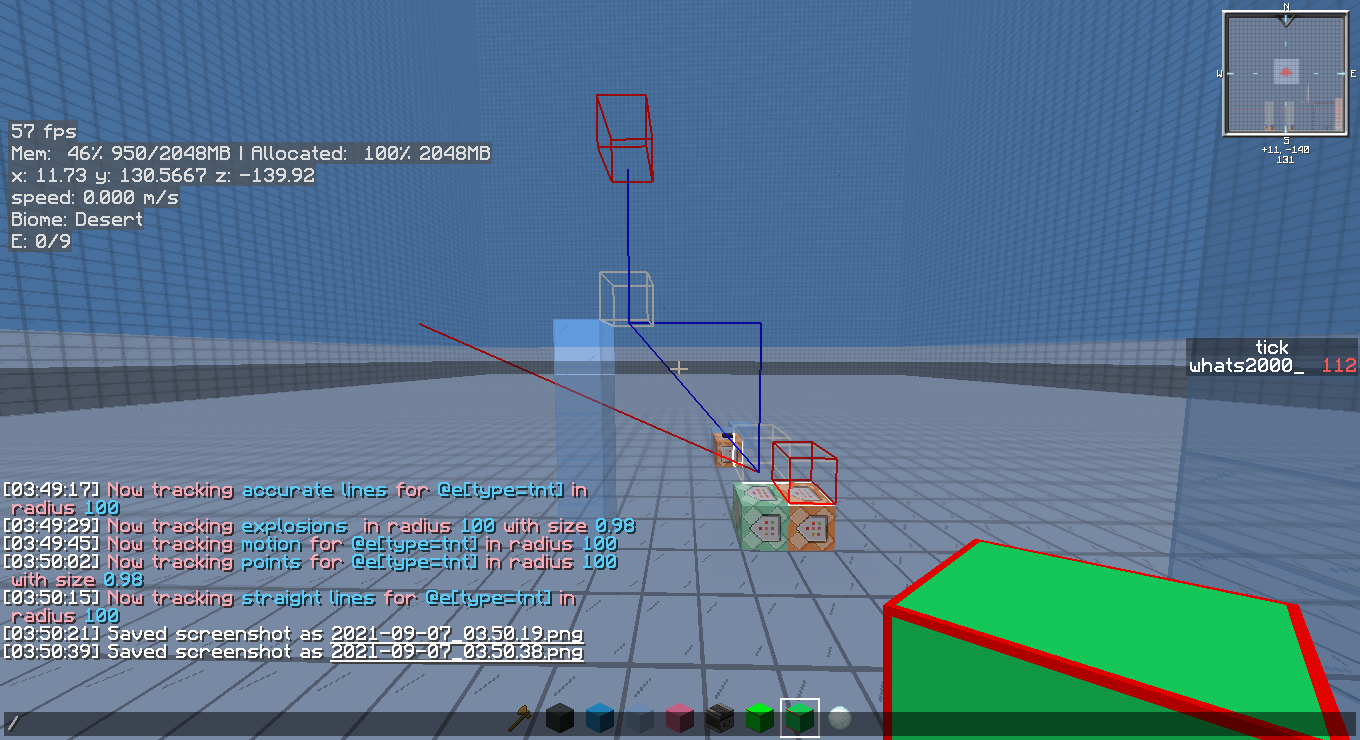
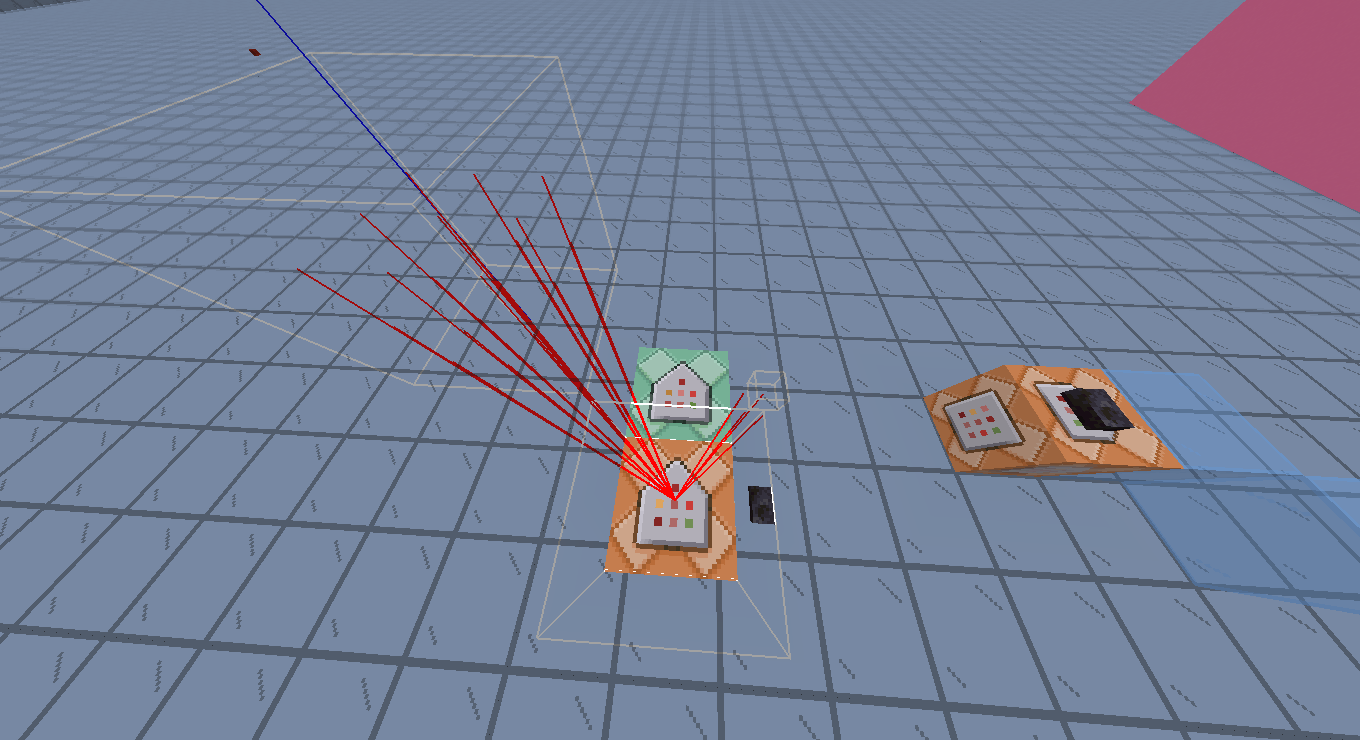
Entity Tracker scarpet script, for visualizing accurate sub-tick entity movement and explosion behaviors.
Install / Use
/learn @lntricate1/EntityTrackerScriptREADME
EntityTrackerScript
Entity Tracker scarpet script, for visualizing accurate sub-tick entity movement and explosion behaviors. NOTE: If you are in 1.16.5, you need to also have intricarpet. If you find bugs ping me in the tnt archive.
Instructions
- Only if you are in 1.16.5: Stick the carpet fork in your mods. It depends on fabric-carpet.
- Stick the script in your .minecraft/config/carpet/scripts, or in the scripts folder of a particular save. Optional: For servers where you have op but not file access, you can download or update the script by using '/carpet scriptsAppStore lntricate1/EntityTrackerScript/contents' (this might require a server restart to take effect), and then just '/script load entitytracker.sc' whenever you want to update.
- In the world, run /script load entitytracker
Commands
/entitytracker list
Lists all active trackers, along with their indices in case you decide to remove them.
/entitytracker clear [index]
If run with no index, clears all trackers. If run with an index, removes that specific tracker. Note: Indices are not in order of creation. Scarpet maps are unordered. Keep in mind that they might shuffle around if you remove a tracker.
/entitytracker help
Prints a help menu.
/entitytracker points <sizex> <sizey> <eyes?> <duration> <max count> <radius> <entity selector>
Draws a cube at each position the entities tick, centered with its bottom face at the entity feet. Both sizex and sizey can be set to 'auto', which sets the size dynamically depending on the size of the entity. Duration is in ticks, and radius is in blocks.
/entitytracker lines <accurate/motion/straight> <duration> <max count> <radius> <entity selector>
Draws lines.
- In accurate mode, it draws the per-axis collision checks that entities actually do. Keep in mind this is not how projectiles behave, because they use raycasts instead.
- In straight mode, it draws a straight line from position to position. Keep in mind this is only accurate for projectiles, since every other entity moves like accurate mode.
- In motion mode, it draws a line from the entity's feet representing the motion vector.
/entitytracker labels fuse <duration> <max count> <radius>
/entitytracker labels lifetime <duration> <max count> <radius> <entity selector>
/entitytracker labels <motion/position> <precision> <duration> <max count> <radius> <entity selector>
Displays text.
- In fuse mode, it displays the fuse time of the tnt in ticks.
- In lifetime mode, it displays the age of the entity in ticks.
- In motion/position modes, it displays the numerical representation of the motion and position vectors, respectively.
/entitytracker explosions points <duration> <limit> <radius>
/entitytracker explosions <rays/applied_velocity> <duration> <limit> <radius> <entity selection>
Draws explosions.
- In points mode, it draws a cube at the explosion. The cube is centered with the centroid at the explosion.
- In rays mode, it draws the rays used for calculating exposure, only to the entities specified.
- In applied_velocity mode, it draws the direction vector of motion applied to the entity, scaled proportionally and multiplied by 10. It does not factor in exposure.
Related Skills
node-connect
352.2kDiagnose OpenClaw node connection and pairing failures for Android, iOS, and macOS companion apps
frontend-design
111.1kCreate distinctive, production-grade frontend interfaces with high design quality. Use this skill when the user asks to build web components, pages, or applications. Generates creative, polished code that avoids generic AI aesthetics.
openai-whisper-api
352.2kTranscribe audio via OpenAI Audio Transcriptions API (Whisper).
qqbot-media
352.2kQQBot 富媒体收发能力。使用 <qqmedia> 标签,系统根据文件扩展名自动识别类型(图片/语音/视频/文件)。
