
Livecodes
A Code Playground That Just Works!
Install / Use
/learn @live-codes/LivecodesREADME
LiveCodes
A Code Playground That Just Works!
<p align="center"> <img width="300" src="https://dev.livecodes.io/docs/img/livecodes-logo.svg"></img> </p>A feature-rich, open-source, client-side code playground for React, Vue, Svelte, Solid, Typescript, Python, Go, Ruby, PHP and 90+ languages/frameworks.












What makes LiveCodes different?
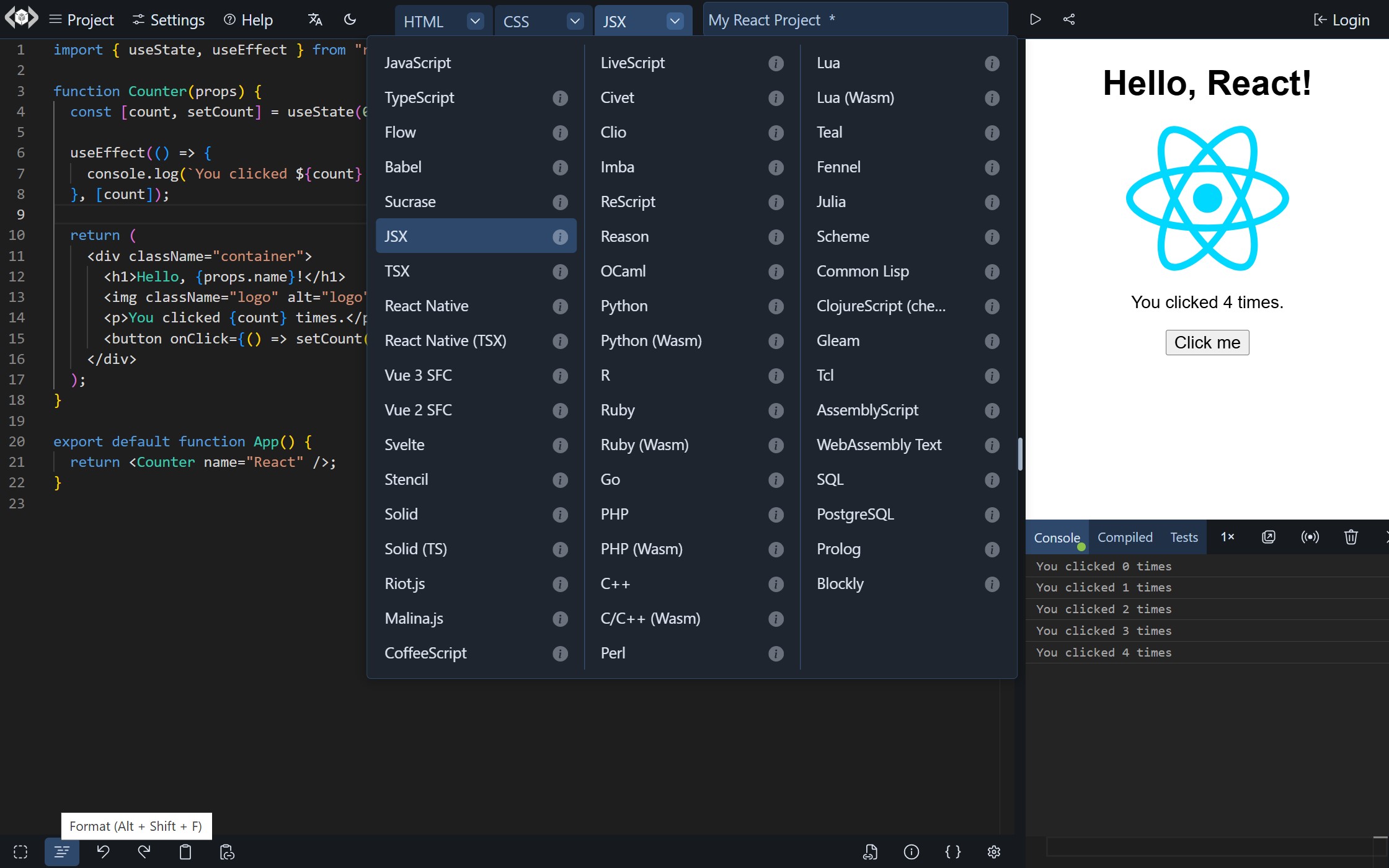
A Code Playground That Just Works!
- No servers to configure (or pay for!)
- No databases to maintain (or pay for!)
- No installs
- No configuration files
- No build steps
- No subscription fees (free and open-source)
- No account required *
- No limits for usage (unlimited private projects)
- 90+ languages/frameworks/processors
- Large set of features and integrations
- Import code from a wide variety of sources
- Use modules from npm, deno.land/x, jsr, GitHub, and others
- Easily embed it in your web pages
- It runs in the browser (client-side)
<sub>* GitHub account is required only for features that use <a href="https://livecodes.io/docs/features/github-integration" target="_blank" rel="noopener">GitHub Integration</a>.</sub>
Quick Start
Standalone App
- Go to livecodes.io
... and enjoy all the features!
Embedded Playground
Add this code to your page:
<div id="container"></div>
<script type="module">
  import { createPlayground } from 'https://cdn.jsdelivr.net/npm/livecodes';

  createPlayground('#container', {
    params: {
      markdown: '# Hello LiveCodes!',
      css: 'h1 {color: dodgerblue;}',
      js: 'console.log("Hello, from JS!");',
      console: 'open',
    },
  });
</script>
<sup>Check documentations for <a href="https://livecodes.io/docs/features/embeds" target="_blank" rel="noopener">Embedded Playgrounds</a>.</sup>
Self-hosted
-
Download a release
-
Put it on a static file server (for free!) <sup><a href="https://pages.cloudflare.com/" target="_blank" rel="noopener">1</a>, <a href="https://www.netlify.com/" target="_blank" rel="noopener">2</a>, <a href="https://firebase.google.com/" target="_blank" rel="noopener">3</a>, <a href="https://pages.github.com/" target="_blank" rel="noopener">4</a></sup>
<sup>Check the guide for <a href="https://livecodes.io/docs/features/self-hosting" target="_blank" rel="noopener">self-hosting</a> (including the built-in setup to deploy to GitHub Pages).</sup>
... and it just works!
Feature Summary
- A wide range of language support (90+ languages/frameworks/processors)
- Powerful Editor
- Mobile-friendly
- External resources/libraries
- Import modules from npm, deno.land/x, jsr, GitHub and others
- Code Pre-fill
- Import/Export projects
- Share
- Embed the playground in any web page
- Display modes
- Deploy
- Starter Templates
- Assets
- Themes
- Dev Tools (console, compiled code viewer, test runner)
- Code formatting
- Intellisense
- Lite mode
- Read-only mode
- Broadcast
- Sync
- Backup/Restore
- Client-side!
- Very configurable
- Developer-friendly build-free environment
- Powerful SDK (available for vanilla JavaScript, TypeScript, React, Vue, Svelte and Solid)
- Comprehensive Documentations
- Focused on privacy and security
- Free and Open-Source
For details check the full list of features.
LiveCodes SDK
The Software Development Kit (SDK) provides an easy, yet powerful, interface to embed and communicate with LiveCodes playgrounds.
The SDK is provided as a light-weight (less than 5kb gzipped), zero-dependencies npm package, that is also available from CDNs. It can be used to create playgrounds with a wide variety of configurations and embed options. In addition, SDK methods allow programmatic communication and control of the playgrounds during runtime.
Installation
npm i livecodes
Usage
Example: (open in LiveCodes)
import { createPlayground } from 'livecodes';

createPlayground('#container', {
  config: {
    markup: {
      language: 'markdown',
      content: '# Hello World!',
    },
  },
  view: 'result',
});
The JavaScript SDK is framework/library agnostic. However, wrapper components are also provided for popular libraries (currently React and Vue). The SDK can be used in [Svelte](https://livecodes.io/docs/sd
Related Skills
node-connect
338.7kDiagnose OpenClaw node connection and pairing failures for Android, iOS, and macOS companion apps
frontend-design
83.6kCreate distinctive, production-grade frontend interfaces with high design quality. Use this skill when the user asks to build web components, pages, or applications. Generates creative, polished code that avoids generic AI aesthetics.
Writing Hookify Rules
83.6kThis skill should be used when the user asks to "create a hookify rule", "write a hook rule", "configure hookify", "add a hookify rule", or needs guidance on hookify rule syntax and patterns.
review-duplication
99.3kUse this skill during code reviews to proactively investigate the codebase for duplicated functionality, reinvented wheels, or failure to reuse existing project best practices and shared utilities.
