
Larachat
An AI chat demo application built with Inertia and React with the useStream hook
Install / Use
/learn @laravel/LarachatREADME
Laravel Chat Demo with useStream
A real-time chat application demonstrating the power of Laravel's useStream hook for React applications. This demo showcases how to build a ChatGPT-like interface with streaming responses, message persistence, and authentication support.
Video Tutorial
Watch the complete tutorial on YouTube:
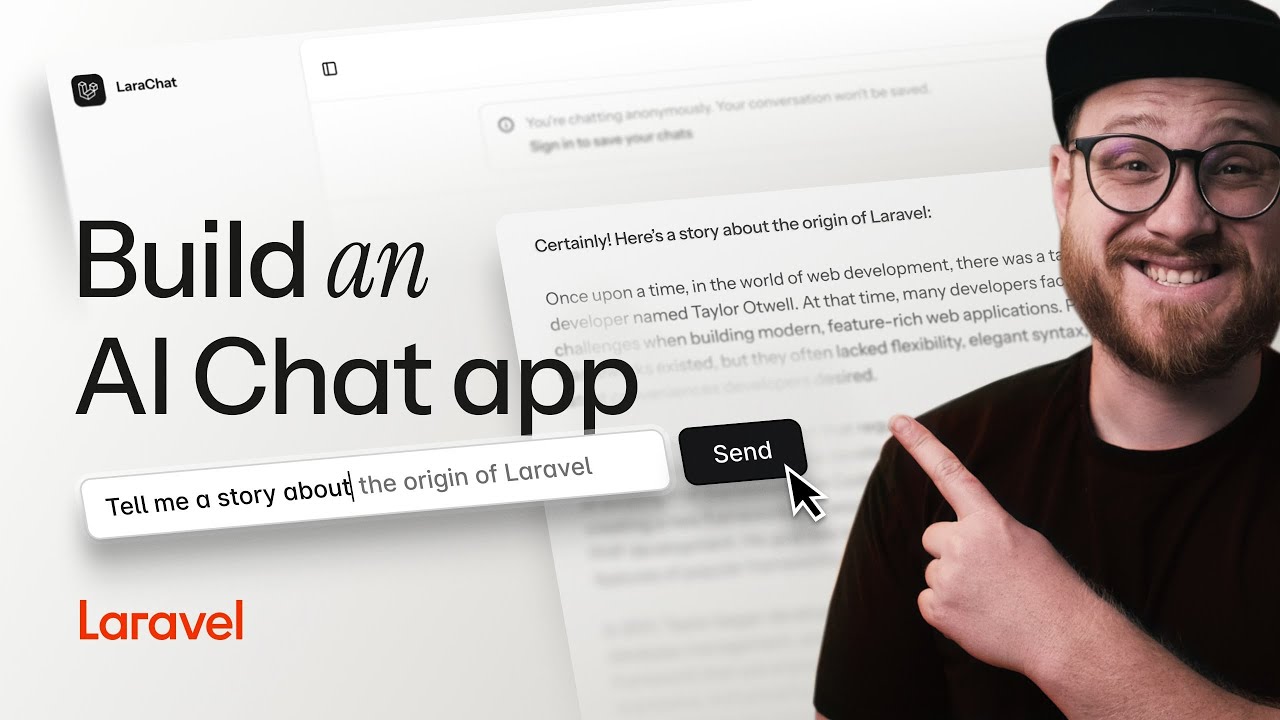
🎥 Watch on YouTube: Building an AI Chat App with Laravel and React useStream
Features
- 🚀 Real-time streaming responses using Server-Sent Events (SSE)
- 💬 ChatGPT-like interface with message history
- 🔐 Optional authentication with message persistence
- 🎯 Automatic chat title generation using
useEventStream - 🎨 Beautiful UI with Tailwind CSS v4 and shadcn/ui
- 📱 Responsive design with mobile support
- 🌓 Dark/light mode with system preference detection
System Requirements
Before getting started, ensure your system meets these requirements:
Required
- PHP 8.2 or higher with the following extensions:
- curl, dom, fileinfo, filter, hash, mbstring, openssl, pcre, pdo, session, tokenizer, xml
- Node.js 22 or higher (for React 19 support)
- Composer 2.x
- SQLite (default database, or MySQL/PostgreSQL if preferred)
- Git (for cloning the repository)
Optional but Recommended
- OpenAI API Key (for AI responses - the app works without it but uses mock responses)
- PHP development server or Laravel Valet for local development
Framework Versions Used
- Laravel 12.0 (latest)
- React 19 (latest)
- Tailwind CSS v4 (beta)
- Inertia.js 2.0
Note: This demo uses cutting-edge versions to showcase the latest features. If you encounter compatibility issues, check the versions above against your local environment.
Quick Start
- Clone the repository and install dependencies:
composer install
npm install
- Set up your environment:
cp .env.example .env
php artisan key:generate
- Configure your OpenAI API key in
.env:
OPENAI_API_KEY=your-api-key-here
- Run migrations and start the development server:
php artisan migrate
composer dev
Note: The
composer devcommand runs multiple processes concurrently (server, queue, logs, and Vite). If you encounter issues, run each command separately in different terminals:# Terminal 1: Laravel server php artisan serve # Terminal 2: Queue worker (for background jobs) php artisan queue:listen # Terminal 3: Vite development server npm run dev
Troubleshooting
Common Setup Issues
"Node.js version too old" error:
- Ensure you have Node.js 22+ installed
- Use
nvmto manage Node.js versions:nvm install 22 && nvm use 22
"Class 'OpenAI' not found" error:
- Run
composer installto ensure all PHP dependencies are installed - Check that your
OPENAI_API_KEYis set in.env(or leave it empty for mock responses)
Database connection errors:
- The default setup uses SQLite - ensure the
database/database.sqlitefile exists - If it's missing, create it with:
touch database/database.sqlite - Then run:
php artisan migrate
Vite build errors with Tailwind CSS v4:
- Clear your npm cache:
npm cache clean --force - Delete
node_modulesand reinstall:rm -rf node_modules && npm install - Ensure you're using Node.js 22+
"CSRF token mismatch" for streaming:
- Ensure the CSRF meta tag is present in your layout (already included in this demo)
- Clear browser cache and cookies for the local development domain
Using the useStream Hook
The useStream hook from @laravel/stream-react makes it incredibly simple to consume streamed responses in your React application. Here's how this demo implements it:
Basic Chat Implementation
import { useStream } from '@laravel/stream-react';

function Chat() {
    const [messages, setMessages] = useState([]);
    const { data, send, isStreaming } = useStream('/chat/stream');

    const handleSubmit = (e) => {
        e.preventDefault();
        const query = e.target.query.value;

        // Add user message to local state
        const newMessage = { type: 'prompt', content: query };
        setMessages([...messages, newMessage]);

        // Send all messages to the stream
        send({ messages: [...messages, newMessage] });

        e.target.reset();
    };

    return (
        <div>
            {/* Display messages */}
            {messages.map((msg, i) => (
                <div key={i}>{msg.content}</div>
            ))}

            {/* Show streaming response */}
            {data && <div>{data}</div>}

            {/* Input form */}
            <form onSubmit={handleSubmit}>
                <input name="query" disabled={isStreaming} />
                <button type="submit">Send</button>
            </form>
        </div>
    );
}
Key Concepts
- Stream URL: The hook connects to your Laravel endpoint that returns a streamed response
- Sending Data: The
sendmethod posts JSON data to your stream endpoint - Streaming State: Use
isStreamingto show loading indicators or disable inputs - Response Accumulation: The
datavalue automatically accumulates the streamed response
Backend Stream Endpoint
On the Laravel side, create a streaming endpoint:
public function stream(Request $request)
{
    return response()->stream(function () use ($request) {
        $messages = $request->input('messages', []);

        // Stream response from OpenAI
        $stream = OpenAI::chat()->createStreamed([
            'model' => 'gpt-4',
            'messages' => $messages,
        ]);

        foreach ($stream as $response) {
            $chunk = $response->choices[0]->delta->content;
            if ($chunk !== null) {
                echo $chunk;
                ob_flush();
                flush();
            }
        }
    }, 200, [
        'Content-Type' => 'text/event-stream',
        'Cache-Control' => 'no-cache',
        'X-Accel-Buffering' => 'no',
    ]);
}
Using the useEventStream Hook
This demo showcases useEventStream for real-time updates. When you create a new chat, it initially shows "Untitled" but automatically generates a proper title using OpenAI and streams it back in real-time.
Key Implementation Details
The critical configuration for useEventStream is using eventName (not event) and handling the MessageEvent properly:
import { useEventStream } from '@laravel/stream-react';

function TitleGenerator({ chatId, onTitleUpdate, onComplete }) {
    const { message } = useEventStream(`/chat/${chatId}/title-stream`, {
        eventName: "title-update",  // Use 'eventName', not 'event'
        endSignal: "</stream>",
        onMessage: (event) => {      // Receives MessageEvent object
            try {
                const parsed = JSON.parse(event.data);
                if (parsed.title) {
                    onTitleUpdate(parsed.title);
                }
            } catch (error) {
                console.error('Error parsing title:', error);
            }
        },
        onComplete: () => {
            onComplete();
        },
        onError: (error) => {
            console.error('EventStream error:', error);
            onComplete();
        },
    });

    return null; // This is a listener component
}
Multiple EventStream Consumers
You can have multiple components listening to the same EventStream for different purposes:
// Component 1: Updates conversation title
<TitleGenerator
    chatId={chat.id}
    onTitleUpdate={setConversationTitle}
    onComplete={() => setShouldGenerateTitle(false)}
/>

// Component 2: Updates sidebar
<SidebarTitleUpdater
    chatId={chat.id}
    onComplete={() => setShouldUpdateSidebar(false)}
/>
Backend EventStream Implementation
The Laravel backend uses response()->eventStream() to generate and stream title updates:
use Illuminate\Http\StreamedEvent;

public function titleStream(Chat $chat)
{
    $this->authorize('view', $chat);

    return response()->eventStream(function () use ($chat) {
        // If title already exists, send it immediately
        if ($chat->title && $chat->title !== 'Untitled') {
            yield new StreamedEvent(
                event: 'title-update',
                data: json_encode(['title' => $chat->title])
            );
            return;
        }

        // Generate title using OpenAI
        $firstMessage = $chat->messages()->where('type', 'prompt')->first();

        $response = OpenAI::chat()->create([
            'model' => 'gpt-4o-mini',
            'messages' => [
                [
                    'role' => 'system',
                    'content' => 'Generate a concise, descriptive title (max 50 characters) for a chat that starts with the following message. Respond with only the title, no quotes or extra formatting.'
                ],
                ['role' => 'user', 'content' => $firstMessage->content]
            ],
            'max_tokens' => 20,
            'temperature' => 0.7,
        ]);

        $title = trim($response->choices[0]->message->content);
        $chat->update(['title' => $title]);

        // Stream the new title
        yield new StreamedEvent(
            event: 'title-update',
            data: json_encode(['title' => $title])
        );

    }, endStreamWith: new StreamedEvent(event: 'title-update', data: '</stream>'));
}
EventStream Route Configuration
Route::middleware('auth')->group(function () {
    Route::get('/chat/{chat}/title-stream', [ChatController::class, 'titleStream'])
        ->name('chat.title.stream');
});
How It Works
- User sends first message → AI response streams
Related Skills
node-connect
347.2kDiagnose OpenClaw node connection and pairing failures for Android, iOS, and macOS companion apps
frontend-design
108.0kCreate distinctive, production-grade frontend interfaces with high design quality. Use this skill when the user asks to build web components, pages, or applications. Generates creative, polished code that avoids generic AI aesthetics.
openai-whisper-api
347.2kTranscribe audio via OpenAI Audio Transcriptions API (Whisper).
qqbot-media
347.2kQQBot 富媒体收发能力。使用 <qqmedia> 标签,系统根据文件扩展名自动识别类型(图片/语音/视频/文件)。
