
Unsilence
Console Interface and Library to remove silent parts of a media file 🔈
Install / Use
npx skills add lagmoellertim/unsilenceInstalls into whichever agent you are using.
README
<p align="center">Console Interface and Library to remove silent parts of a media file</p>
<p align="center"> <a href="https://github.com/lagmoellertim/unsilence/blob/master/LICENSE" target="_blank"><img src="https://img.shields.io/badge/license-MIT-blue.svg?style=flat" alt="MIT License Badge"/></a> <a href="https://github.com/lagmoellertim/unsilence/actions" target="_blank"><img src="https://github.com/lagmoellertim/unsilence/workflows/Upload Python Package/badge.svg" alt="Github Action Badge"/></a> <a href="https://hub.docker.com/repository/docker/lagmoellertim/unsilence" target="_blank"><img src="https://img.shields.io/docker/cloud/build/lagmoellertim/unsilence" alt="Docker Cloud Build Status"/></a> <a href="https://unsilence.readthedocs.io" target="_blank"><img src="https://readthedocs.org/projects/unsilence/badge/?version=latest" alt="Documentation Build Status"/></a> <a href="https://app.codacy.com/manual/lagmoellertim/unsilence?utm_source=github.com&utm_medium=referral&utm_content=lagmoellertim/unsilence&utm_campaign=Badge_Grade_Dashboard" target="_blank"><img src="https://api.codacy.com/project/badge/Grade/912008edef1b4960818c29a16ef2c29f" alt="Codacy Badge"/></a> <img alt="Lines of code" src="https://img.shields.io/tokei/lines/github/lagmoellertim/unsilence"> </p><p align="center"> <a href="https://asciinema.org/a/jnU7VsPNqaNER3dSrvLp2RAQF" target="_blank"><img src="https://raw.githubusercontent.com/lagmoellertim/unsilence/master/media/terminal.gif"/></a> </p>
Demo
|Unedited (Before)|Processed by Unsilence (After)|
|:-:|:-:|
|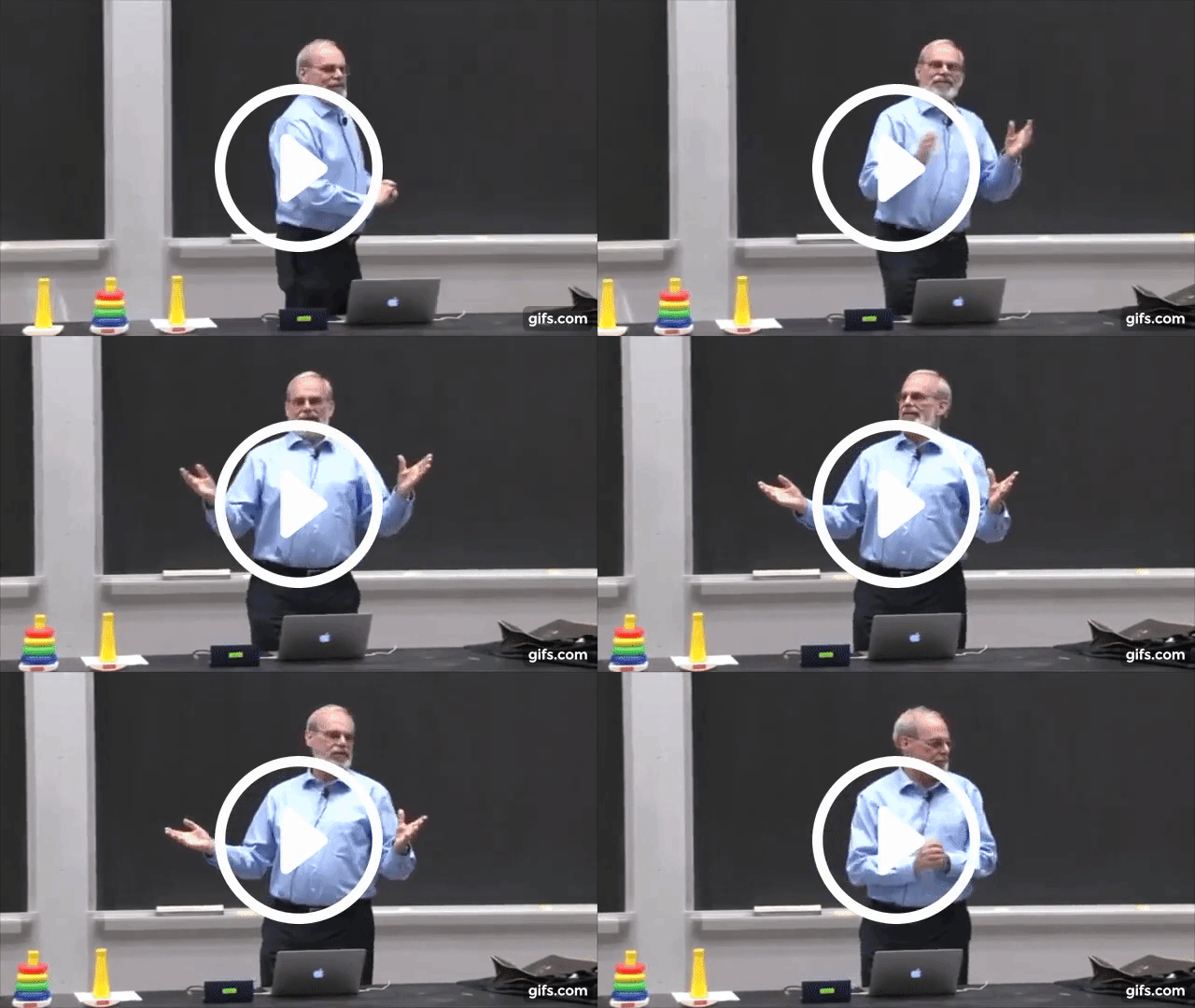 |
|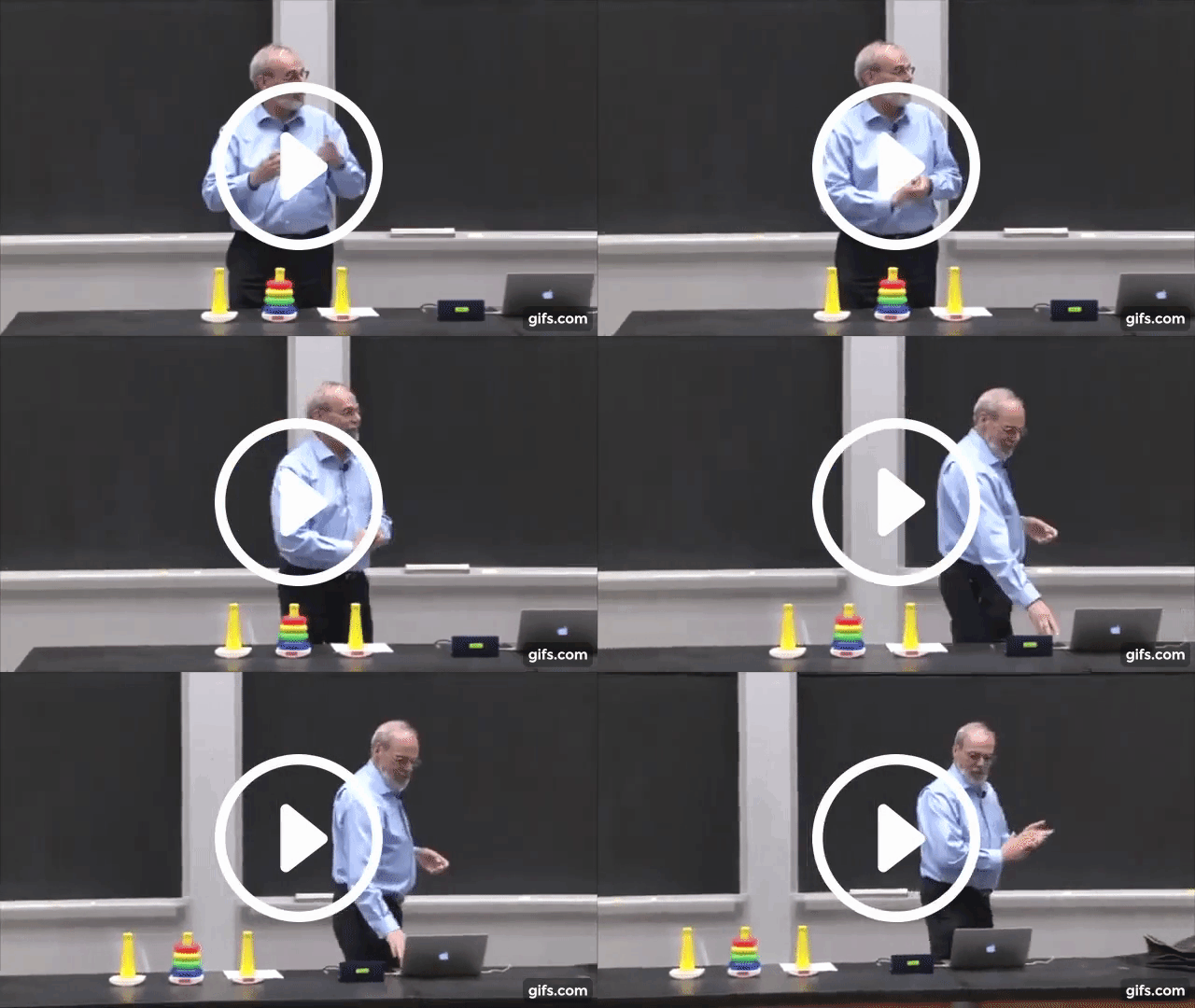 |
|Time before edit: 0:09:45 (100%)| Time after edit: 0:07:56 (81.2%), Difference: -0:01:50 (-18.8%)|
|
|Time before edit: 0:09:45 (100%)| Time after edit: 0:07:56 (81.2%), Difference: -0:01:50 (-18.8%)|
The MIT Intro at the beginning is not included into the time, since I left it in to show the license of the videos.
These videos are from this online lecture:
Ana Bell, Eric Grimson, and John Guttag. 6.0001 Introduction to Computer Science and Programming in Python. Fall 2016. Massachusetts Institute of Technology: MIT OpenCourseWare, https://ocw.mit.edu. License: Creative Commons BY-NC-SA.
More Information about Licensing can be found in the Licensing Segment of this README.
Introduction
Unsilence is an open-source tool that removes silence from a media clip of your choice (audio, video).
You can use it to speed up videos without changing the audible speed, so you can understand everything, but get through a video faster.
Exemplary use cases
-
You are a college student and watch your lectures online (but have access to the video files). Instead of just increasing the playback speed to ~1.5x, you can remove the parts that do not contain any value, like your lecturer thinking or waiting for something. But instead of cutting out these silent parts, speeding them up by a different, much faster factor (think 6-8x) makes you still able to follow what is happening, so drawing or writing with no speech is sped up, which makes it far more pleasant to watch
-
You want a video editor that automatically cuts any time you talk (or make any sound). That could be useful for manual time lapses (you make a sound every time a short segment should be recorded), or for very fast jump cut videos with no manual editing required
-
You want to have some fun and remove all the audible parts from a video, leaving only the parts where nearly silent noises are in the video (breathing, writing, ...)
Communication
If you have any (technical) questions about unsilence or want to get community feedback, you can use the new GitHub Discussions Feature. To report a bug or suggest a new feature, create a new issue instead.
Usage Information
Unsilence can be used as a console line interface or as a python library, with which you can develop your own projects
Prerequisites
- Python >= 3.7.0
- pip (should be installed automatically with python, could be different on some linux distros)
- ffmpeg >= 4.2.4
In order to see the fancy progress bar and other terminal styling on windows, you should use Windows Terminal.
Installation as command line interface (using pip and pipx)
# Installing pipx
pip install pipx

# Installing Unsilence as Command Line Software
pipx install unsilence

# If pipx asks you to, you also need to execute the following line
# as well as close and reopen your terminal window
pipx ensurepath
Installation as library (using pip)
# Installing Unsilence as Command Line Software
pip install unsilence
Installation as command line interface (from source)
# Clone the repository (stable branch)
git clone -b master https://github.com/lagmoellertim/unsilence.git unsilence

#Change Directory
cd unsilence

# Install pip packages
pip install -r requirements.txt
pip install pipx

# Install unsilence package
pipx install .
Installation as library (from source)
# Clone the repository (stable branch)
git clone -b master https://github.com/lagmoellertim/unsilence.git unsilence

#Change Directory
cd unsilence

# Install pip packages
pip install -r requirements.txt

# Install unsilence package
python3 setup.py install
Basic Command Line Usage
This generates a new file, where the silent parts are 6x as fast as before, the audible parts are the same speed as before
unsilence [input_file] [output_file]
You can change the speed of audible parts with -as [speed], the speed of silent parts with -ss [speed]
unsilence [input_file] [output_file] -as [speed] -ss [speed]
You can change the volume of audible parts with -av [volume], the volume of silent parts with -sv [volume]
unsilence [input_file] [output_file] -av [volume] -sv [volume]
To generate an audio only output file, you can add the -ao flag
unsilence [input_file] [output_file] -ao
To speed up the rendering process, you can increase the thread count using -t [threads]
unsilence [input_file] [output_file] -t [threads]
For many more settings, type -h or --help
unsilence --help
Basic Library Usage
Take a look at this example
Idea/Inspiration
For this project, I took inspiration from the CaryKH's video Jumpcutter. This project does not share any source code with his implementation, and is more optimized for my use case (fast and efficient lecture silence removal).
Contributing
If you are missing a feature or have new idea, go for it! That is what open-source is for! 😃
Author
Tim-Luca Lagmöller (@lagmoellertim)
Donations / Sponsors
I'm part of the official GitHub Sponsors program where you can support me on a monthly basis.
<a href="https://github.com/sponsors/lagmoellertim" target="_blank"><img src="https://github.com/lagmoellertim/shared-repo-files/raw/main/github-sponsors-button.png" alt="GitHub Sponsors" height="35px" ></a>
You can also contribute by buying me a coffee (this is a one-time donation).
<a href="https://ko-fi.com/lagmoellertim" target="_blank"><img src="https://github.com/lagmoellertim/shared-repo-files/raw/main/kofi-sponsors-button.png" alt="Ko-Fi Sponsors" height="35px" ></a>
Thank you for your support!
License
The Code is licensed under the
Copyright © 2019-present, Tim-Luca Lagmöller
All used videos are licensed under the
Creative Commons BY-NC-SA License
Have fun :tada:
Related Skills
python-debugpy
385.5kDebug Python with pdb, breakpoint(), post-mortem inspection, and debugpy remote attach.
skill-creator
385.5kCreate, edit, audit, tidy, validate, or restructure AgentSkills and SKILL.md files.
qqbot-channel
385.5kQQ channel management skill. Use qqbot_channel_api for explicit QQ channel-management requests; confirm write, delete, and bulk actions before calling authenticated QQ Open Platform endpoints.
claude-opus-4-5-migration
140.6kMigrate prompts and code from Claude Sonnet 4.0, Sonnet 4.5, or Opus 4.1 to Opus 4.5
