Whatsie
Feature rich WhatsApp Client for Desktop Linux
Install / Use
/learn @keshavbhatt/WhatsieREADME
WhatSie
Feature rich WhatsApp web client based on Qt WebEngine for Linux Desktop
Whatsie Key features
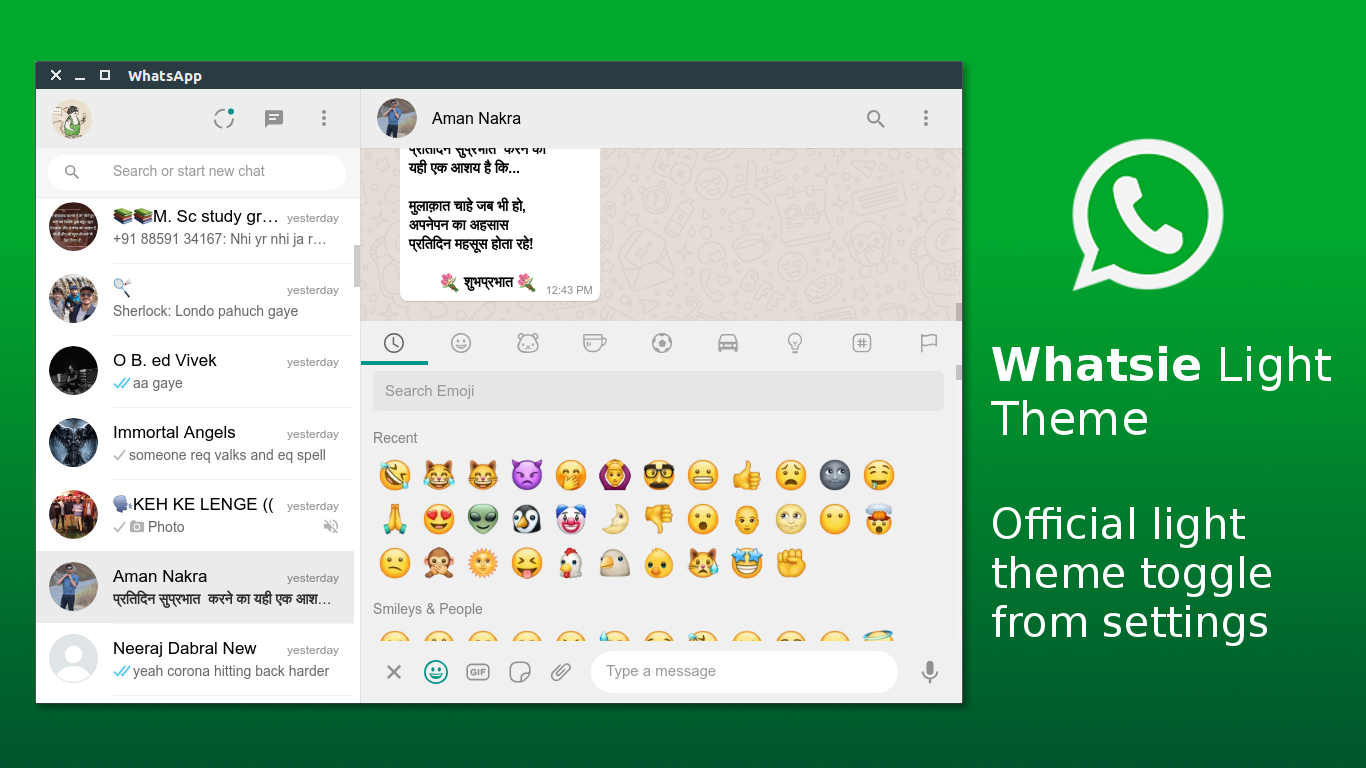
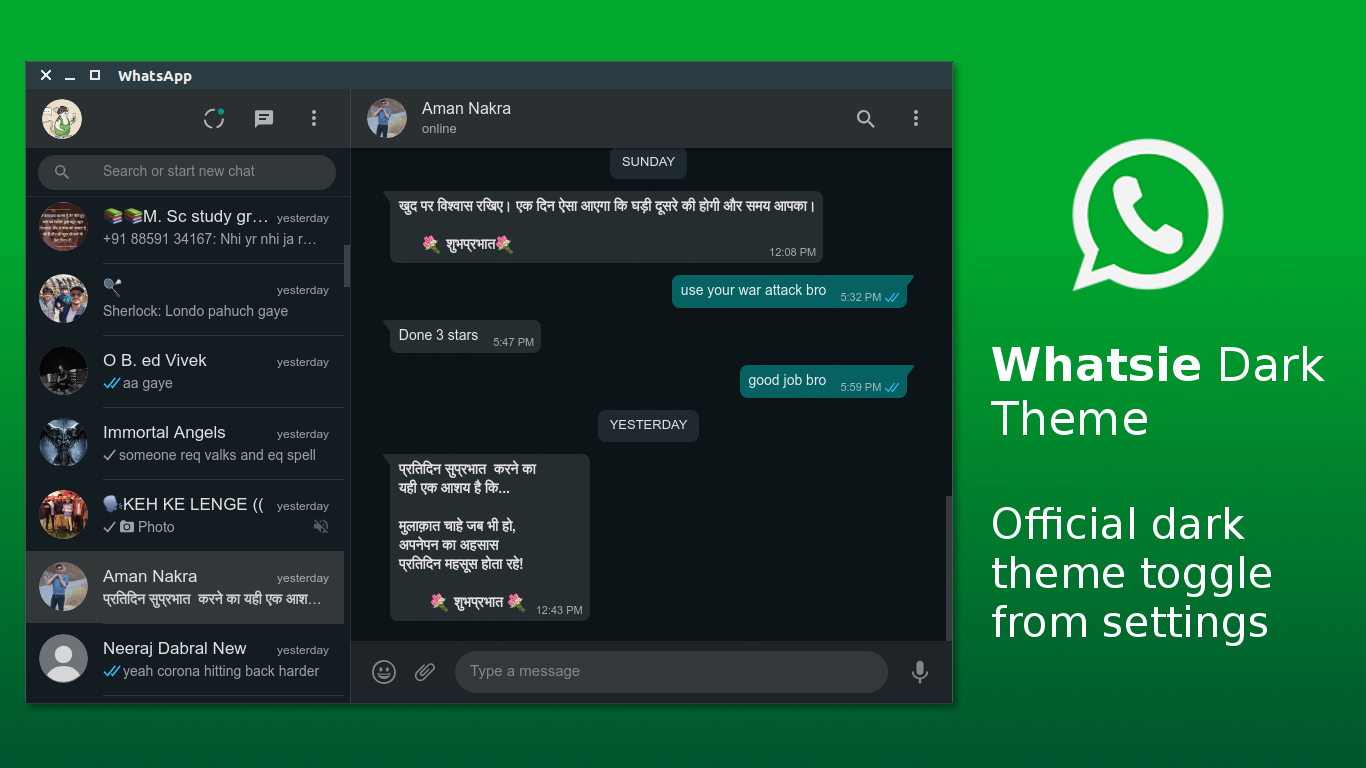
- Light and Dark Themes with automatic switching
- Customized Notifications & Native Notifications
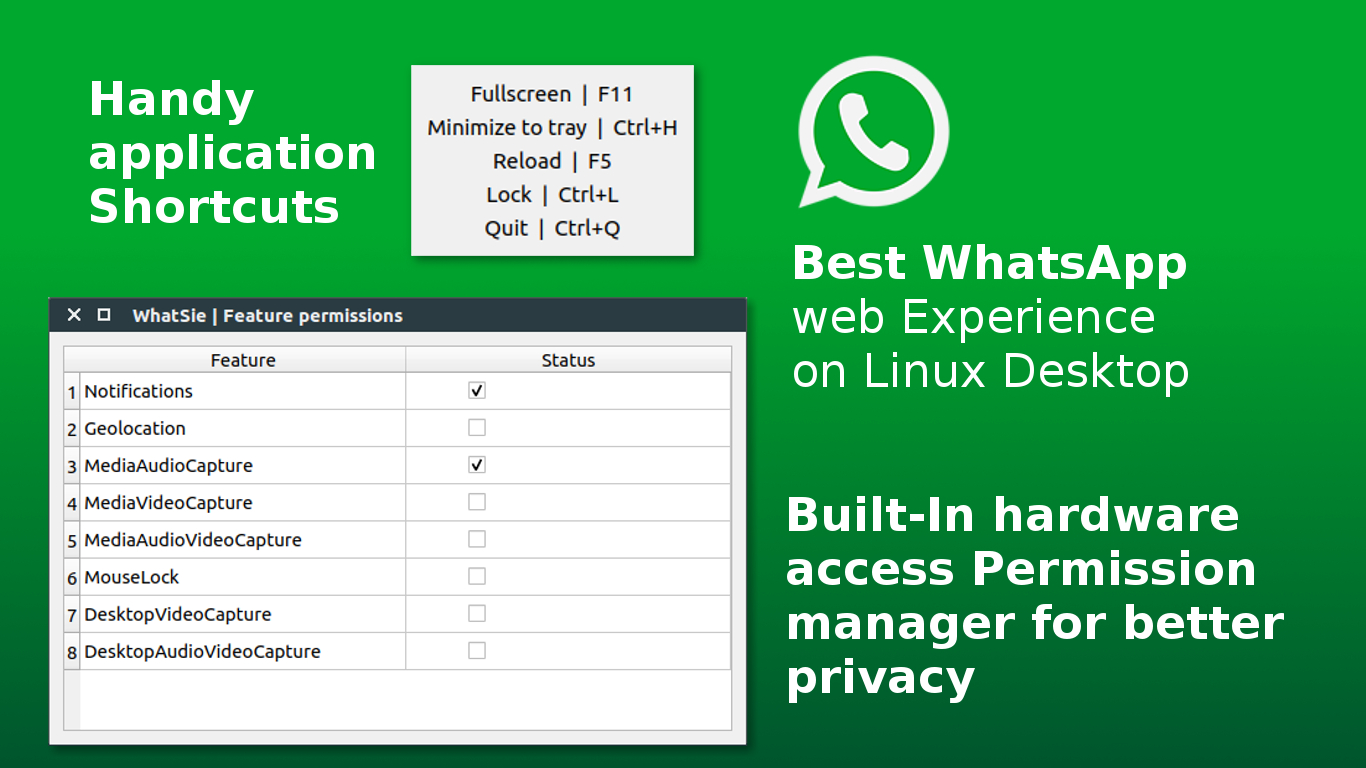
- Keyboard Shortcuts
- BuiltIn download manager
- Mute Audio, Disable Notifications
- App Lock feature
- Hardware access permission manager
- Built in Spell Checker (with support for 31 Major languages)
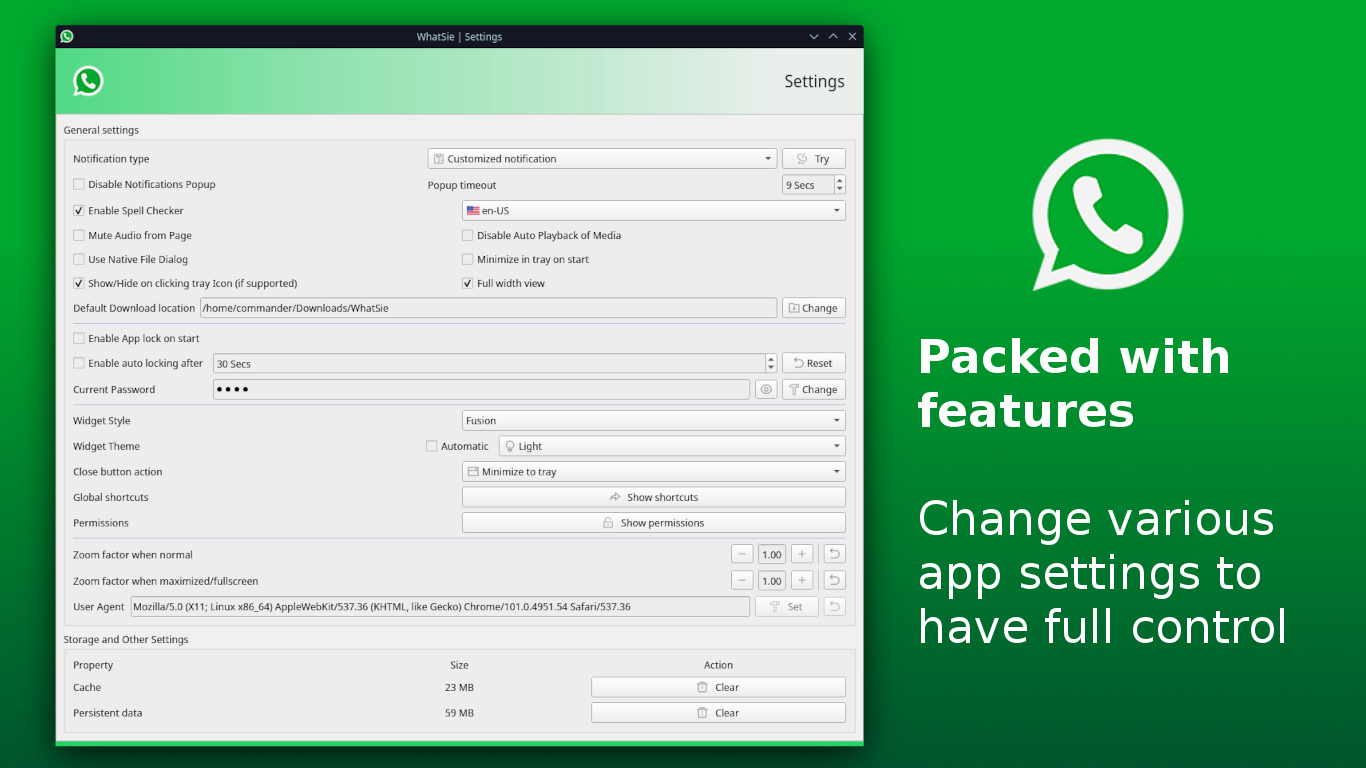
- Other settings that let you control every aspect of WebApp like:
- Do not disturb mode
- Full view mode, lets you expand the main view to the full width of the window
- Ability to switch between Native & Custom notification
- Configurable notification popup timeout
- Mute all audio from Whatapp
- Disabling auto playback of media
- Minimize to tray on application start
- Toggle to enable single click hide to the system tray
- Switching download location
- Enable disable app lock on application start
- Auto-locking after a certain interval of time
- App lock password management
- Widget styling
- Configurable auto Theme switching based on day night time
- Configurable close button action
- Global App shortcuts
- Permission manager let you toggle camera mic and other hardware level permissions
- Configurable page zoom factor, switching based on window state maximized on normal
- Configurable App User Agent
- Application Storage management, lets you clean residual cache and persistent data
Command line options:
Comes with general CLI support, with a bunch of options that let you interact with already running instances of Whatsie.
Run: whatsie -h to see all supported options.
Usage: whatsie [options]
Feature rich WhatsApp web client based on Qt WebEngine

Options:
  -h, --help           Displays help on commandline options
  -v, --version        Displays version information.
  -b, --build-info     Shows detailed current build infomation
  -w, --show-window    Show main window of running instance of WhatSie
  -s, --open-settings  Opens Settings dialog in a running instance of WhatSie
  -l, --lock-app       Locks a running instance of WhatSie
  -i, --open-about     Opens About dialog in a running instance of WhatSie
  -t, --toggle-theme   Toggle between dark & light theme in a running instance
                       of WhatSie
  -r, --reload-app     Reload the app in a running instance of WhatSie
  -n, --new-chat       Open new chat prompt in a running instance of WhatSie
Build from Source (Linux)
Requirements
- git, cmake >= 3.24, ninja-build
- Qt6 >= 6.0 (qt6-base-dev, qt6-webengine-dev, qt6-positioning-dev)
- C++17 compiler (GCC 7+, Clang 5+)
- libx11-dev
Install Dependencies
Ubuntu/Debian:
sudo apt-get install cmake ninja-build qt6-base-dev qt6-webengine-dev \
    qt6-positioning-dev libx11-dev build-essential
Fedora:
sudo dnf install cmake ninja-build qt6-qtbase-devel qt6-qtwebengine-devel \
    qt6-qttools-devel libx11-devel gcc-c++
Arch Linux:
sudo pacman -S cmake ninja qt6-base qt6-webengine qt6-positioning
Build & Run
git clone https://github.com/keshavbhatt/whatsie.git
cd whatsie
make build-release
./build/whatsie
Install (Optional)
# Install to /usr/local
make install

# OR install system-wide to /usr
sudo make install INSTALL_PREFIX=/usr
Common Build Commands
make build-release    # Build in Release mode
make build-debug      # Build in Debug mode
make install          # Install to /usr/local
make run              # Run the built executable
make clean            # Clean build artifacts
make help             # Show all available targets
Troubleshooting
| Problem | Solution |
|---------|----------|
| CMake not found | sudo apt install cmake |
| Qt6 not found | sudo apt install qt6-base-dev qt6-webengine-dev |
| Ninja not found | sudo apt install ninja-build |
| Permission denied | make install INSTALL_PREFIX=~/.local |
For detailed build instructions, see BUILD_QUICK_REFERENCE.md
Install Whatsie on Linux Desktop
On any snapd supported Linux distributions
snap install whatsie
On any Arch based Linux distribution
Using Arch User Repository (AUR), AUR package for Whatsie is maintained by M0Rf30
yay -S whatsie-git
Screenshots (could be old)