
Glate
Open Source Google Translator and TTS App for Linux Desktop
Install / Use
/learn @keshavbhatt/GlateREADME
Glate - Google Translator and Text To Speech Service on Linux Desktop
Website for "The Glate App" - The Google translator and TTS app for Desktop Linux.
<p align="center"> <img width="200" height="200" src="https://github.com/keshavbhatt/glate/blob/master/icons/icon-256.png?raw=true"> </p>Glate is a neat, simple yet feature rich, Google Translator and Text to speech synthesizer for Linux Desktop Platform.
Key Features of Glate :
- Set the preferred source and target language
- Translate between over 104 languages
- Line by Line translation
- Download synthesized speech in mp3 format
- Read Selected text wit Text to speech Engine
- History of text translation for reference
- Export translated History in text(.txt) format
- Translation share option with inbuilt pastebin generator
- HOTKEY to translate text from any website or other Application (X11/XWayland)
- Listen to the pronunciation, Text to Speech
- Dark and Light mode
- Copy and paste the translated text
- Glate will bring many more exciting features in near future, spread the name and the app with your friends, family and colleagues.
Screenshot :
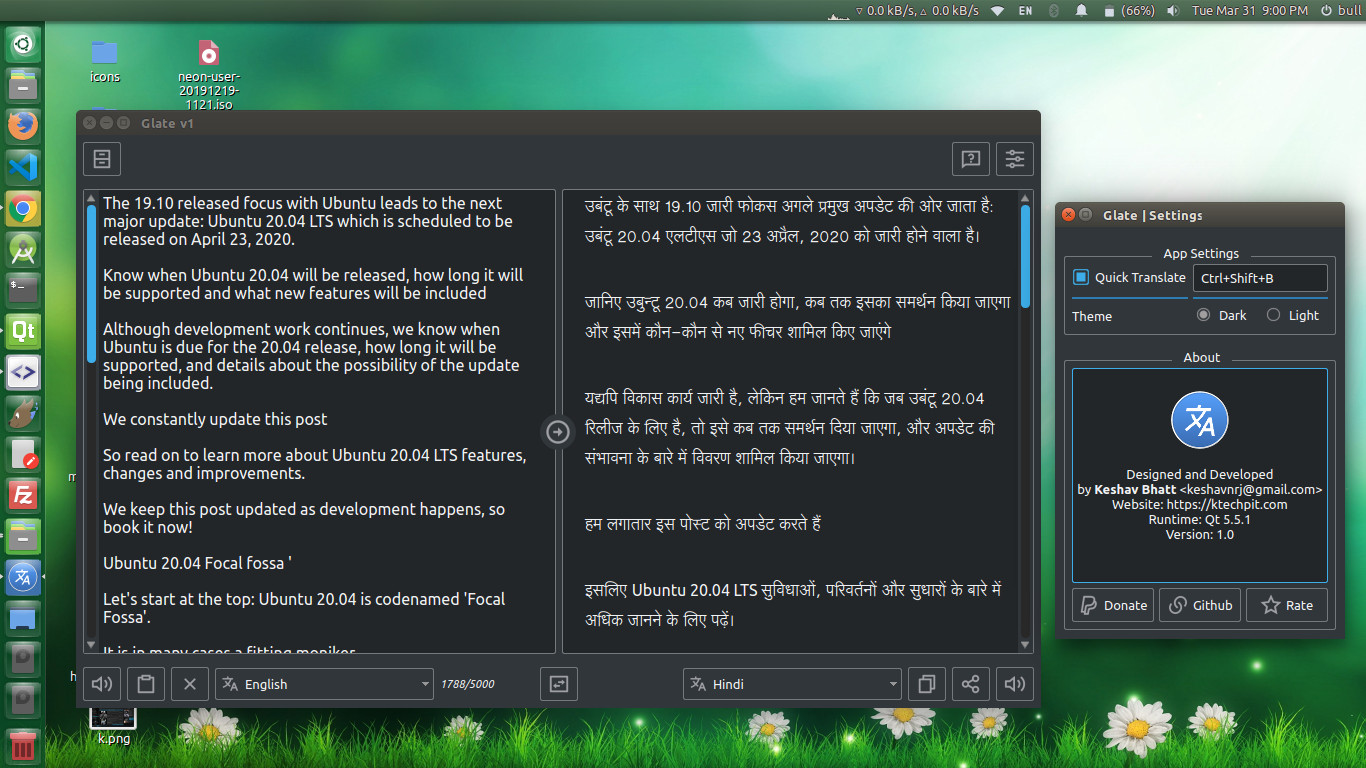
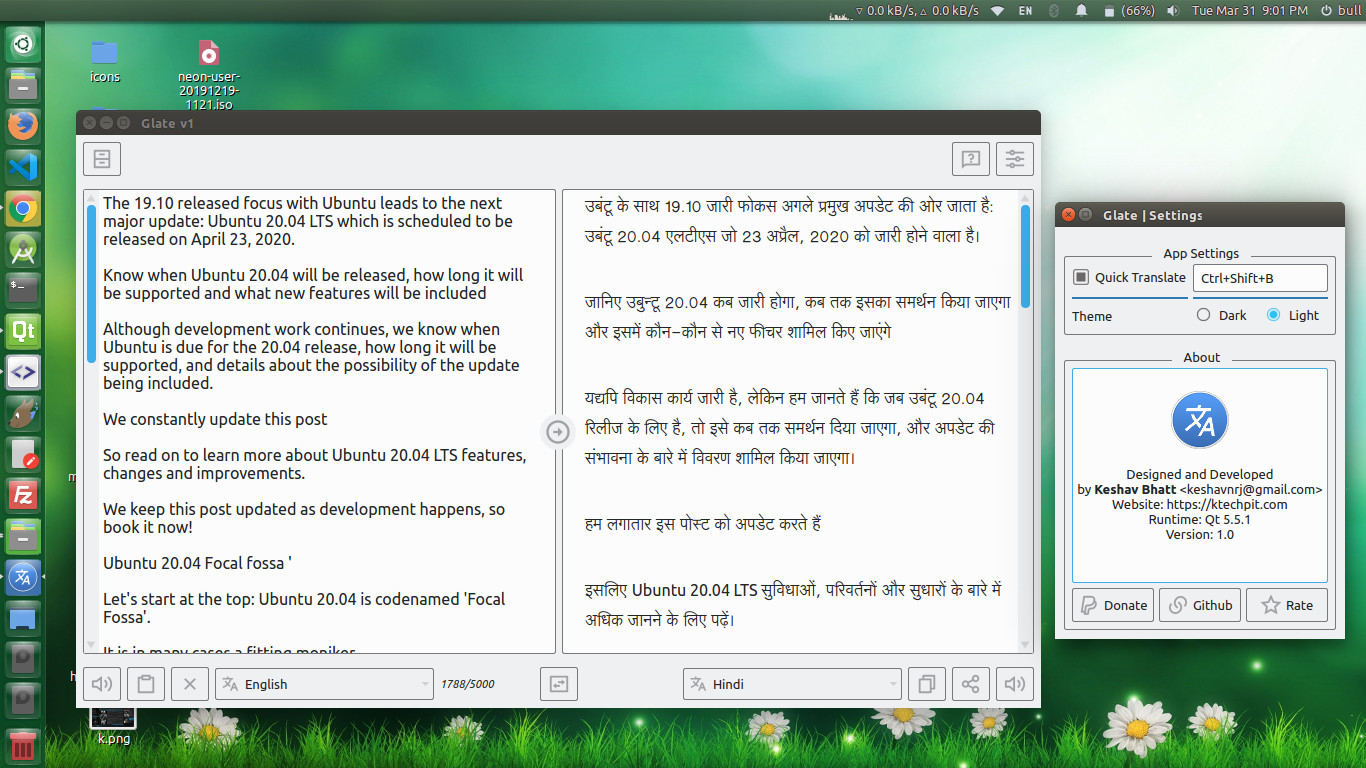
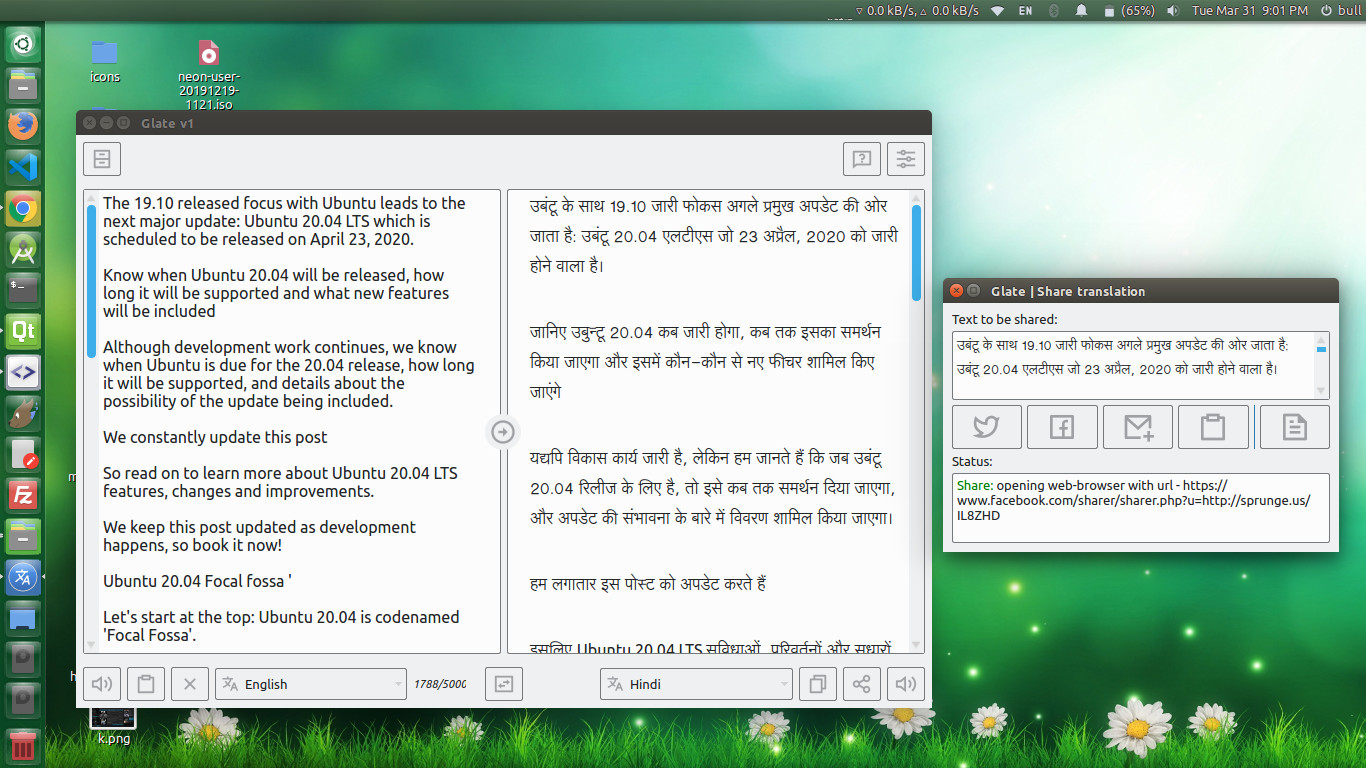
Preview
Install on Linux via snap-store here :
Glate can be installed on all Linux Desktop supporting snapd Via command line app can be simply installed with following command:
snap install glate
Snapstore Store link:


Global Hotkey Note (Wayland)
Global hotkeys are not available on native Wayland sessions due to compositor security restrictions. If you need system-wide quick translate hotkeys, run Glate on an X11 session (or via XWayland where supported).
<hr> Version for Windows coming soon... Stay tuned for updates :) <hr>Credits :
Alan Pope of Canonical helped me deciding the name for this Application.
