
PlantFEM
This is a plant/farming simulator based on Finite Element Method, which targets crops in fields and soil foundations. This software provides multi-physical simulations of agriculture for canopies, plants, and organs for farmers, breeders, agronomists, and civil engineers. Please try and give us feedback.
Install / Use
/learn @kazulagi/PlantFEMREADME
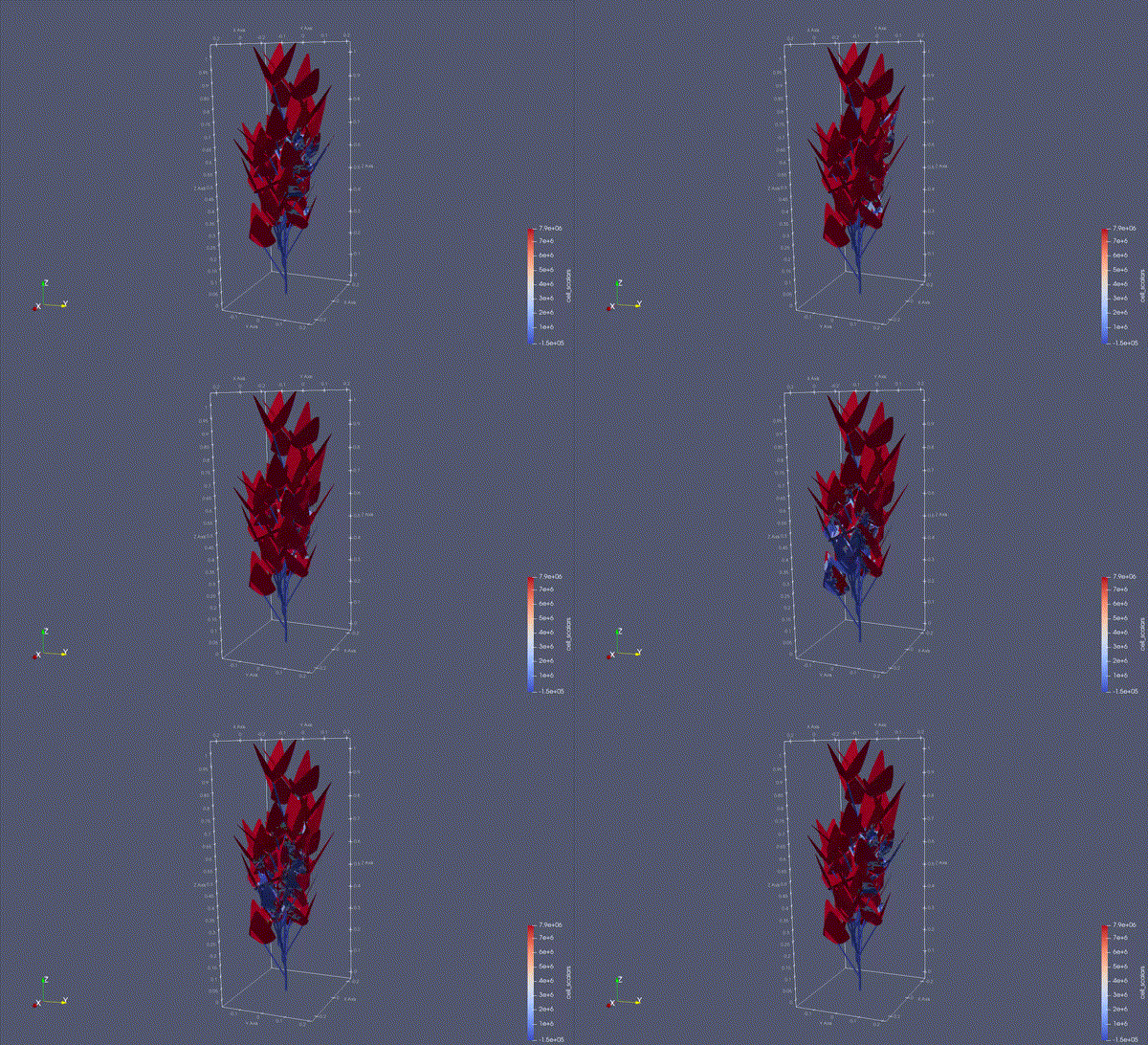
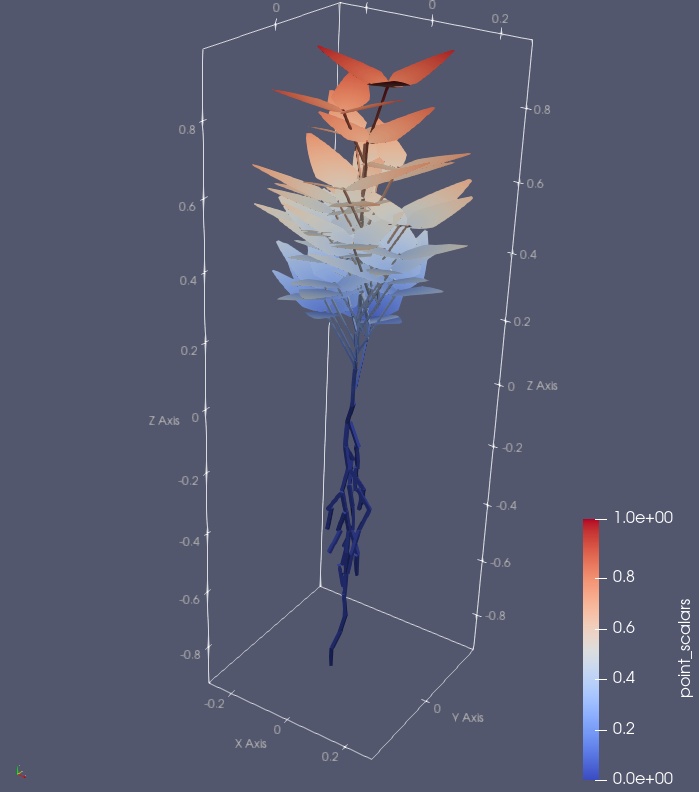
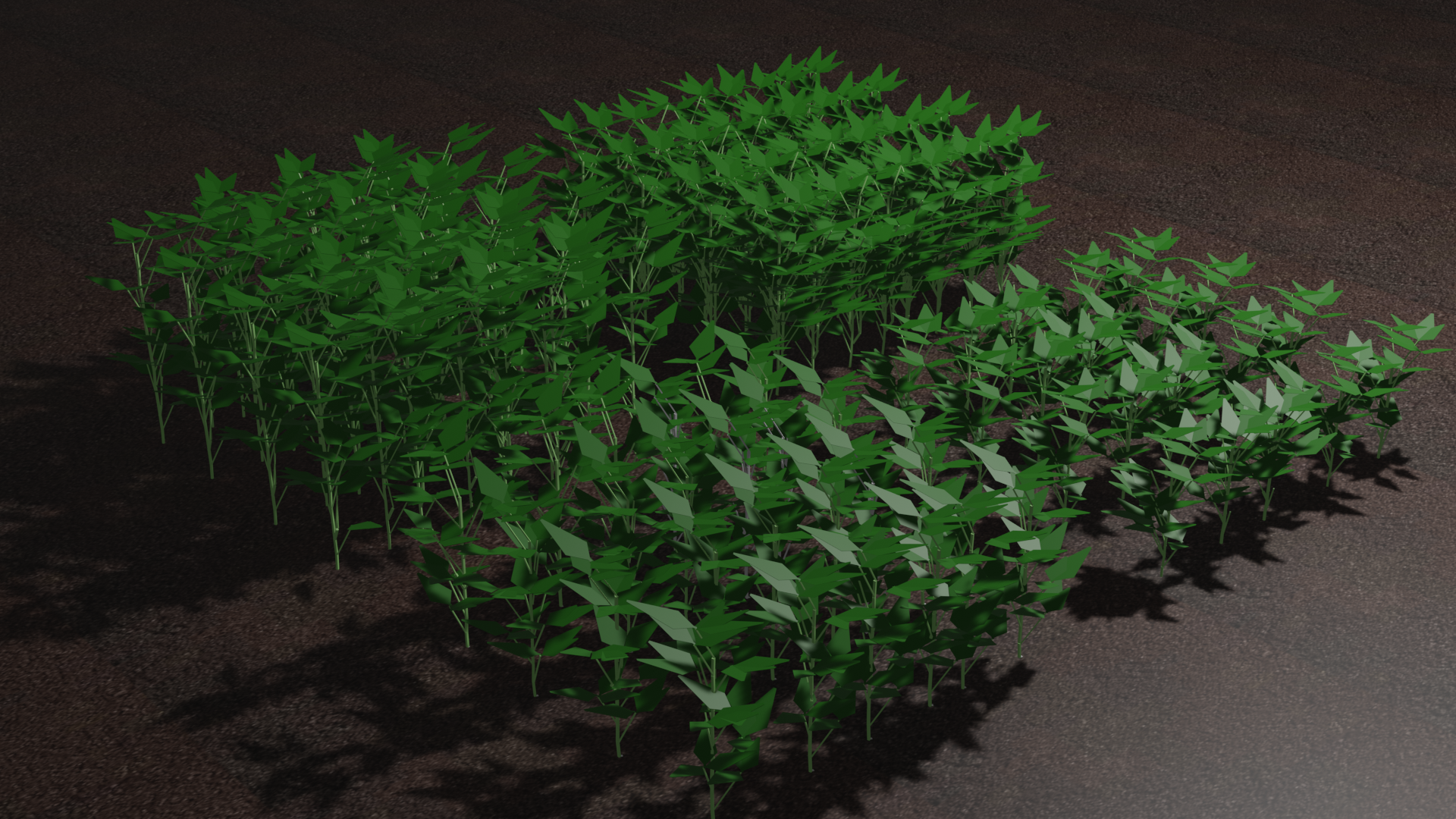


[New!] plantFEM 22.04(LTS) is released!
Specification
| plantFEM | |
| ---- | ---- |
| Developer | Haruka Tomobe & plantFEM.org |
| Working state | current |
| Written in | Fortran 2003, Python 3.x, C89 |
|Source model | Open-source |
| Initial release | 21.10 (20 October 2021)|
| First Long-Term Surpport (LTS) release | 22.04 (23 April 2022) |
| Repository | https://github.com/kazulagi/plantfem |
| Usage | Agricultural CAE, Digital Twins for Agricultural/Civil Engineering |
| Target | Personal computers, HPC-Clusters, Servers |
| Package Manager | soja (experimental) |
|Platforms | x86-64 |
|Default user interface | CLI |
| Lisence | MIT |
| Community | Slack (private channel) |
| Official Website | plantFEM.org |
| Objects | Simulation | Simulation (experimental) | | ---- | ---- | ---- | | Elementary entities | Pseudo-static Deformation, Diffusion | Contact, Dynamic deformation, Reaction-diffusion | | Soybean | Creation, Measure size, Measure mass | Deformation, Contact, Photosynthesis | | Grape | Creation, Measure size, Measure mass | Deformation, Contact, Photosynthesis | | Maize | Creation, Measure size, Measure mass | Deformation, Contact, Photosynthesis |
| Library structure | |
| ---- | ---- |
| std | Extention of Fortran 2003. Contains fundamental classes for file-IOs and Mathematical operations.|
| fem | Library for implementing Finite Element Method. You can create meshes (FEMDomain), shape-functions, boundary conditions, initial conditions and some elemental matrices.|
| sim | A set of simulators for FEMDomain. Contains deformation, diffusion, and some experimental implementations. |
| obj | A set of classes for realistic agricultural high-/low-level objects. High-level objects: Soil, Soybean, Maize, Grape...etc. Low-level objects: stem, leaf, air, light ...etc. |
| IO formats | | | ---- | ---- | | Input | json, vtk, msh, ASCII-text| | Output | json, vtk, msh, stl, ply, ASCII-text|
| Commands | |
| ---- | ---- |
| plantfem search | Search sample codes by a keyword |
| plantfem install | Build library and setting PATH |
| plantfem build | Build server.f90 and creates executable file server.out |
| plantfem run | = plantfem build && mpirun ./server.out |
| plantfem man | Manual for plantfem command. |
| Finite Elements | | | ---- | ---- | | 2-node line element | 1D 2D 3D| | 4-node isoparametric element | 2D| | 8-node isoparametric element | 3D|
| System Requirements | | | ---- | ---- | | Operation System | Linux (Ubuntu 16.04+, ElementaryOS, LinuxMint, Debian), Windows 10/11 (with WSL-Ubuntu), macOS | | CPU | 2 cores, 1.4 GHz| | RAM | 2 GB | | Storage | 1 GB |
| Dependancies (minimal) | version | | ---- | ---- | | git | 2.25.1 | | Python | 3.4 or later |
| Dependancies (Installed by setup/setup.py) | version, info | | ---- | ---- | | gcc | 6.4.0 or later | | gfortran | 4.8.0 or later (Fortran 2003 or later) | | mpif90 | = OpenMPI compiler, 2.x or later | | apt | 1.2.35 or later | | pip | pip3 or later | | curl | 7.47.0 or later |
What's next plantFEM 22.10 ?
APIs for Python, C/C++, and JavaScript (Experimental).

Documentation
Click here!
For detail, you can create documentation by
ford ford.md
How to install
- Clone the repository.
git clone https://github.com/kazulagi/plantFEM.git
- Run
python3 install.py. The default compiler ismpif90. If you want to use Intel compiler, runpython3 install.py --compiler=intelinstead of it.
For Windows users:
-
Activate your WSL2 (Windows 10)
-
Install "Ubuntu 20.04" from Microsoft Store
-
Run command
wget https://plantfem.org/download/plantfem_22.04-ubuntu2004_amd64.deb
sudo apt install plantfem_22.04-ubuntu2004_amd64.deb
- You can open files by this command
explorer.exe .
- Enjoy!
For Ubuntu users:
You can download pre-build packages for
[Click to download] Ubuntu 18.04
[Click to download] Ubuntu 20.04
In case you are using Ubuntu 18.04, execute the next one-liner.
wget https://plantfem.org/download/plantfem_22.04-ubuntu1804_amd64.deb && sudo apt install plantfem_22.04-ubuntu1804_amd64.deb
If you are using Ubuntu 20.04, execute the next one-liner.
wget https://plantfem.org/download/plantfem_22.04-ubuntu2004_amd64.deb && sudo apt install plantfem_22.04-ubuntu2004_amd64.deb
If you want to build and run as a docker container,
-
(1) Activate "Docker for Windows" (https://docs.docker.com/docker-for-windows/)
-
(2) Open command-prompt and run
git clone -b 22.04 https://github.com/kazulagi/plantFEM && cd plantFEM/docker
How to Use
- Search sample codes
You can search sample codes by
plantfem search
and type your keywords.
-
Open editors (e.g. VSCode) and edit&save it with extention of
.f90 -
Build your script (For example,
test.f90) by
plantfem load test.f90
plantfem build
- Run your script.
./server.out
Or you can run it with multi-core workstations or HPC-clusters.
- Execute
plantfem init
to initialize directory.
-
Edit
server.f90 -
Build the project by
plantfem deploy
- Run it by
mpirun --hostfile [your hostfile for OpenMPI] -np [number of process] ./server.out
Here is an example of hostfile
192.168.0.1  cpu=6
192.168.0.2  cpu=6
192.168.0.3  cpu=6
call plantfem from Python (experimental)
import plantfem as pf

soy = pf.soybean(name="hello_soy")
soy.create(config="./plantfem/Tutorial/obj/realSoybeanConfig.json")
soy.msh(name="hello_soy")
soy.json(name="hello_soy")

#soy.stl(name="hello_soy")

# path to plantfem
soy.run(path="./plantfem")
Try it now
Plant simulator based on Finite Element Method (FEM).
- Tutorial: Click here!
