
KaibanJS
KaibanJS is a JavaScript-native framework for building and managing multi-agent systems with a Kanban-inspired approach.
Install / Use
/learn @kaiban-ai/KaibanJSREADME
Kanban for AI Agents? 🤖📋
KaibanJS is inspired by the tried-and-true Kanban methodology, which is well-known for helping teams organize and manage their work. We've adapted these concepts to meet the unique challenges of AI agent management.
If you've used tools like Trello, Jira, or ClickUp, you'll be familiar with how Kanban helps manage tasks. Now, KaibanJS uses that same system to help you manage AI agents and their tasks in real time.
With KaibanJS, you can:
- 🔨 Create, visualize, and manage AI agents, tasks, tools, and teams
- 🎯 Orchestrate AI workflows seamlessly
- 📊 Visualize workflows in real-time
- 🔍 Track progress as tasks move through different stages
- 🤝 Collaborate more effectively on AI projects
Try It Out
Explore the Kaiban Board — it's like Trello or Asana, but for AI Agents and humans.
Quick Start
Get started with KaibanJS in under a minute:
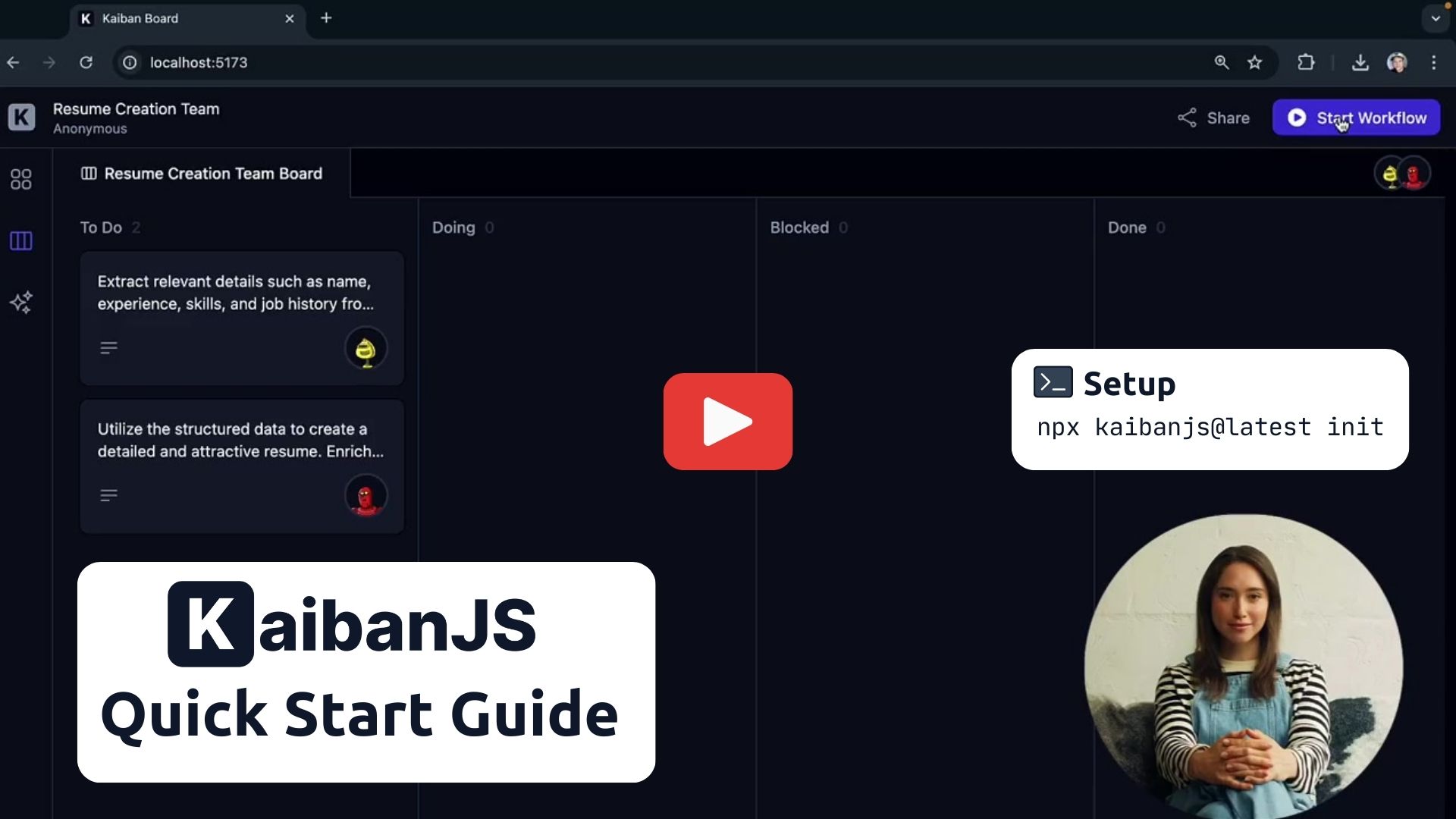
Setup
1. Run the KaibanJS initializer in your project directory:
npx kaibanjs@latest init
2. Add your AI service API key to the .env file:
VITE_OPENAI_API_KEY=your-api-key-here
3. Restart your Kaiban Board:
npm run kaiban
Using Your Kaiban Board
- Click "Start Workflow" to run the default example.
- Watch agents complete tasks in real-time on the Task Board.
- View the final output in the Results Overview.
Flexible Integration
KaibanJS isn't limited to the Kaiban Board. You can integrate it directly into your projects, create custom UIs, or run agents without a UI. Explore our tutorials for React and Node.js integration to unleash the full potential of KaibanJS in various development contexts.
Manual Installation and Usage
If you prefer to set up KaibanJS manually follow these steps:
<details style="margin-bottom:10px;"> <summary><b style="color:black;">1. Install KaibanJS via npm:</b></summary>npm install kaibanjs
// Using ES6 import syntax for NextJS, React, etc.
import { Agent, Task, Team } from 'kaibanjs';
// Using CommonJS syntax for NodeJS
const { Agent, Task, Team } = require('kaibanjs');
// Define an agent
const researchAgent = new Agent({
  name: 'Researcher',
  role: 'Information Gatherer',
  goal: 'Find relevant information on a given topic',
});

// Create a task
const researchTask = new Task({
  description: 'Research recent AI developments',
  agent: researchAgent,
});

// Set up a team
const team = new Team({
  name: 'AI Research Team',
  agents: [researchAgent],
  tasks: [researchTask],
  env: { OPENAI_API_KEY: 'your-api-key-here' },
});

// Start the workflow
team
  .start()
  .then((output) => {
    console.log('Workflow completed:', output.result);
  })
  .catch((error) => {
    console.error('Workflow error:', error);
  });
Basic Concepts
Agents Agents are autonomous entities designed to perform specific roles and achieve goals based on the tasks assigned to them. They are like super-powered LLMs that can execute tasks in a loop until they arrive at the final answer.
Tasks Tasks define the specific actions each agent must take, their expected outputs, and mark critical outputs as deliverables if they are the final products.
Team The Team coordinates the agents and their tasks. It starts with an initial input and manages the flow of information between tasks.
Watch this video to learn more about the concepts: KaibanJS Concepts
Key Features
<details style="margin-bottom:10px;"> <summary><b style="color:black;">The Kaiban Board</b></summary>Kanban boards are excellent tools for showcasing team workflows in real time, providing a clear and interactive snapshot of each member's progress.
We've adapted this concept for AI agents.
Now, you can visualize the workflow of your AI agents as team members, with tasks moving from "To Do" to "Done" right before your eyes. This visual representation simplifies understanding and managing complex AI operations, making it accessible to anyone, anywhere.
</details> <details style="margin-bottom:10px;"> <summary><b style="color:black;">Role-Based Agent Design</b></summary> <p style="margin-top:10px;"> Harness the power of specialization by configuring AI agents to excel in distinct, critical functions within your projects. This approach enhances the effectiveness and efficiency of each task, moving beyond the limitations of generic AI.In this example, our software development team is powered by three specialized AI agents: Dave, Ella, and Quinn. Each agent is expertly tailored to its specific role, ensuring efficient task handling and synergy that accelerates the development cycle.
</p>import { Agent } from 'kaibanjs';
const daveLoper = new Agent({
name: 'Dave Loper',
role: 'Developer',
goal: 'Write and review code',
background: 'Experienced in JavaScript, React, and Node.js',
});
const ella = new Agent({
name: 'Ella',
role: 'Product Manager',
goal: 'Define product vision and manage roadmap',
background: 'Skilled in market analysis and product strategy',
});
const quinn = new Agent({
name: 'Quinn',
role: 'QA Specialist',
goal: 'Ensure quality and consistency',
background: 'Expert in testing, automation, and bug tracking',
});
In this example, one of the AI agents, Peter Atlas, leverages the Tavily Search Results tool to enhance his ability to select the best cities for travel. This tool allows Peter to analyze travel data considering weather, prices, and seasonality, ensuring the most suitable recommendations.
</p>import { Agent, Tool } from 'kaibanjs';
const tavilySearchResults = new Tool({
name: 'Tavily Search Results',
maxResults: 1,
apiKey: 'ENV_TRAVILY_API_KEY',
});
const peterAtlas = new Agent({
name: 'Peter Atlas',
role: 'City Selector',
goal: 'Choose the best city based on comprehensive travel data',
background: 'Experienced in geographical data analysis and travel trends',
tools: [tavilySearchResults],
});
KaibanJS supports all LangchainJS-compatible tools, offering a versatile approach to tool integration. For further details, visit the documentation.
</details> <details style="margin-bottom:10px;"> <summary><b style="color:black;">Task Result Passing</b></summary> <p style="margin-top:10px;"> Enable sophisticated workflows by passing results between tasks, allowing agents to build upon each other's work. This feature is essential for creating complex, multi-step processes where each task's output becomes input for subsequent tasks.In this example, a content creation team demonstrates how tasks can share and build upon results, creating a seamless workflow from research to final content production.
</p>import { Agent, Task, Team } from 'kaibanjs';
// Define tasks with result passing
const researchTask = new Task({
description: 'Research the topic: {topic}',
expectedOutput: 'Key research points in JSON format',
agent: researcher,
});
const writingTask = new Task({
description: `Write an article using this research data: {taskResult:task1}
Focus on key insights and maintain professional tone.`,
expectedOutput: 'Draft article in markdown format',
agent: writer,
});
const editingTask = new Tas
Related Skills
node-connect
345.4kDiagnose OpenClaw node connection and pairing failures for Android, iOS, and macOS companion apps
frontend-design
104.6kCreate distinctive, production-grade frontend interfaces with high design quality. Use this skill when the user asks to build web components, pages, or applications. Generates creative, polished code that avoids generic AI aesthetics.
openai-whisper-api
345.4kTranscribe audio via OpenAI Audio Transcriptions API (Whisper).
qqbot-media
345.4kQQBot 富媒体收发能力。使用 <qqmedia> 标签,系统根据文件扩展名自动识别类型(图片/语音/视频/文件)。
