Ipycanvas
Interactive Canvas in Jupyter
Install / Use
/learn @jupyter-widgets-contrib/IpycanvasREADME
<p align="center"><img width="300" src="https://raw.githubusercontent.com/jupyter-widgets-contrib/ipycanvas/master/docs/images/ipycanvas_logo.svg"></p>
<h1 align="center">ipycanvas</h1>
<h2 align="center"> Interactive Canvas in Jupyter </h1>




ipycanvas is a lightweight, fast and stable library exposing the browser's Canvas API to IPython. It allows you to draw simple primitives directly from Python like text, lines, polygons, arcs, images etc. This simple toolset allows you to draw literally anything!
Try it online!
Try it online with notebook.link by clicking on this badge:
Documentation
You can read the documentation following this link: https://ipycanvas.readthedocs.io
Questions?
If you have any question, or if you want to share what you do with ipycanvas, start a new discussion on Github!
Or join the gitter channel:
Installation
You can install using pip:
pip install ipycanvas orjson
Or using conda:
conda install -c conda-forge ipycanvas
And if you use jupyterlab <= 2:
conda install -c conda-forge yarn
jupyter labextension install @jupyter-widgets/jupyterlab-manager ipycanvas
A development installation guide, can be found here
Examples
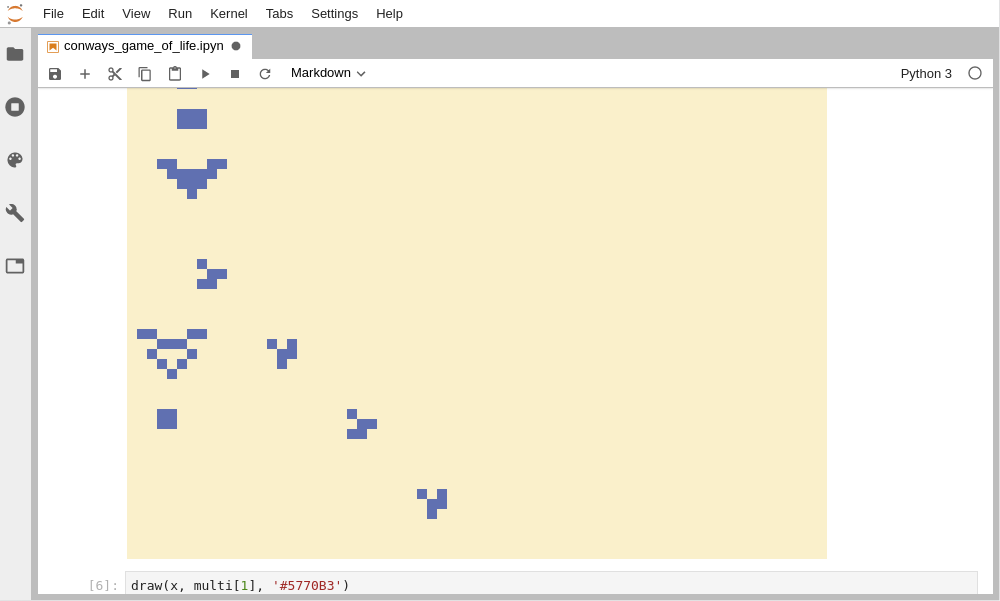
Create John Conway's Game Of Life
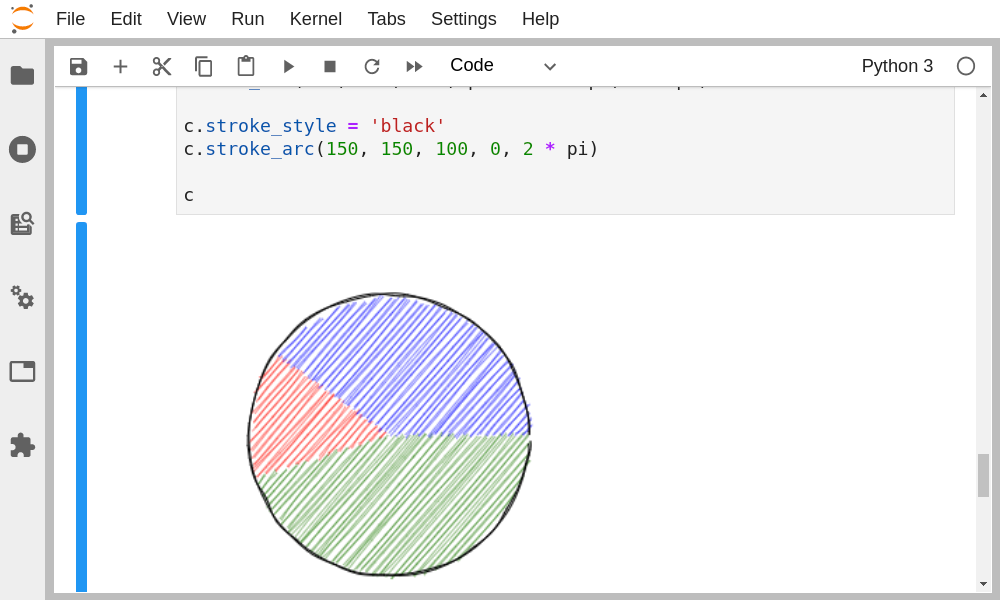
Give a "hand-drawn" style to your drawings using the RoughCanvas
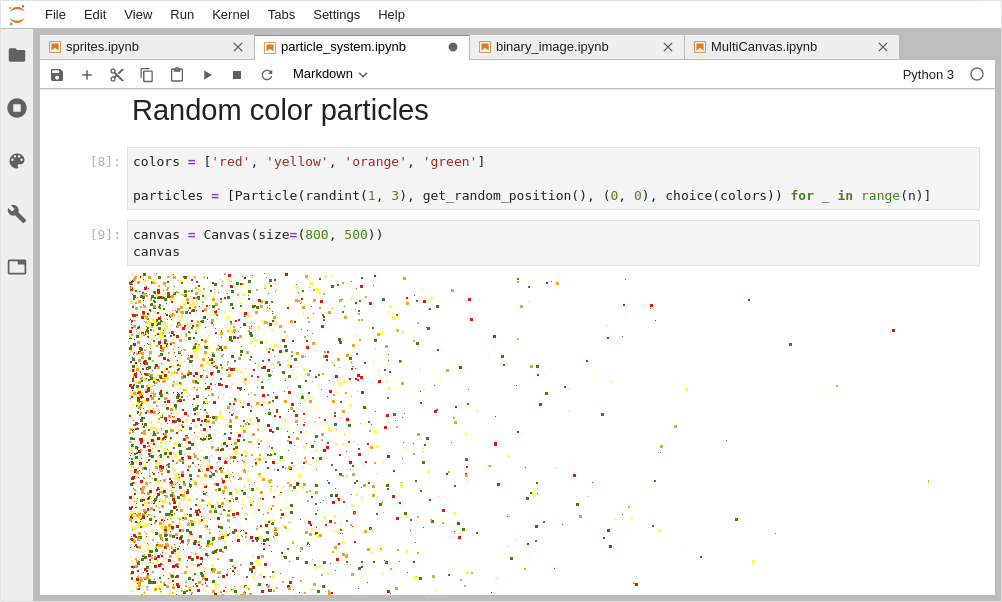
Draw Particles from IPython
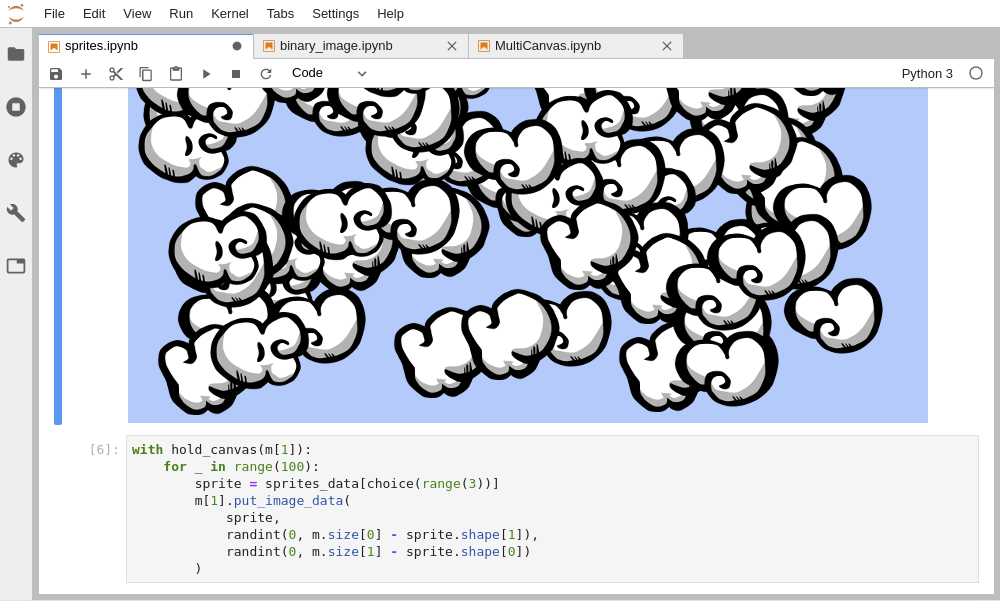
Custom Sprites
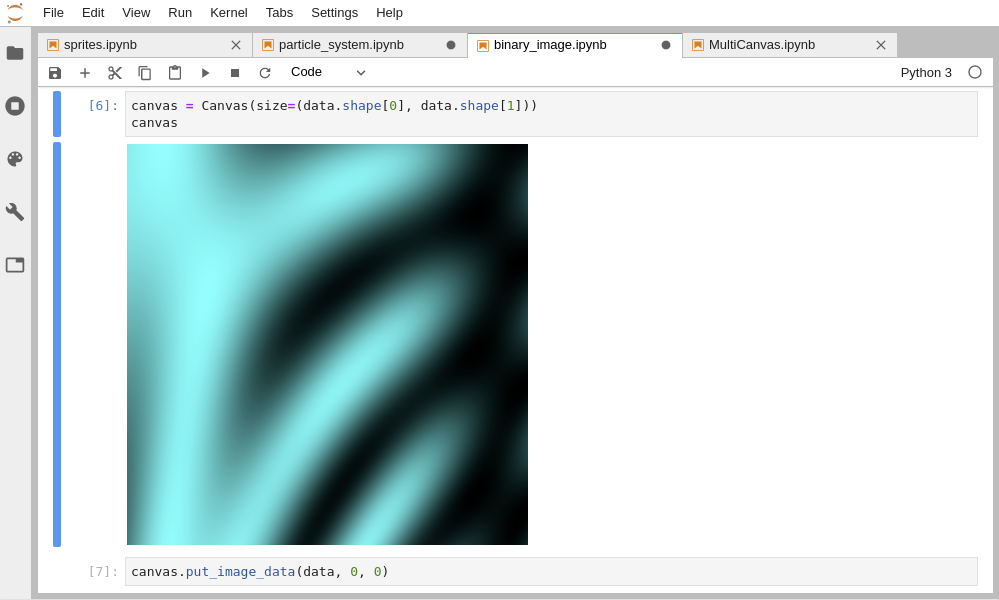
Draw data directly from a NumPy array
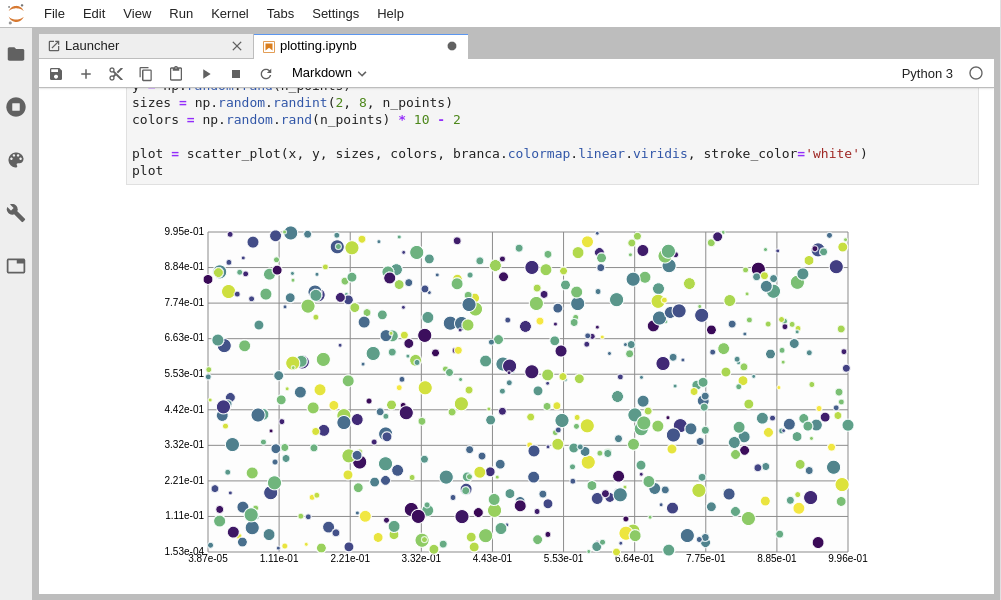
Create your own plotting library fully in Python