
EsPy
Micropython IDE for ESP8266
Install / Use
/learn @jungervin/EsPyREADME
MicroPython IDE for ESP8266
v1.0.0.12
Downloads
https://github.com/jungervin/EsPy/tree/master/EsPy/Release
Minimum Requirements:
- MS Windows 7
- MS .NET Framework 4.6
Features:
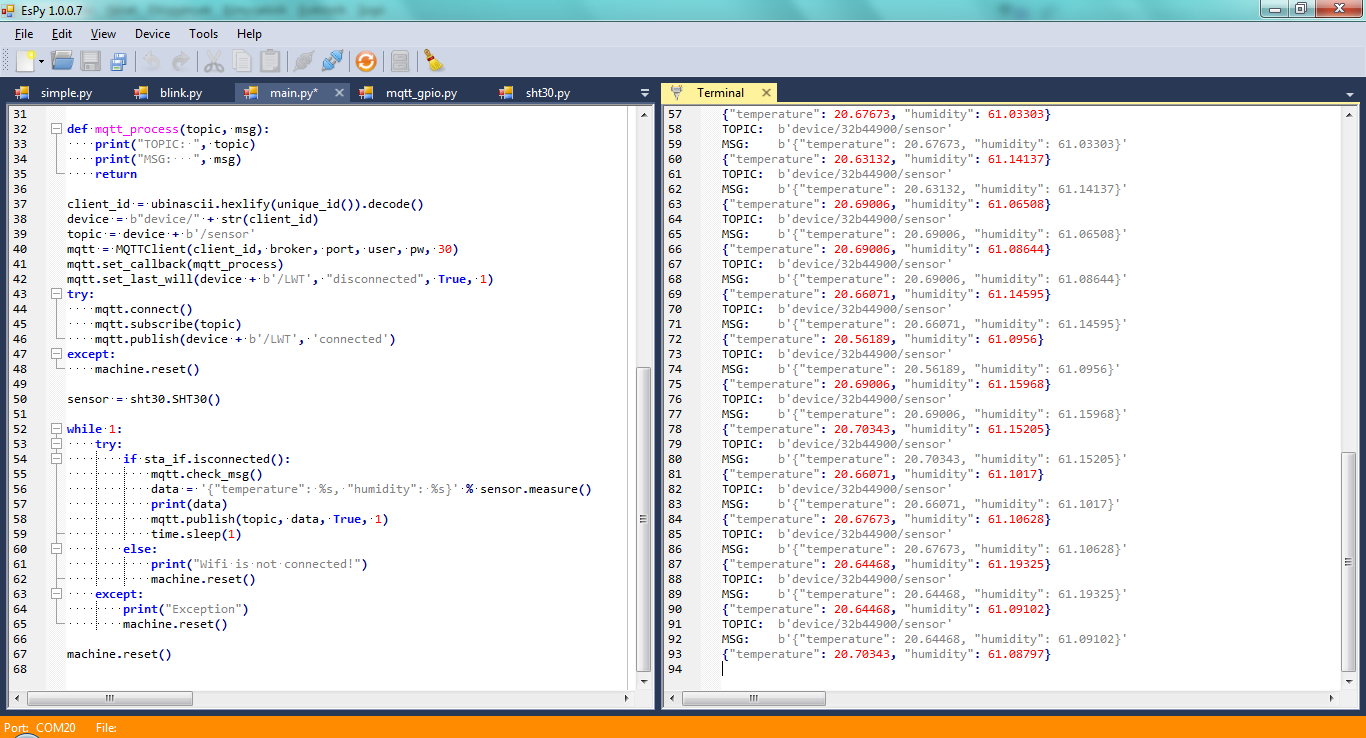
- Code editor
- Interactive terminal
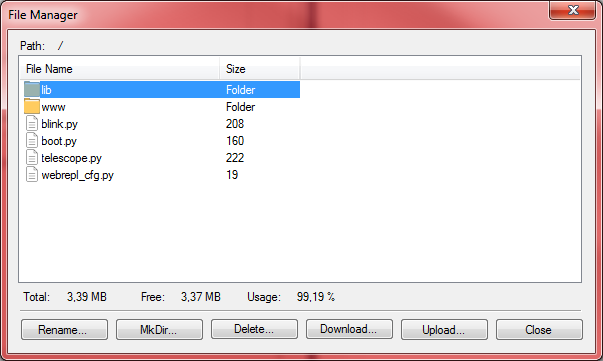
- File manager
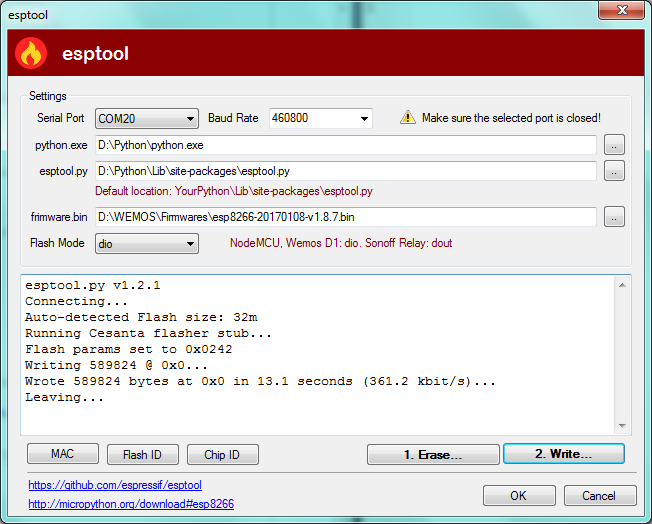
- esptool
Installation:
Only unzip the downloaded file and run EsPy.exe
To use all features (esptool), Python installation is recomended
After Python intsallation:
- python -m pip install --upgrade pip
- python -m pip install esptool
Quick Start:
- On the menubar choose Device => Ports and select one
- Press the connect button on the toolbar
- Press the Soft Reset button on the toolbar
- Press the New button on the toolbar and create a new py file
- Type the code and press the Run button on the toolbar. (When the statusbar color is orange, it means the device is busy)
quick test:
  from machine import Pin
  import time

  p = Pin(2, Pin.OUT)

  for i in range(5):
    print(i)
    time.sleep_ms(500)
    p.low()
    time.sleep_ms(500)
    p.high()
Good to know:
- Filemanager is enabled when device is connected and not busy
- Esptool enabled when the port is closed
Images:
Related Skills
node-connect
349.0kDiagnose OpenClaw node connection and pairing failures for Android, iOS, and macOS companion apps
frontend-design
109.4kCreate distinctive, production-grade frontend interfaces with high design quality. Use this skill when the user asks to build web components, pages, or applications. Generates creative, polished code that avoids generic AI aesthetics.
openai-whisper-api
349.0kTranscribe audio via OpenAI Audio Transcriptions API (Whisper).
qqbot-media
349.0kQQBot 富媒体收发能力。使用 <qqmedia> 标签,系统根据文件扩展名自动识别类型(图片/语音/视频/文件)。
