
Jslint
JSLint, The JavaScript Code Quality and Coverage Tool
Install / Use
/learn @jslint-org/JslintREADME
<img align="left" height="80" src="asset_image_logo_256.svg"/> JSLint, The JavaScript Code Quality and Coverage Tool
Douglas Crockford douglas@crockford.com
Status
| Branch | master<br>(v2026.2.28) | beta<br>(Web Demo) | alpha<br>(Development) |
|--:|:--:|:--:|:--:|
| CI |  |
|  |
|  |
| Coverage |
|
| Coverage |  |
|  |
|  |
| Demo | <img src="asset_image_logo_256.svg" height="32"> | <img src="asset_image_logo_256.svg" height="32"> | <img src="asset_image_logo_256.svg" height="32"> |
| Artifacts | <img src="asset_image_folder_open_solid.svg" height="30"> | <img src="asset_image_folder_open_solid.svg" height="30"> | <img src="asset_image_folder_open_solid.svg" height="30"> |
|
| Demo | <img src="asset_image_logo_256.svg" height="32"> | <img src="asset_image_logo_256.svg" height="32"> | <img src="asset_image_logo_256.svg" height="32"> |
| Artifacts | <img src="asset_image_folder_open_solid.svg" height="30"> | <img src="asset_image_folder_open_solid.svg" height="30"> | <img src="asset_image_folder_open_solid.svg" height="30"> |
<br><br>
Table of Contents
-
- API Doc
- Directive
/*jslint*//*jslint beta*//*jslint bitwise*//*jslint browser*//*jslint convert*//*jslint couch*//*jslint devel*//*jslint eval*//*jslint fart*//*jslint for*//*jslint getset*//*jslint indent2*//*jslint long*//*jslint node*//*jslint nomen*//*jslint single*//*jslint subscript*//*jslint this*//*jslint trace*//*jslint unordered*//*jslint white*/
- Directive
/*global*/ - Directive
/*property*/ - Directive
/*jslint-disable*/.../*jslint-enable*/ - Directive
//jslint-ignore-line - Directive
/*coverage-disable*/.../*coverage-enable*/ - Directive
//coverage-ignore-line
<br><br>
Web Demo
- https://www.jslint.com
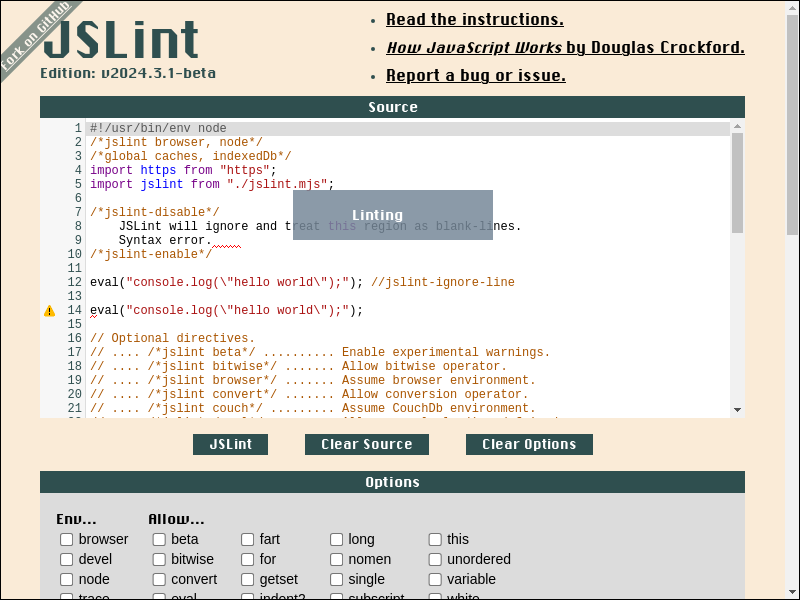
<br><br>
Web Demo Archived
<br><br>
Quickstart Install
<br><br>
To install, just download and save https://www.jslint.com/jslint.mjs to file:
#!/bin/sh

curl -L https://www.jslint.com/jslint.mjs > jslint.mjs
- shell output
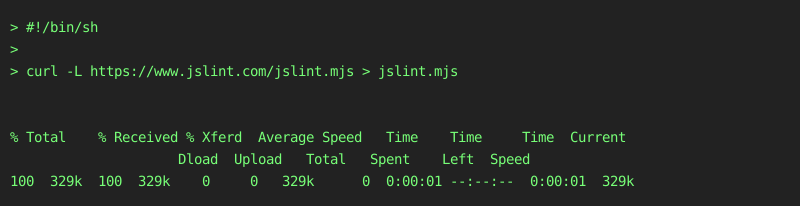
<br><br>
To run jslint.mjs in shell:
#!/bin/sh

printf "console.log('hello world');\n" > hello.js

node jslint.mjs hello.js
- shell output
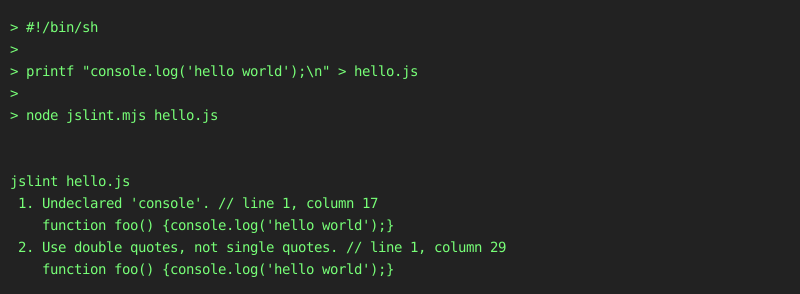
<br><br>
To import jslint.mjs in ES Module environment:
#!/bin/sh

node --input-type=module --eval '

/*jslint devel*/

// Import JSLint in ES Module environment.

import jslint from "./jslint.mjs";

let globals = ["caches", "indexedDb"];
let options = {browser: true};
let result;
let source = "console.log(\u0027hello world\u0027);\n";

// JSLint <source> and print <formatted_message>.

result = jslint.jslint(source, options, globals);
result.warnings.forEach(function ({
    formatted_message
}) {
    console.error(formatted_message);
});

'
- shell output
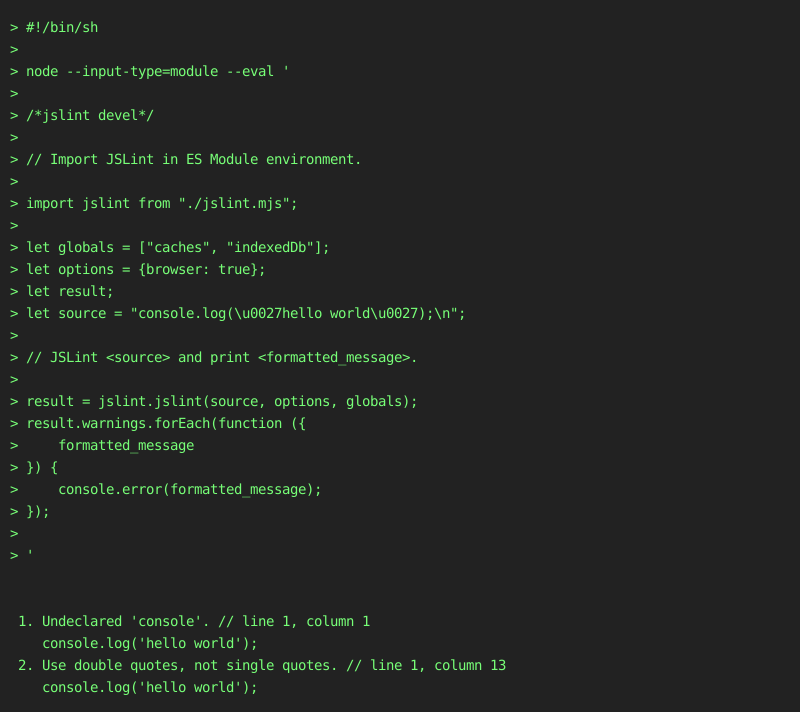
<br><br>
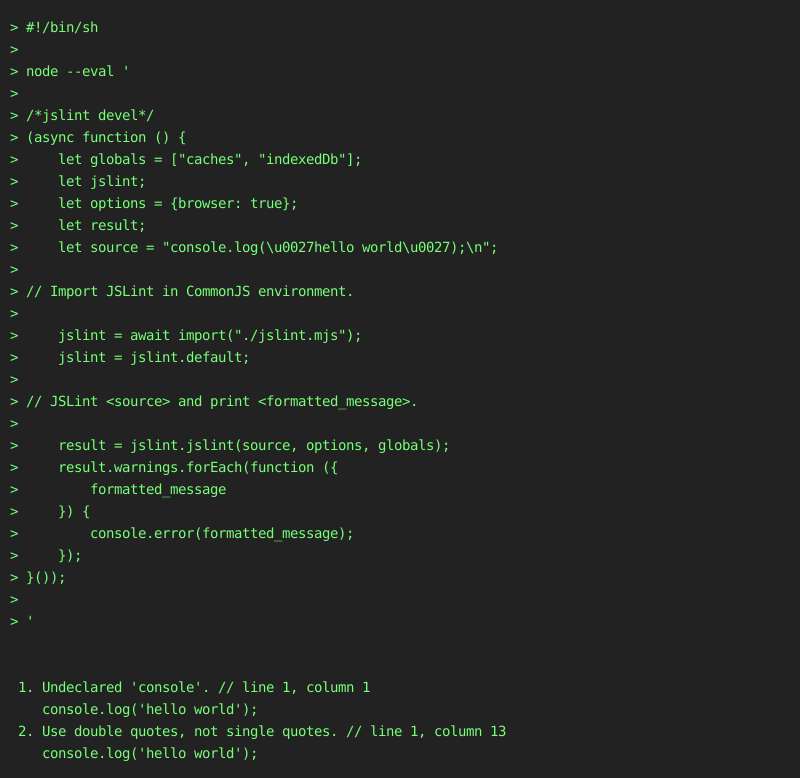
To import jslint.mjs in CommonJS environment:
#!/bin/sh

node --eval '

/*jslint devel*/
(async function () {
    let globals = ["caches", "indexedDb"];
    let jslint;
    let options = {browser: true};
    let result;
    let source = "console.log(\u0027hello world\u0027);\n";

// Import JSLint in CommonJS environment.

    jslint = await import("./jslint.mjs");
    jslint = jslint.default;

// JSLint <source> and print <formatted_message>.

    result = jslint.jslint(source, options, globals);
    result.warnings.forEach(function ({
        formatted_message
    }) {
        console.error(formatted_message);
    });
}());

'
- shell output
<br><br>
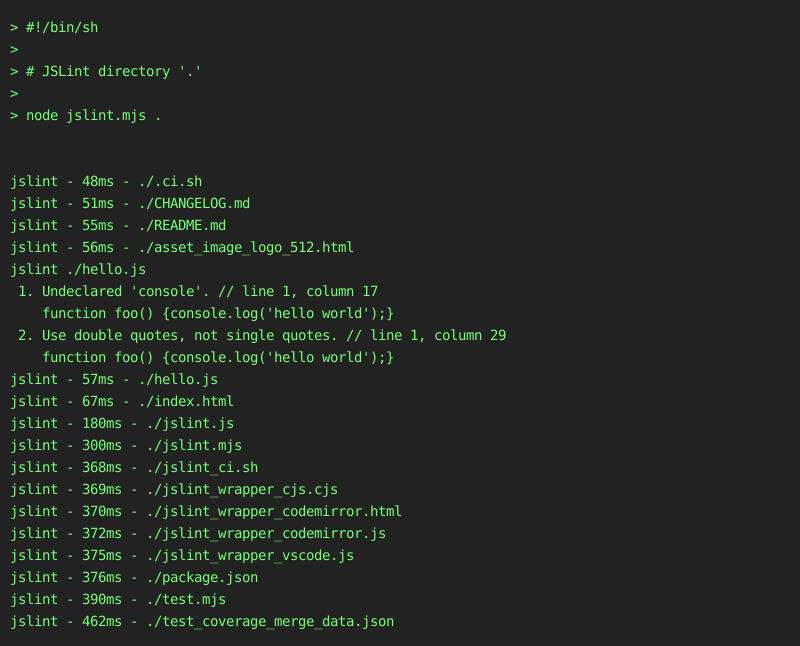
To JSLint entire directory in shell:
#!/bin/sh

# JSLint directory '.'

node jslint.mjs .
- shell output
<br><br>
Quickstart JSLint Report
<br><br>
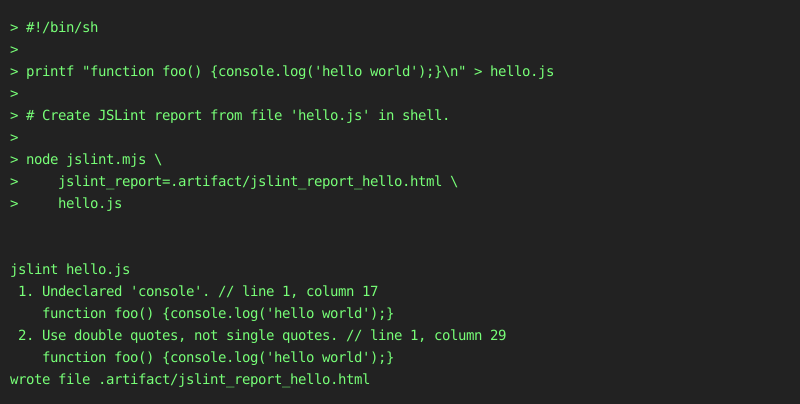
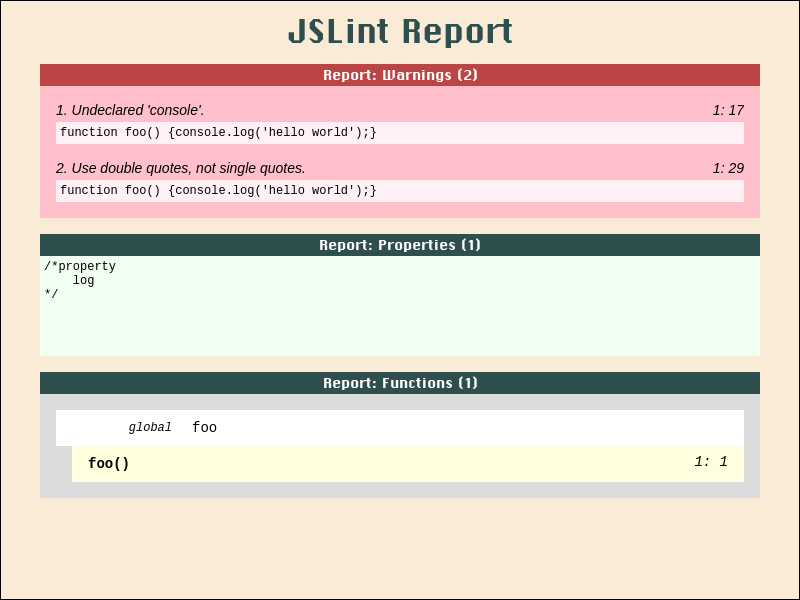
To create a JSLint report in shell:
#!/bin/sh

printf "function foo() {console.log('hello world');}\n" > hello.js

# Create JSLint report from file 'hello.js' in shell.

node jslint.mjs \
    jslint_report=.artifact/jslint_report_hello.html \
    hello.js
- shell output
- screenshot file .artifact/jslint_report_hello.html
<br><br>
To create a JSLint report in javascript:
#!/bin/sh

node --input-type=module --eval '

/*jslint devel*/
import jslint from "./jslint.mjs";
import fs from "fs";
(async function () {
    let result;
    let source = "function foo() {console
