
Redisapp
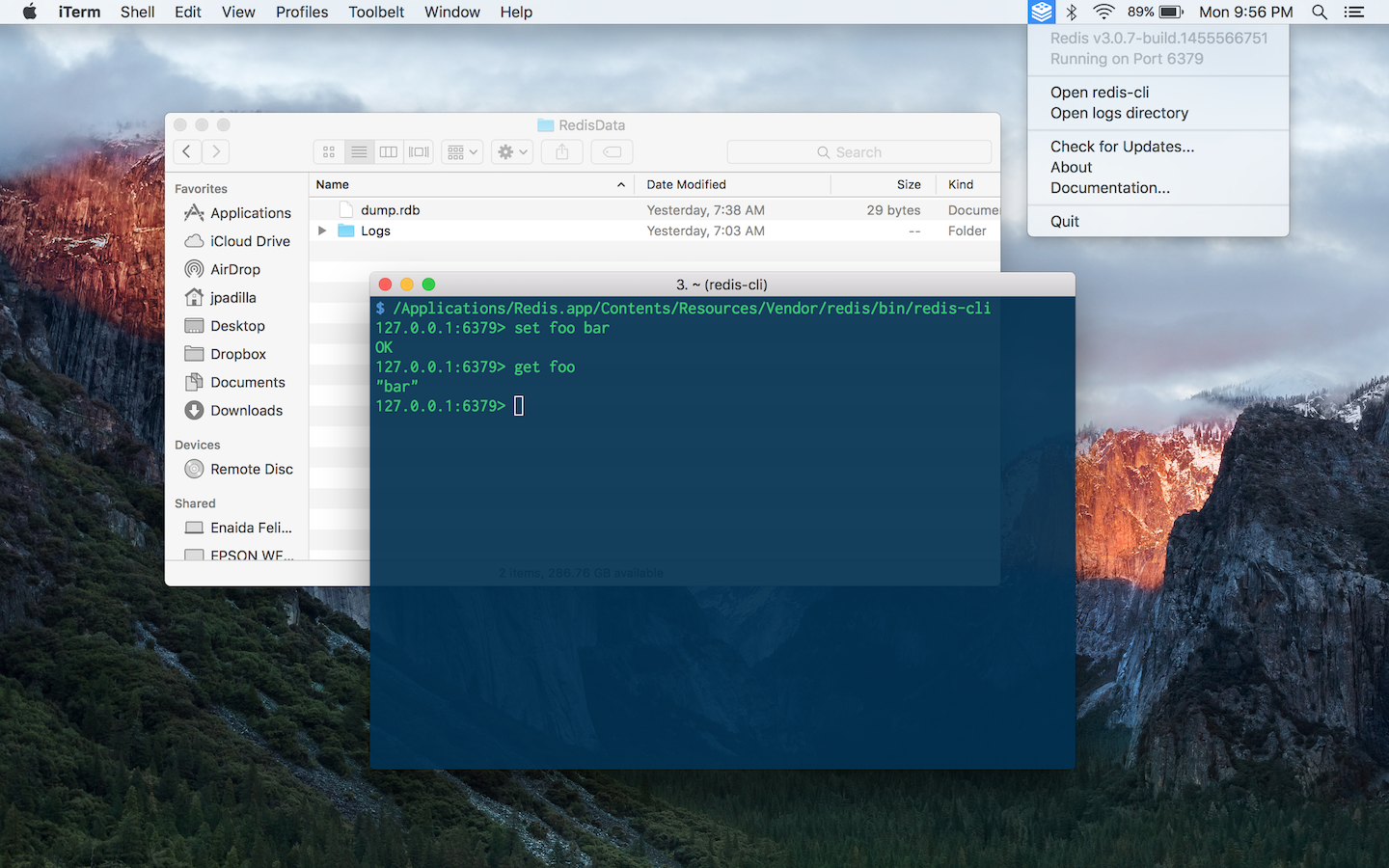
The easiest way to get started with Redis on the Mac
Install / Use
/learn @jpadilla/RedisappREADME
Redis.app
The easiest way to get started with Redis on the Mac
Just download, drag to the applications folder, and double-click.
Download
--
Version numbers
Version numbers of this project (Redis.app) try to communicate the version of the included Redis binaries bundled with each release.
The version number also includes a build number which is used to indicate the current version of Redis.app and it's independent from the bundled Redis's version.
Adding Redis binaries to your path
If you need to add the Redis binaries to your path you can do so by adding the following to your ~/.bash_profile.
# Add Redis.app binaries to path
PATH="/Applications/Redis.app/Contents/Resources/Vendor/redis/bin:$PATH"
Or using the path_helper alternative:
sudo mkdir -p /etc/paths.d &&
echo /Applications/Redis.app/Contents/Resources/Vendor/redis/bin | sudo tee /etc/paths.d/redisapp
Installing with Homebrew Cask
You can also install Redis.app with Homebrew Cask.
$ brew cask install redis-app
Credits
Forked and adapted from Mongodb.app. Site design by Giovanni Collazo.
Related Skills
node-connect
345.4kDiagnose OpenClaw node connection and pairing failures for Android, iOS, and macOS companion apps
frontend-design
104.6kCreate distinctive, production-grade frontend interfaces with high design quality. Use this skill when the user asks to build web components, pages, or applications. Generates creative, polished code that avoids generic AI aesthetics.
openai-whisper-api
345.4kTranscribe audio via OpenAI Audio Transcriptions API (Whisper).
qqbot-media
345.4kQQBot 富媒体收发能力。使用 <qqmedia> 标签,系统根据文件扩展名自动识别类型(图片/语音/视频/文件)。
