
InjectGPT
Inject your custom system and developer prompt. Also lets you change the model and hardcode it!
Install / Use
/learn @jonathanyly/InjectGPTREADME
InjectGPT
🎥 Demo Video
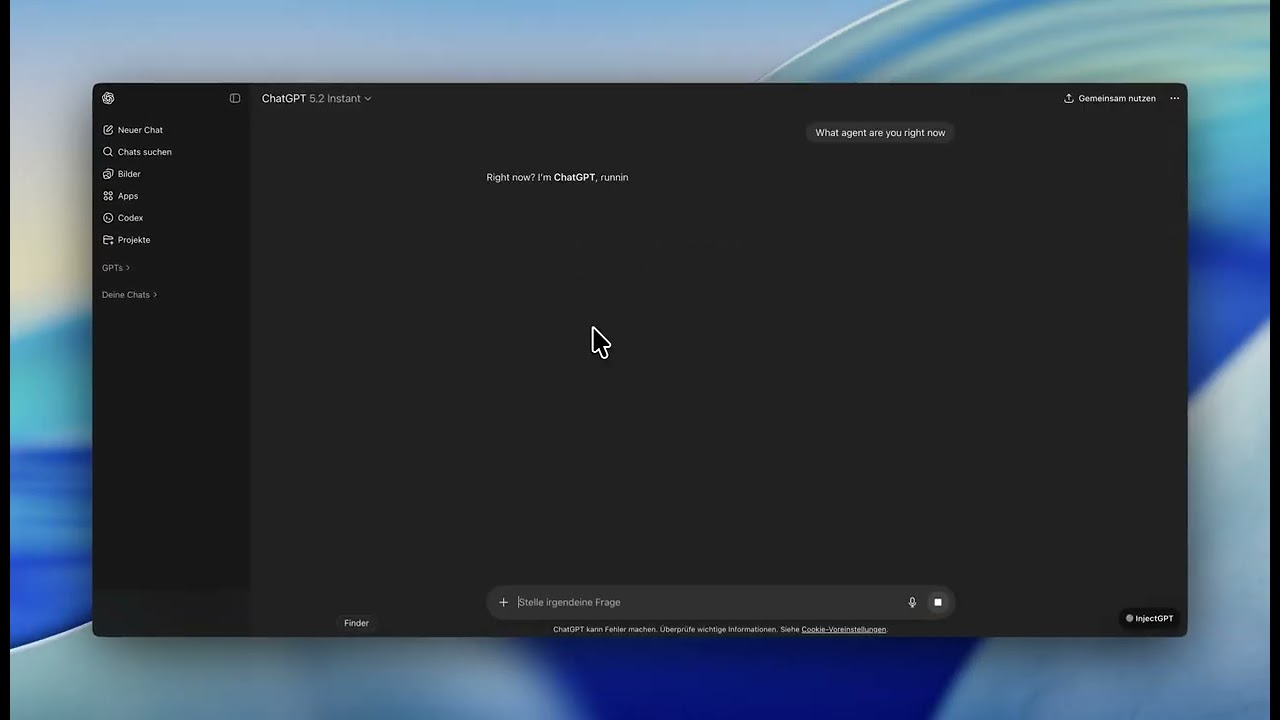
▶️ Click the image to watch the demo
Chromestore Link

InjectGPT is a Chrome extension that injects a custom system prompt, developer prompt, and model selection directly into ChatGPT requests.
Once configured, it always uses your chosen settings for every conversation.
For example, you can define a new system prompt and ChatGPT will permanently behave according to it.
How It Works
The extension intercepts all /conversation requests at the network level, replacing the model, system prompt, and developer prompt with your current settings before they reach OpenAI’s servers.
Features
- Model selection – switch between
gpt-5-2,gpt-5-2-thinking, and other models - Custom system prompt – define how the AI behaves
- Custom developer prompt – inject additional instructions after user messages
- Settings persistence – preferences are saved in
localStorage
Installation
- Clone or download this repository
- Open
chrome://extensions - Enable Developer mode
- Click Load unpacked
- Select the extension folder
Usage
- Go to https://chatgpt.com
- Press InjectGPT Settings
- Change model and prompts
- Start chatting
Files
manifest.json– extension configurationcontent.js– UI injection and settings managementinjector.js– network-level request interceptionstyles.css– dark theme styling
Note
⚠️ For educational purposes only.
Related Skills
node-connect
351.4kDiagnose OpenClaw node connection and pairing failures for Android, iOS, and macOS companion apps
frontend-design
110.7kCreate distinctive, production-grade frontend interfaces with high design quality. Use this skill when the user asks to build web components, pages, or applications. Generates creative, polished code that avoids generic AI aesthetics.
openai-whisper-api
351.4kTranscribe audio via OpenAI Audio Transcriptions API (Whisper).
qqbot-media
351.4kQQBot 富媒体收发能力。使用 <qqmedia> 标签,系统根据文件扩展名自动识别类型(图片/语音/视频/文件)。
