
D2dlib
A .NET library for hardware-accelerated, high performance, immediate mode rendering via Direct2D.
Install / Use
/learn @jingwood/D2dlibREADME


d2dlib
A .NET library for hardware-accelerated, high performance, immediate mode rendering via Direct2D.
By using the graphics context to draw anything on windows form, control or draw in memory via Direct2D. The graphics interface is designed like the normal Windows Form graphics interface, it's easy-to-learn and user-friendly.
| Project | Language | Description | Output DLL |
| --- | --- | --- | --- |
| d2dlib | VC++ | Wrapper host-side library, calling Windows SDK and Direct2D API | d2dlib.dll |
| d2dlibexport | C# | Wrapper client-side library, export the interface provided from d2dlib | d2dlibexport.dll |
| d2dwinform | C# | Provides the D2DWinForm and D2DControl classes that use Direct2D hardware-acceleration graphics context during rendering | d2dwinform.dll |
Installation
Get binary from NuGet
install-package unvell.d2dlib
Or install for x64 platform:
install-package unvell.d2dlib-x64
Notes
The Direct2D API is a platform-associated API that requires the application to be targeted to either x86 or x64 platform. To run the application uses this library correctly, the Platform target of the project settings must be set to x86 or x64.
Install manually
Learn how to install manually
Getting Started
- Make windows form or control inherited from
D2DFormorD2DControlclass - Override
OnRender(D2DGraphics g)method (do not override .NETOnPaintmethod) - Draw anything inside
OnRendermethod via thegcontext
Drawing
Draw rectangle
protected override void OnRender(D2DGraphics g)
{
  var rect = new D2DRect(0, 0, 10, 10);
  g.DrawRectangle(rect, D2DColor.Red);
}
Draw ellipse
var ellipse = new D2DEllipse(0, 0, 10, 10);
g.DrawEllipse(ellipse, D2DColor.Gray);
Draw text
g.DrawText("Hello World", D2DColor.Yellow, this.Font, 100, 200);
Using brush object
Solid color brush
var brush = Device.CreateSolidColorBrush(new D2DColor(1, 0, 0.5));
g.DrawEllipse(rect, brush);
Linear and radio gradient brush
var brush = Device.CreateLinearGradientBrush(new D2DPoint(0, 0), new D2DPoint(200, 100),
  new D2DGradientStop[] {
    new D2DGradientStop(0, D2DColor.White),
    new D2DGradientStop(0.5, D2DColor.Green),
    new D2DGradientStop(1, D2DColor.Black),
  });
Draw bitmap
g.DrawBitmap(bmp, this.ClientRectangle);
Convert GDI+ bitmap to Direct2D bitmap for getting high-performance rendering
// convert to Direct2D bitmap
var d2dbmp = Device.CreateBitmapFromGDIBitmap(gdiBitmap);

// draw Direct2D bitmap
g.DrawBitmap(d2dbmp, this.ClientRectangle);
Drawing on GDI+ bitmap
// create and draw on GDI+ bitmap
var gdiBmp = new Bitmap(1024, 1024);
using (Graphics g = Graphics.FromImage(gdiBmp))
{
  g.DrawString("This is GDI+ bitmap layer", new Font(this.Font.FontFamily, 48), Brushes.Black, 10, 10);
}

// draw memory bitmap on screen
g.DrawBitmap(gdiBmp, this.ClientRectangle);
Learn more about Bitmap. See Example code
Drawing on Direct2D memory bitmap
var bmpGraphics = this.Device.CreateBitmapGraphics(1024, 1024);
bmpGraphics.BeginRender();
bmpGraphics.FillRectangle(170, 790, 670, 80, new D2DColor(0.4f, D2DColor.Black));
bmpGraphics.DrawText("This is Direct2D device bitmap", D2DColor.Goldenrod, this.Font, 180, 800);
bmpGraphics.EndRender();

// draw this device bitmap on screen
g.DrawBitmap(bmpGraphics, this.ClientRectangle);
Note: When creating a Direct2D Device bitmap, do not forget call BeginRender and EndRender method.
Using transform
By calling PushTransform and PopTransform to make a transform session.
g.PushTransform();

// rotate 45 degree
g.RotateTransform(45, centerPoint);

g.DrawBitmap(mybmp, rect);
g.PopTransform();
Examples
Fast images rendering
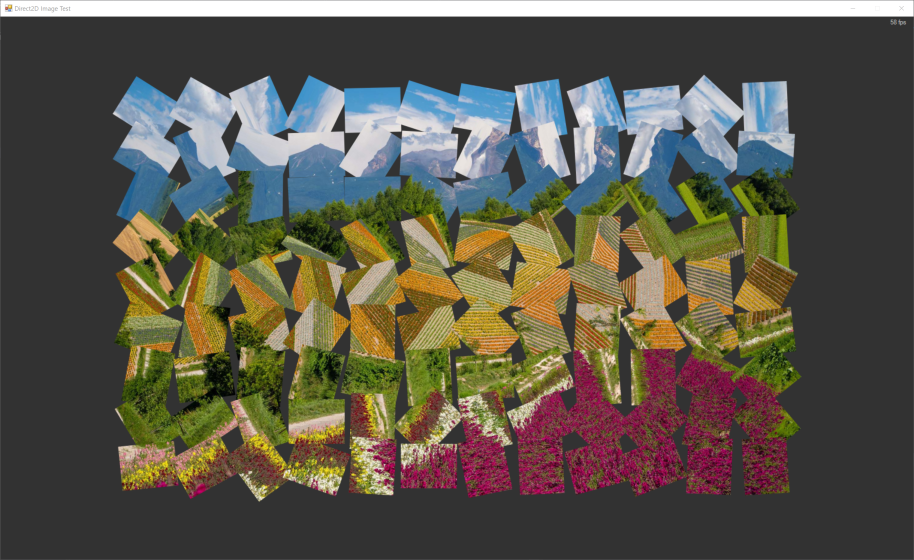 See source code
Custom draw on memory bitmap
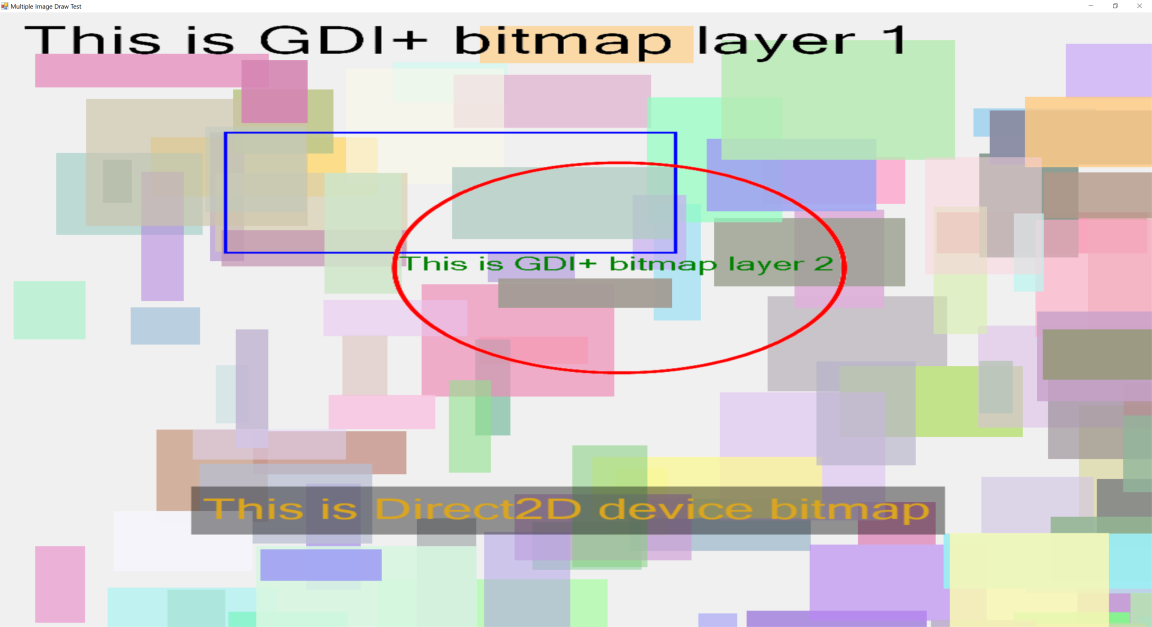 See source code
Star space simulation
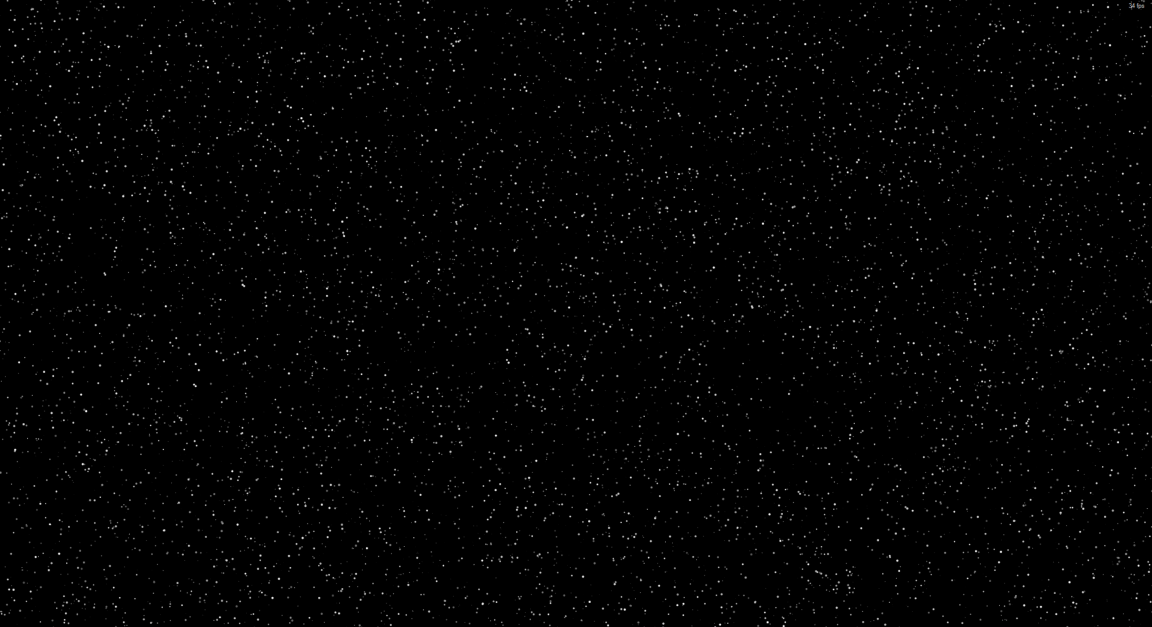 See source code
Subtitle rendering
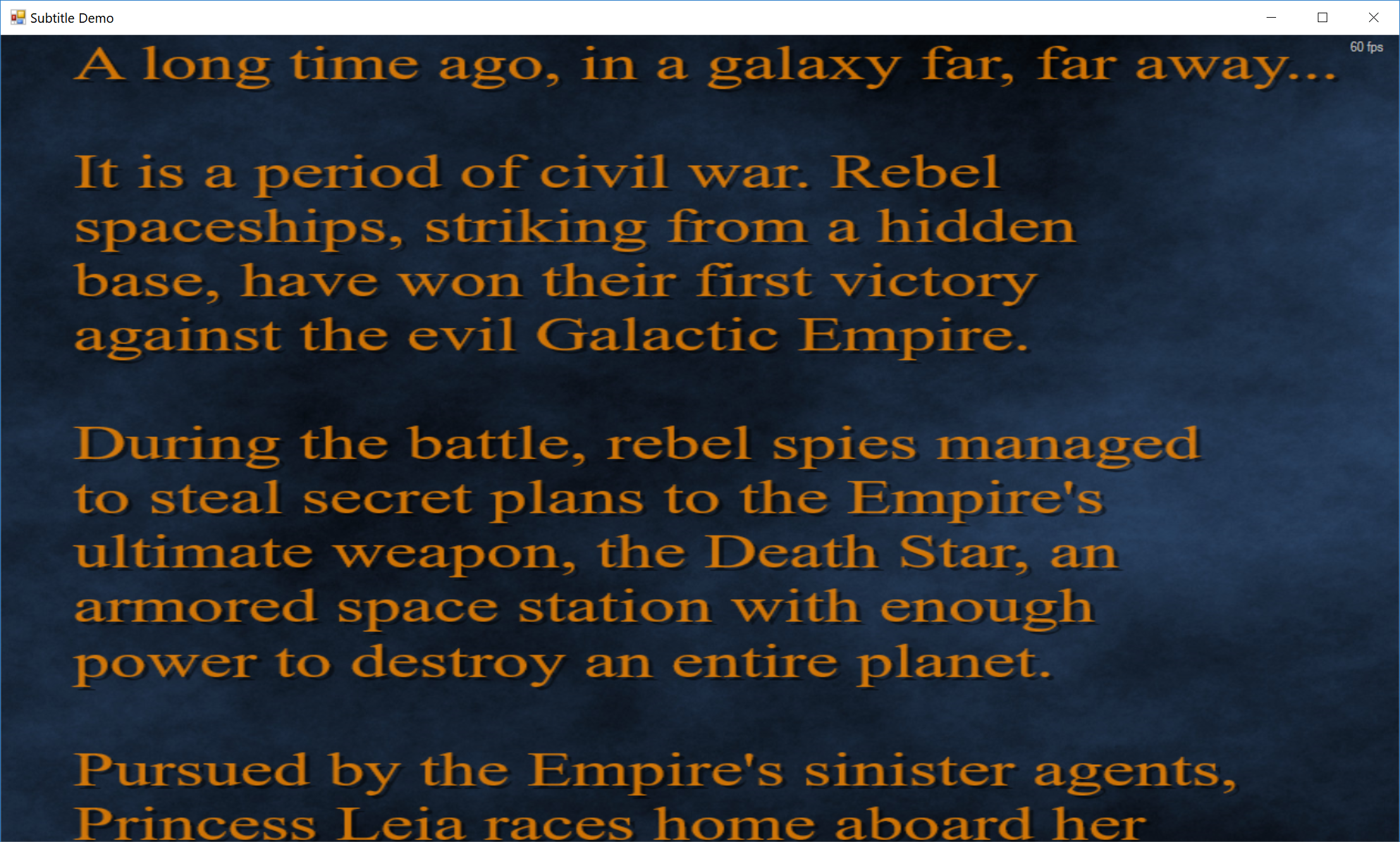 See source code
Whiteboard App
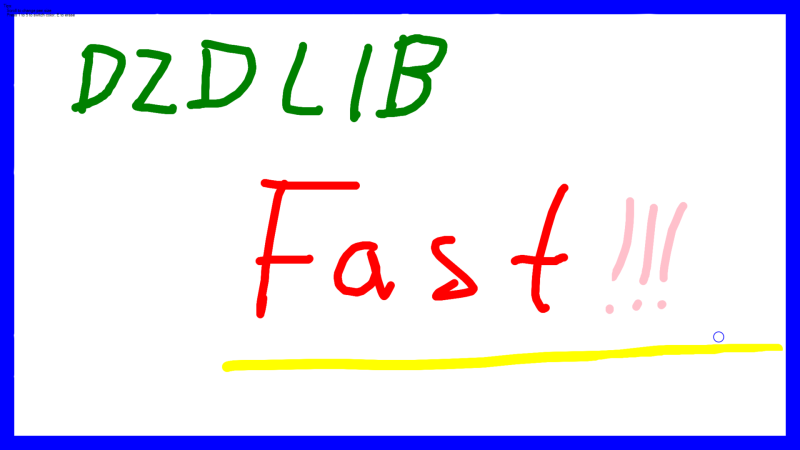
See source code
Related Skills
node-connect
342.5kDiagnose OpenClaw node connection and pairing failures for Android, iOS, and macOS companion apps
frontend-design
85.3kCreate distinctive, production-grade frontend interfaces with high design quality. Use this skill when the user asks to build web components, pages, or applications. Generates creative, polished code that avoids generic AI aesthetics.
openai-whisper-api
342.5kTranscribe audio via OpenAI Audio Transcriptions API (Whisper).
qqbot-media
342.5kQQBot 富媒体收发能力。使用 <qqmedia> 标签,系统根据文件扩展名自动识别类型(图片/语音/视频/文件)。
