
Quetoo
Quetoo ("Q2") is a free first person shooter based on id Tech2. GPL v2 license.
Install / Use
/learn @jdolan/QuetooREADME



Quetoo BETA
Overview
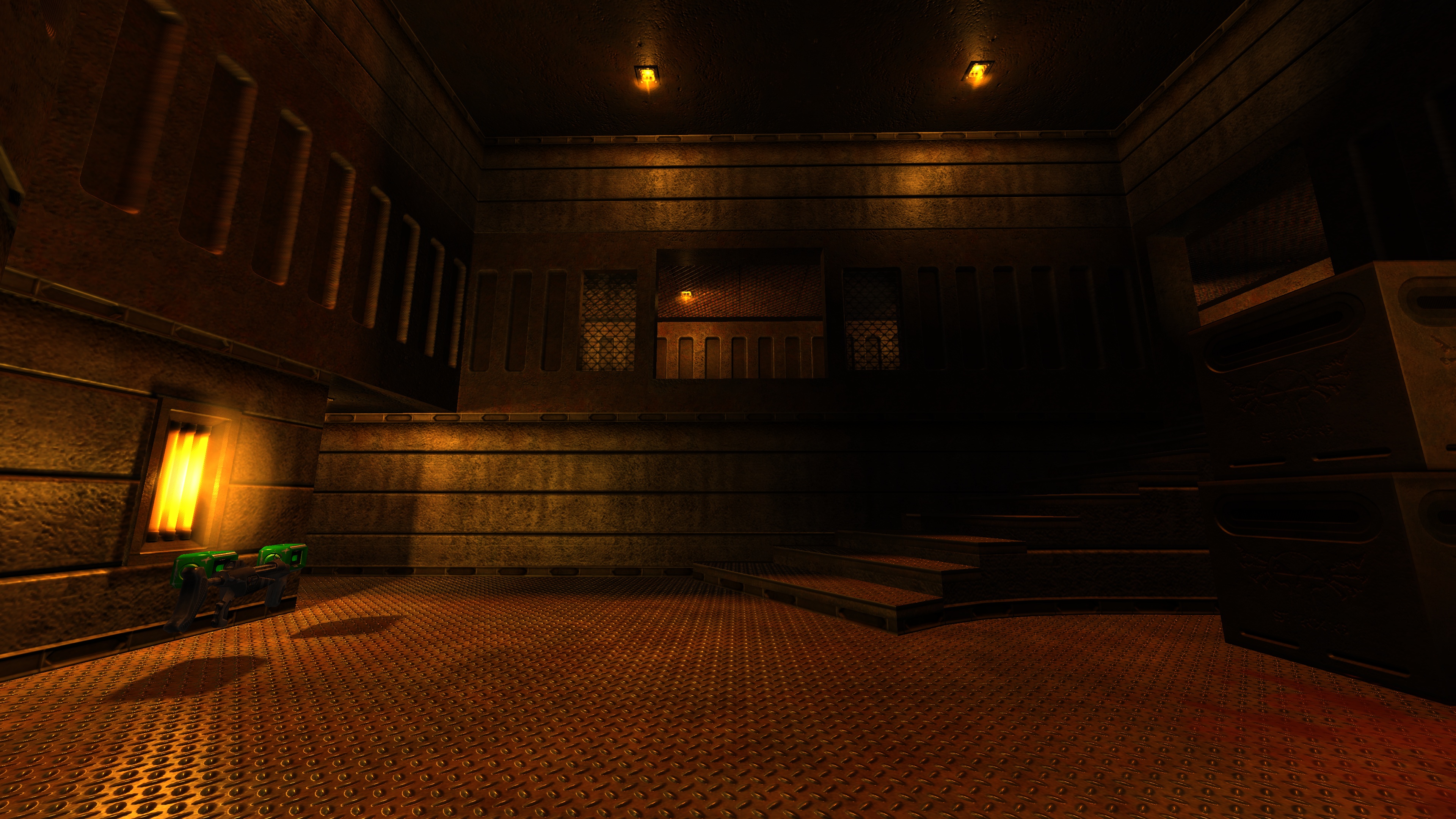
Quetoo ("Q2") is a free first person shooter for Mac, PC and Linux. Our goal is to bring the fun of oldschool deathmatch to a new generation of gamers. We're pwning nubz, one rail slug at a time.
Features
- Deathmatch, Team DM, Capture the Flag, Instagib and Rocket Arena gameplay modes
- High quality remakes of id Software's legendary Quake series deathmatch levels, as well as many originals
- Realtime lighting with soft shadowmapping
- Bump mapping with parallax occlusion mapping and self-shadowing
- Volumetric fog
- Dramatically improved artwork pipeline with in-game editor for level artists
- TrenchBroom support
- 100% free to download, play and modify. See our <a href="http://quetoo.org/books/documentation/licensing">licensing</a> page.
Downloads
Snapshot releases of Quetoo for all platforms are available on the GitHub Releases page. Download the latest release for your platform and run the included Quetoo Installer to install or update the game.
macOS
Because Quetoo is not signed with an Apple Developer certificate, macOS will block it on first launch. To allow it, right-click the application and select Open, then click Open again in the dialog that appears.
Windows
Windows SmartScreen may block the installer on first launch. Click More info, then Run anyway to proceed.
Community
Looking for a game? Join the official Quetoo Discord server.
Compiling
Compiling Quetoo is only recommended for developers and mappers. Supported platforms and targets include GNU Linux, BSD, macOS, MinGW Cross Compile, and Microsoft Visual Studio. See Developing and Modding for further details.
The following dependencies are required:
Quetoo builds with GNU Autotools. To build it, run the following:
autoreconf -i
./configure [--with-tests --with-master]
make && sudo make install
Installing
To have a working game, you must install the game data using git:
git clone https://github.com/jdolan/quetoo-data.git
sudo ln -s $(pwd)/quetoo-data/target /usr/local/share/quetoo
Support
Support is available via Discord.
