
BottomNavigation
A sample app for Bottom Navigation View with ViewPager in Android
Install / Use
/learn @jaisonfdo/BottomNavigationREADME
BottomNavigation
A sample app for Bottom Navigation View with ViewPager
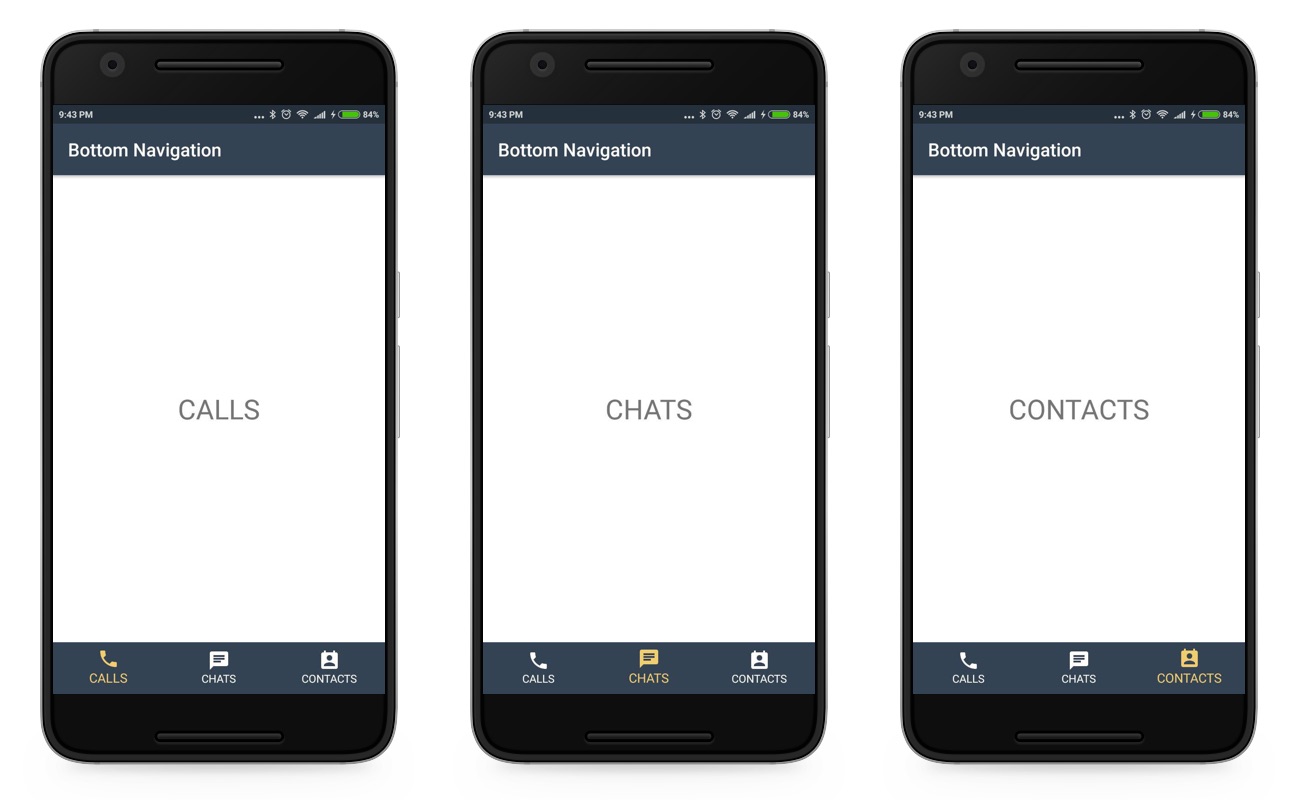
For connecting BottomNavigationView with ViewPager, you need to follow thesesteps
-
First, you need to create an application with latest Design Support Library(25) to your build.gradle to use BottomNavigationView.
-
Then add all the necessary resources ( color, drawable’s ) to the resource directory.
-
Create a view with ViewPager and BottomNavigationView
-
Create necessary fragments for each tab on the viewpager.
-
Then setup the viewpager using fragments and viewpager adapter.
-
Add OnNavigationItemSelectedListener for BottomNavigationView, and override OnNavigationItemSelected method with the relevant action.
-
Once done with the previous step add OnPageChangeListener to the ViewPager and override the PageSelected method. The magic happens here, the following code selects the relevant item in the BottomNavigationView.
For more information, check out my detailed guide here : http://droidmentor.com/bottomnavigationview-with-viewpager-android
