
Sihae
A PHP 7.4+ blog engine built with Slim Framework and Doctrine ORM
Install / Use
/learn @imjoehaines/SihaeREADME
Sihae <a href="https://github.com/imjoehaines/sihae"><img alt="GitHub Actions status" src="https://github.com/imjoehaines/sihae/workflows/CI/badge.svg"></a>
Sihae is a PHP 7.4+ blog engine built with Slim Framework and Doctrine ORM.
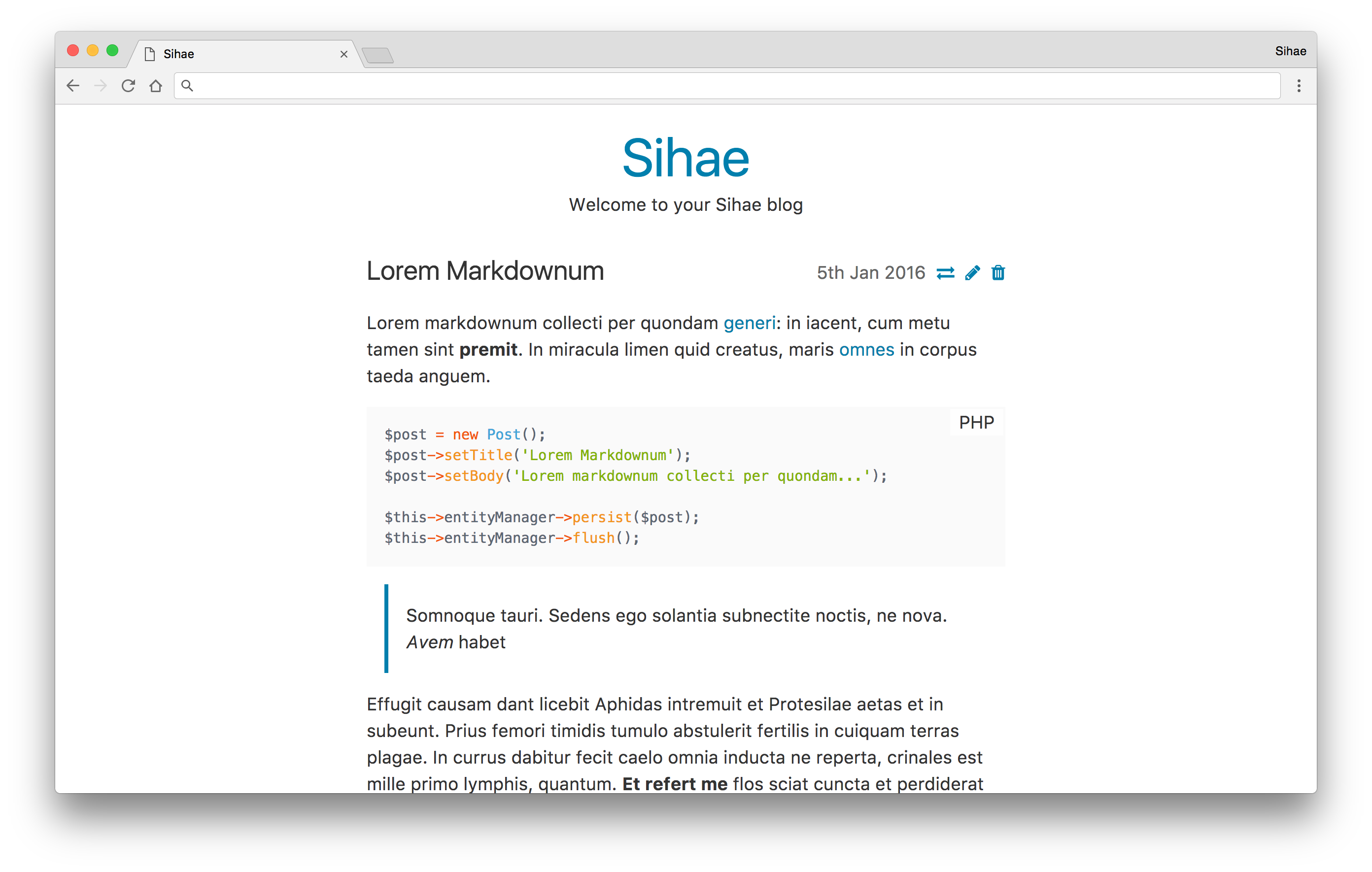
Features
- Publish blog posts
- Markdown formatting (CommonMark via league/commonmark)
- Syntax highlighting (via Prism.js)
- Tag posts and explore all posts by their tag(s)
- Archive list of all posts grouped by year
Requirements
- PHP 7.4+
- MySQL or SQLite
Setup
$ composer install
$ cp .env.example .env
# configure .env with database connection details
# create a database matching the "DB_NAME" in your .env
$ php vendor/bin/doctrine-migrations migrations:migrate
Deploying
$ git fetch
$ git rebase
$ composer install --no-dev --no-suggest --optimize-autoloader
$ php vendor/bin/doctrine-migrations migrations:migrate
$ rm data/cache/router.php
Configuration
All configuration is done in the .env file at the root of the project. It contains the following options:
DB_DRIVER— choose which database to use, possible options are:pdo_mysqlto use MySQLpdo_sqliteto use SQLite
DB_PATH— the path to store the database; this must be an absolute path! This is only required ifDB_DRIVERis set topdo_sqlite.DB_HOST— the host to connect to the database on. This is only required ifDB_DRIVERis set topdo_mysqlDB_PORT— the port to use when connecting to the database host. This is only used ifDB_DRIVERis set topdo_mysqland the default MySQL port (3306) will be used if this is omittedDB_NAME— the name of the database to use. This is only required ifDB_DRIVERis set topdo_mysqlDB_USER— the user to connect to the database with. This is only required ifDB_DRIVERis set topdo_mysqlDB_PASSWORD— the password to use for theDB_USER. This is only required ifDB_DRIVERis set topdo_mysqlAPPLICATION_ENV— the environment the application is running in. Locally this should bedevelopmentand should beproductionwhen deployedSIHAE_TITLE— the title of your blogSIHAE_SUMMARY— the summary (line below the title) of your blogENABLE_REGISTRATION— whether to allow users to be registered. This should be turned off after the you have registered your initial user
Custom Themes
Creating a custom theme is super easy; Sihae will try to load template files from templates/theme before falling back to the root of templates. This means you can replace any template by creating a file with the same name inside templates/theme. For example, you can create a custom 404 page by creating templates/theme/404.phtml.
The templates/theme directory is ignored by git in the Sihae repository so it won't be overwritten in future versions.
Be sure to read the Plates documentation for details on how to create templates.
If you need to include images, CSS or JavaScript in your theme, there is a public/theme directory to store any assets your theme requires. This is also ignored by git.
Related Skills
node-connect
348.0kDiagnose OpenClaw node connection and pairing failures for Android, iOS, and macOS companion apps
frontend-design
108.8kCreate distinctive, production-grade frontend interfaces with high design quality. Use this skill when the user asks to build web components, pages, or applications. Generates creative, polished code that avoids generic AI aesthetics.
openai-whisper-api
348.0kTranscribe audio via OpenAI Audio Transcriptions API (Whisper).
qqbot-media
348.0kQQBot 富媒体收发能力。使用 <qqmedia> 标签,系统根据文件扩展名自动识别类型(图片/语音/视频/文件)。
