
Devcpp7
A very tiny C++ IDE powered by Angular and Electron
Install / Use
/learn @guyutongxue/Devcpp7README
Dev-C++ 7


Info
A project simulating legacy Dev-C++, a tiny C++ IDE, powered by Angular, Electron, Monaco Editor, MinGW-w64 and Clangd.
This repository has no relationship to Bloodshed's Dev-C++.
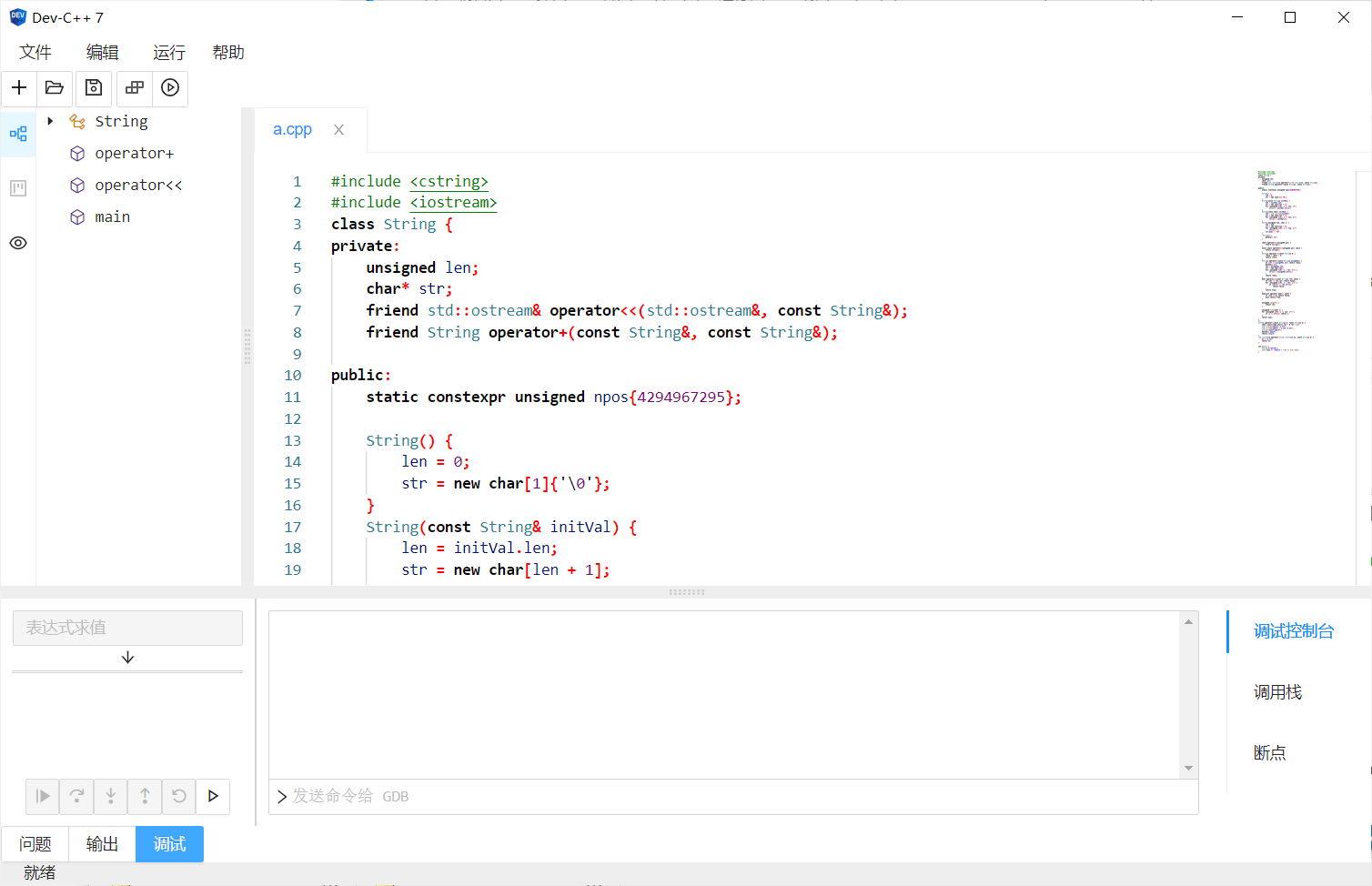
Current Status
NOT UNDER MAINTENANCE
Current features:
- Basic New/Open/Save
- Features provided by LSP: suggestions, hover message, outline, squiggles, etc.
- Basic single file Compile/Run
- Basic step-by-step debug
:warning: Warning
This project is not aimed to replace legacy Dev-C++. If you want a newer version of that, please check royqh1979/Dev-CPP. This project is just a practice of using Angular and Electron to built a desktop application. So it:
- WON'T support 32-bit system.
- WON'T test on any system lower than Windows 10.
- MAY NOT support C project or file.
- MAY NOT support i18n. (Only Simplified Chinese now.)
- PRETTY LARGER than legacy Dev-C++ (because of Electron, Clangd and so on).
Build instructions
This repo is based on angular-electron template. Following instructions are copied from there.
Install dependencies
Install Node.js and Yarn on Windows. You should install node-gyp (including Python & MSVC) to build some modules.
Then:
yarn
yarn electron:rebuild # rebuild node modules to match electron version
in the root directory of this project to install all the dependencies.
Dealing with extraResousrce
Follow here.
Included Commands
| Command | Description |
| ------------------- | --------------------------------------------- |
| yarn start | Hot reload in browser, for debugging UI stuff |
| yarn electron:dev | Run developer env in Electron |
| yarn build | Build executable with electron-builder |
npx electron-rebuild -o chcp -v 11.1.0
