
Markor
Text editor - Notes & ToDo (for Android) - Markdown, todo.txt, plaintext, math, ..
Install / Use
/learn @gsantner/MarkorREADME





Markor
<img src="/app/src/main/ic_launcher-web.png" align="left" width="128" hspace="10" vspace="10"> <b>Text editor - Notes & ToDo (for Android)</b>. <br/>Simple and lightweight, supporting Markdown, todo.txt, Zim & more!<br/><br/>Markor is a TextEditor for Android. This project aims to make an editor that is versatile, flexible, and lightweight. Markor utilizes simple markup formats like Markdown and todo.txt for note-taking and list management. It is versatile at working with text; it can also be used for keeping bookmarks, copying to clipboard, fast opening a link from text and lots more. Created files are interoperable with any other plaintext software on any platform. Markor is openly developed free software that accepts community contributions.
Features
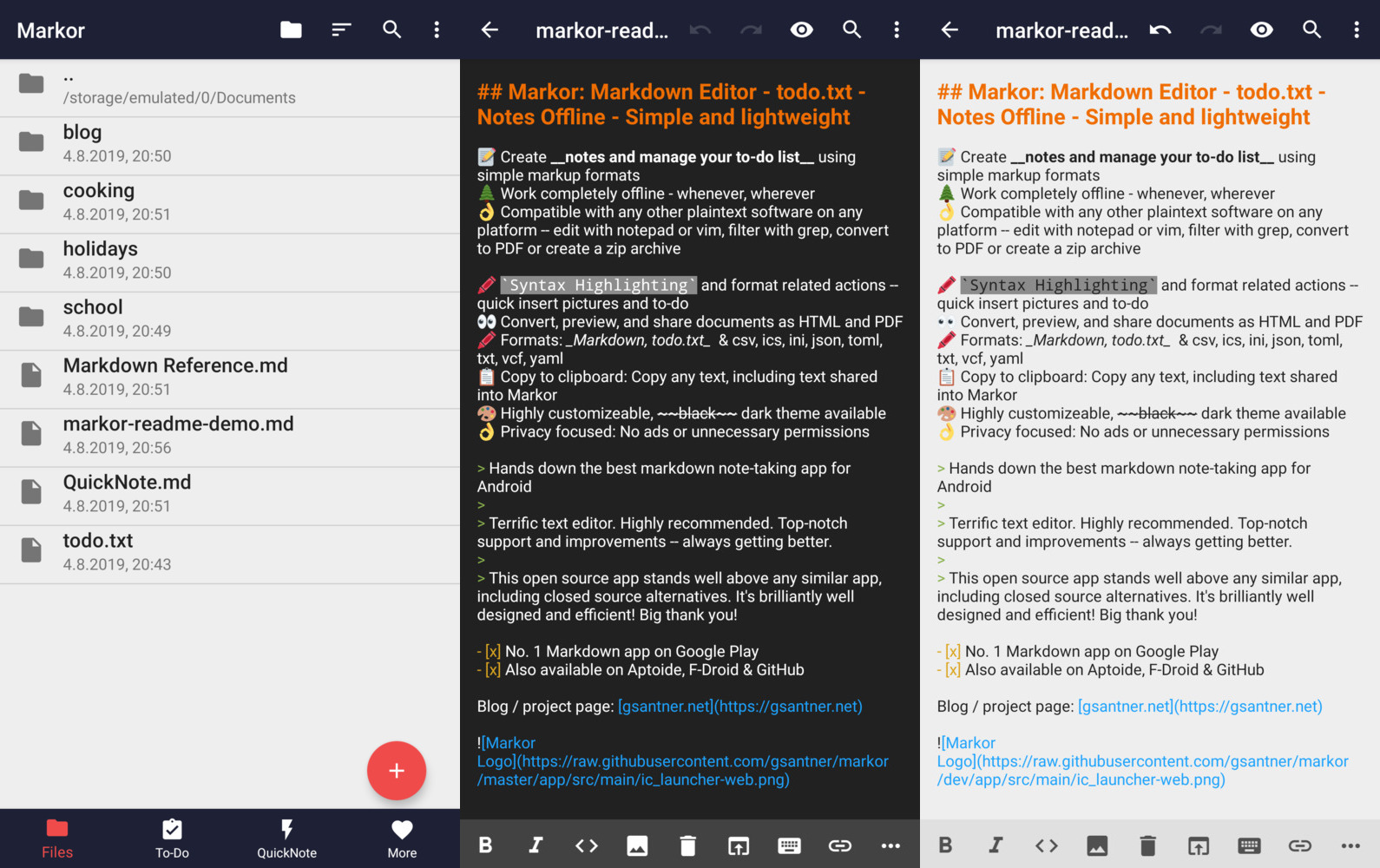
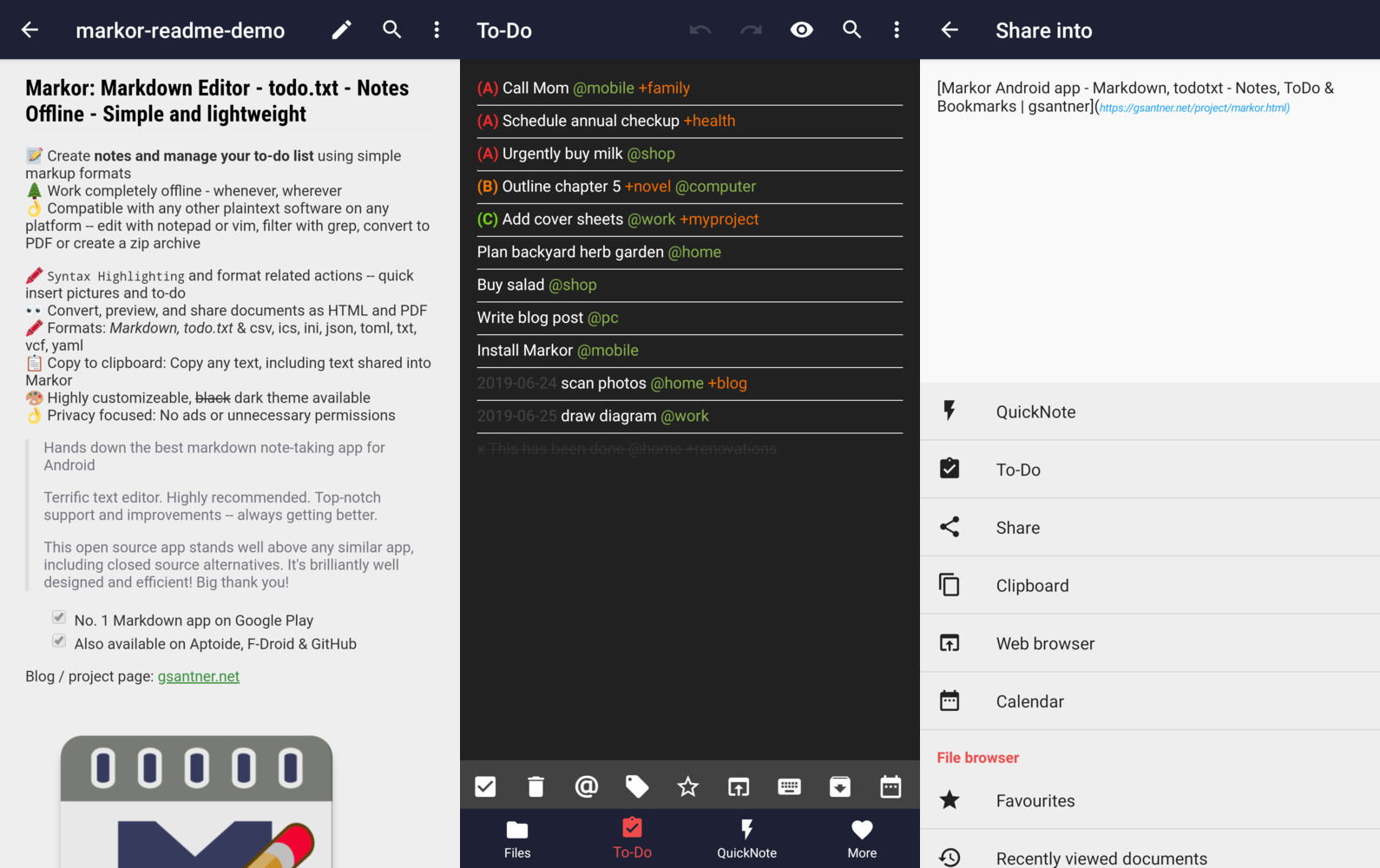
📝 Create notes and manage your to-do list using simple markup formats <br/>🌲 Work completely offline -- whenever, wherever <br/>👌 Compatible with any other plaintext software on any platform -- edit with notepad or vim, filter with grep, convert to PDF or create a zip archive <br/> <br/>🖍 Syntax Highlighting and format related actions -- quickly insert pictures and to-dos <br/>👀 Convert, preview, and share documents as HTML and PDF <br/> <br/>📚 Notebook: Store all documents on a common filesystem folder <br/>📓 QuickNote: Fast accessible for keeping notes <br/>☑️ To-Do: Write down your to-do <br/>🖍 Formats: Markdown, todo.txt, Zim/WikiText, Plaintext, csv, ics, ini, json, toml, vcf, yaml <br/>📋 Copy to clipboard: Copy any text, including text shared into Markor <br/>💡 Notebook is the root folder of documents and can be changed to any location on the filesystem. QuickNote and To-Do are textfiles <br/> <br/>🎨 Highly customizable, dark theme available <br/>💾 Auto-Save with options for undo/redo <br/>👌 No ads or unnecessary permissions <br/>🌎 Language selection -- use other language than on the system <br/> <br/>🔃 Markor is an offline app. It works with sync apps, but they have to do syncing respectively. <br/>🔒 Can encrypt your textfiles with AES256. You need to set a password at the settings and use Android device with version Marshmallow or newer. You can use jpencconverter to encrypt/decrypt on desktop. Be aware that only the text is encrypted not pictures or attachments.
New features in the latest update - Markor v2.11 - AsciiDoc, CSV and Org-Mode, Todo.txt advanced search, Line numbers
Line number support
Markor supports showing line numbers now. In the top file menu you can find a new option to enable numbers. It is supported in editor as well in view mode of documents (in code blocks).

New format: AsciiDoc
AsciiDoc is one of the new formats that are now supported. While it might be not as much fleshed out like Markdown, it should fit for general use.

New format: CSV
CSV file are supported now (in sense of syntax highlighting and preview). For details see CSV README, it was implemented in #1988, #1987, #1980, #1667.
- Editor with SyntaxHighlighter
- Each csv column is shown in a different unique color to see which csv-data belongs to which colum/header
- Preview as html-Table with export as pdf
- A csv column may contain markdown (See Example column in screenshot)

New format: Org-Mode
The third and last new format newly added is Org-Mode. Note that currently only editor syntax highlighting and action buttons to make editing easier are available. There is no dedicated view mode implemented.

Navigation
- README
- FAQ
- More
- NEWS
- Markor v2.11 - AsciiDoc, CSV and Org-Mode, Todo.txt advanced search
- Markor v2.10 - Custom file templates, Share Into automatically remove URL tracking parameters
- Markor v2.9 - Snippets, Templates, Graphs, Charts, Diagrams, YAML front-matter, Chemistry
- Markor v2.8 - Multi-selection for todo.txt dialogs
- Markor v2.7 - Search in content, Backup & Restore settings
- Markor v2.6 - Zim Wiki, Newline = New Paragraph, Save Format
- Markor v2.5 - Zim Wiki - Search & Replace - Zettelkasten
- Markor v2.4 - All new todo.txt - Programming language syntax highlighting
- Markor v2.3 - Table of Contents, Custom Action Order
- Markor v2.2 - Presentations, Voice notes, Markdown table editor
- Markor v2.1 - Key-Value highlighting (json/ini/yaml/csv), improved performance
- Markor v2.0 - Search, dotFiles, PDF export
- Markor v1.8 - All new file browser, favourites and faster Markdown preview
- Markor v1.7 - Custom Fonts, LinkBox with Markdown
- Markor v1.6 - DateTime dialog - Jekyll and KaTex improvements
- Markor v1.5 - Multiple windows, Markdown tasks, theming
- Markor v1.2 - Markdown with KaTex/Math - Search in current document
- Markor v1.1 - Markdown picture import from gallery and camera
- Markor v1.0 - Widget shortcuts to LinkBox, ToDo, QuickNote
- Markor v0.3 - Faster loading, LinkBox added, Open link in browser TextAction
Contribute
- Programming
The project is always open for contributions and welcomes merge requests. Take a look at our issue tracker for open issues, especially "good first issues". - Feature requests & discussions
Start a discussion here. - Bug reports
Report issues here. Please search for similar issues & requests first. If it's not a bug, please head to discussions. - Localization
Translate on Crowdin (free).
Develop
Clone the project using git. Then open the project in Android Studio (recommended), install required Android SDK dependencies where required. You may also use any other plaintext editor of your preference.
There is a Makefile in the project which makes it easy to test, lint, build, install & run the app
Related Skills
YC-Killer
2.7kA library of enterprise-grade AI agents designed to democratize artificial intelligence and provide free, open-source alternatives to overvalued Y Combinator startups. If you are excited about democratizing AI access & AI agents, please star ⭐️ this repository and use the link in the readme to join our open source AI research team.
best-practices-researcher
The most comprehensive Claude Code skills registry | Web Search: https://skills-registry-web.vercel.app
groundhog
399Groundhog's primary purpose is to teach people how Cursor and all these other coding agents work under the hood. If you understand how these coding assistants work from first principles, then you can drive these tools harder (or perhaps make your own!).
workshop-rules
Materials used to teach the summer camp <Data Science for Kids>
