
Earcut
The fastest and smallest polygon triangulation library. Ported to F# from Mapbox
Install / Use
/learn @goswinr/EarcutREADME

Earcut



The fastest and smallest polygon triangulation library. <br> A port of Mapbox's Earcut algorithm to F#.
https://github.com/mapbox/earcut
Status
Stable for .NET 4.7 and .NET 6.0 and JS via Fable.
v3.0.2 ported to F# on 2025-11-8
All tests of the original JS version pass.
All relevant code is in Earcut.fs. <br> It contains the ported code without any major changes to the original logic. <br> It has no dependencies.
Performance
The F# port has about the same performance as the original JS version when compiled back to JS with Fable.
The algorithm
The library implements a modified ear slicing algorithm, <br> optimized by z-order curve hashing <br> and extended to handle holes, twisted polygons, degeneracies and self-intersections <br> in a way that doesn't guarantee correctness of triangulation, <br> but attempts to always produce acceptable results for practical data. <br>
It's based on ideas from FIST: Fast Industrial-Strength Triangulation of Polygons by Martin Held <br> and Triangulation by Ear Clipping by David Eberly. <br>
Why another triangulation library?
The aim of the original mapbox Earcut project is to create a triangulation library <br> that is fast enough for real-time triangulation in the browser, <br> sacrificing triangulation quality for raw speed and simplicity, <br> while being robust enough to handle most practical datasets without crashing or producing garbage.
If you want to get correct triangulation even on very bad data with lots of self-intersections <br> and earcut is not precise enough, take a look at libtess.js.
Usage
let triangles = Earcut.earcut([| 10.;0.; 0.;50.; 60.;60.; 70.;10.|], [||], 2) // returns [1;0;3; 3;2;1]
Parameters:
vertices- A flat array of vertex coordinates like[x0, y0, x1, y1, x2, y2, ...].holeIndices- An array of hole starting indices. These indices refer to the point array, not the flattened vertices array. <br> If you have an index into the flattened vertices array, divide it bydimensionsto get the correct hole index. <br> (e.g.[|4|]means the hole starts at point 4, i.e. atvertices[4 * dimensions]). <br> Usenullor an empty array if there are no holes.dimensions- The number of coordinates per vertex in the vertices array:2if the vertices array is made of x and y coordinates only.3if it is made of x, y and z coordinates. <br> Only the first two are used for triangulation (xandy), and the rest are ignored.
Returns:
A list of integers. They are indices into the point array (not the flattened vertices array). <br>
Every 3 integers represent the corner vertices of a triangle. <br>
To look up coordinates in the flattened vertices array, multiply the index by dimensions:
x = vertices[i * dimensions]
y = vertices[i * dimensions + 1]
Convenience F# API: earcut_xy and earcut_XY
If your points are objects with x/y (or X/Y) properties, you can use the convenience functions
earcut_xy and earcut_XY instead of manually flattening coordinates.
They accept a ResizeArray of points and an optional list of holes (also as ResizeArrays of points),
and return a flat float[] of triangle vertex coordinates [x0, y0, x1, y1, x2, y2, ...].
Every six consecutive values represent a triangle.
These functions use F# statically resolved type parameters, so any object with the matching members will work.
For example given these Polylines from Euclid:
let outerPoly: Polyline2D = ...
let hole1: Polyline2D = ...
let hole2: Polyline2D = ...


// For points with uppercase .X and .Y members:
let triangles = outerPoly.Points |> Earcut.earcut_XY [||]

// With holes:
let holes = [|hole1.Points; hole2.Points|]
let triangles = outerPoly.Points |> Earcut.earcut_XY holes
Examples
Simple polygon (no holes)
// A quadrilateral with 4 vertices, 2D coordinates
let vertices = [| 10.; 0.;  0.; 50.;  60.; 60.;  70.; 10. |]
let triangles = Earcut.earcut(vertices, [||], 2)
// returns [1; 0; 3;  3; 2; 1]
// Triangle 1: points 1, 0, 3
// Triangle 2: points 3, 2, 1

// Retrieve triangle vertex coordinates:
for t in 0 .. 3 .. triangles.Count - 1 do
    let i0 = triangles.[t]
    let i1 = triangles.[t + 1]
    let i2 = triangles.[t + 2]
    printfn "Triangle: (%g, %g) (%g, %g) (%g, %g)"
        vertices.[i0 * 2] vertices.[i0 * 2 + 1]
        vertices.[i1 * 2] vertices.[i1 * 2 + 1]
        vertices.[i2 * 2] vertices.[i2 * 2 + 1]
Polygon with a hole
// Outer square: points 0-3, hole square: points 4-7
let vertices = [|
    0.;0.;  100.;0.;  100.;100.;  0.;100.          // outer ring
    20.;20.;  80.;20.;  80.;80.;  20.;80.           // hole
|]
let triangles = Earcut.earcut(vertices, [|4|], 2)    // hole starts at point index 4
// returns [0;4;7; 5;4;0; 3;0;7; 5;0;1; 2;3;7; 6;5;1; 2;7;6; 6;1;2]
3D coordinates
// 4 vertices with x, y, z (z is ignored for triangulation)
let vertices = [| 10.;0.;1.;  0.;50.;2.;  60.;60.;3.;  70.;10.;4. |]
let triangles = Earcut.earcut(vertices, null, 3)
// returns [1; 0; 3;  3; 2; 1]

// Retrieve coordinates using dimensions = 3:
let i = triangles.[0]  // e.g. 1
let x = vertices.[i * 3]       // 0.
let y = vertices.[i * 3 + 1]   // 50.
let z = vertices.[i * 3 + 2]   // 2.
Multiple holes
// Outer polygon with two holes
// Outer: points 0-5, Hole1: points 6-9, Hole2: points 10-13
let triangles = Earcut.earcut(vertices, [|6; 10|], 2)
// holeIndices = [|6; 10|] means:
//   hole 1 starts at point 6  -> vertices.[6 * 2]
//   hole 2 starts at point 10 -> vertices.[10 * 2]
If you pass a single vertex as a hole, Earcut treats it as a Steiner point.
Note that Earcut is a 2D triangulation algorithm, and handles 3D data as if it was projected onto the XY plane (with Z component ignored).
If your input is a multi-dimensional array (e.g. GeoJSON Polygon), <br>
you can convert it to the format expected by Earcut with Earcut.flatten:
let data = Earcut.flatten(geojson.geometry.coordinates)
let triangles = Earcut.earcut(data.vertices, data.holes, data.dimensions)
Verification of triangulation correctness
After getting a triangulation, you can verify its correctness with Earcut.deviation:
let deviation = Earcut.deviation(vertices, holes, dimensions, triangles)
Returns the relative difference between the total area of triangles and the area of the input polygon. <br>
0 means the triangulation is fully correct.
Build for .NET 4.7 and 6.0
dotnet build
Build to JS with Fable
If you don't have Fable installed yet run:
dotnet tool install fable
then build to JS with:
dotnet fable
Run Tests
build to JS with dotnet fable <br>
run tests with node Test/test.js
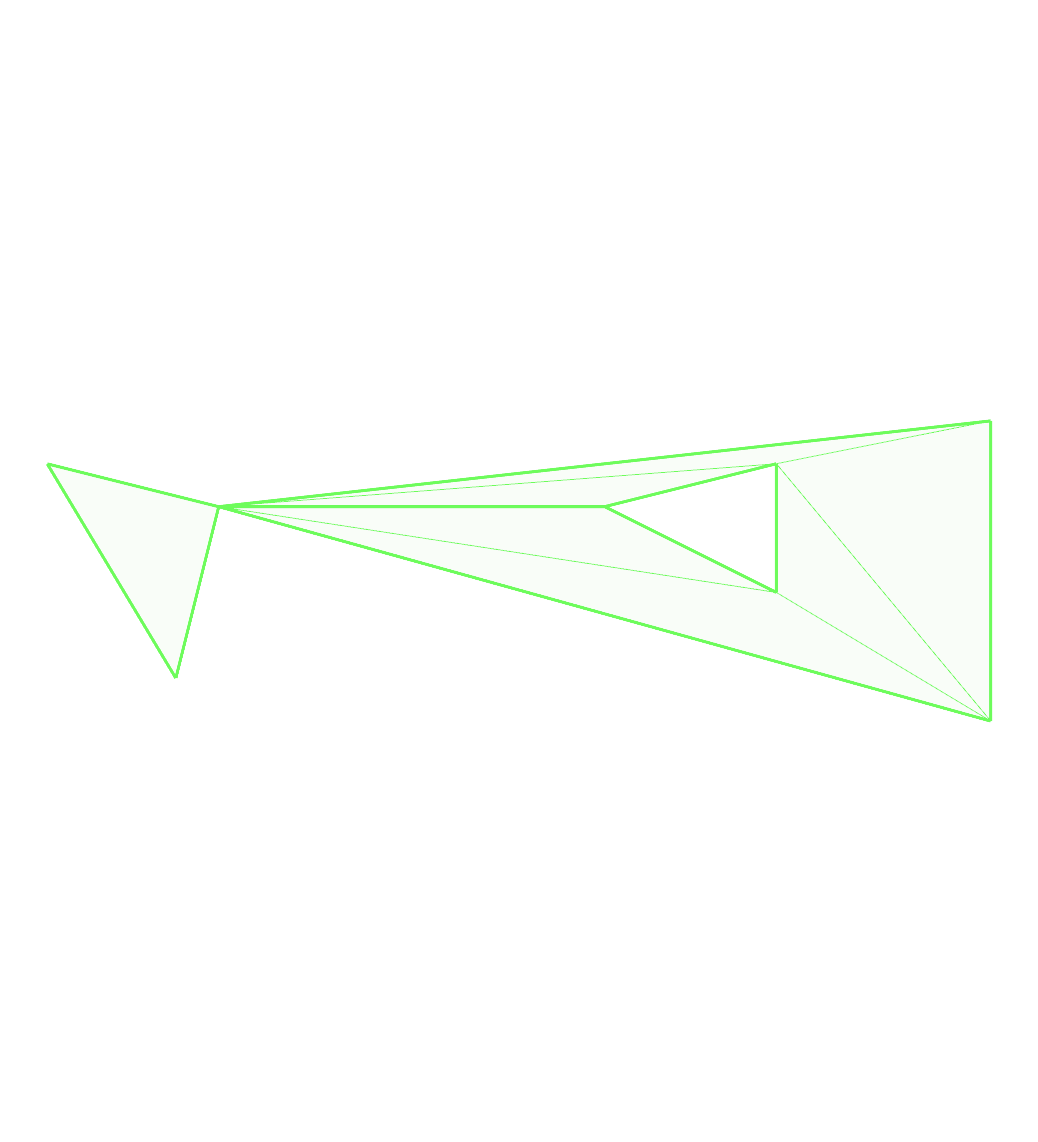
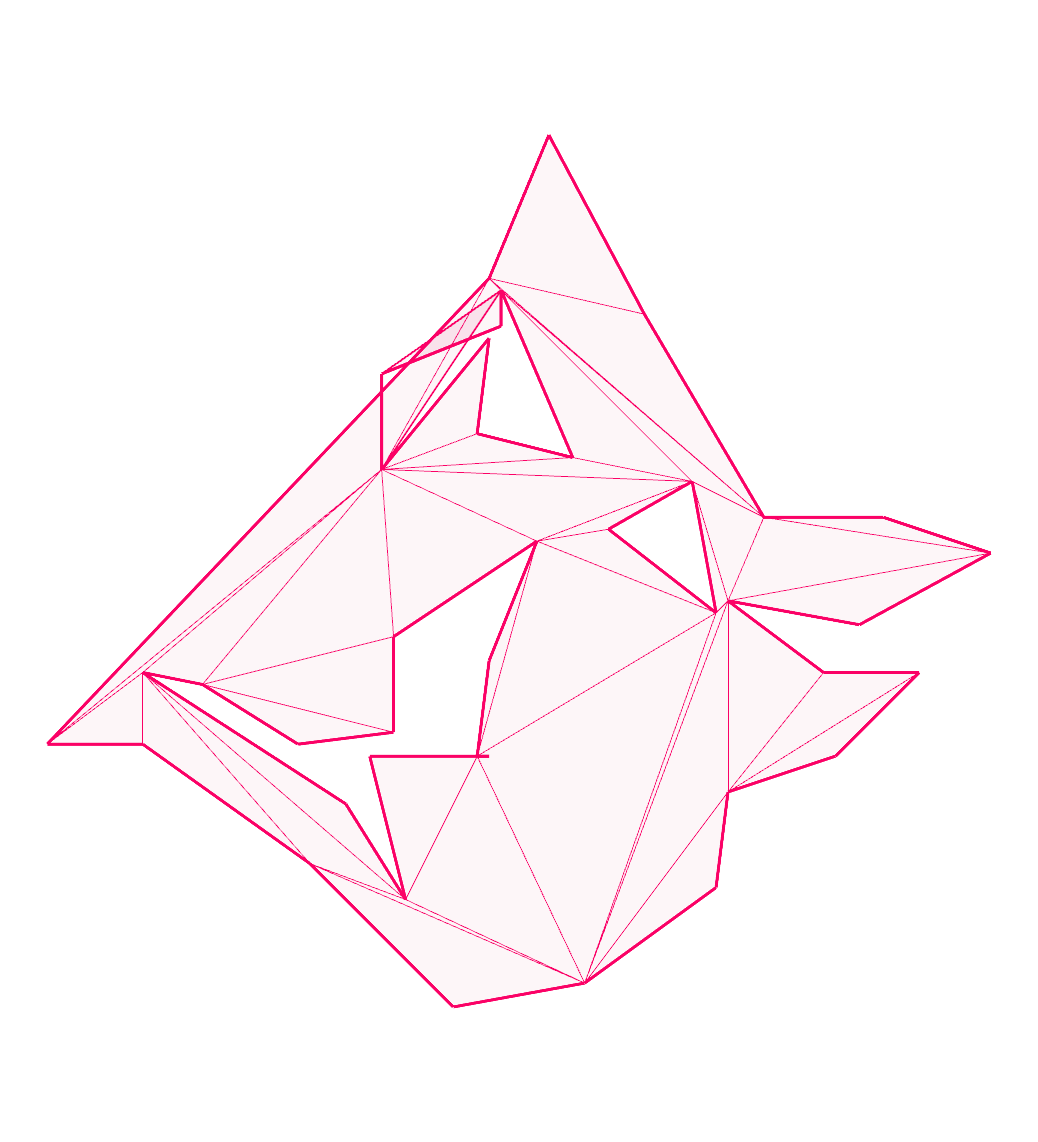
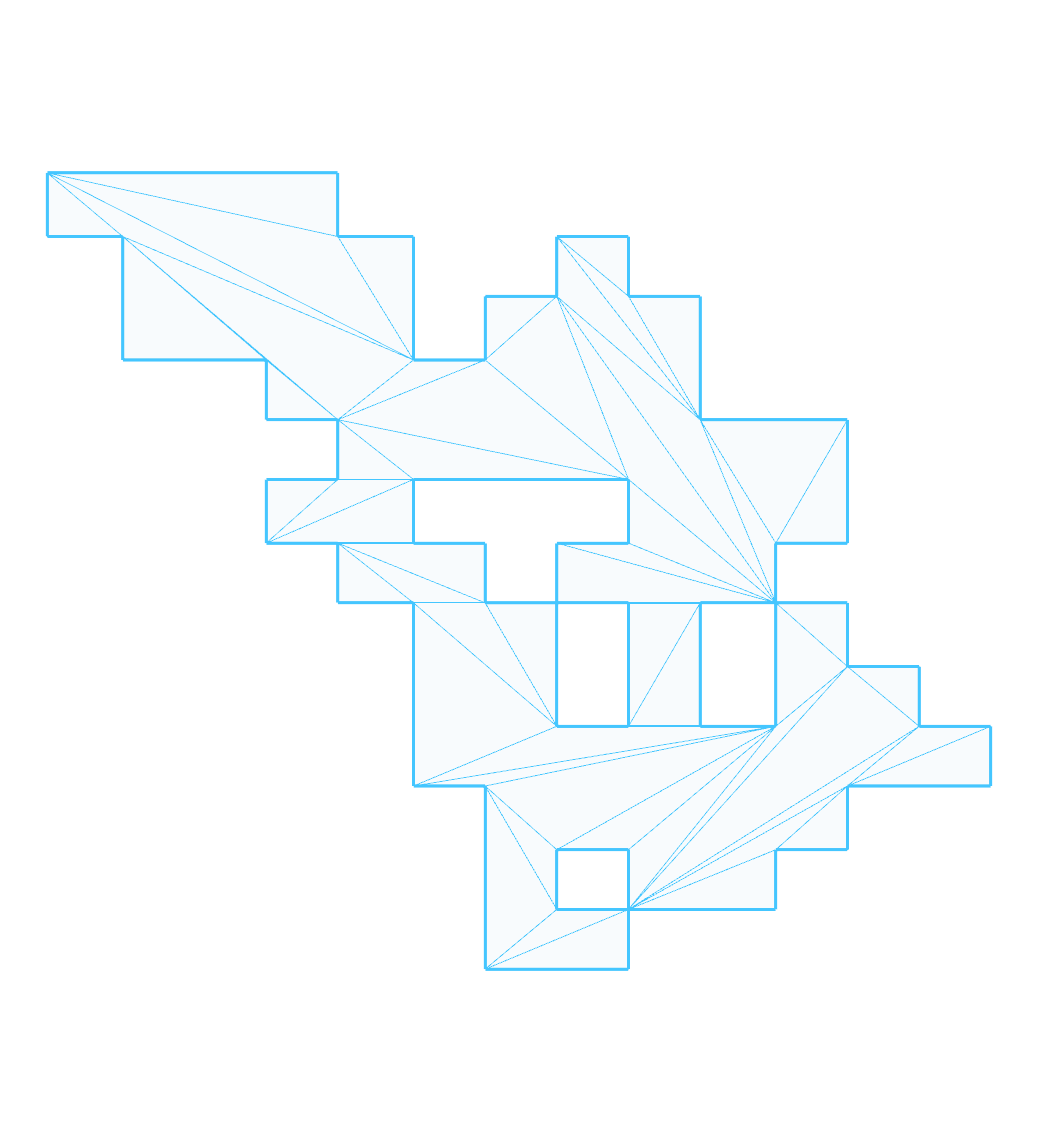
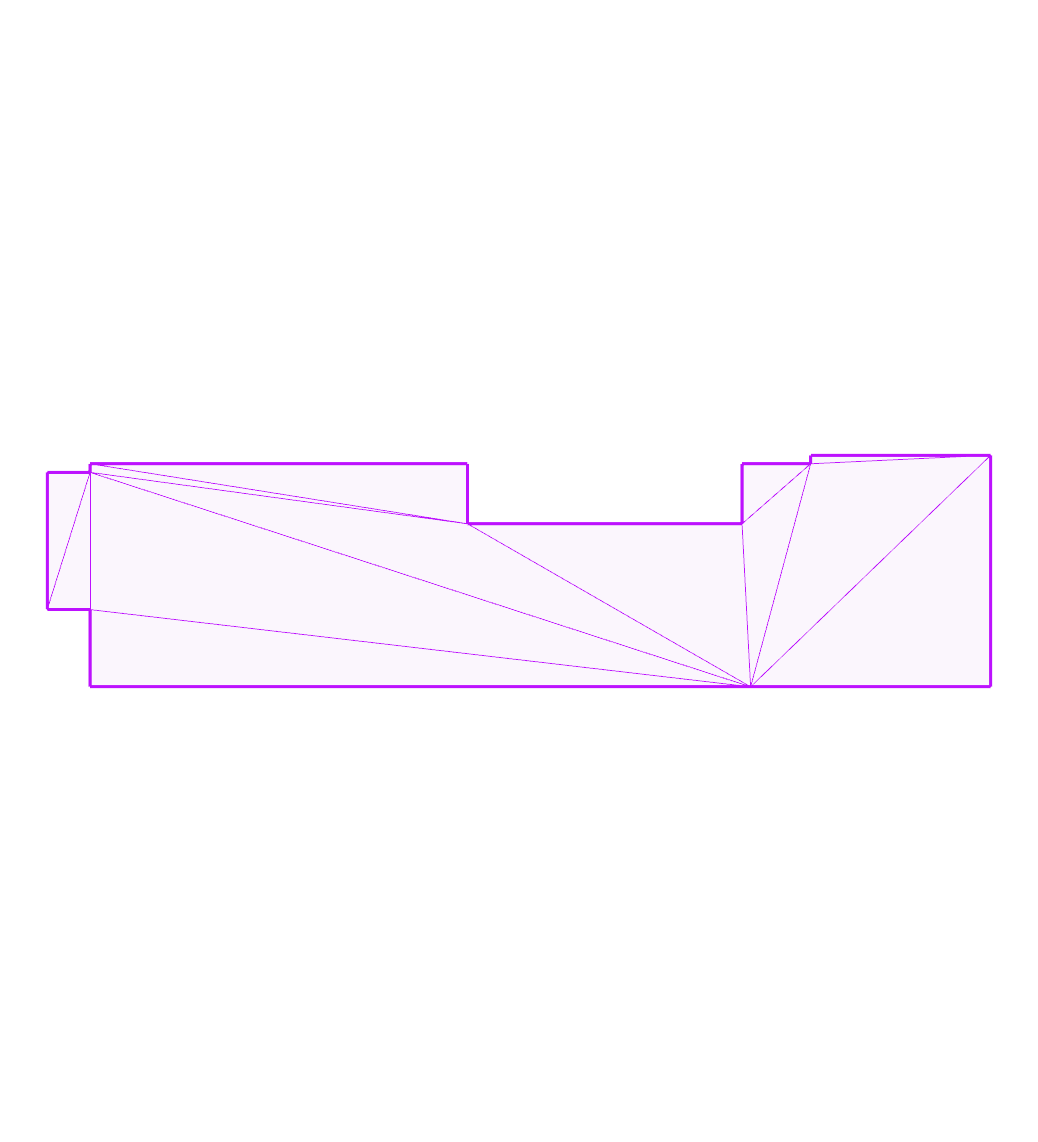
Images of test cases
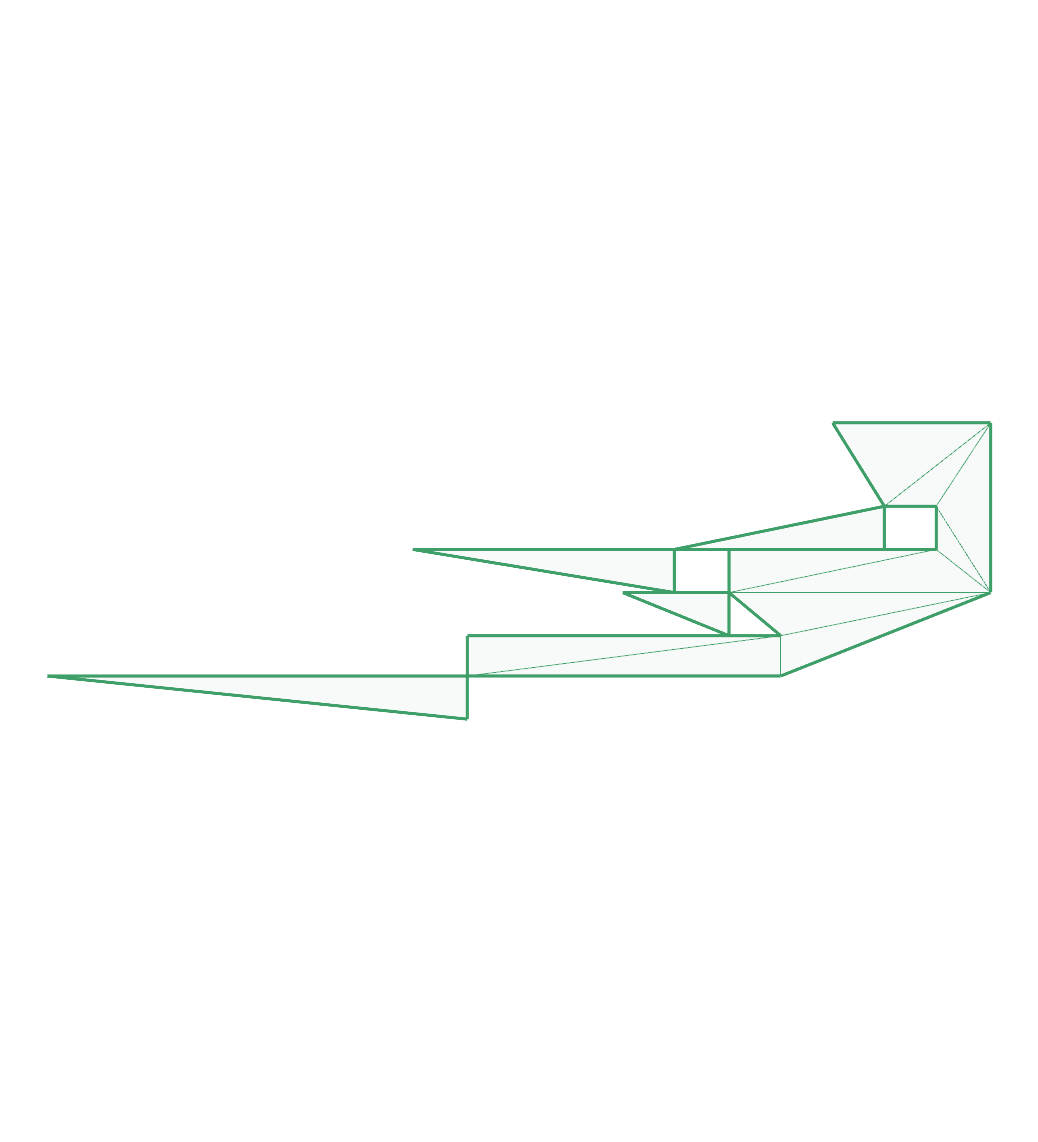
bad-diagonals:
bad-hole:
boxy:
building:
collinear-diagonal:
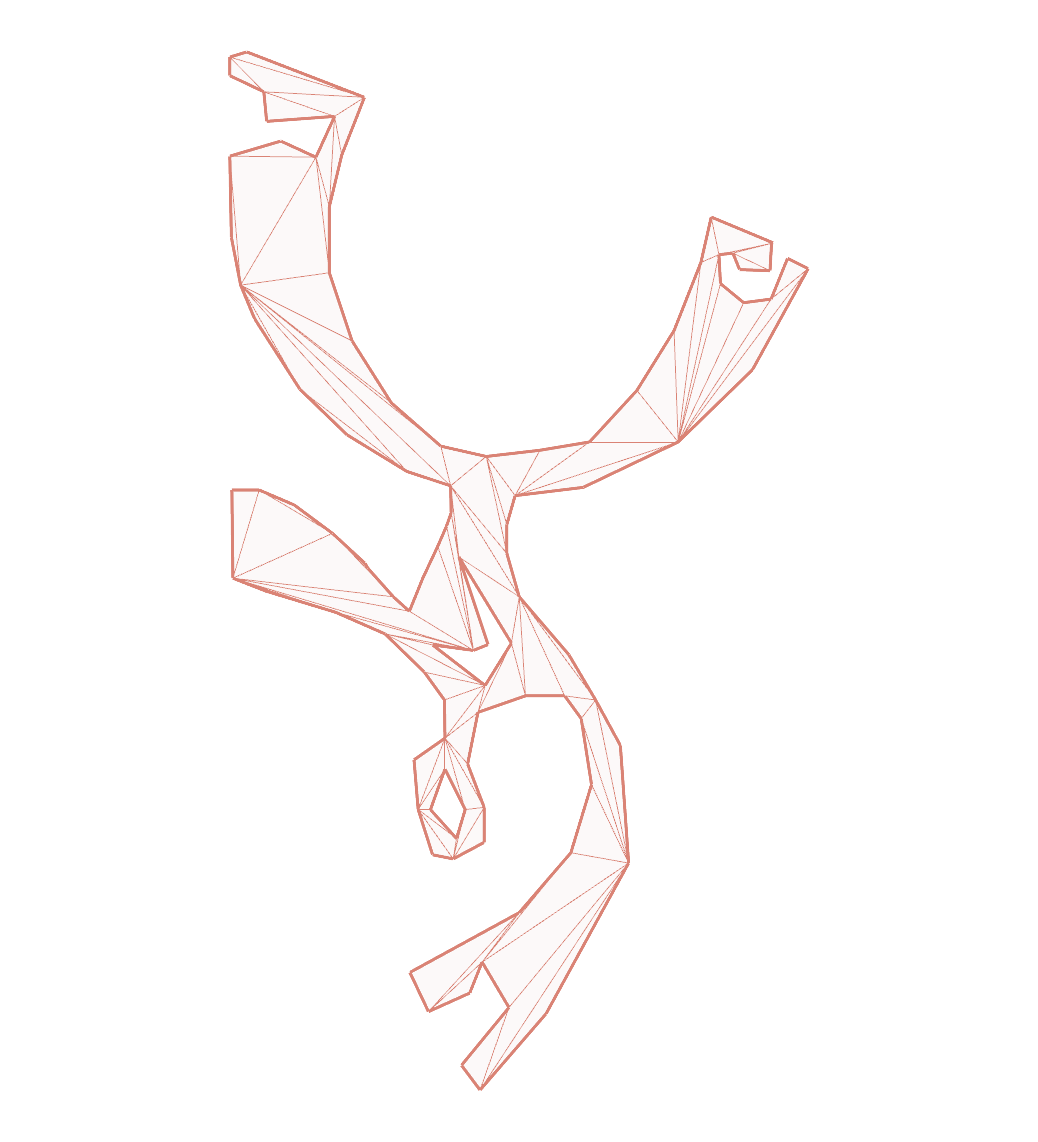
dude:
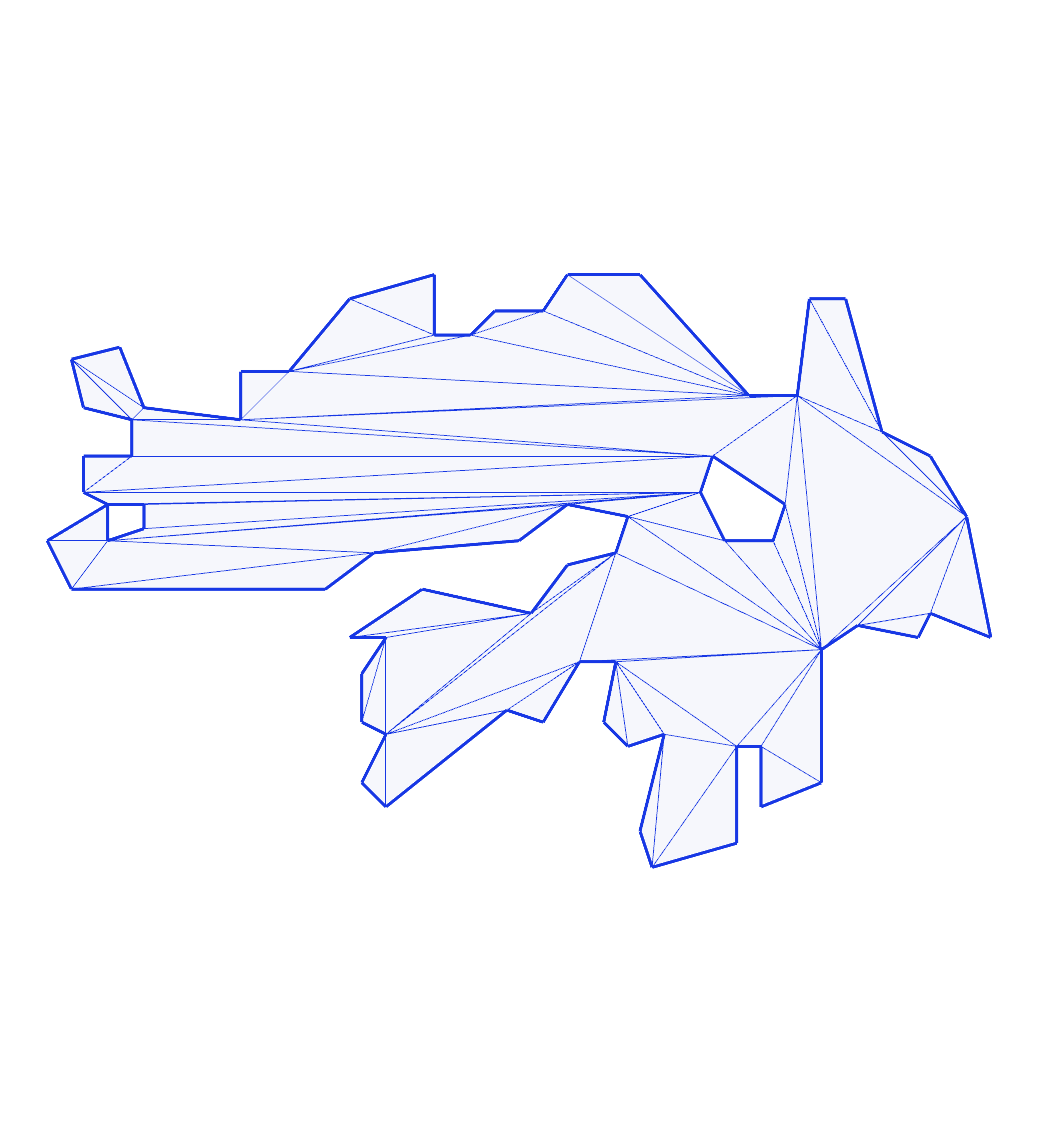
eberly-3:
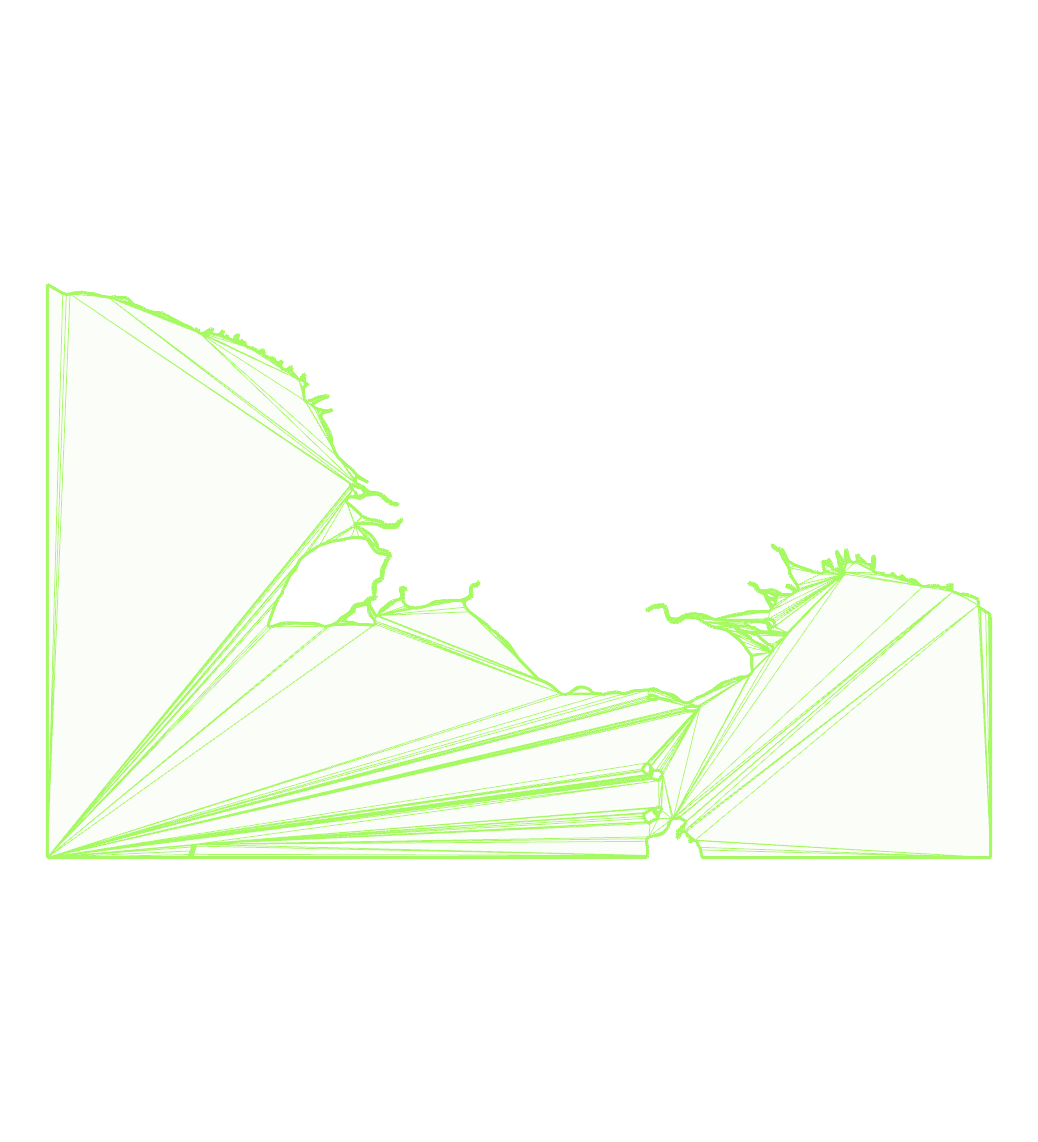
eberly-6:
filtered-bridge-jhl:

hilbert:

hole-touching-outer:
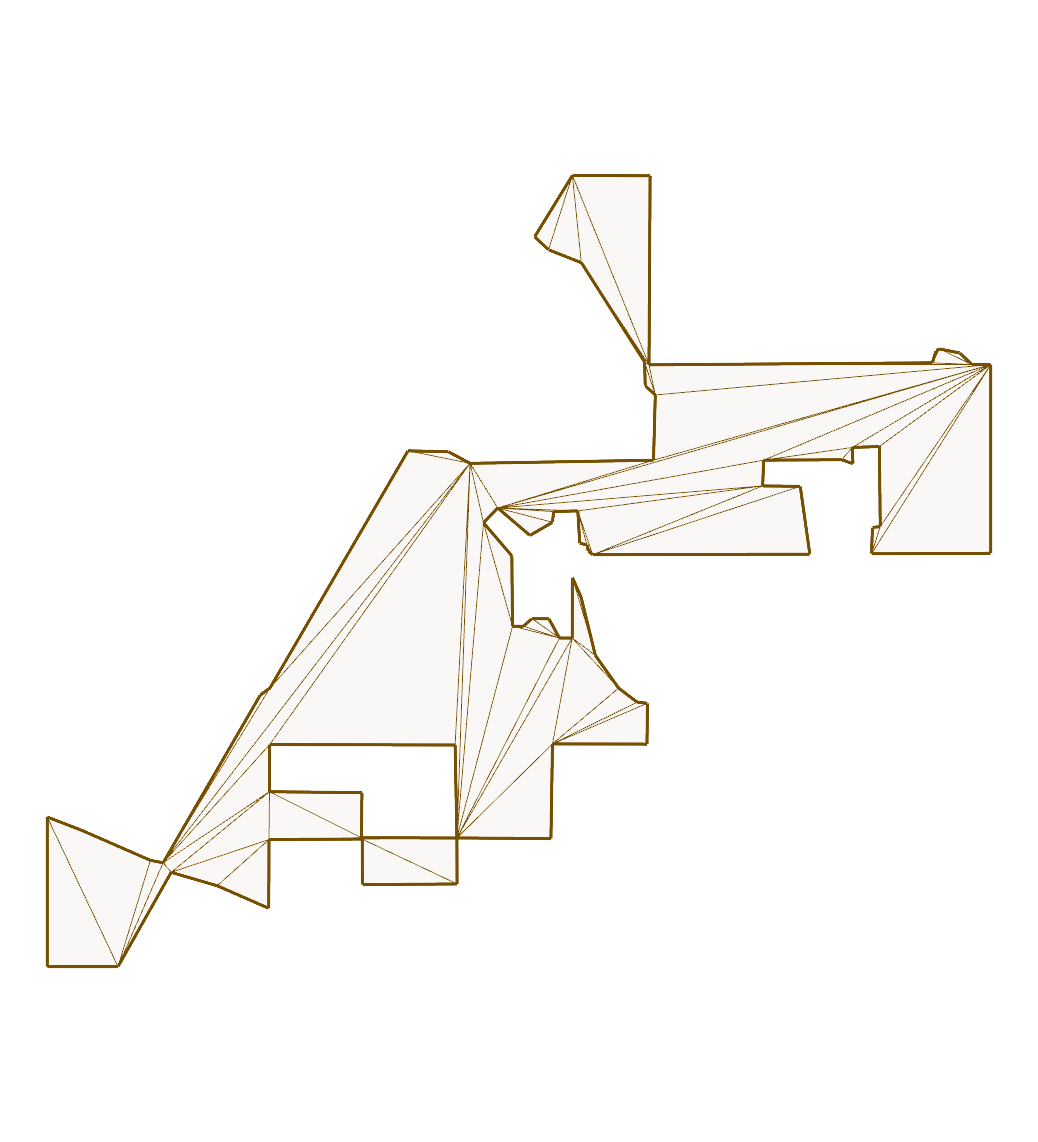
hourglass:
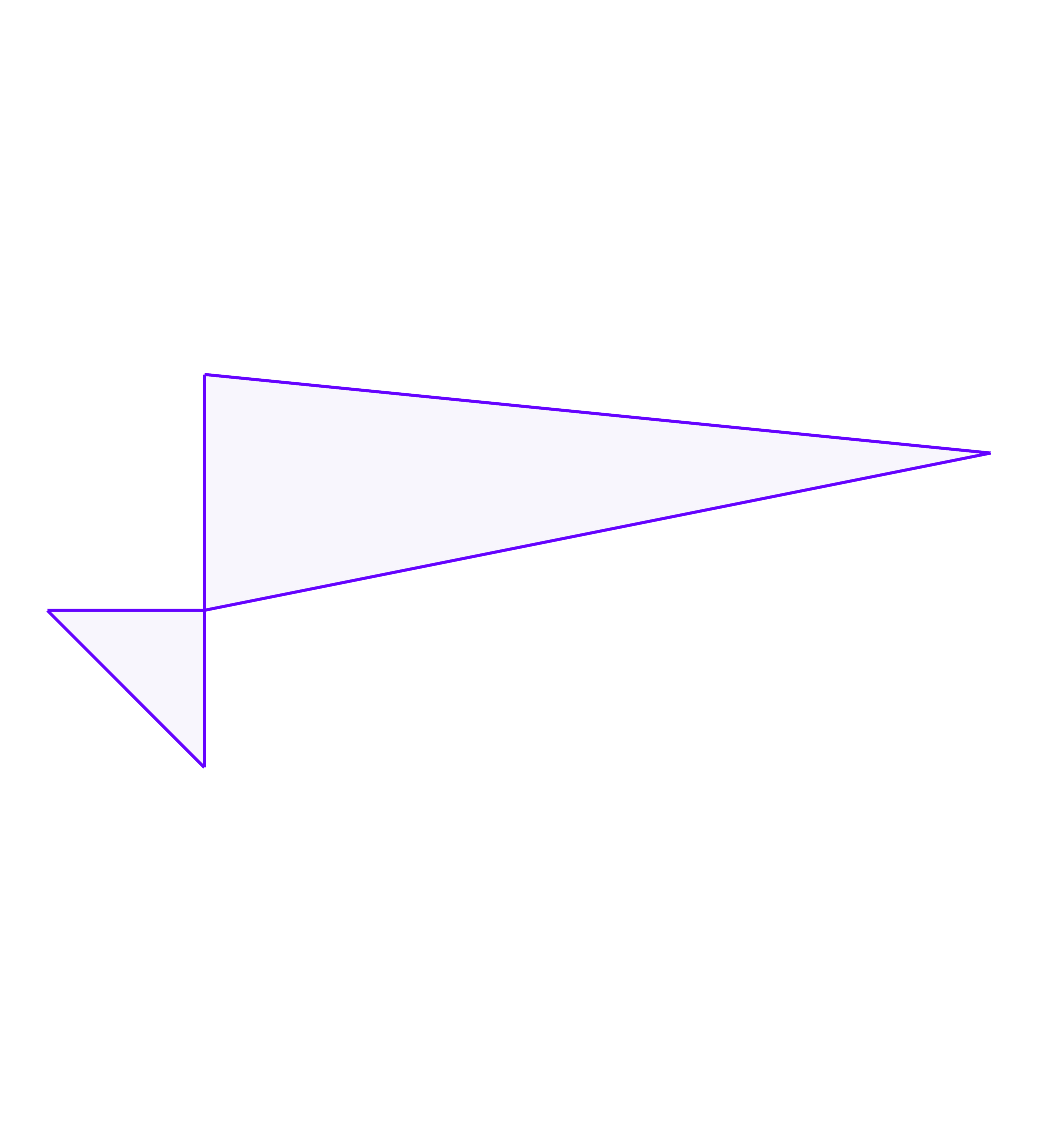
issue111:
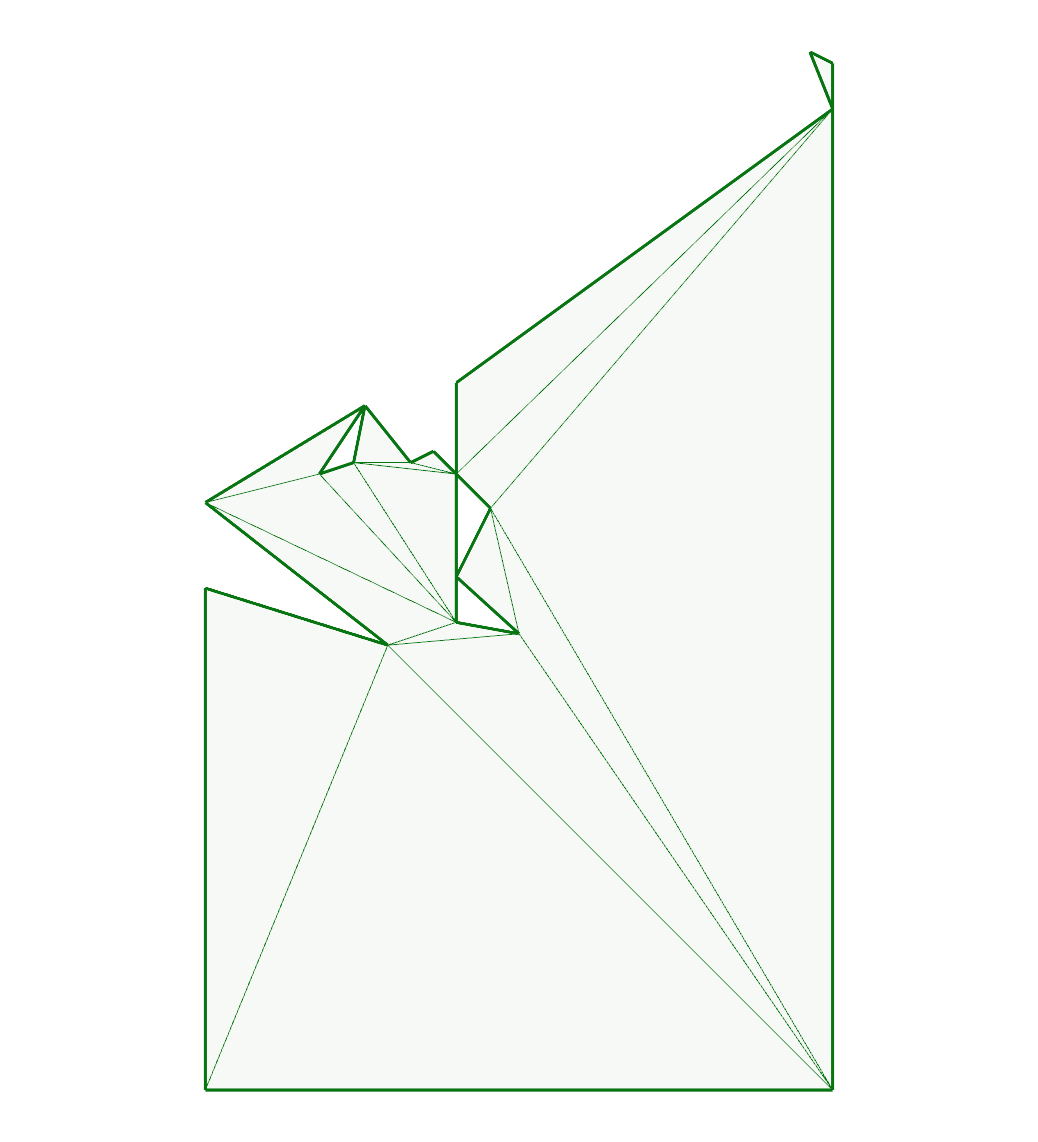
issue119:

issue131:
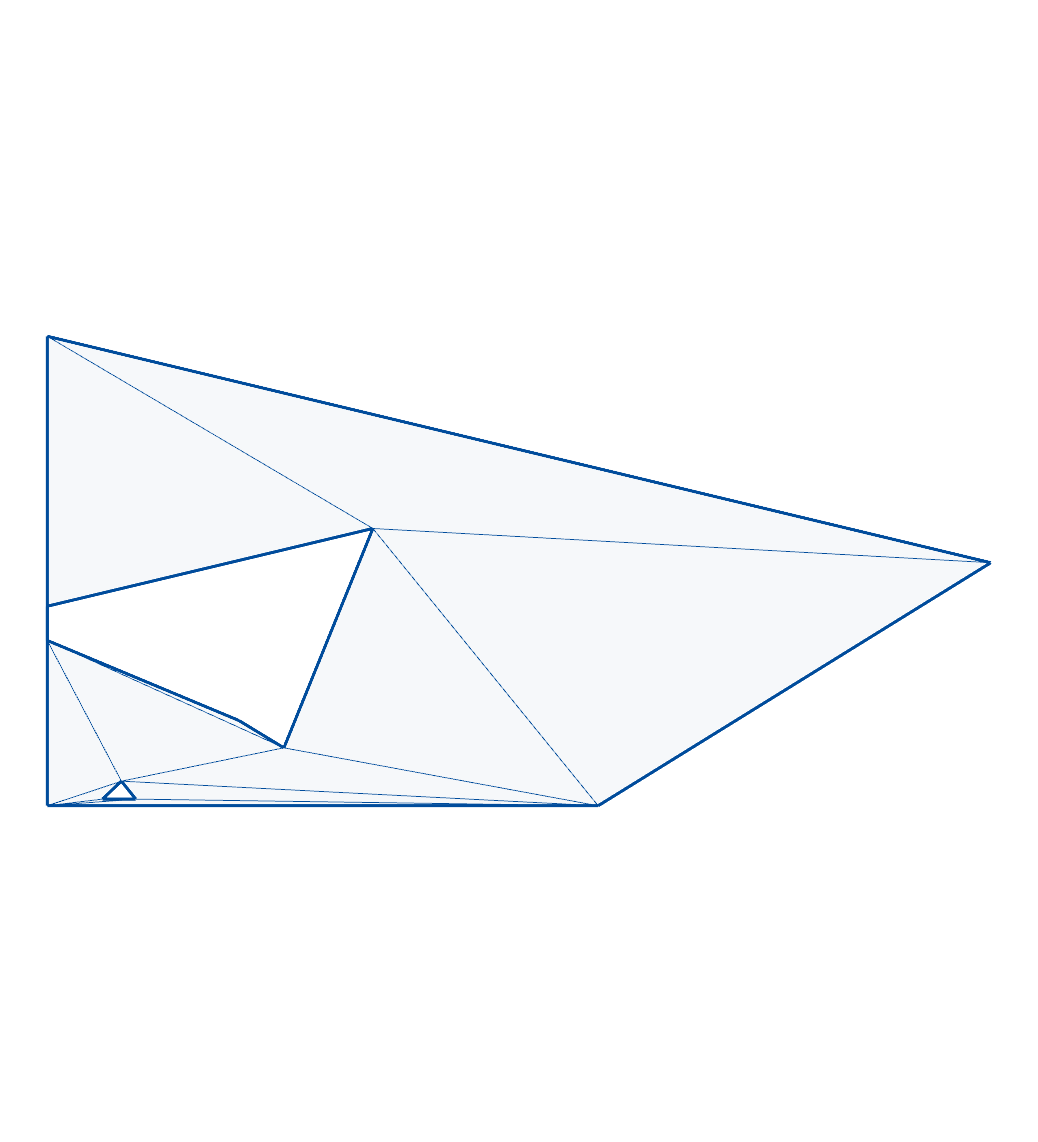
issue142:
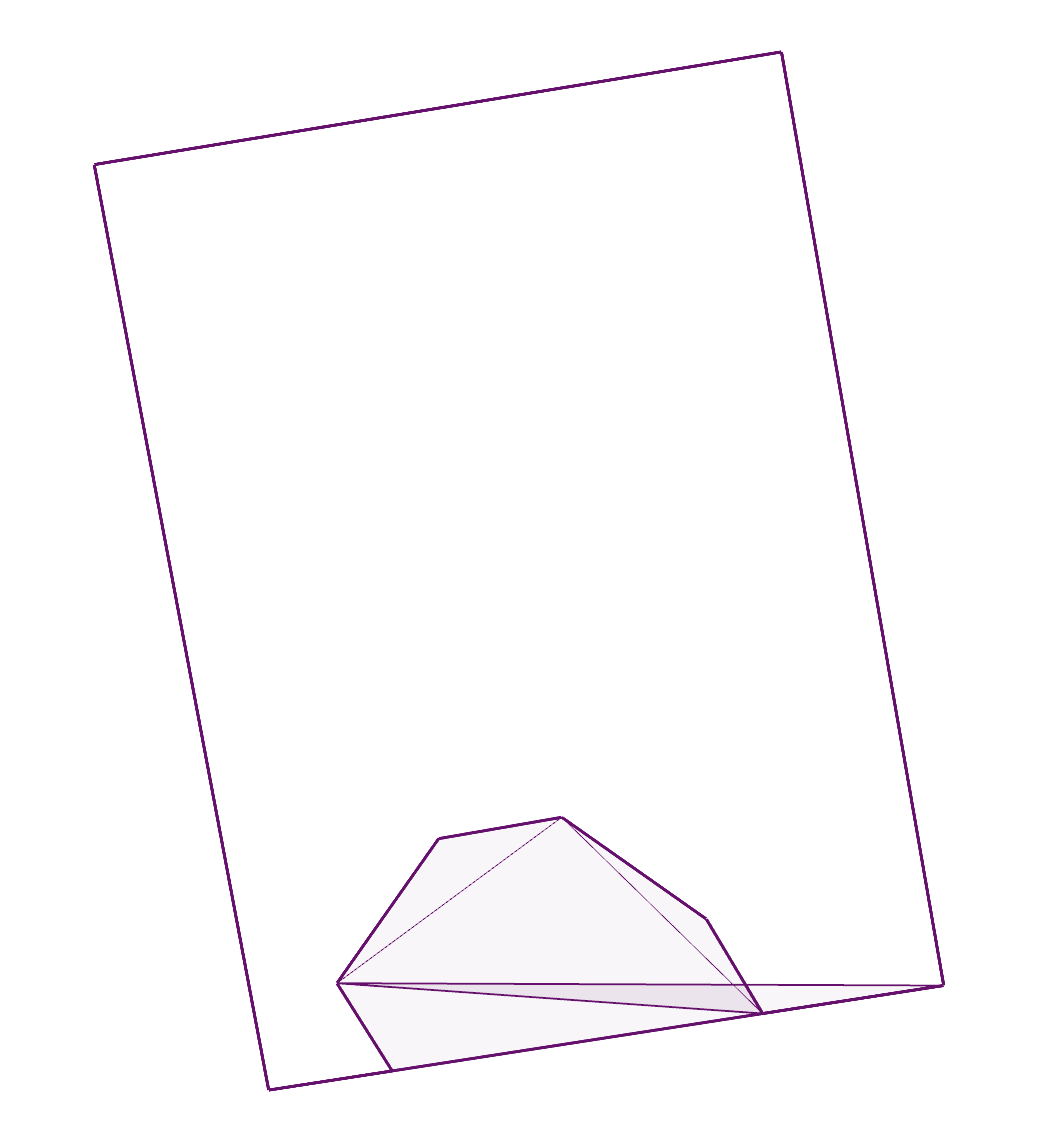
issue149:
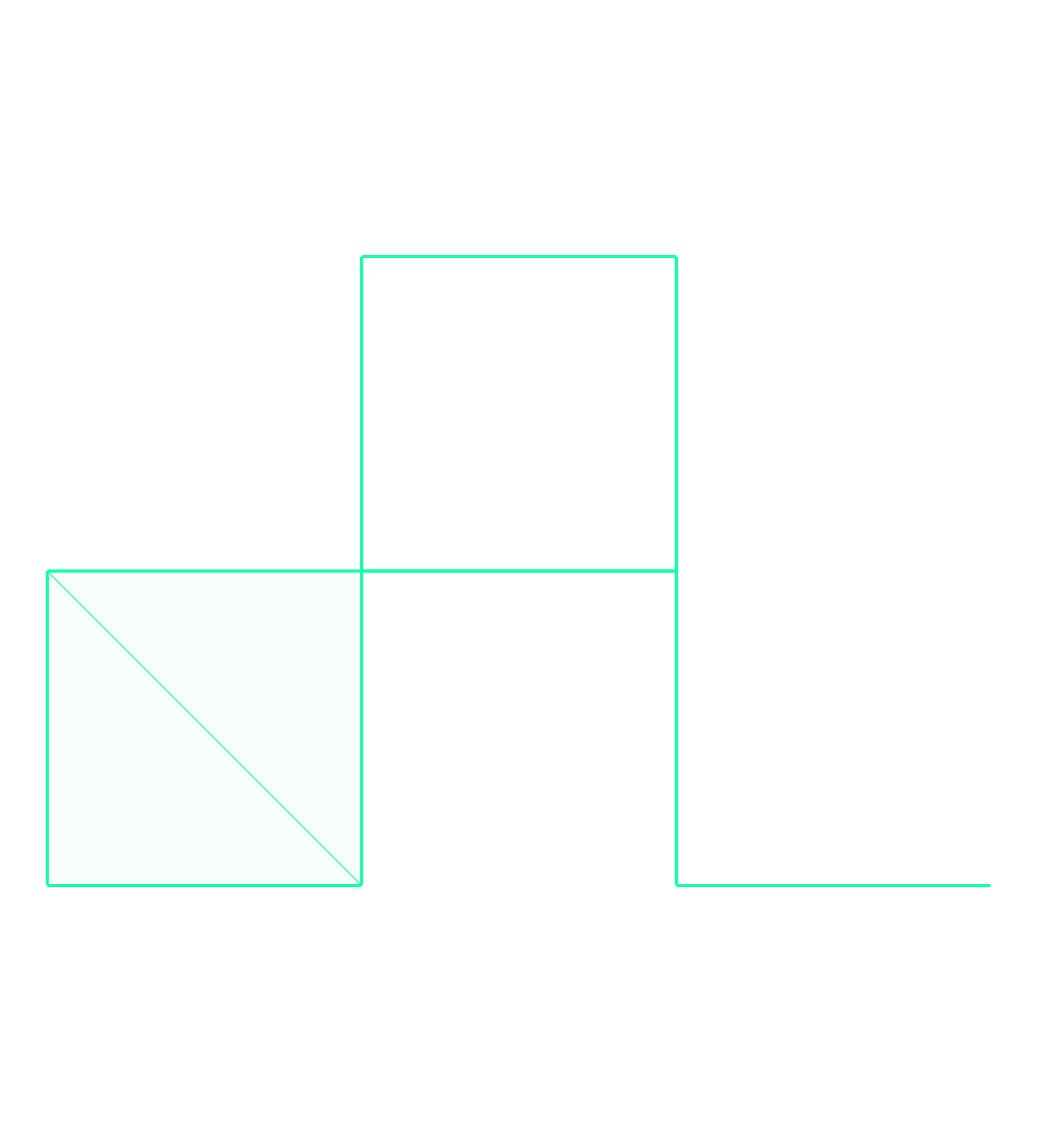
issue16:
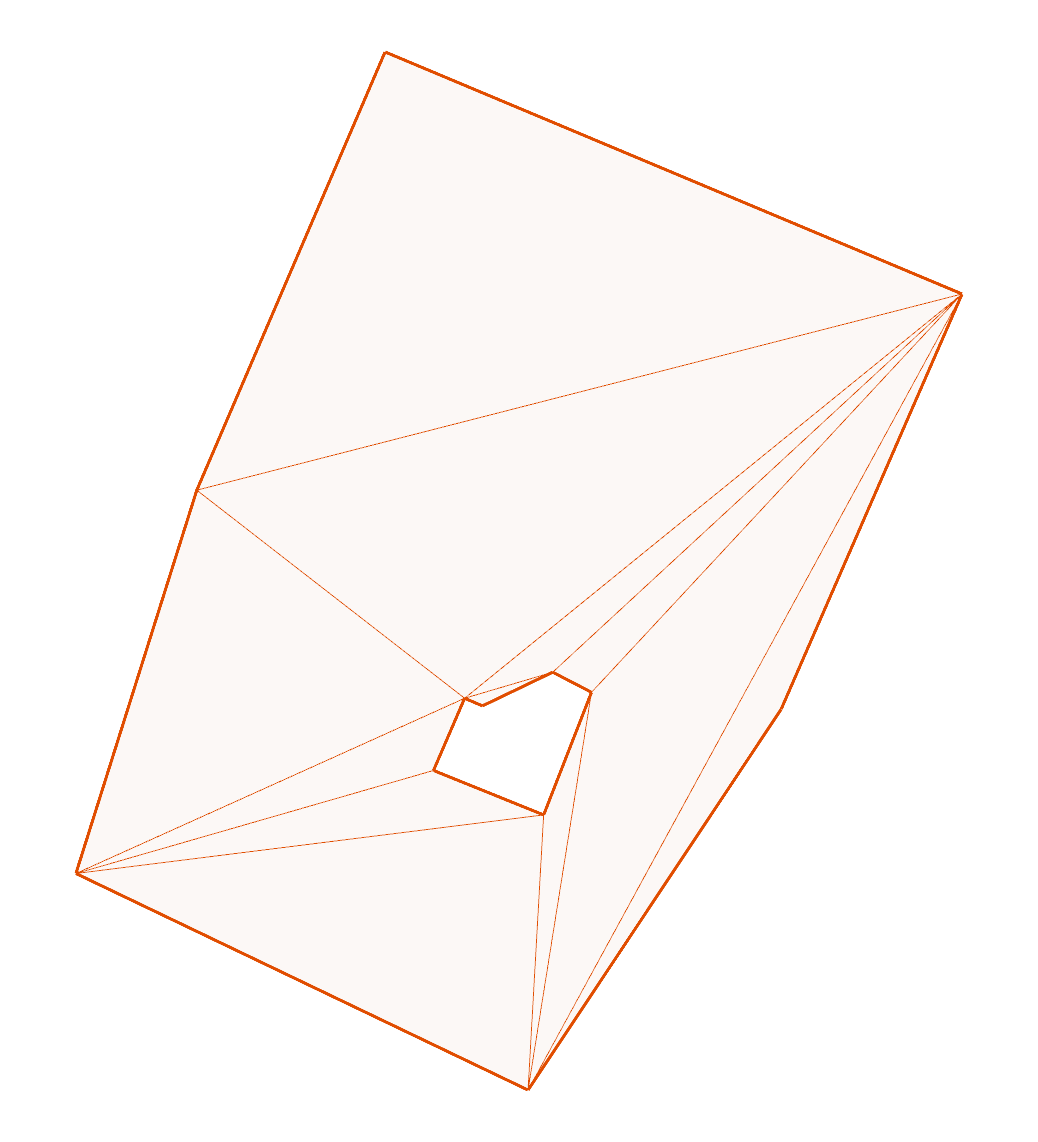
issue17: 