PSXMaster
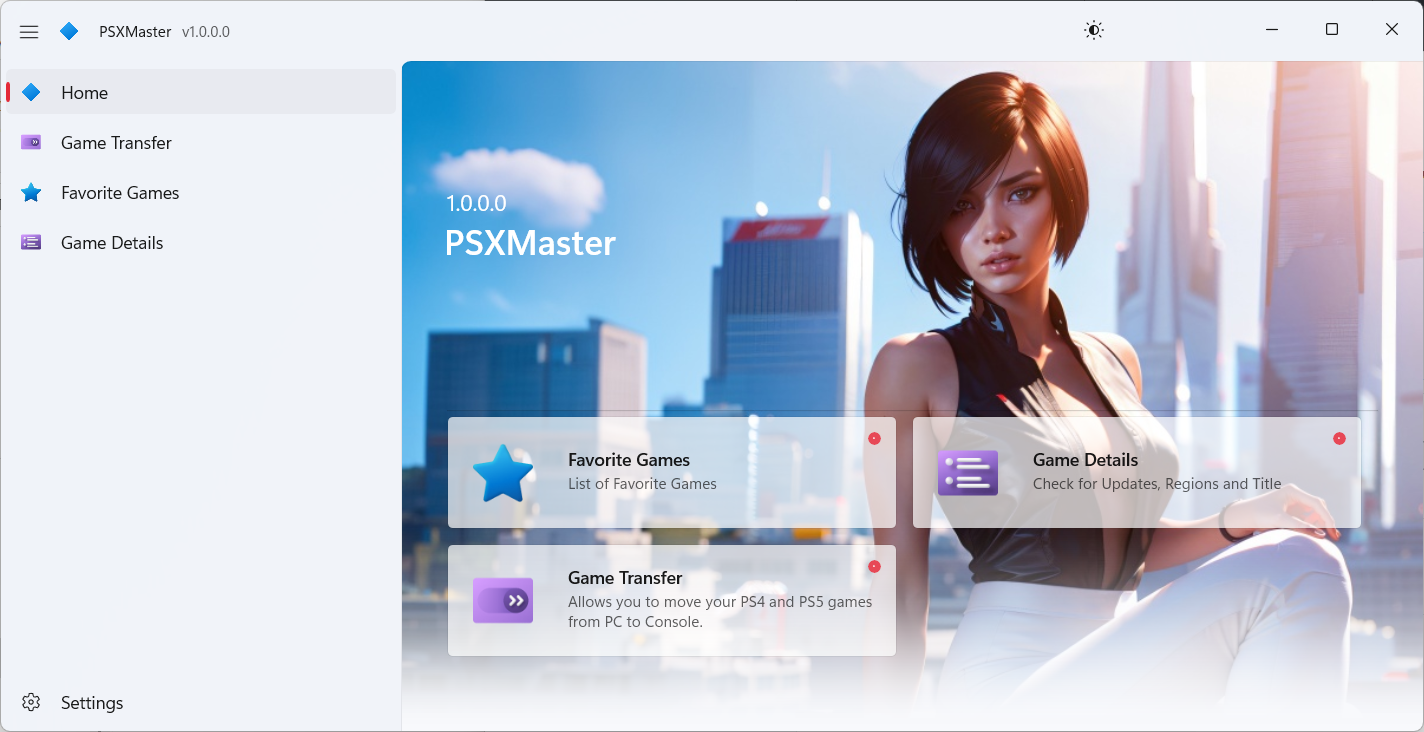
PSXMaster is a powerful and user-friendly application designed to simplify the process of Transferring data from PC to PS5/PS4 and managing PlayStation Games.
Install / Use
/learn @ghost1372/PSXMasterREADME
PSXMaster
PSXMaster is a powerful and user-friendly application designed to simplify the process of Transferring data from PC to PS5/PS4 and managing PlayStation Games.
🚀 Download 🚀
See PSXMaster Releases or Download from Microsoft Store.
<a href="https://apps.microsoft.com/detail/PSXMaster/9n71hm7q8sxk?launch=true &mode=mini"> <img src="https://get.microsoft.com/images/en-us%20dark.svg" width="200"/> </a>
⚙️ Compile Source Code
[!TIP] Please confirm that your development environment meets the requirements before compiling.
1. 🖥️ Visual Studio 2022
Ensure that your installation includes the appropriate workloads:
- On the
Workloadstab of the Visual Studio installation dialog box, select:- .NET Desktop Development
- WinUI Application Development
2. 🛠️ .NET SDKs
- Ensure .NET versions
9.xare installed.
3. 📂 Solution Format
- This project uses the new SLNX format for solutions.
- ⚠️ Note: This feature is currently in preview and you need to enable it from Tools -> Manage Preview Features.

Make sure your environment matches these requirements to avoid any issues during compilation.
🧑💻 Contributing 🧑💻
Found a bug? Want to contribute? We’d love your input! Happy coding! 🖥️💡
Feedback and Issues
If you encounter any issues or have feedback, please report them here. Your input helps improve the app!
How to Use PSXMaster?
1.On your console, start downloading any game you want, then immediately pause the download. (a few megabytes should be downloaded)
2.Connect your PC to the PlayStation 5 or PlayStation 4 console using an Ethernet/LAN cable.
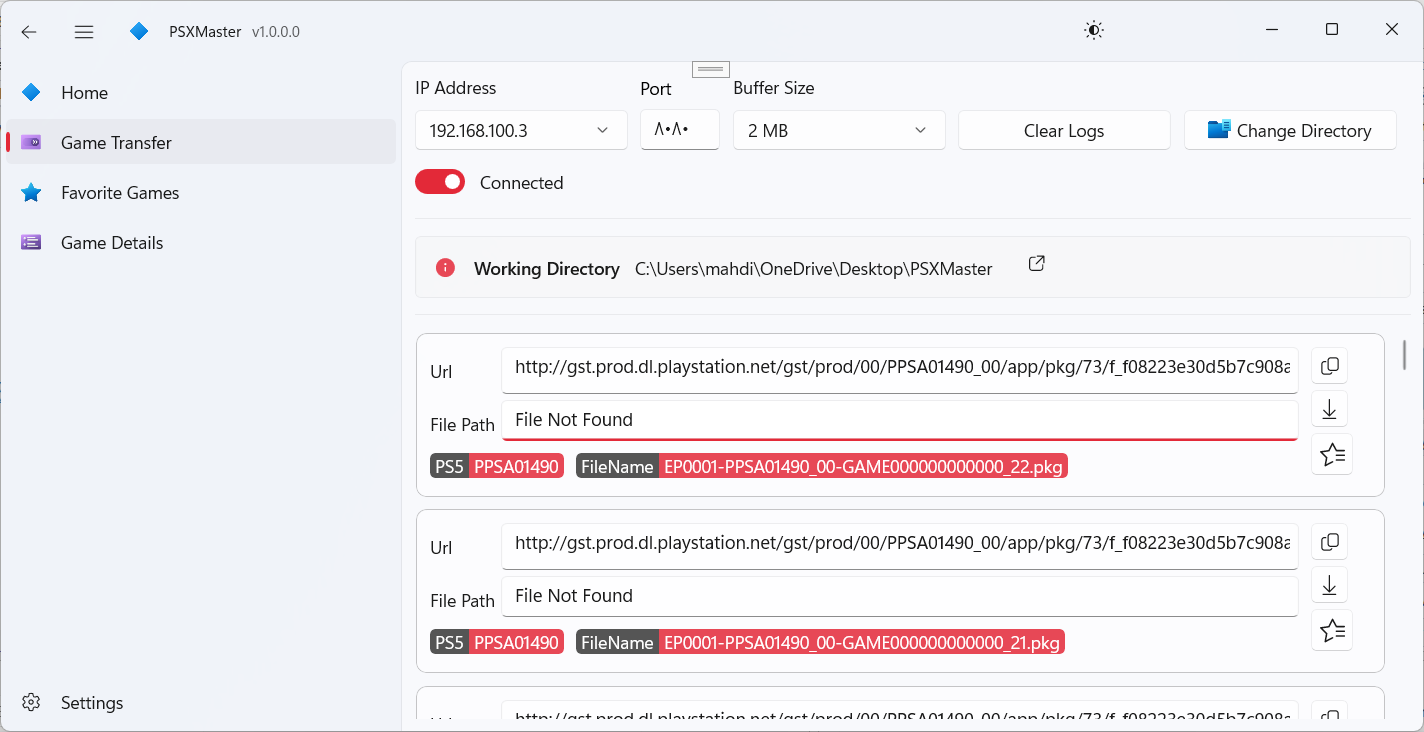
3.Run the app and go to the Game Transfer page.
4.Note down the port number and IP address displayed on the "Game Transfer" page.
5.On your console, switch to a wired network connection. Set up a proxy server using the IP address and port number from the previous step. Also, set the primary DNS to 165.227.83.145, then connect to the network.
6.Once you resume the download on your console, the Game Transfer page in PSXMaster will display detailed information such as the download link and file name. If the corresponding game data is available in the path you’ve specified on your PC, the console will download the game directly from your PC instead of the internet.
[!TIP] If you experience connection issues, go to your PC’s Network and Sharing Center and enable network sharing.