
Pythia
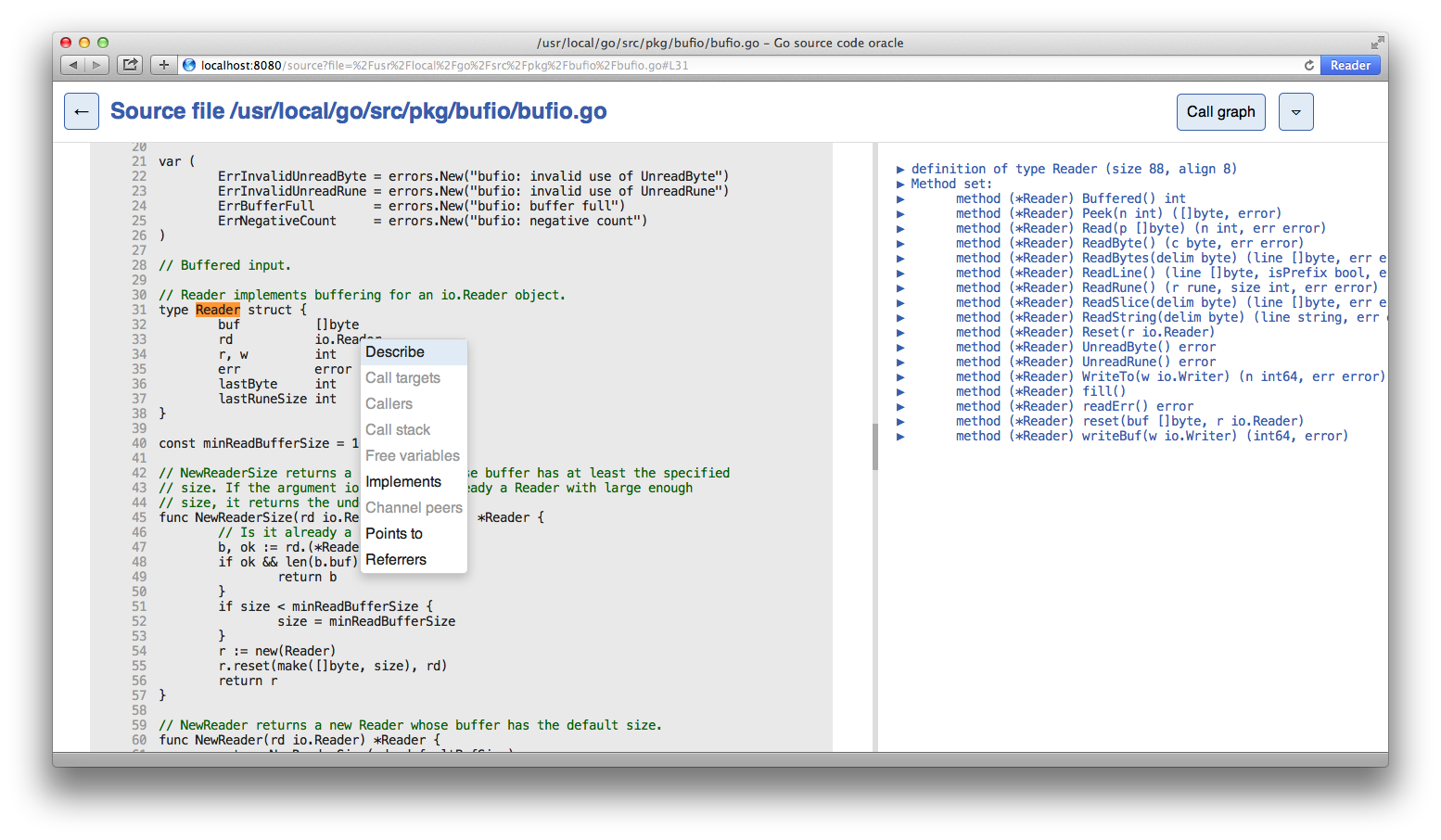
Browser based user interface for the Go source code guru
Install / Use
/learn @fzipp/PythiaREADME
Pythia

Pythia is a browser based user interface for the Go source code guru, which is a tool for navigating Go code.
For more information on the Go guru, see Using Go Guru.
Installing from source
To install, run
$ go install github.com/fzipp/pythia@latest
You will now find a pythia binary in your $GOBIN or $GOPATH/bin directory.
Running Pythia also requires guru:
$ go install golang.org/x/tools/cmd/guru@latest
Usage
Start the web application with a package path, e.g.:
$ pythia net/http
By default it will listen on port :8080 and try to launch the application
in your browser. You can choose a different port via the -http flag, e.g.:
$ pythia -http :6060 fmt
Run pythia -help for more information.
Related Skills
node-connect
339.3kDiagnose OpenClaw node connection and pairing failures for Android, iOS, and macOS companion apps
xurl
339.3kA CLI tool for making authenticated requests to the X (Twitter) API. Use this skill when you need to post tweets, reply, quote, search, read posts, manage followers, send DMs, upload media, or interact with any X API v2 endpoint.
frontend-design
83.9kCreate distinctive, production-grade frontend interfaces with high design quality. Use this skill when the user asks to build web components, pages, or applications. Generates creative, polished code that avoids generic AI aesthetics.
openai-whisper-api
339.3kTranscribe audio via OpenAI Audio Transcriptions API (Whisper).
