Nappgui
Cross-Platform C SDK (precompiled)
Install / Use
/learn @frang75/NappguiREADME
NAppGUI
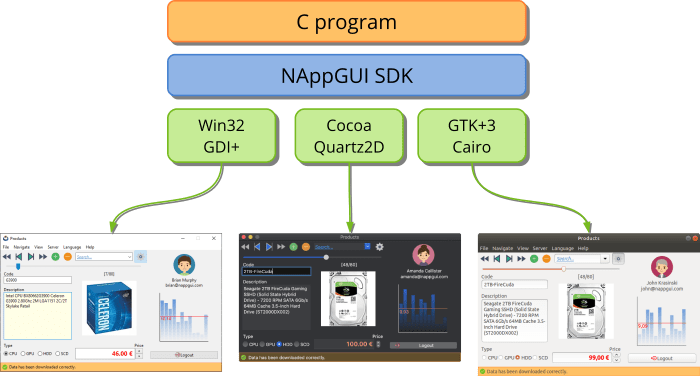
Cross-Platform C SDK. Build portable desktop applications for Windows, macOS and Linux, using just C.
This repository ONLY have headers and precompiled libraries for the most popular compilers. The source code is in nappgui_src.
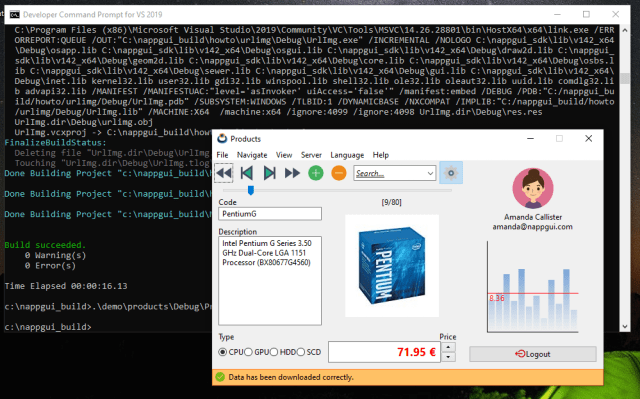
Quick start in Windows
Prerequisites
Open the Developer Command Prompt
(from C:\)

git clone --depth 1 https://github.com/frang75/nappgui.git
cd nappgui
cmake -S ./src -B ./build
cmake --build ./build --config Debug

// Run examples in 'demo' and 'howto' folders
.\build\Debug\bin\Die.exe
.\build\Debug\bin\Bricks.exe
.\build\Debug\bin\Products.exe
.\build\Debug\bin\Col2dHello.exe
.\build\Debug\bin\GuiHello.exe
...
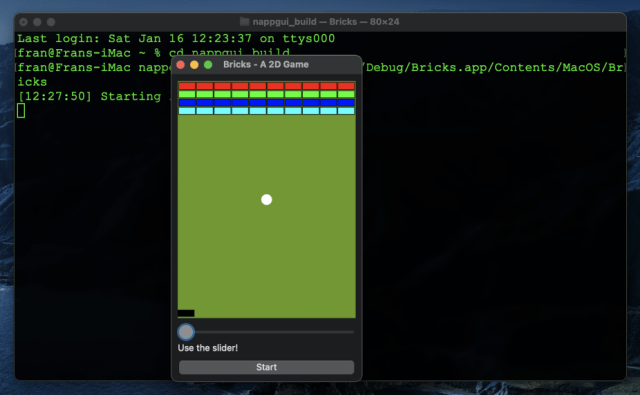
Quick start in macOS
Prerequisites
Open the Terminal
(from your home dir ~/)

git clone --depth 1 https://github.com/frang75/nappgui.git
cd nappgui
cmake -G Xcode -S ./src -B ./build
cmake --build ./build --config Debug

// Run examples in 'demo' and 'howto' folders
./build/Debug/bin/Die.app/Contents/MacOS/Die
./build/Debug/bin/Bricks.app/Contents/MacOS/Bricks
./build/Debug/bin/Products.app/Contents/MacOS/Products
./build/Debug/bin/Col2dHello.app/Contents/MacOS/Col2dHello
./build/Debug/bin/GuiHello.app/Contents/MacOS/GuiHello
...
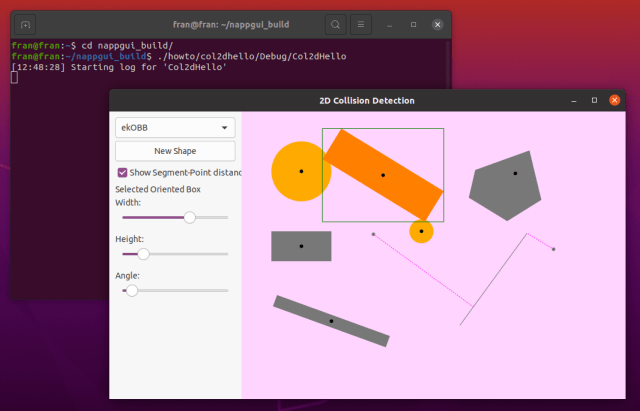
Quick start in Linux
Prerequisites
// Development tools
sudo apt-get install build-essential
sudo apt-get install git
sudo apt-get install cmake

// Development libraries
sudo apt-get install libgtk-3-dev
sudo apt-get install libglu1-mesa-dev freeglut3-dev mesa-common-dev
sudo apt-get install libcurl4-openssl-dev
Open the Terminal
(from your home dir ~/)

git clone --depth 1 https://github.com/frang75/nappgui.git
cd nappgui
cmake -S ./src -B ./build -DCMAKE_BUILD_CONFIG=Debug
cmake --build ./build -j 4

// Run examples in 'demo' and 'howto' folders
./build/Debug/bin/Die
./build/Debug/bin/Bricks
./build/Debug/bin/Products
./build/Debug/bin/Col2dHello
./build/Debug/bin/GuiHello
...