
FLCharts
Easy to use and highly customizable charts library for iOS
Install / Use
/learn @francescoleoni98/FLChartsREADME

FLCharts






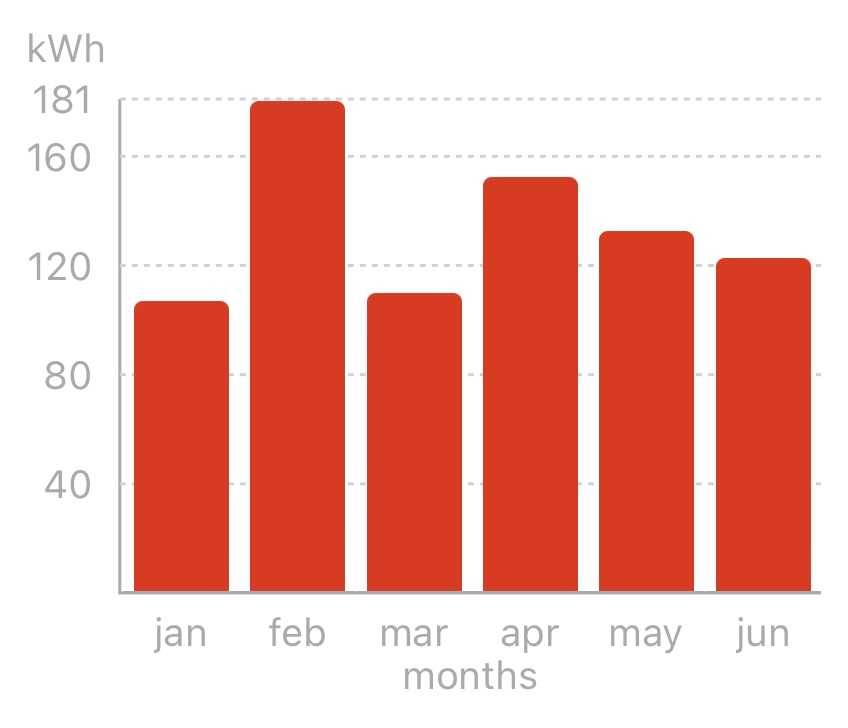
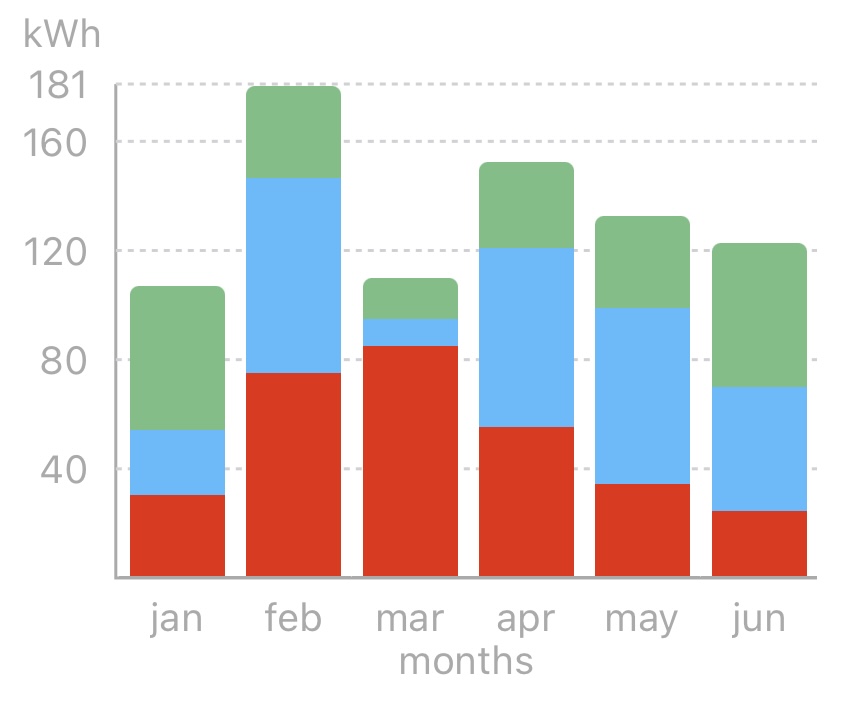
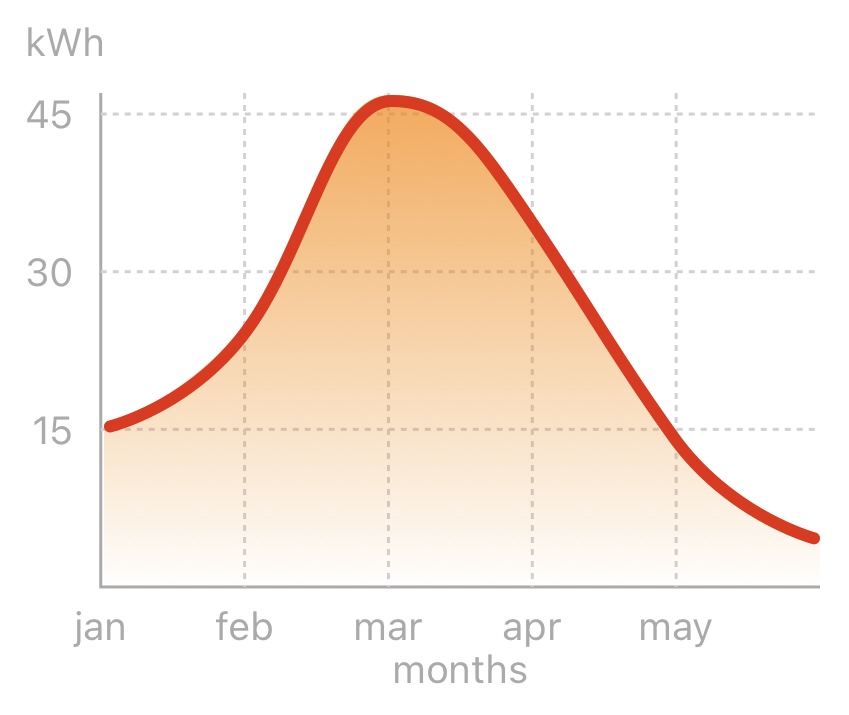
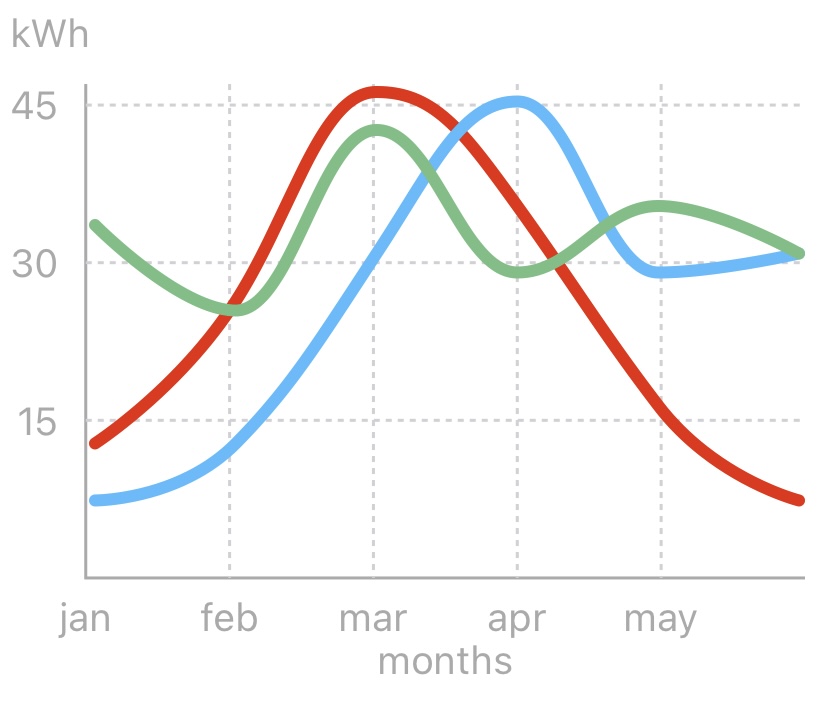
FLCharts is an easy-to-use library to build highly customizable bar, line and pie charts. It allows you to create your own chart bar UIView and use it to display data in the chart.
<br>
Additionally FLCharts allows you to provide a custom HighlightedView to show the highlighted bar contents on top of the chart.
<br>
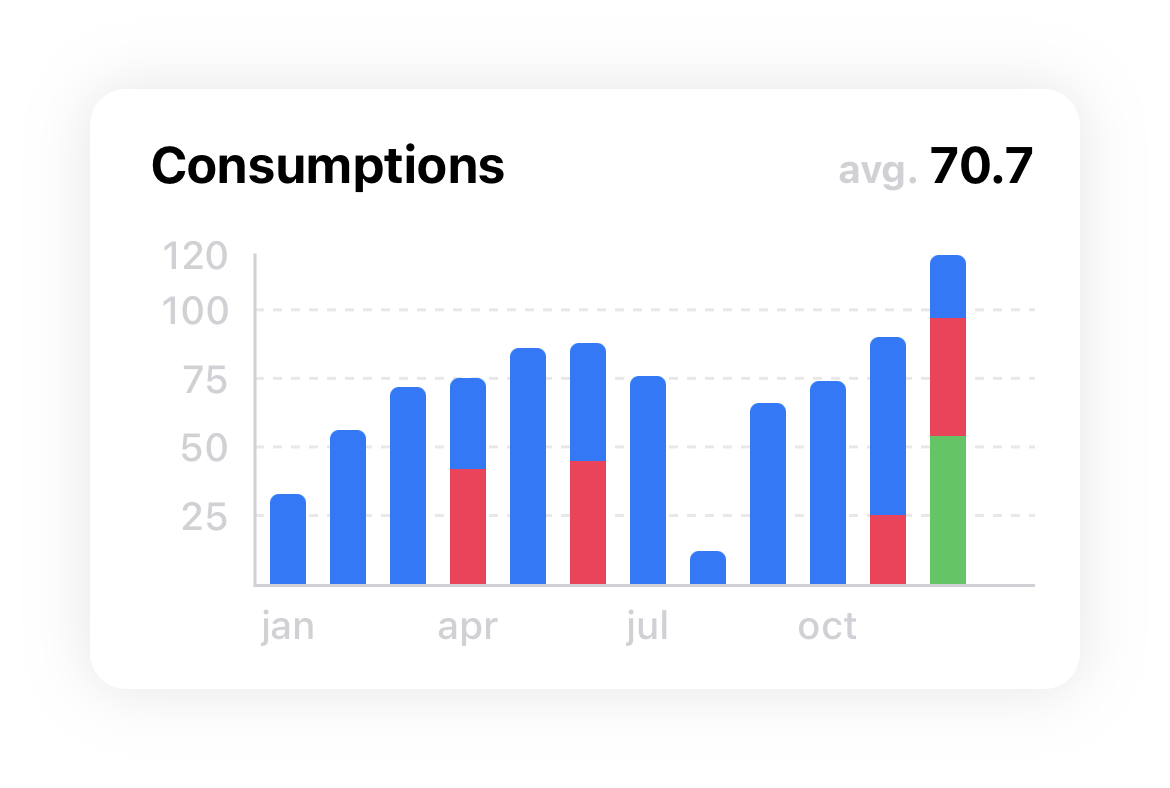
Embed effortlessly your chart in a FLCard alogside with a title, an average vlue view and additional behaviours.
Table of Contents
- Requirements
- Installation
- Features
- Configurations
- Prebuilt bar cells
- Docs
- Chart types
- Examples
- Animations
- Apps that uses FLCharts
- License
Requirements <a name="requirements"></a>
- Xcode 11 / Swift 5
- iOS >= 11.0
Installation <a name="installation"></a>
FLCharts is available through SPM, CocoaPods and Carthage
Swift Package Manager <a name="SPM"></a>
In XCode go to File -> Add Packages...
Search for https://github.com/francescoleoni98/FLCharts and click Add Package.
Select to which target you want to add it and select Add Package.
CocoaPods <a name="cocoapods"></a>
FLCharts is available through CocoaPods. To install it, add the following line to your Podfile:
pod 'FLCharts'
Then run pod install
Carthage <a name="carthage"></a>
To install it with Carthage, in your Cartfile add:
github "francescoleoni98/FLCharts"
Then run carthage update
In XCode > Build phases click the plus button on top left > New Run Script Phases. <br>
Then in Run Script > Shell script window > add /usr/local/bin/carthage copy-frameworks. <br>
Run Script > Input file window > add $(SRCROOT)/Carthage/Build/iOS/FLCharts.framework.
Then, go to $project_dir/Carthage/Build/iOS and drag the folder FLCharts.framework into your Xcode Project > Your Target > Frameworks, Libraries and Embedded Content.
Example
Here you can find a guide about how to setup a bar chart using FLCharts:
FLCharts: Create Bar Chart easily
Features <a name="features"></a>
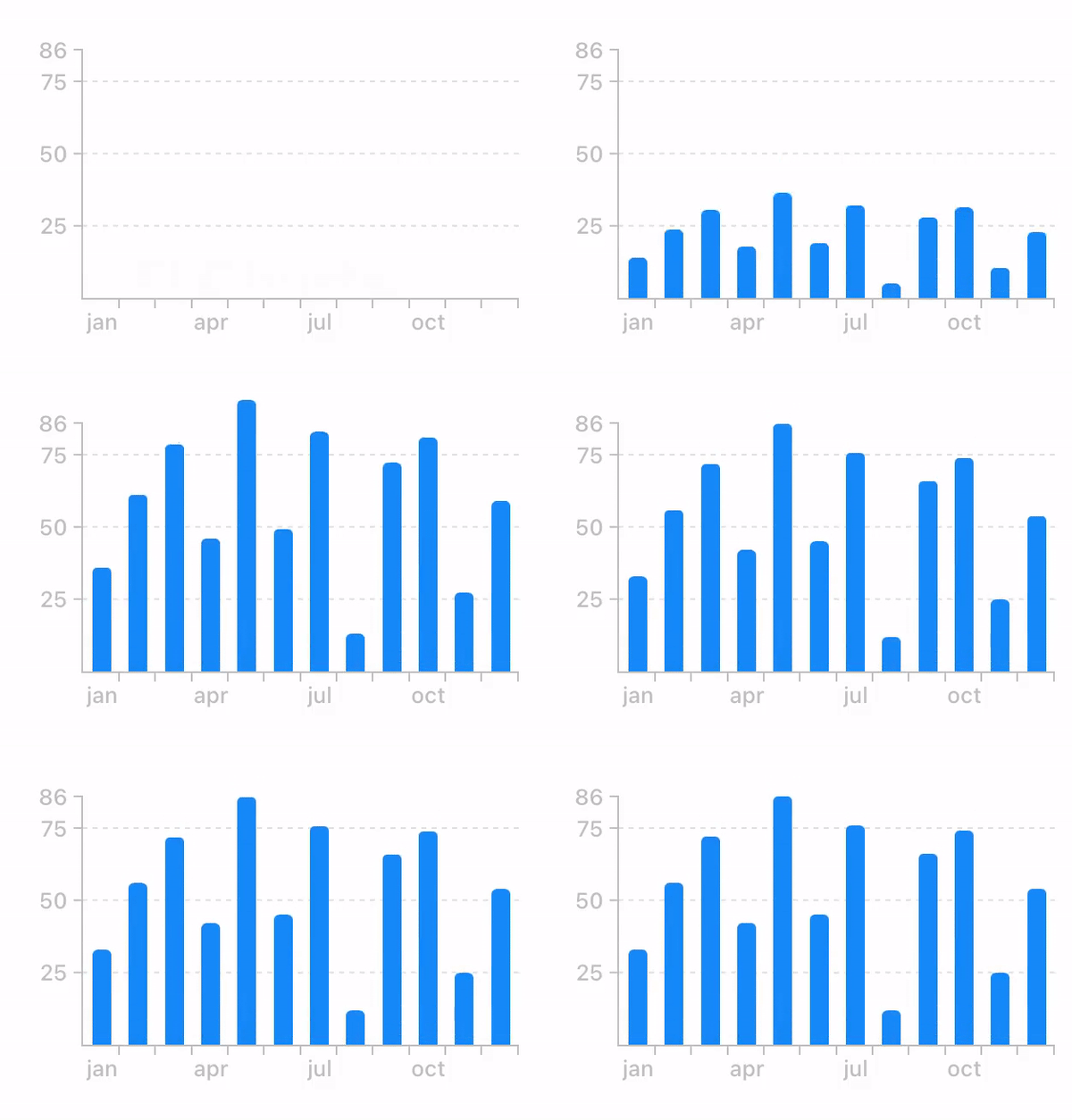
- Animations for chart bars
- Customizable Axes (both x and y axis)
- Dragging / Panning (with touch-gesture)
- Highlighting values (with customizable popup-views)
- Create custom cards with embedded chart and more features
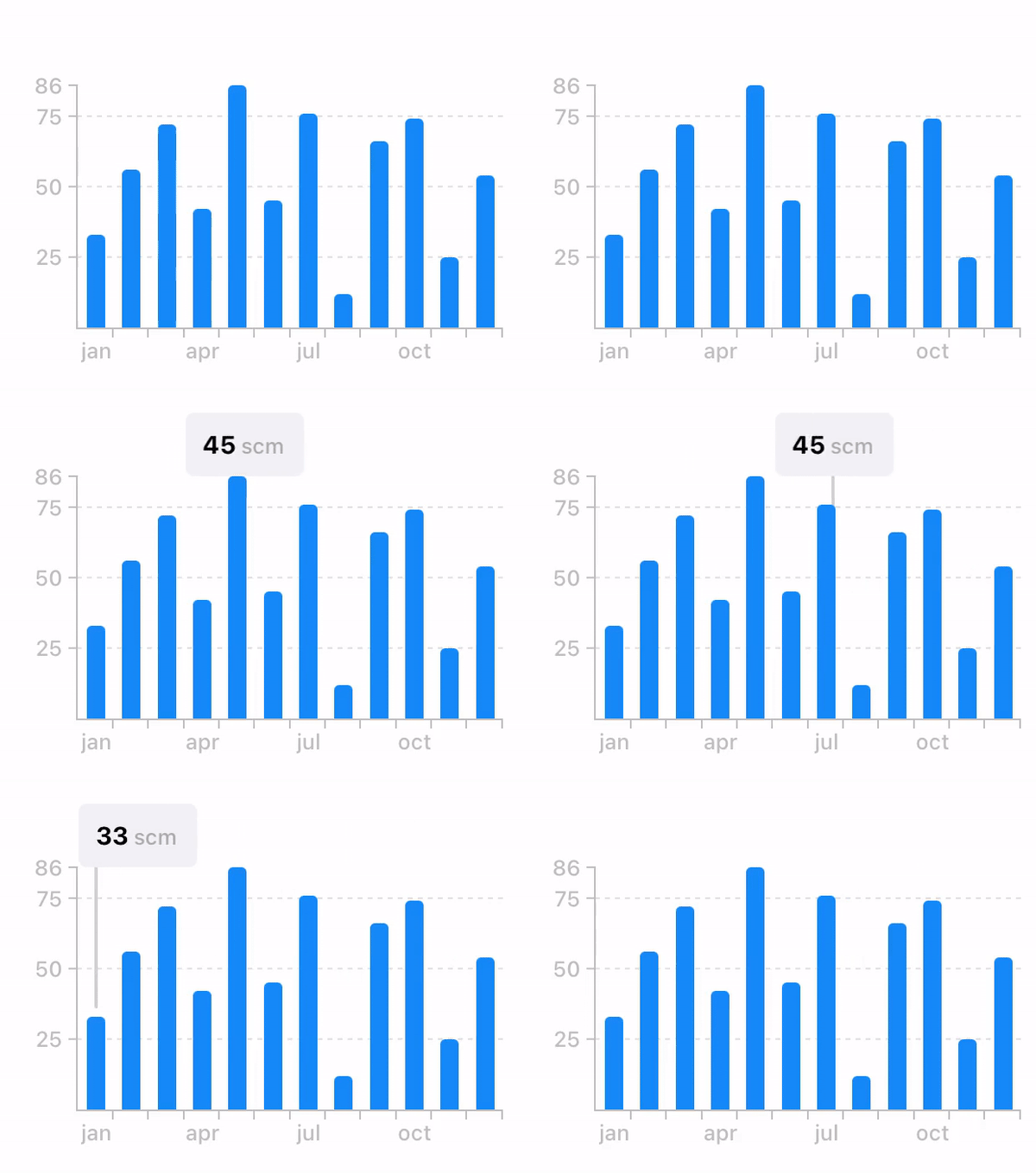
- Scroll through chart while highlighted to change highlighted bar
- Fully customizable (bar colors, axes color, background, average value, dashed lines, ...)
Configurations <a name="configurations"></a>
FLChart is highly customizable. You can choose which property to modify through the .config property.
let axisLabelConfig = FLAxisLabelConfig(color: .black,
                                        font: .preferredFont(forTextStyle: .body))

chart.config = ChartConfig(axesLabels: axisLabelConfig)
Prebuilt bar cells <a name="barcells"></a>
FLPlainChartBarFLMultipleValuesChartBarFLHorizontalMultipleValuesChartBar
Use this bars when you configure your chart.
Eg. FLChart(data: ..., type: .bar(bar: FLMultipleValuesChartBar.self))
Docs <a name="docs"></a>
You can build FLCharts documentation directly in XCode.
</br>
In XCode go to Product -> Build Documentation, once XCode has finished building, the documentation will appear.
Chart types <a name="charttypes"></a>
| | | |
| ----------- | ----------- | ----------- |
| Plain Bar Chart | Multi Value Bar Chart | Horizontal Multi Value Bar Chart |
| Bar class: FLPlainChartBar | Bar class: FLMultipleValuesChartBar | Bar class: FLHorizontalMultipleValuesChartBar |
| Data type: SinglePlotable | Data type: MultiPlotable | Data type: MultiPlotable |
|  |
|  |
|  |
| <img width=0 height=40 /> | | |
| Line Chart | Multi Value Line Chart | Scatter Chart |
| Data type:
|
| <img width=0 height=40 /> | | |
| Line Chart | Multi Value Line Chart | Scatter Chart |
| Data type: SinglePlotable | Data type: MultiPlotable | Data type: ScatterPlotable |
|  |
|  |
|  |
| <img width=0 height=40 /> | | |
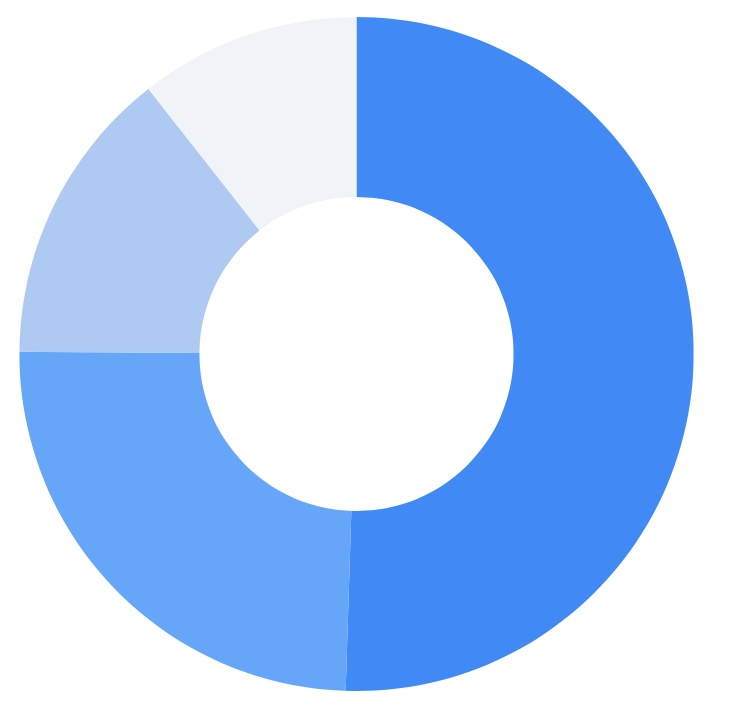
| Radar Chart | Pie Chart |
| Data type:
|
| <img width=0 height=40 /> | | |
| Radar Chart | Pie Chart |
| Data type: FLDataSet | Data type: FLPiePlotable |
|  |
|  |
|
Examples <a name="examples"></a>
| | | |
| ----------- | ----------- | ----------- |
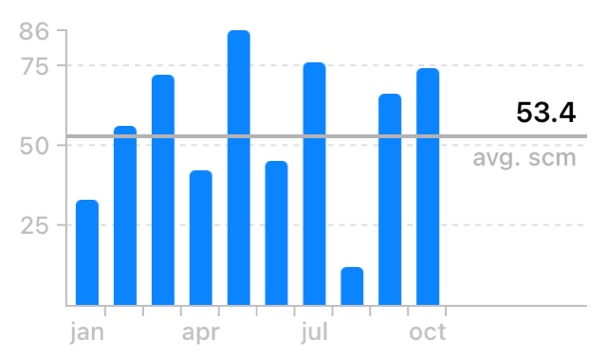
| Highlighted Bar | Average view | Bar chart embedded in FLCard |
| Highlight View: BarHighlightedView | showAverage = true | |
|  |
|  |
|  |
| <img width=0 height=40 /> | | |
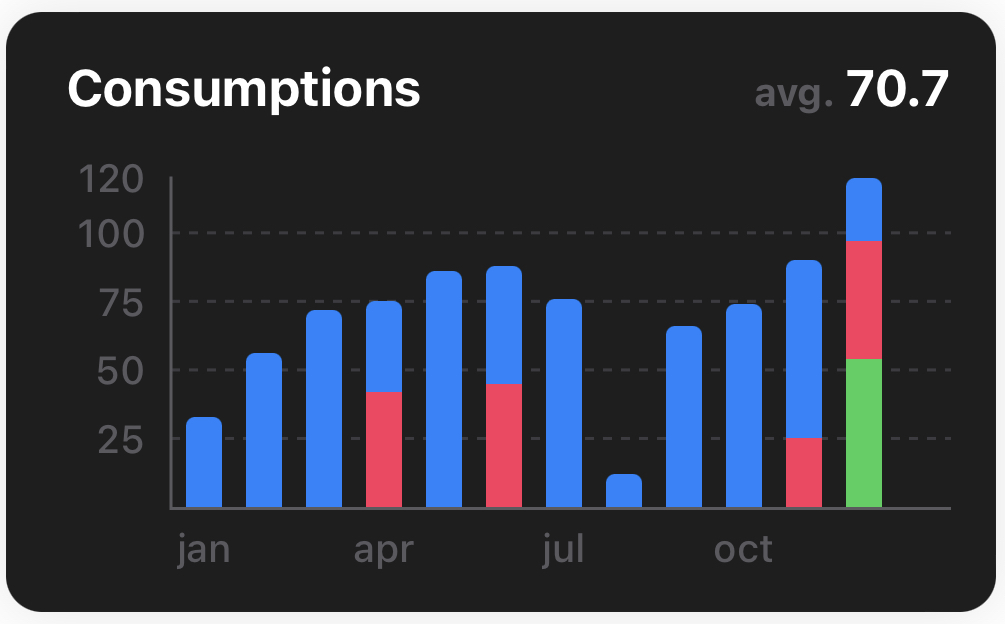
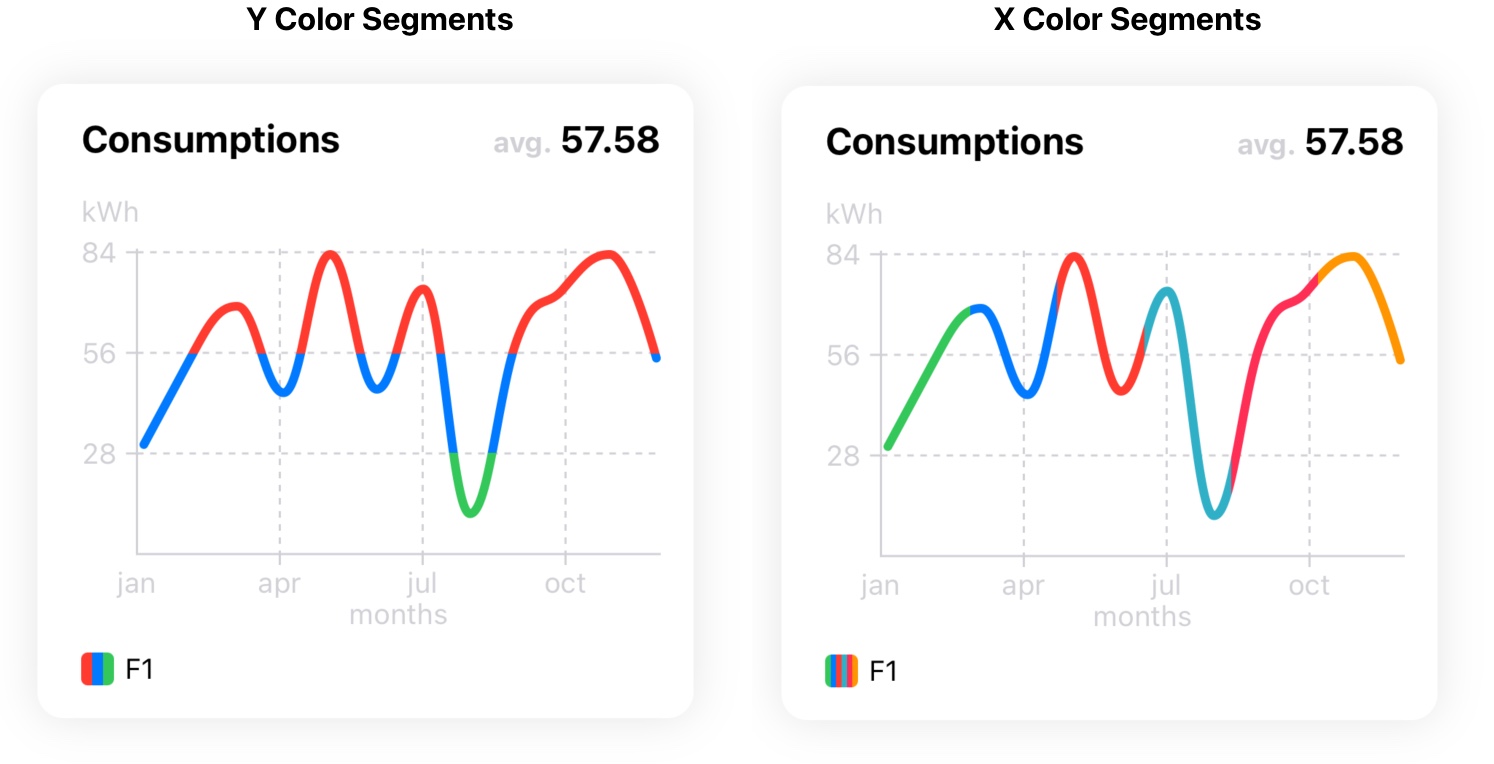
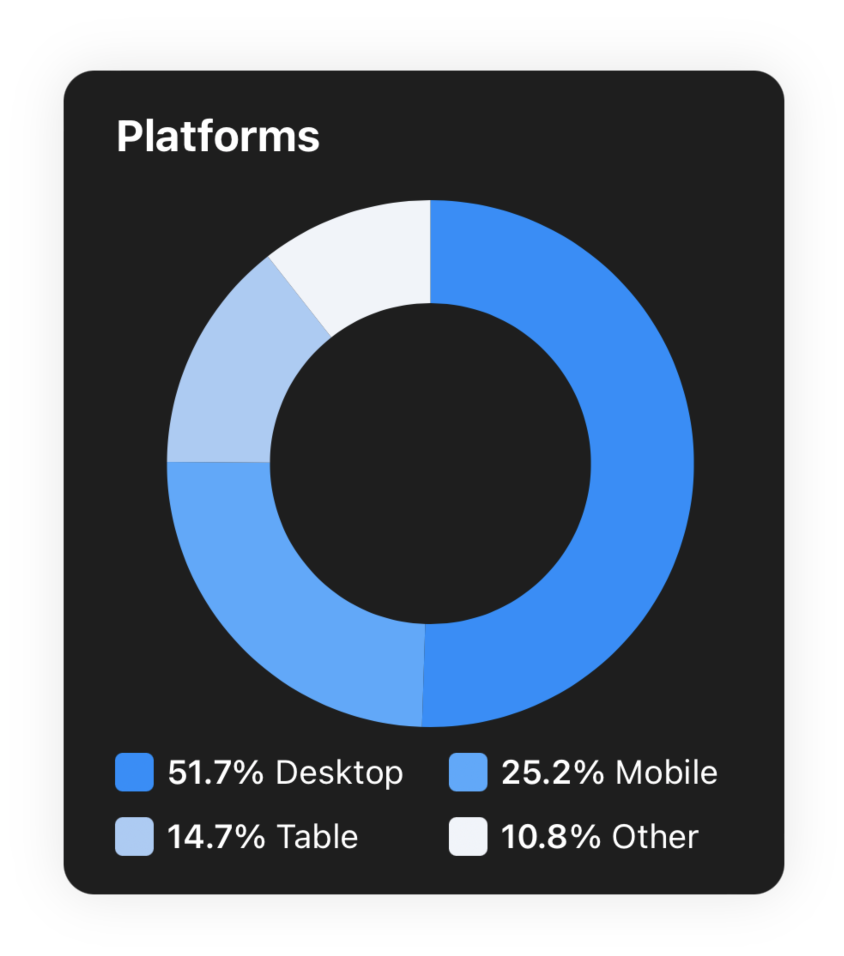
| Dark Mode | Line Chart X and Y Segments | Pie Chart |
| | X Segments:
|
| <img width=0 height=40 /> | | |
| Dark Mode | Line Chart X and Y Segments | Pie Chart |
| | X Segments: Key(key: String, xColors: [UIColor]) | |
| | Y Segments: Key(key: String, yThresholds: [CGFloat : UIColor], data: [PlotableData]) | |
|  |
|  |
|  |
|
Animations <a name="animations"></a>
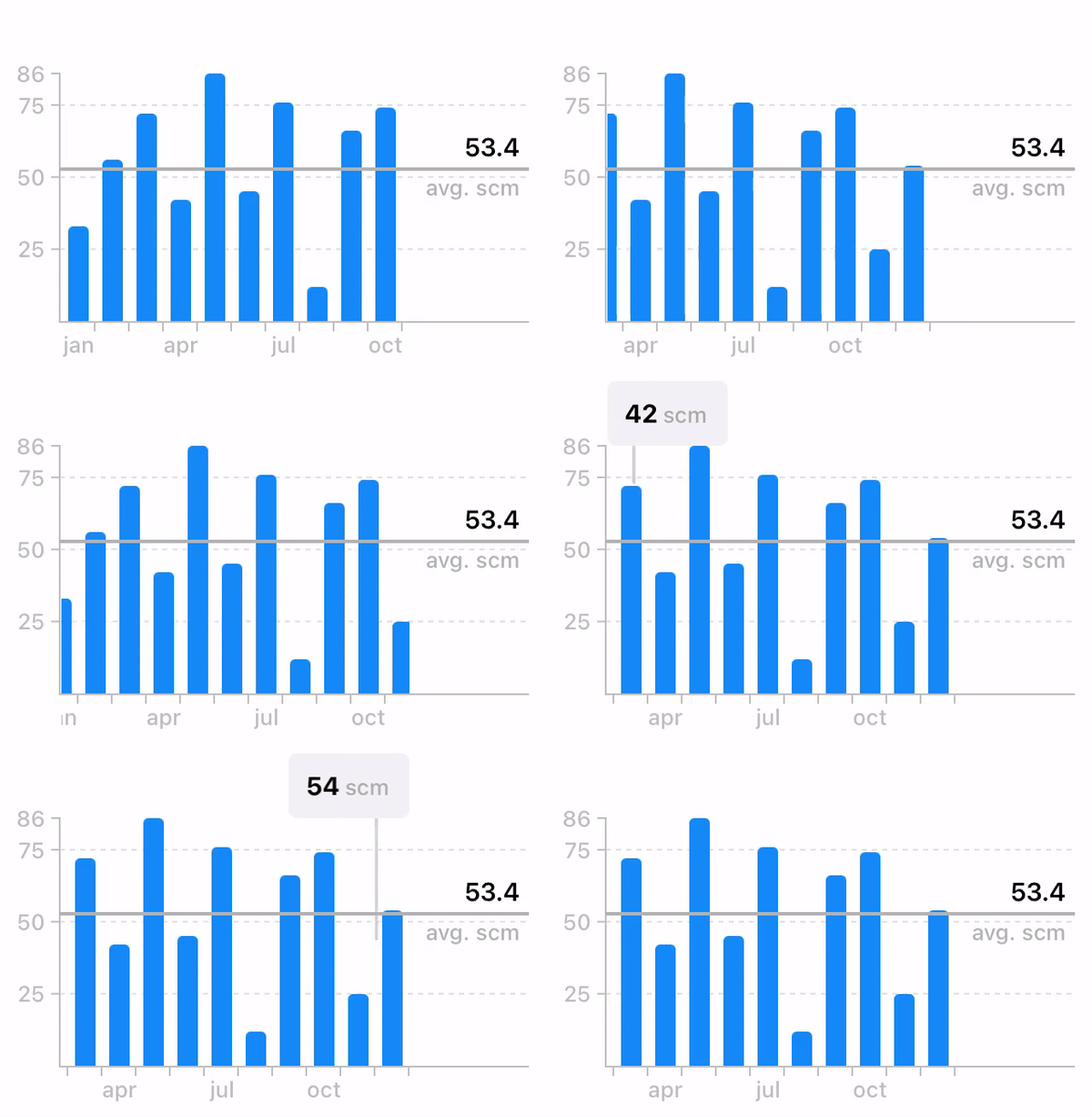
- Panning while highlighted
- Chart animation
- Scrolling behaviour with average and highlighted views
Apps that uses FLCharts <a name="apps"></a>
Author
Francesco Leoni | @franceleonidev | leoni.francesco98@gmail.it
License <a name="license"></a>
FLCharts is available under the MIT license. See the LICENSE file for more info.
