
Blocklino
A mini development environment for free and open source graphic language
Install / Use
/learn @fontainejp/BlocklinoREADME
<img src="https://fontainejp.github.io/media/icon.png" alt="Blocklino icon"> BLOCKLINO
A mini development environment for free and open source graphic language. Programs are created by assembling blocks, they are then compiled and sent to the board.
This app works on Windows operating systems. You can download the latest release
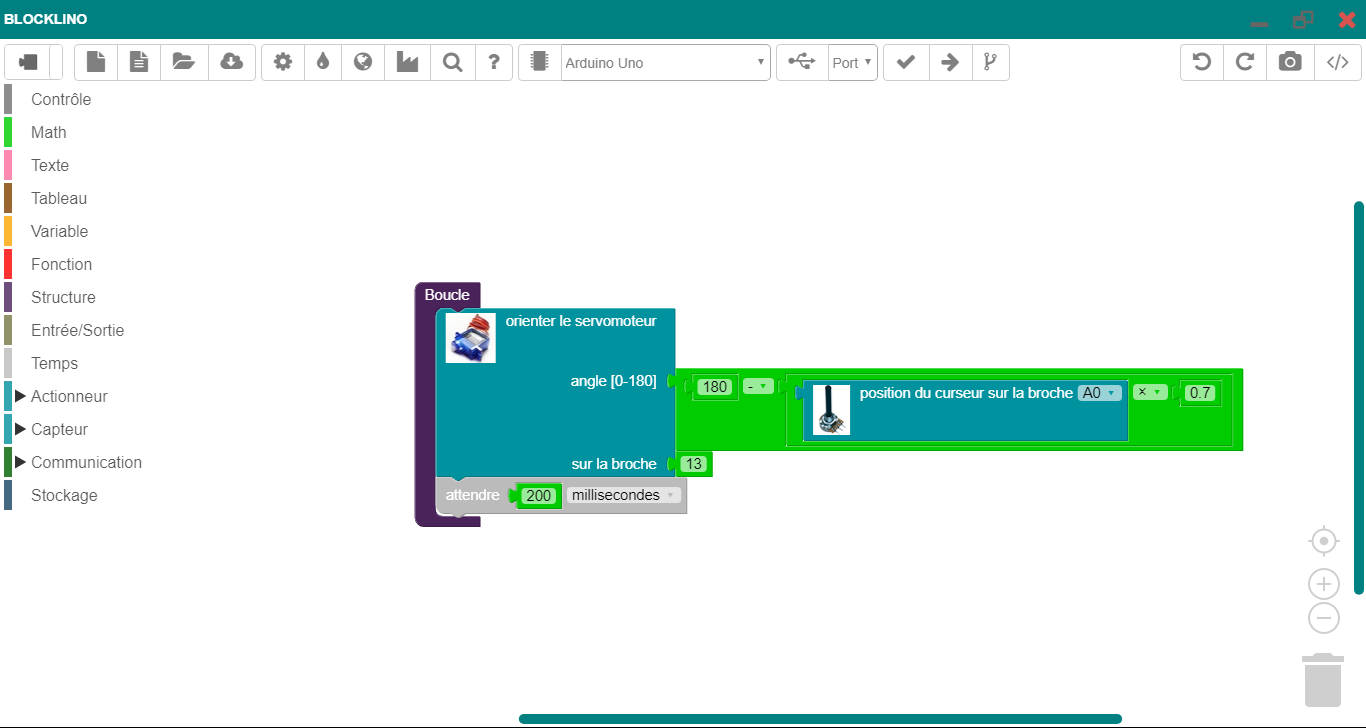
Demo
Blocklino is a web tool. You can give it a try here.
You can link directly to examples :
Or watch the video demo
How to Use
Clone or download the source code.
Requirements
You'll need Node.js installed on your computer.
Install all the required tools :
run as Administrator
> npm install -g windows-build-tools
and
> npm install -g node-gyp
Getting Started
> git clone https://github.com/fontainejp/blocklino
> cd blocklino-master
> npm install
from Arduino IDE
copy / paste all files and directories
| Arduino | Blocklino | | ------- | --------- | | hardware\arduino | compilation\arduino\arduino | | hardware\tools | compilation\arduino\tools | | tools-builder | compilation\arduino\tools-builder |
Build
You can use electron-builder to pack your electron app in zip, nsis (Installer), portable (portable app without installation) formats.
> cd blocklino-master
> build --win --ia32
or
> cd blocklino-master
> npm run compiler
Publish
GitHub personal access token is required. You can generate it here. The access token should have the repo scope/permission. Define GH_TOKEN environment variable.
> cd blocklino-master
> build --win --ia32 -p -always
or
> cd blocklino-master
> npm run publier
Links
Tools without which nothing would not have been possible :
