
Fjp.github.io
:triangular_ruler: Personal GitHub web page. Based on the minimal-mistakes Jekyll theme.
Install / Use
/learn @fjp/Fjp.github.ioREADME
Blog Repository
This repository holds the data for my blog. It is based on the theme minimal mistakes which is defined in the
_config.yml, an important configuration file for sites based on Jekyll. Whenever I push commits to this GitHub repository it is automatically transformed by Jekyll into a static site.
You can see the result at fjp.github.io or fjp.at.
For this to work you need to enable GitHub pages in the repository settings.
The default address of your GitHub page will be in the form of username.github.io. If you already own a custom domain it is possible to use it with a
CNAME file and other requierd settings explained in Managing a custom domain for your GitHub Pages site.

Setup on Ubuntu 22.04
Install gpg2 which is required for rvm:
sudo apt install gpg2
Follow the instructions at to install rvm:
gpg2 --keyserver keyserver.ubuntu.com --recv-keys 409B6B1796C275462A1703113804BB82D39DC0E3 7D2BAF1CF37B13E2069D6956105BD0E739499BDB
\curl -sSL https://get.rvm.io | bash -s stable
Get the latest stable rvm version
rvm get stable
Install ruby using rvm:
rvm install ruby-3.2.2
To add rvm to your path run the following commands:
echo "source $HOME/.rvm/scripts/rvm" >> ~/.bashrc
. ~/.bashrc
Install Jekyll and Bundler gems trhough RubyGems:
gem install jekyll bundler
Install additional gems defined in the Gemfile:
bundle install
Serve the static web site:
bundle exec jekyll serve
Setup on MacOS
The basic setup to get a similar site up and running is explained with the following steps. For more details checkout https://jekyllrb.com/docs/github-pages/
Install ruby
brew install ruby or on ubuntu sudo apt-get install ruby
Install Jekyll and Bundler gems through RubyGems
gem install jekyll bundler
Create a new Jekyll site at ./myblog
jekyll new myblog
Change into your new directory
cd myblog
Build the site on the preview server
bundle exec jekyll serve
- Now browse to http://localhost:4000
- Add it to a new github repository named username.github.io
git init
git add .
git add .gitignore
git commit -m "adds jekyll blog"
git remote add origin https://github.com/username/username.github.io.git
git push -u origin master
Create New Posts
New posts are simply created in the `collections/_posts folder but the naming convention is important. For more details go to https://jekyllrb.com/docs/structure/
Add the changes to github by adding, committing and pushing the new post file.

Minimal Mistakes Jekyll theme


Minimal Mistakes is a flexible two-column Jekyll theme, perfect for building personal sites, blogs, and portfolios. As the name implies, styling is purposely minimalistic to be enhanced and customized by you :smile:.
:sparkles: See what's new in the CHANGELOG.
If you enjoy this theme, please consider supporting me to continue developing and maintaining it.
Note: The theme uses the jekyll-include-cache plugin which will need to be installed in your Gemfile and added to the plugins array of _config.yml. Otherwise you'll encounter Unknown tag 'include_cached' errors at build.


Notable features
- Bundled as a "theme gem" for easier installation/upgrading.
- Compatible with GitHub Pages.
- Support for Jekyll's built-in Sass/SCSS preprocessor.
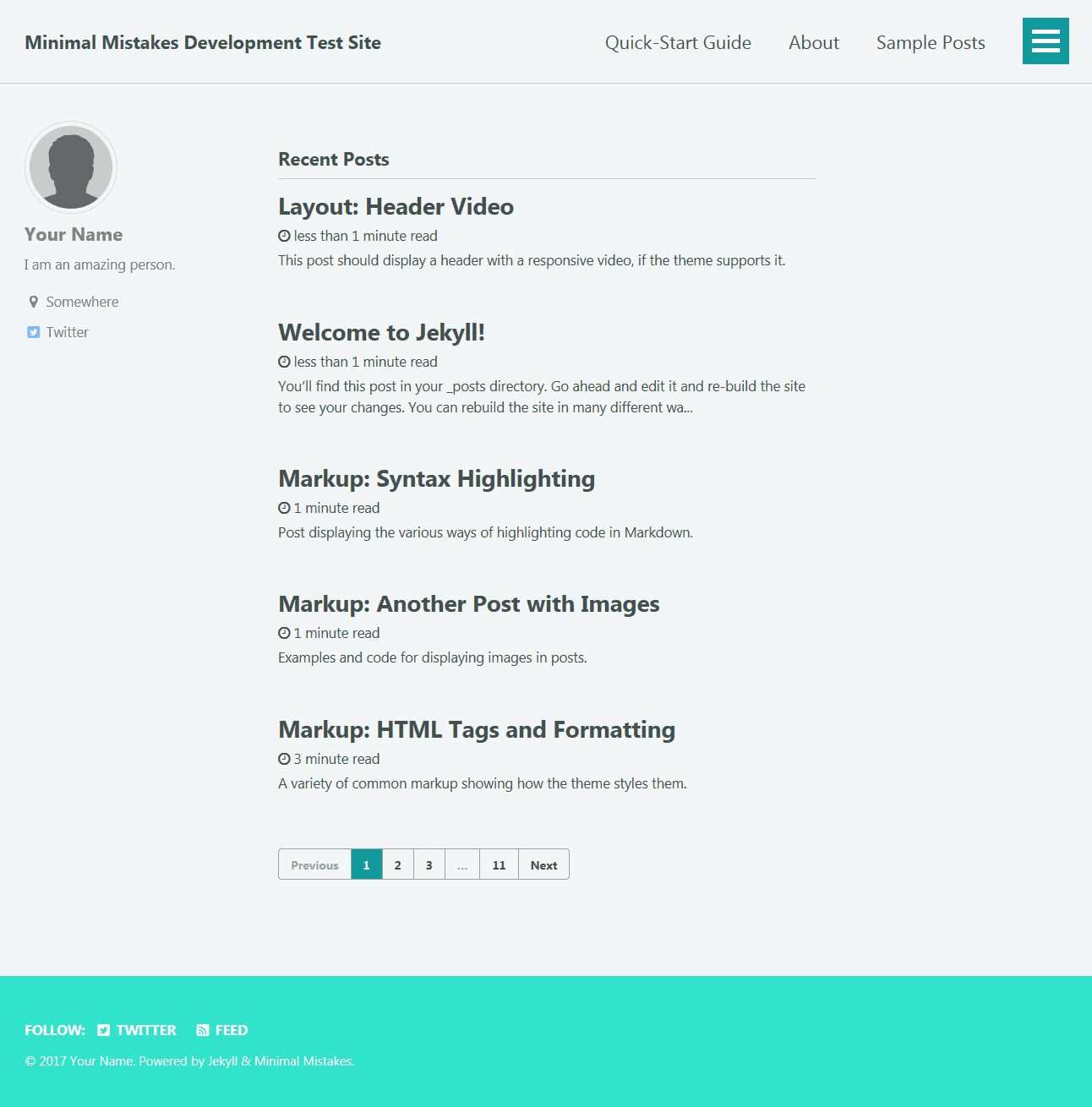
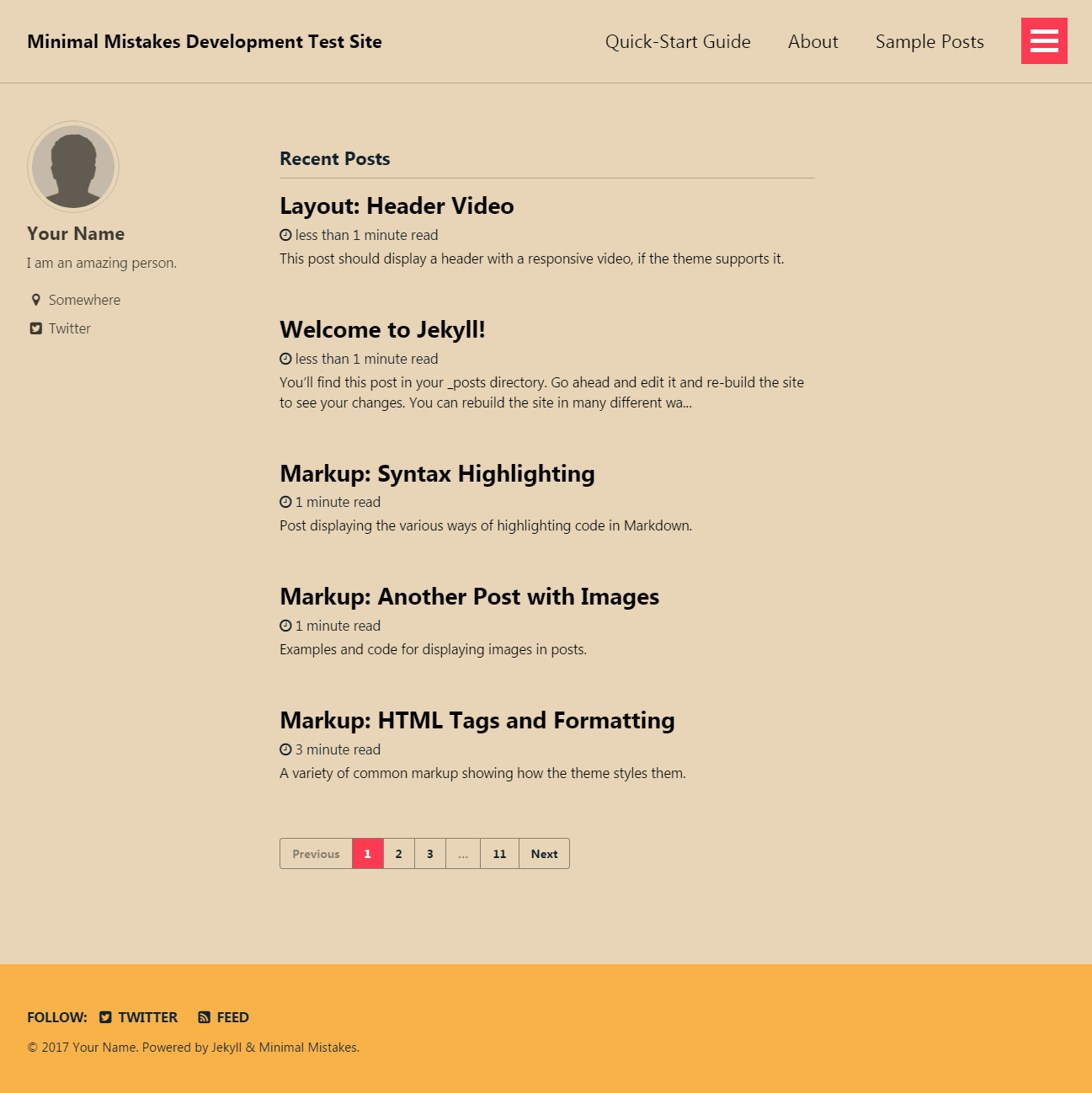
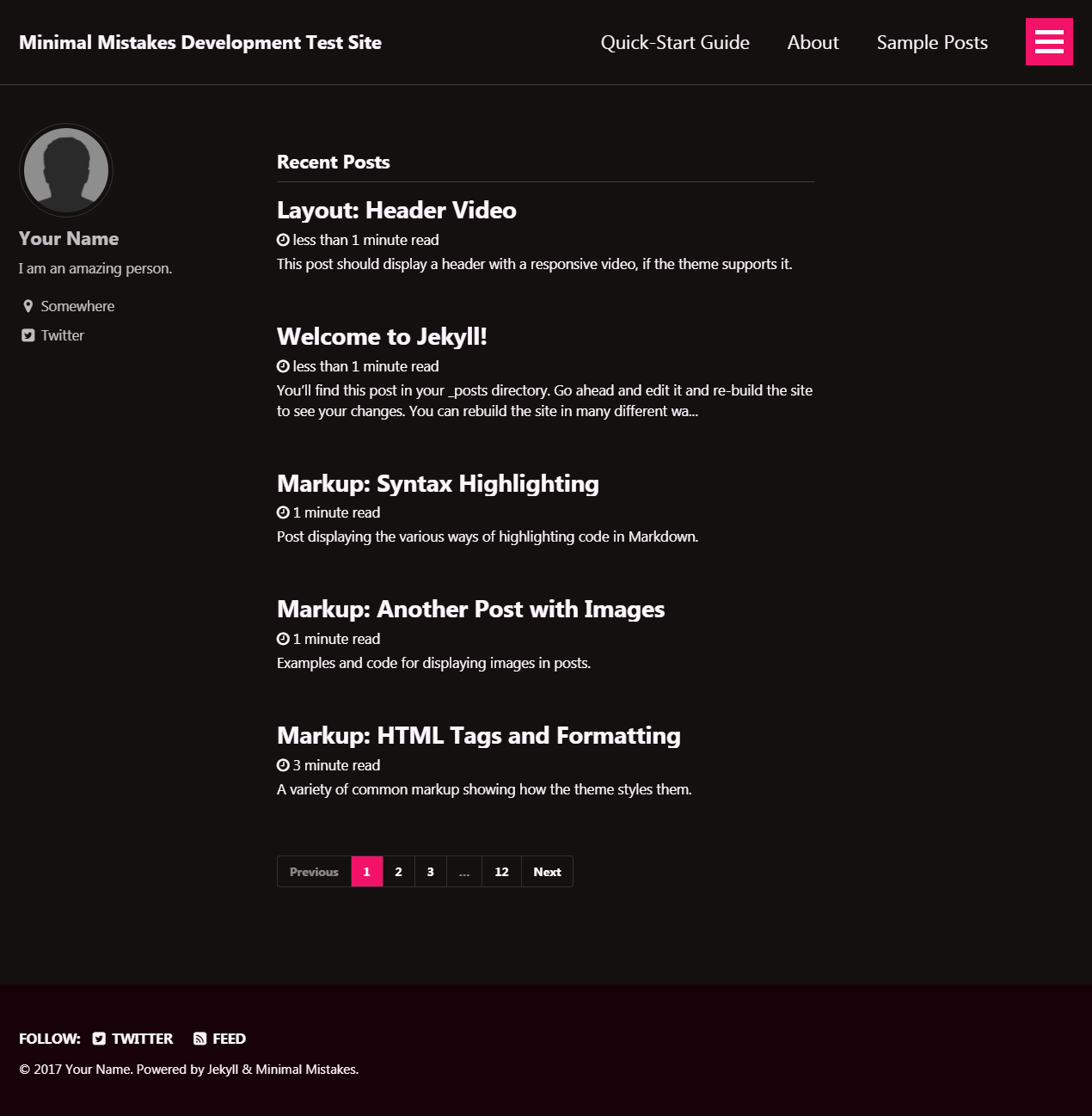
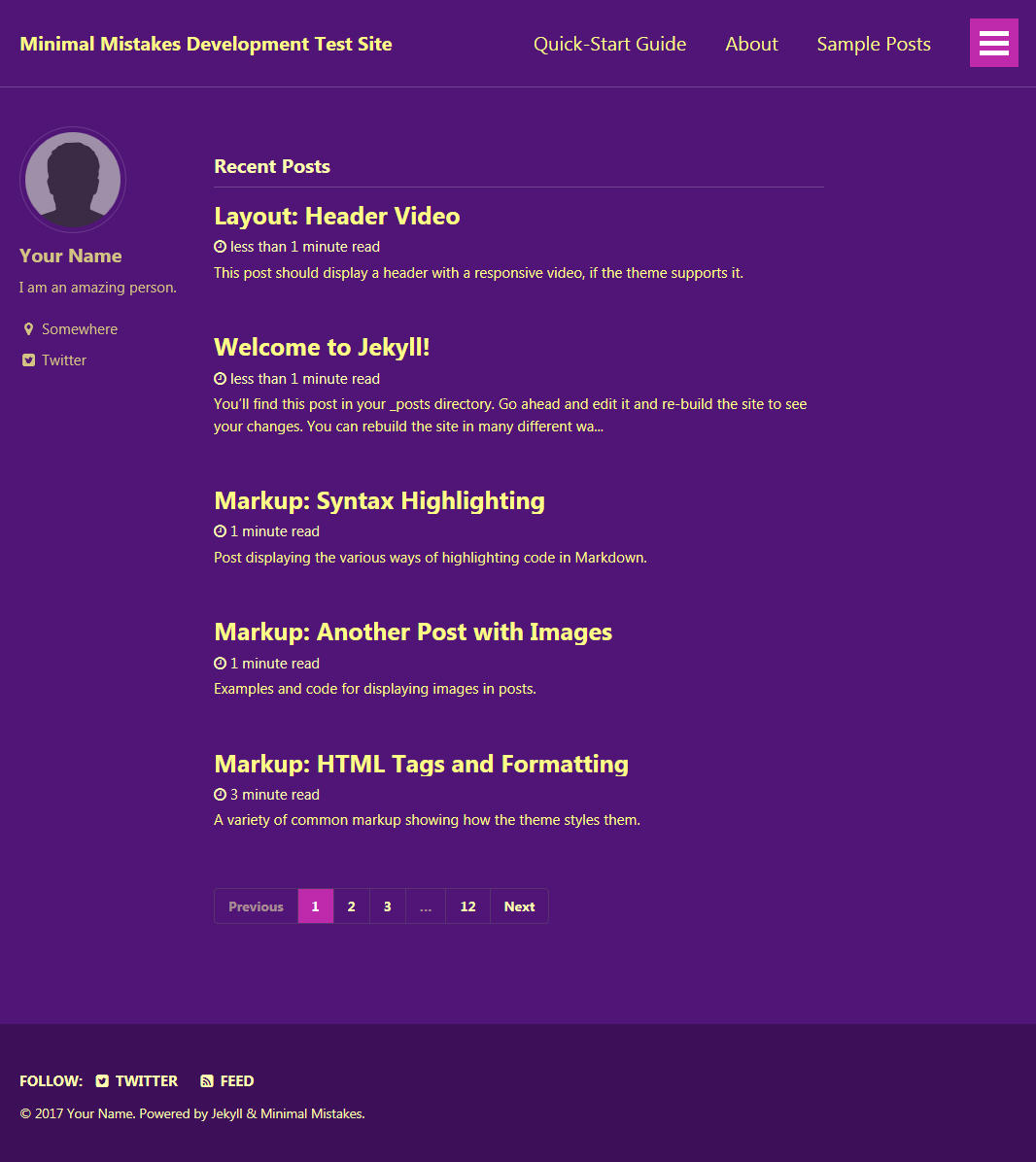
- Nine different skins (color variations).
- Several responsive layout options (single, archive index, search, splash, and paginated home page).
- Optimized for search engines with support for Twitter Cards and Open Graph data.
- Optional header images, custom sidebars, table of contents, galleries, related posts, breadcrumb links, navigation lists, and more.
- Commenting support (powered by Disqus, Facebook, Google+, Discourse, static-based via Staticman, and utterances).
- Google Analytics support.
- UI localized text in English (default), Brazilian Portuguese (Português brasileiro), Catalan, Chinese, Danish, Dutch, Finnish, French (Français), German (Deutsch), Greek, Hindi (हिंदी), Hungarian, Indonesian, Irish (Gaeilge), Italian (Italiano), Japanese, Korean, Malayalam, Nepali (Nepalese), Persian (فارسی), Polish, Punjabi (ਪੰਜਾਬੀ), Romanian, Russian, Slovak, Spanish (Español), Swedish, Thai, Turkish (Türkçe), and Vietnamese.
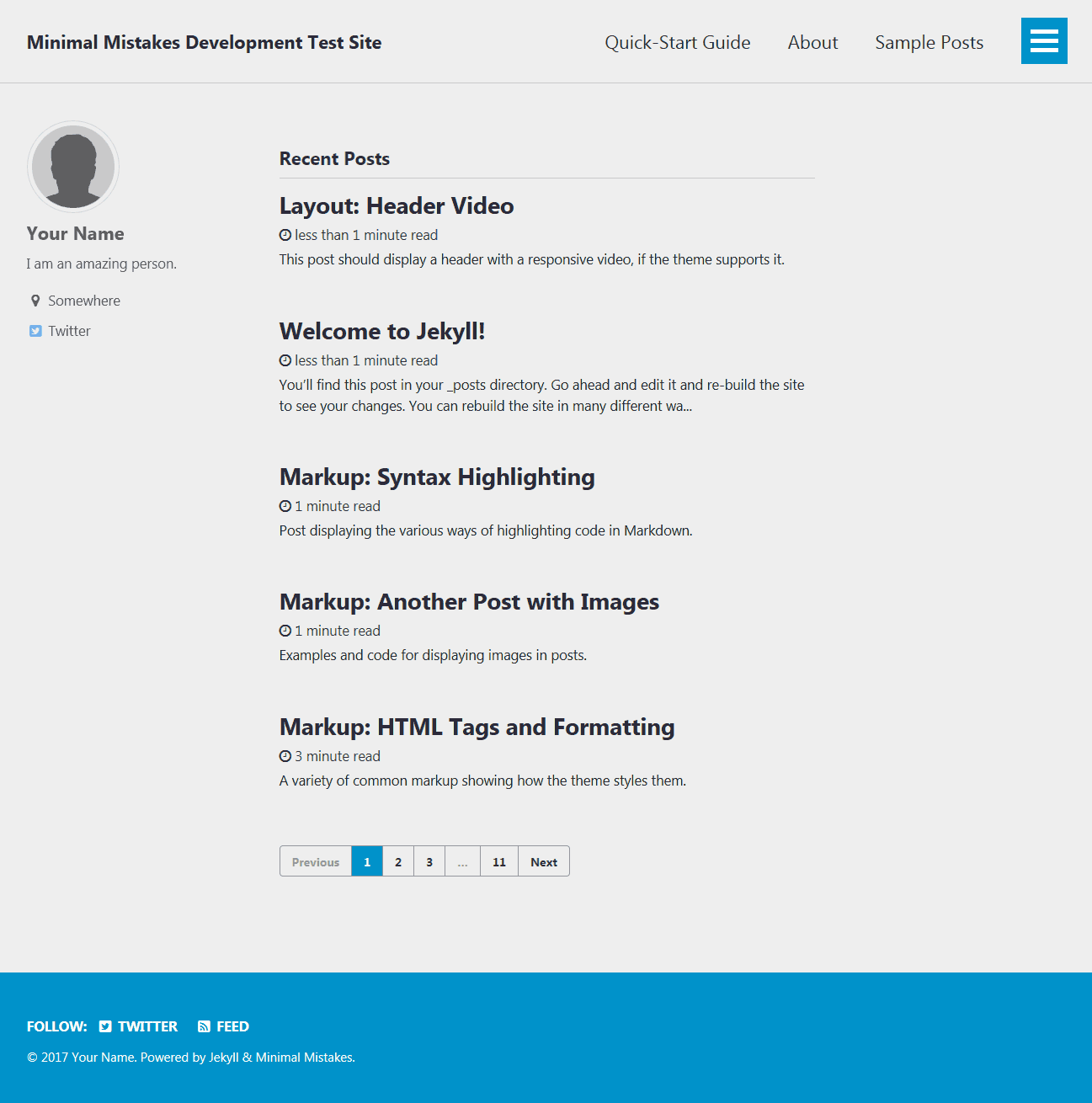
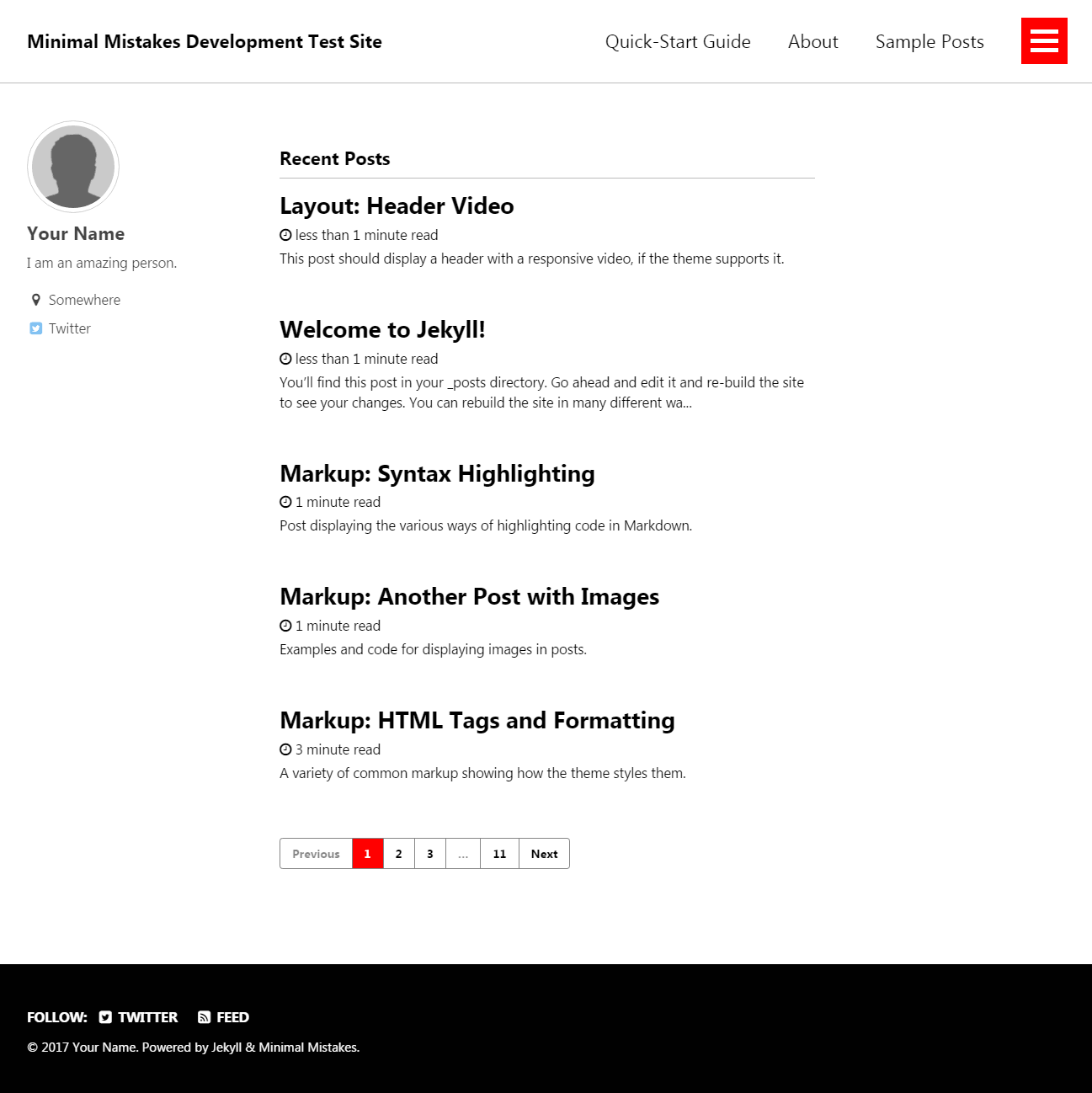
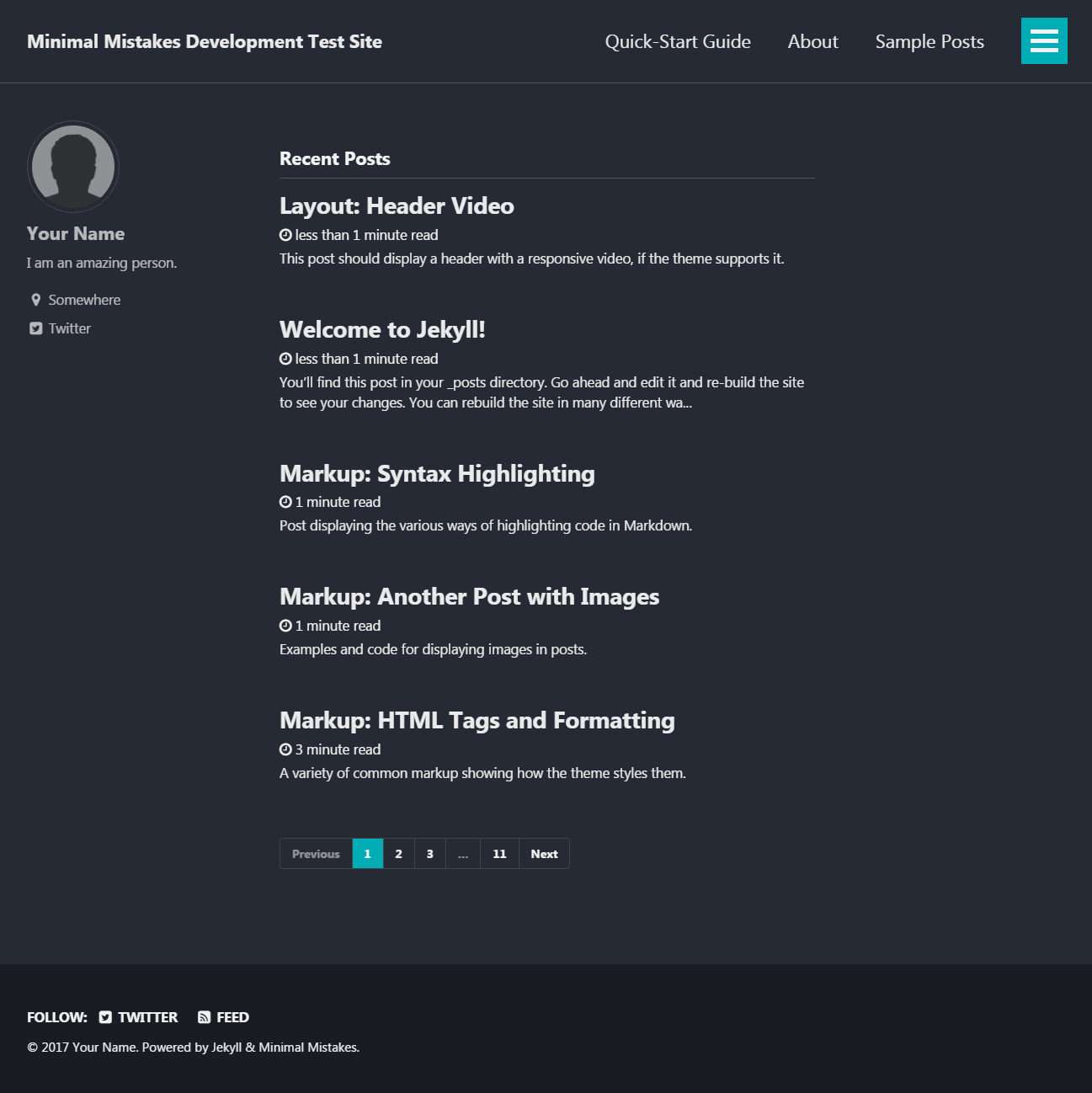
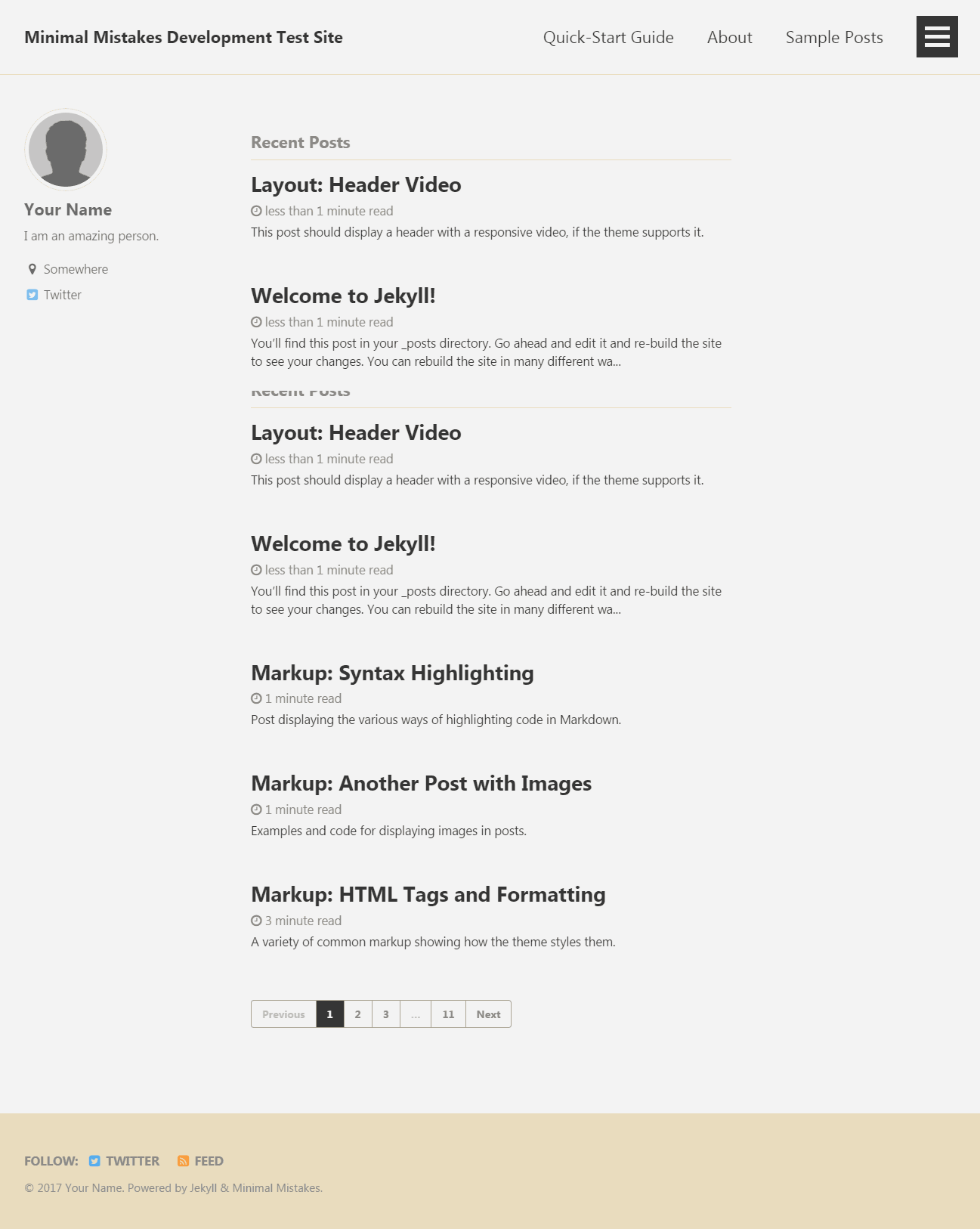
Skins (color variations)
This theme comes in nine different skins (in addition to the default one).
| air | contrast | dark |
| --- | --- | --- |
|  |
|  |
|  |
|
| dirt | mint | sunrise |
| --- | --- | --- |
|  |
|  |
|  |
|
| aqua | neon | plum |
| --- | --- | --- |
|  |
|  |
|  |
|
Demo pages
| Name | Description |
| ------------------------------------------- | ----------------------------------------------------- |
| Post with Header Image | A post with a large header image. |
| HTML Tags and Formatting Post | A variety of common markup showing how the theme styles them. |
| Syntax Highlighting Post | Post displaying highlighted code. |
| Post with a Gallery | A post showing several images wrapped in <figure> elements. |
| Sample Collection Page | Single page from a collection. |
| [Categories Archive][categories-archive] | Posts grouped by category. |
| [Tags Archive][tags-archive] | Posts grouped by tag. |
Additional sample posts are available under [posts archive][year-archive] on the demo site. Source files for these (and the entire demo site) can be found in /docs.
