
MoravaEngine
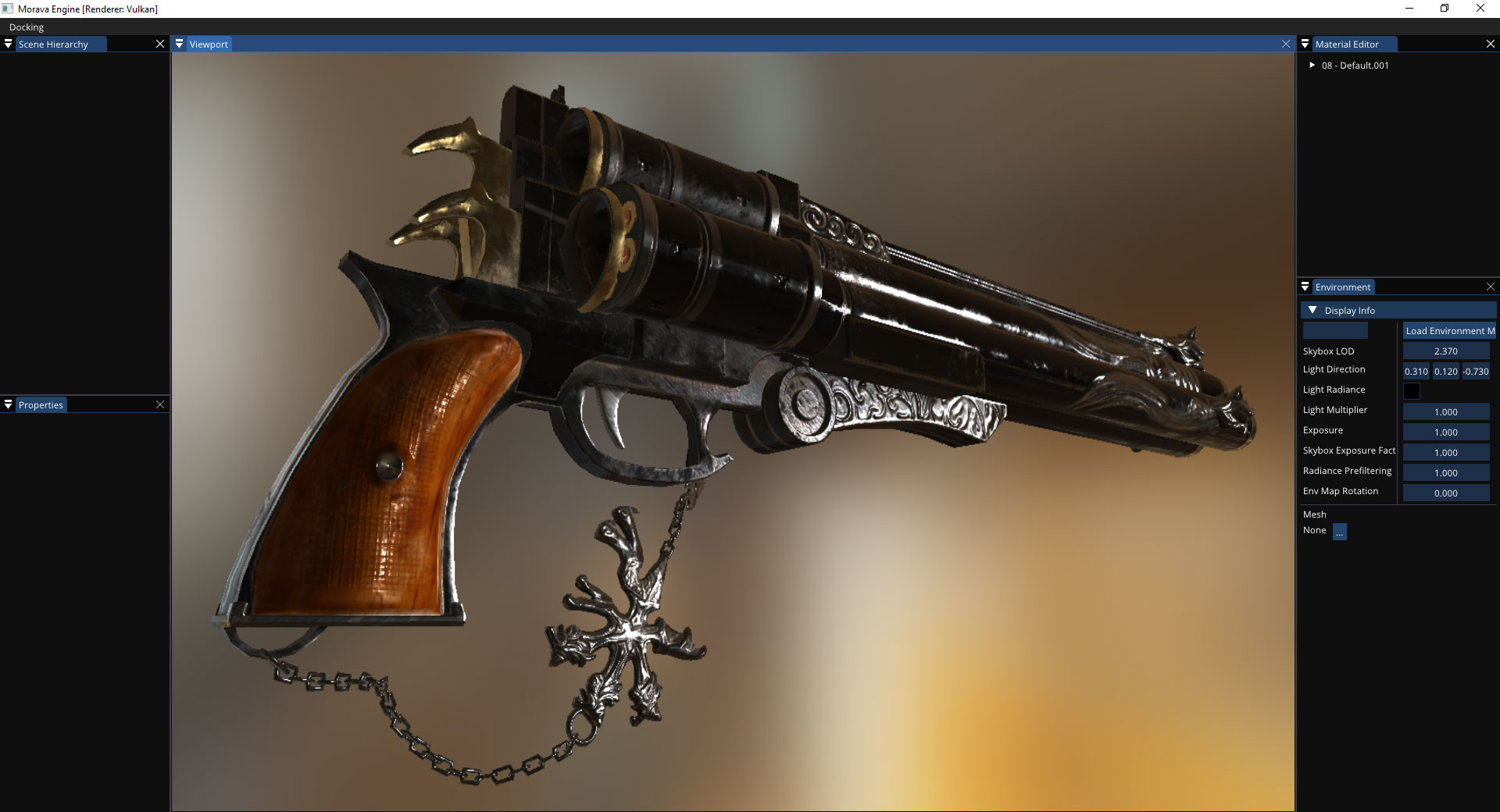
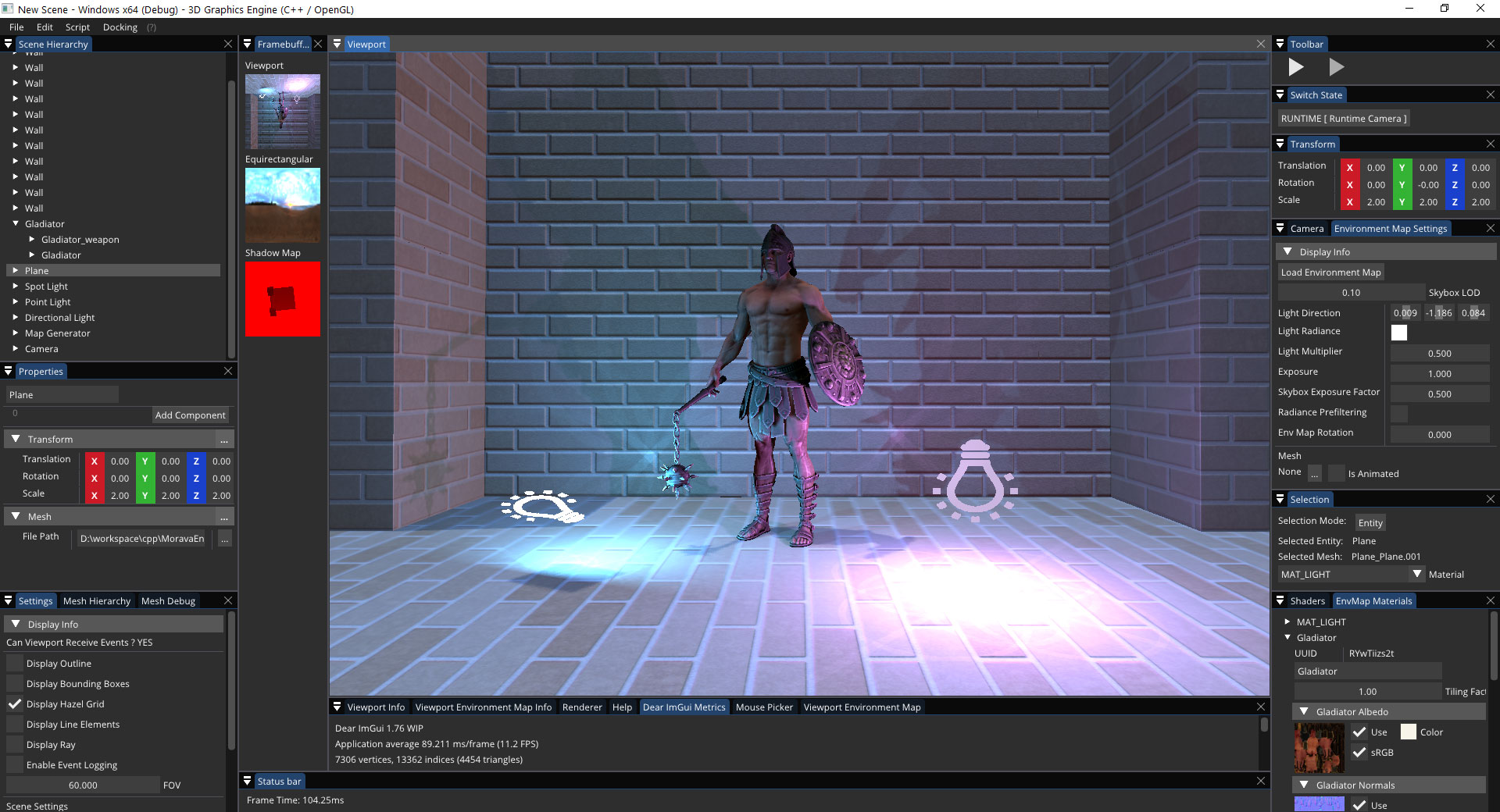
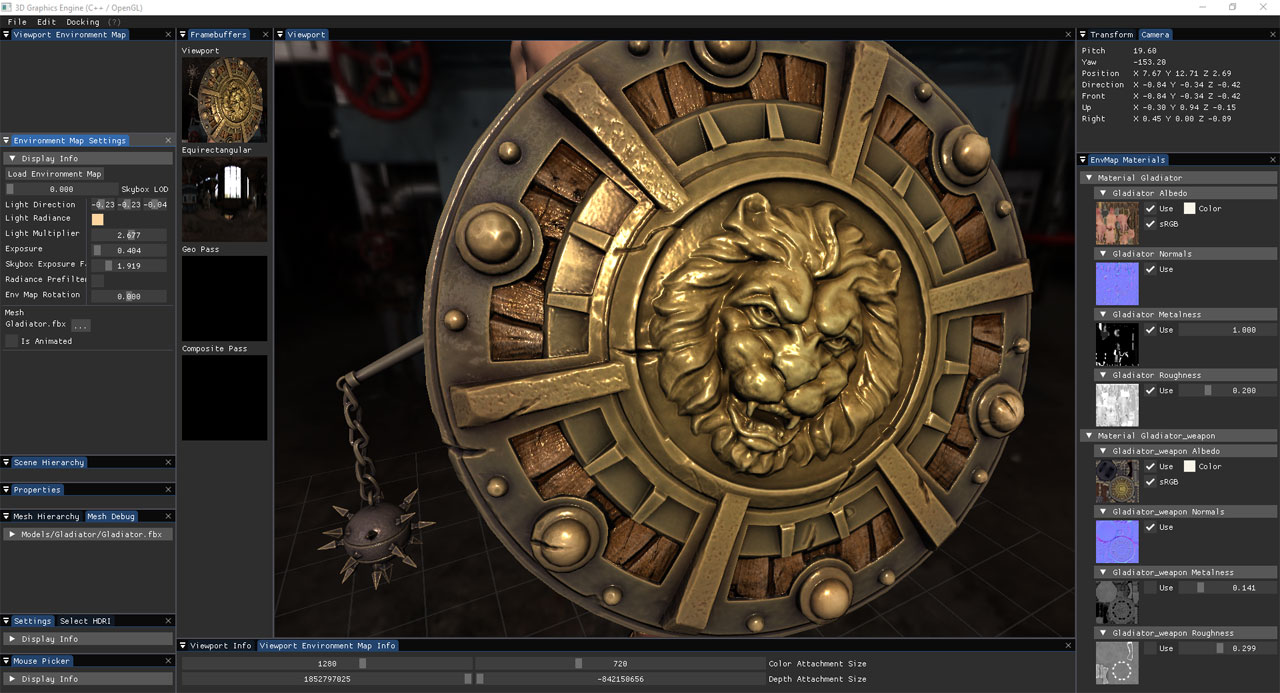
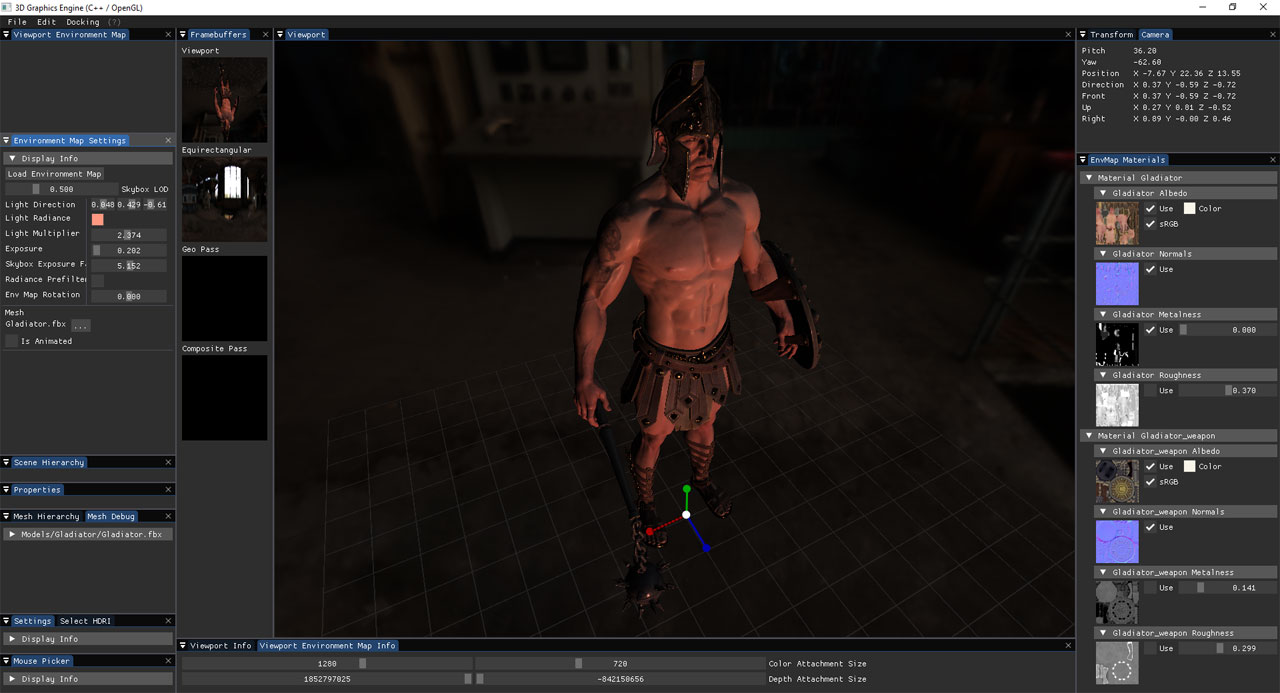
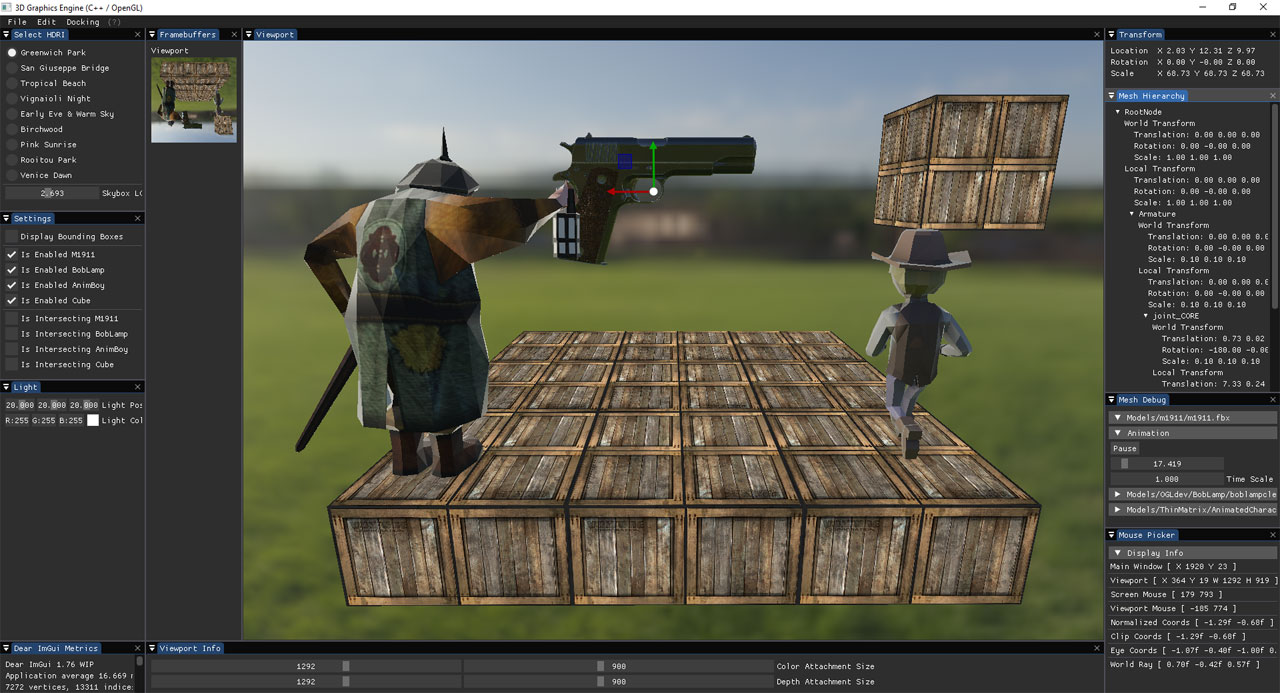
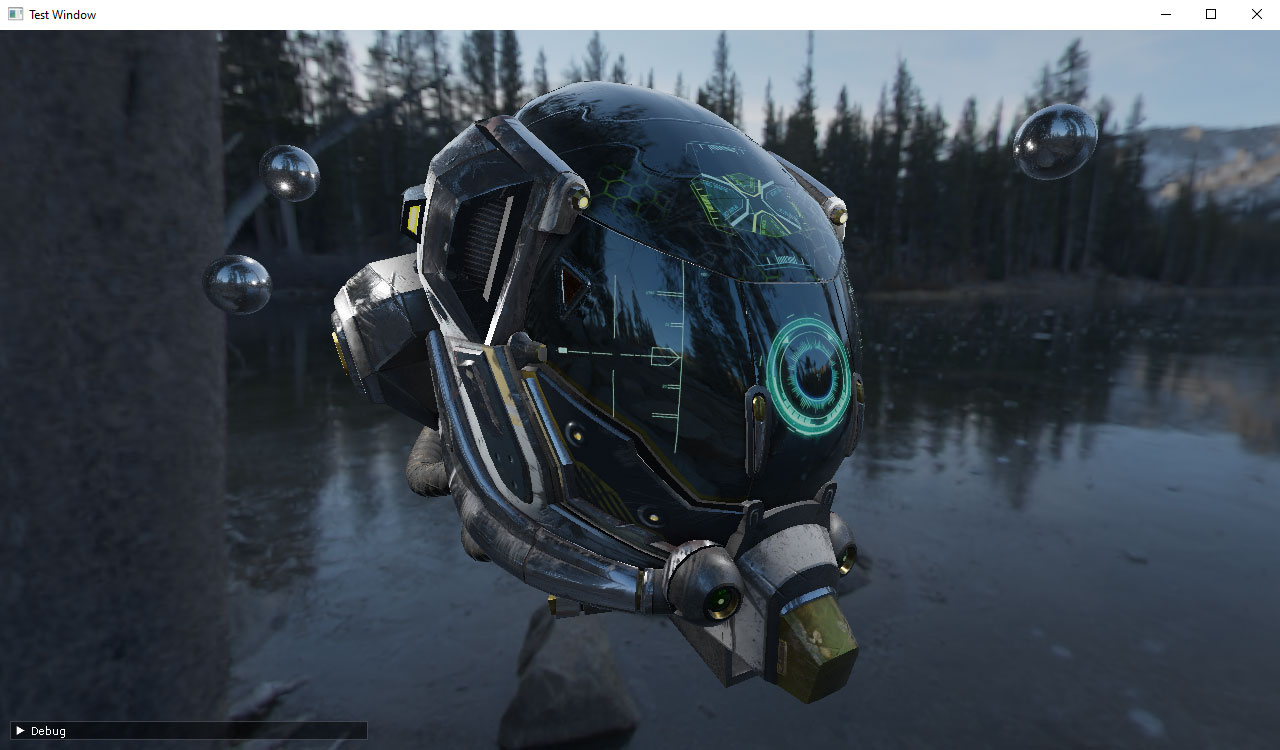
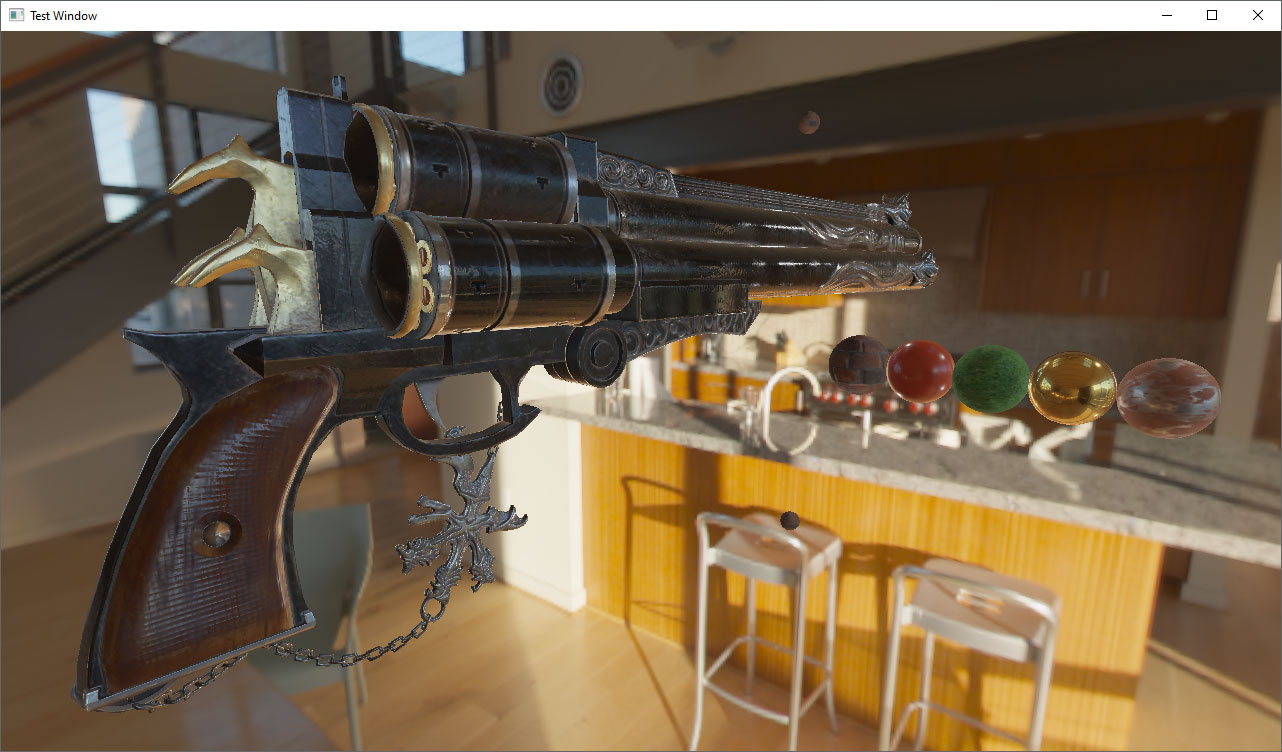
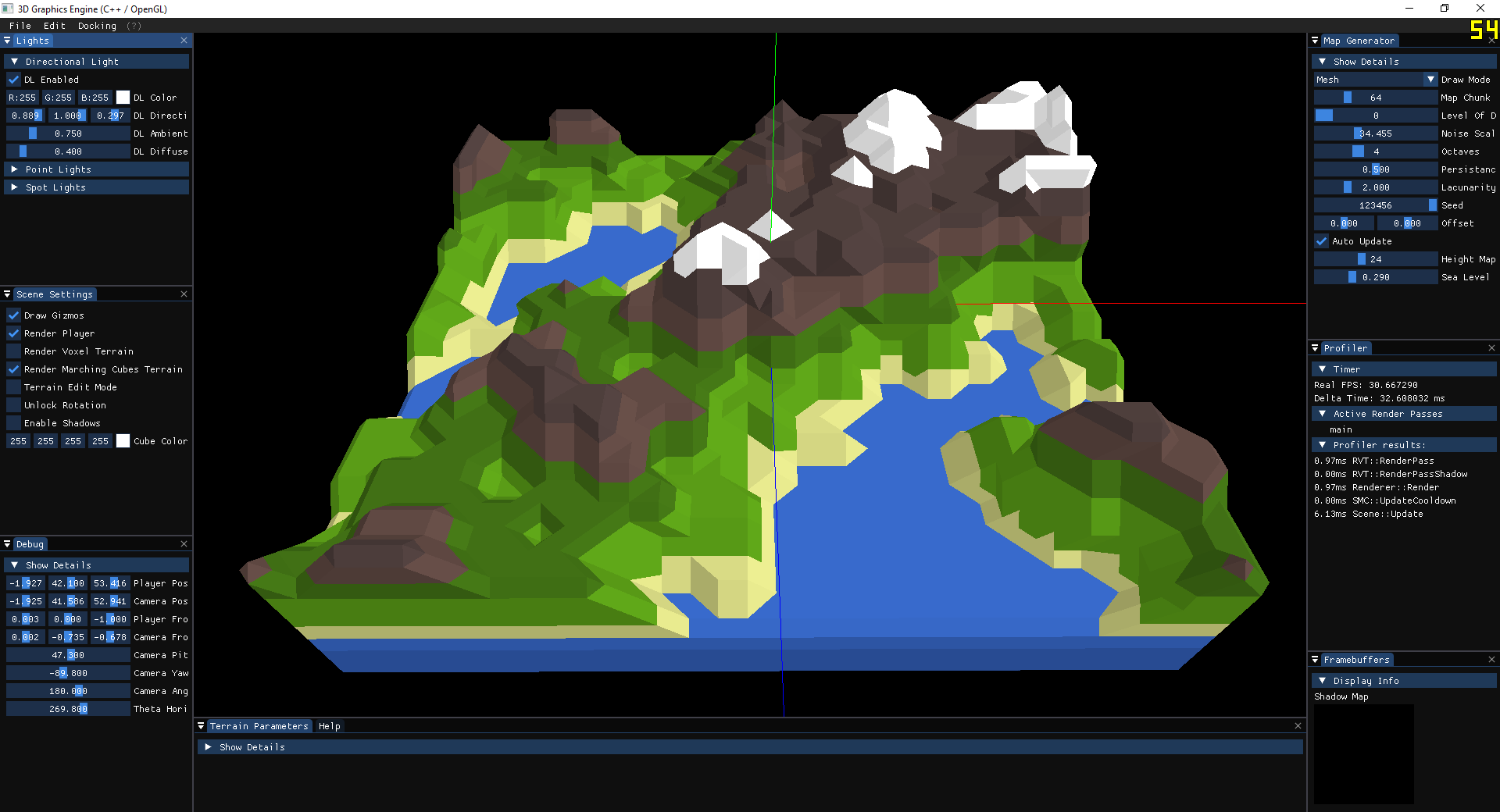
2D/3D graphics engine written in C++ language. It currently supports the following graphics APIs: OpenGL 3.3+, Vulkan 1.2, DirectX 11. Its current purpose is to experiment with various CG concepts and techniques.
Install / Use
/learn @dtrajko/MoravaEngineREADME
MoravaEngine
About
2D/3D graphics engine written in C++ language.
It currently supports the following graphics APIs:
- OpenGL 4.5+
- Vulkan 1.2
- DirectX 11
Its current purpose is to experiment with various CG concepts and techniques:
- Phong lighting model
- Shadows (directional light, omni-directional shadows)
- Physically based rendering (PBR)
- Image based lighting (IBL)
- Screen-space ambient occlusion (SSAO)
- Particle systems
- Instanced rendering
- Surface reflection and refraction
- Framebuffers
- Post-processing
- Level of detail
- Scene editor
- Perlin noise generator
- Procedural landmass generation
- Voxel based volumes
- Marching cubes algorithm
- Physics simulations
- Skeletal animation
Credits
- Yan Chernikov a.k.a. <a href="https://twitter.com/thecherno" target="_blank">TheCherno</a> [ <a href="https://github.com/TheCherno/Hazel" target="_blank">Hazel</a> ]
- <a href="https://twitter.com/ThinMatrix/" target="_blank">ThinMatrix</a> [ <a href="https://www.youtube.com/user/ThinMatrix" target="_blank">ThinMatrix YouTube channel</a> ]
- <a href="https://www.udemy.com/user/ben-cook-19/" target="_blank">Ben Cook</a> [ Vulkan and OpenGL courses on Udemy ]
- <a href="https://twitter.com/JoeyDeVriez" target="_blank">Joey de Vries</a> [ <a href="https://learnopengl.com/" target="_blank">learnopengl.com</a> ]
- <a href="https://twitter.com/SaschaWillems2" target="_blank">Sascha Willems</a> [ <a href="https://github.com/SaschaWillems/Vulkan" target="_blank">Vulkan C++ examples and demos</a> ]
- <a href="https://twitter.com/sebastianlague" target="_blank">Sebastian Lague</a> [ <a href="https://www.youtube.com/c/SebastianLague" target="_blank">Sebastian Lague YouTube channel</a> ]
- <a href="https://www.cgtrader.com/ilya73" target="_blank">ilya73</a> [ <a href="https://www.cgtrader.com/free-3d-models/character/man/gladiator-7ac625db-88c2-46ed-a2f1-182fd1f79739" target="_blank">Gladiator free VR</a> ]
Installation
Build automation based on CMake (in progress)
Project setup:
- Install <a href="https://cmake.org/download/" target="_blank">CMake</a>
$ git clone --recursive https://github.com/dtrajko/MoravaEngine.git
$ cd MoravaEngine
- Build the MoravaEngine with CMake
$ mkdir ./MoravaEngine/build
$ cd ./MoravaEngine/build
$ cmake ..
-
Open the solution ./MoravaEngine/build/MoravaEngine.sln
-
Change Runtime Library from Multi-threaded DLL to Multi-threaded for the project glfw3
Go to Properties > Configuration Properties > C/C++ > Code Generation > Runtime Library
Change Runtime Library to either
"Multi-threaded Debug (/MTd)" (Debug) or
"Multi-threaded (/MT)" (Release)
(All projects in MoravaEngine solution should have the Runtime Library option set to either /MTd (Debug) or /MT (Release)) -
Build projects DirectXTex and glfw3
-
Build the project MoravaEngine
Keyboard and Mouse shortcuts
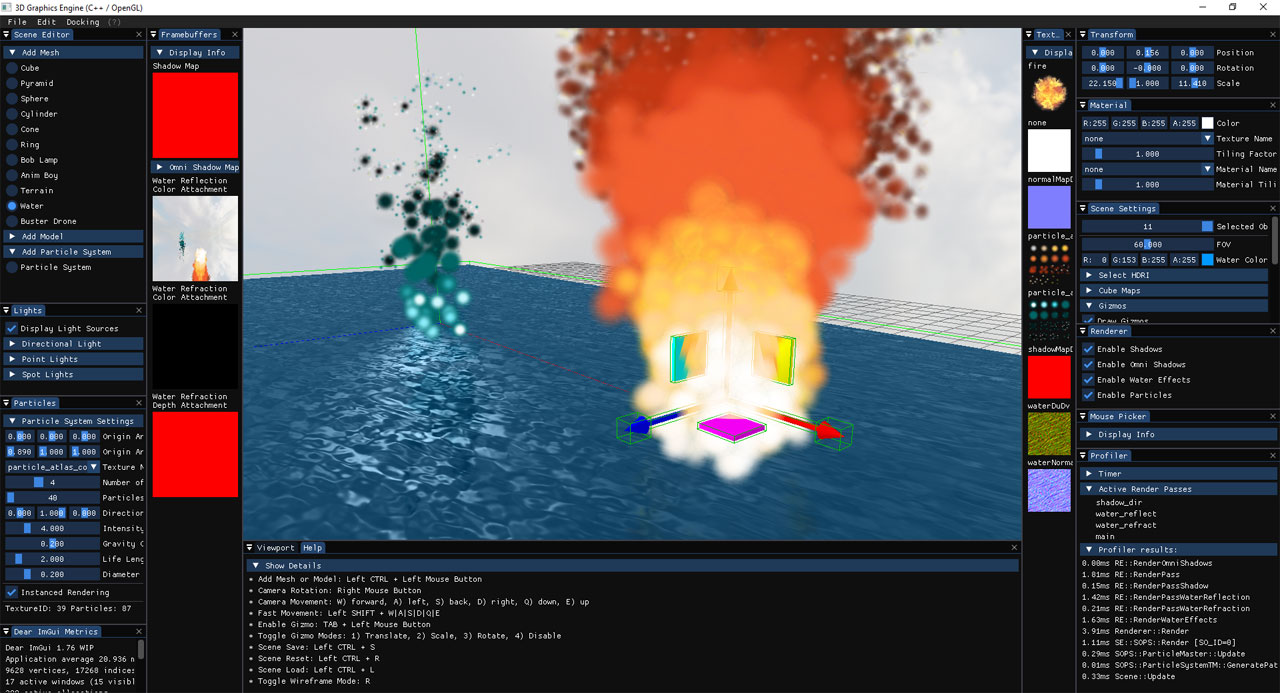
- Add Mesh or Model: Left CTRL + Left Mouse Button
- Camera Rotation: Right Mouse Button
- Camera Movement: W) forward, A) left, S) back, D) right, Q) down, E) up
- Fast Movement: Left SHIFT + W|A|S|D|Q|E
- Enable Gizmo: TAB + Left Mouse Button
- Toggle Gizmo Modes: 1) Translate, 2) Scale, 3) Rotate, 4) Disable
- Scene Save: Left CTRL + S
- Scene Reset: Left CTRL + R
- Scene Load: Left CTRL + L
- Toggle Wireframe Mode: R
- Copy scene object: Left CTRL + C
Images
Related Skills
openhue
345.4kControl Philips Hue lights and scenes via the OpenHue CLI.
sag
345.4kElevenLabs text-to-speech with mac-style say UX.
weather
345.4kGet current weather and forecasts via wttr.in or Open-Meteo
tweakcc
1.5kCustomize Claude Code's system prompts, create custom toolsets, input pattern highlighters, themes/thinking verbs/spinners, customize input box & user message styling, support AGENTS.md, unlock private/unreleased features, and much more. Supports both native/npm installs on all platforms.
