
Exo
A process manager & log viewer for dev
Install / Use
/learn @deref/ExoREADME
exo: a process manager & log viewer for dev
exo- prefix – external; from outside.
Features
- Procfile and Docker Compose compatible process manager.
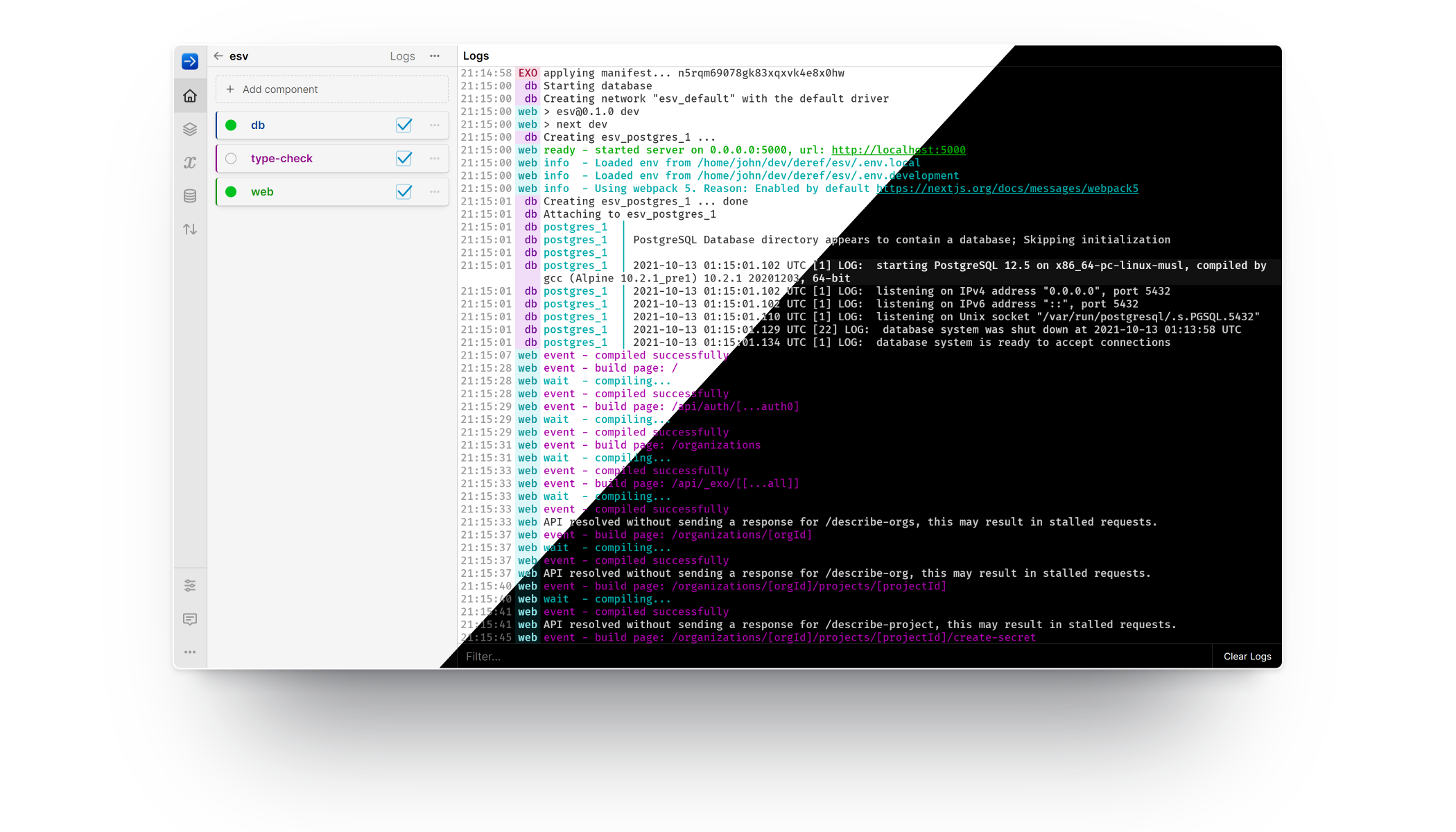
- Terminal commands and browser-based-GUI for all functionality.
- Multiplexed, colorizing log tailing. Toggle visibility of individual logs.
- Dynamic process supervision: create, start, stop, restart, delete.
Getting Started
Install Exo:
curl -sL https://exo.deref.io/install | bash
If you prefer package managers or manual installation, see the install docs for details, including uninstall instructions.
Navigate to your code directory and then launch the Exo gui:
exo gui
To use exo as a drop-in replacement for foreman or docker-compose, use
run instead:
exo run
This will work automatically with your Procfile, compose.yaml, or similarly
named manifest files. The run command also accepts an explicit filename, if
you have multiple configurations to choose from.
For more, checkout the Exo documentation, watch some
videos or consult the builtin help by running exo help.
Support
Feel free to open an issue, tweet at us, start a discussion, or pop-in to our #exo Slack channel.
Telemetry
exo collects limited and anonymous telemetry data by default. This behavior
can be disabled by adding the following setting to your exo config (located at
~/.exo/config.toml by default):
[telemetry]
disable: true
