
Dembrandt
Extract any website’s design system into tokens in seconds: logo, colors, typography, borders & more. One command.
Install / Use
/learn @dembrandt/DembrandtREADME
Dembrandt.



Extract any website’s design system into design tokens in a few seconds: logo, colors, typography, borders, and more. One command.
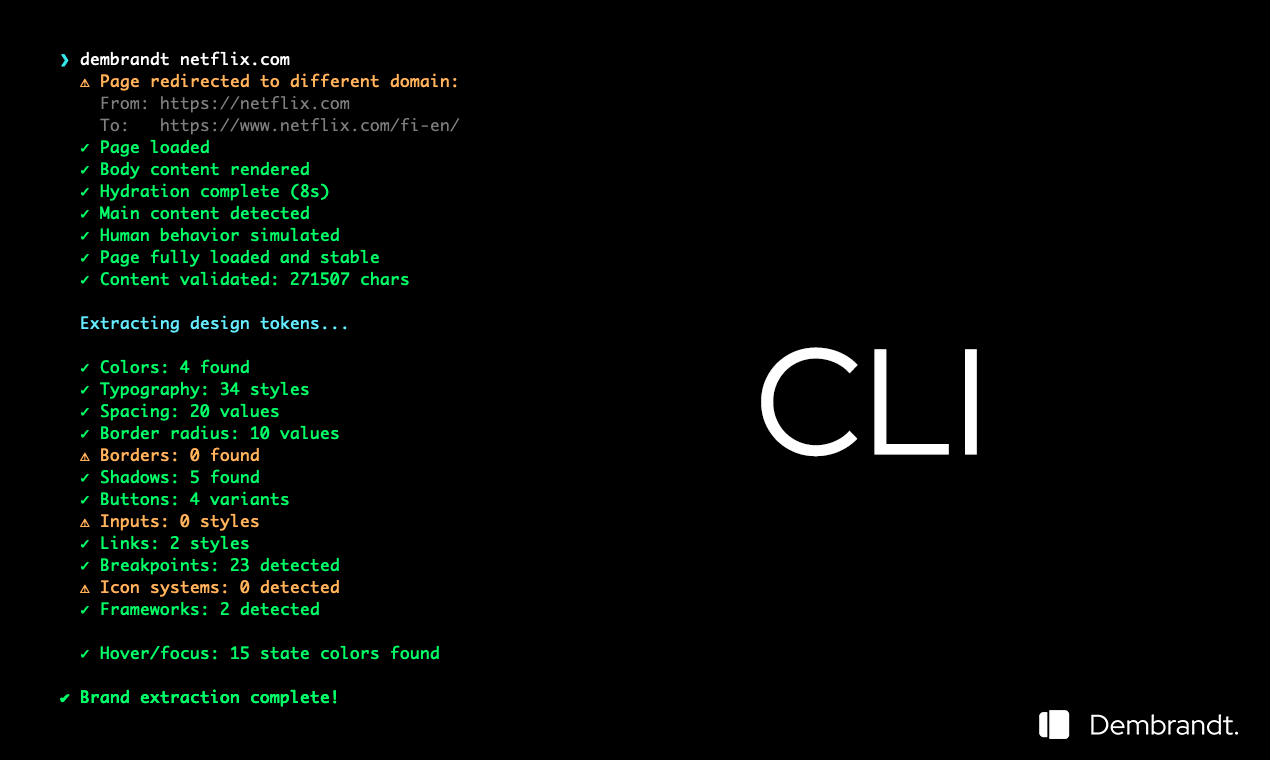
CLI output
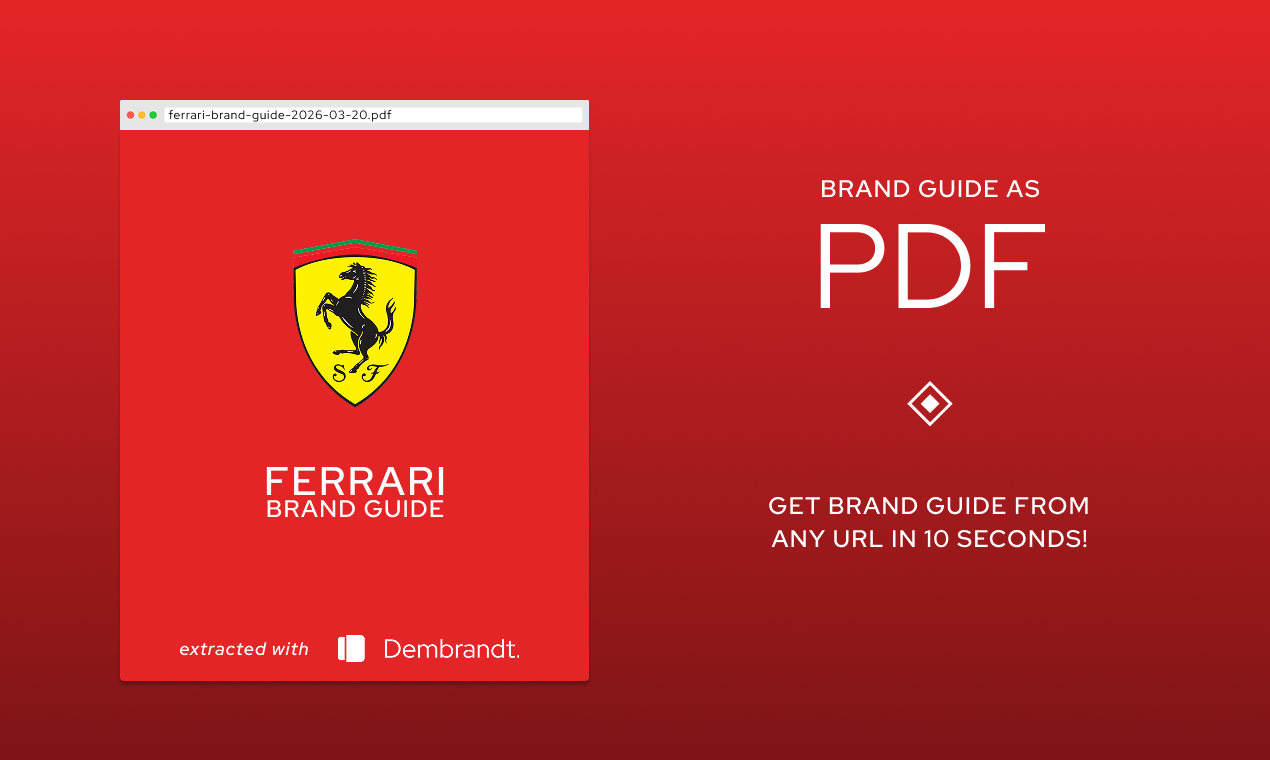
Brand Guide PDF
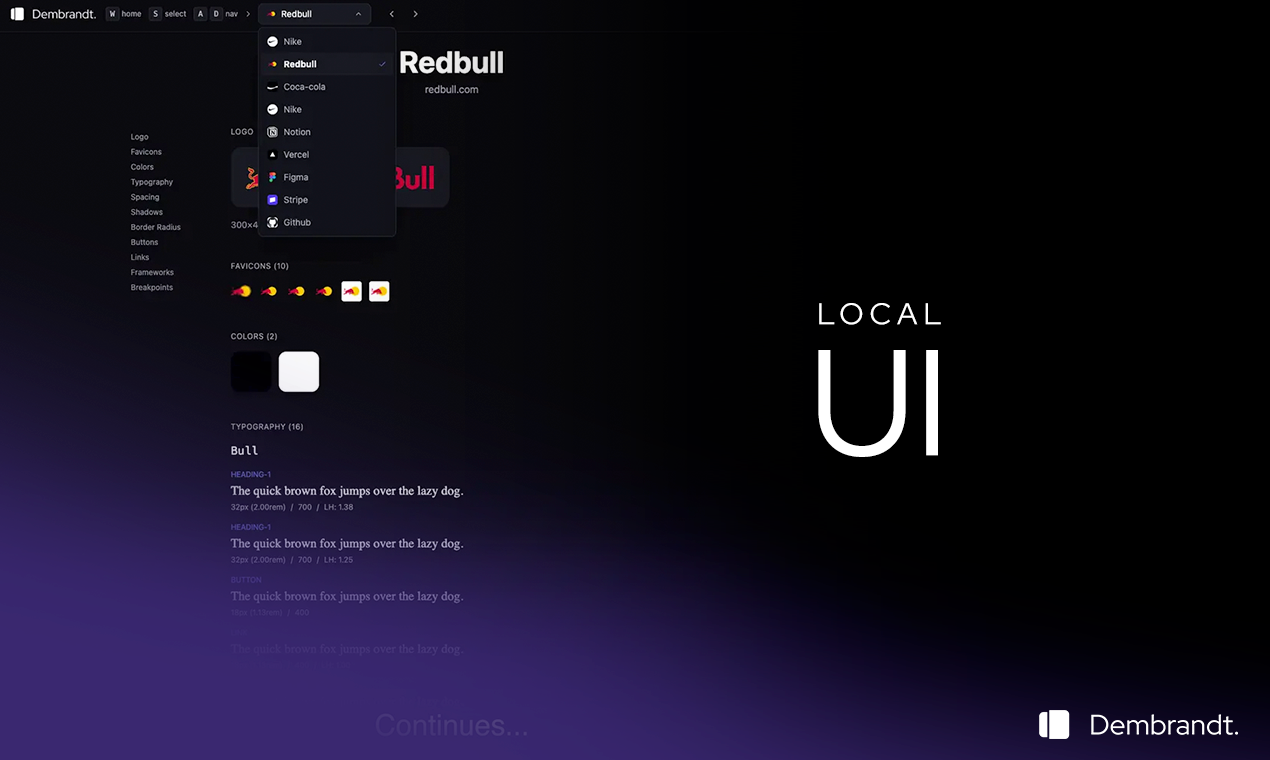
Local UI
Install
Install globally: npm install -g dembrandt
dembrandt bmw.de
Or use npx without installing: npx dembrandt bmw.de
Requires Node.js 18+
What to expect from extraction?
- Colors (semantic, palette, CSS variables)
- Typography (fonts, sizes, weights, sources)
- Spacing (margin/padding scales)
- Borders (radius, widths, styles, colors)
- Shadows
- Components (buttons, badges, inputs, links)
- Breakpoints
- Icons & frameworks
Usage
dembrandt <url>                    # Basic extraction (terminal display only)
dembrandt bmw.de --json-only       # Output raw JSON to terminal (no formatted display, no file save)
dembrandt bmw.de --save-output     # Save JSON to output/bmw.de/YYYY-MM-DDTHH-MM-SS.json
dembrandt bmw.de --dtcg            # Export in W3C Design Tokens (DTCG) format (auto-saves as .tokens.json)
dembrandt bmw.de --dark-mode       # Extract colors from dark mode variant
dembrandt bmw.de --mobile          # Use mobile viewport (390x844, iPhone 12/13/14/15) for responsive analysis
dembrandt bmw.de --slow            # 3x longer timeouts (24s hydration) for JavaScript-heavy sites
dembrandt bmw.de --brand-guide      # Generate a brand guide PDF
dembrandt bmw.de --no-sandbox      # Disable Chromium sandbox (required for Docker/CI)
dembrandt bmw.de --browser=firefox # Use Firefox instead of Chromium (better for Cloudflare bypass)
Default: formatted terminal display only. Use --save-output to persist results as JSON files. Browser automatically retries in visible mode if headless extraction fails.
Browser Selection
By default, dembrandt uses Chromium. If you encounter bot detection or timeouts (especially on sites behind Cloudflare), try Firefox which is often more successful at bypassing these protections:
# Use Firefox instead of Chromium
dembrandt bmw.de --browser=firefox

# Combine with other flags
dembrandt bmw.de --browser=firefox --save-output --dtcg
When to use Firefox:
- Sites behind Cloudflare or other bot detection systems
- Timeout issues on heavily protected sites
- WSL environments where headless Chromium may struggle
Installation:
Firefox browser is installed automatically with npm install. If you need to install manually:
npx playwright install firefox
W3C Design Tokens (DTCG) Format
Use --dtcg to export in the standardized W3C Design Tokens Community Group format:
dembrandt stripe.com --dtcg
# Saves to: output/stripe.com/TIMESTAMP.tokens.json
The DTCG format is an industry-standard JSON schema that can be consumed by design tools and token transformation libraries like Style Dictionary.
Local UI
Browse your extracted brands in a visual interface.
Setup
cd local-ui
npm install
Running
npm start
Opens http://localhost:5173 with API on port 3002.
Features
- Visual grid of all extracted brands
- Color palettes with click-to-copy
- Typography specimens
- Spacing, shadows, border radius visualization
- Button and link component previews
- Dark/light theme toggle
- Section nav links on extraction pages — jump directly to Colors, Typography, Shadows, etc. via a sticky sidebar
Extractions are performed via CLI (dembrandt <url> --save-output) and automatically appear in the UI.
Use Cases
- Brand audits & competitive analysis
- Design system documentation
- Reverse engineering brands
- Multi-site brand consolidation
How It Works
Uses Playwright to render the page, extracts computed styles from the DOM, analyzes color usage and confidence, groups similar typography, detects spacing patterns, and returns actionable design tokens.
Extraction Process
- Browser Launch - Launches browser (Chromium by default, Firefox optional) with stealth configuration
- Anti-Detection - Injects scripts to bypass bot detection
- Navigation - Navigates to target URL with retry logic
- Hydration - Waits for SPAs to fully load (8s initial + 4s stabilization)
- Content Validation - Verifies page content is substantial (>500 chars)
- Parallel Extraction - Runs all extractors concurrently for speed
- Analysis - Analyzes computed styles, DOM structure, and CSS variables
- Scoring - Assigns confidence scores based on context and usage
Color Confidence
- High — Logo, brand elements, primary buttons
- Medium — Interactive elements, icons, navigation
- Low — Generic UI components (filtered from display)
- Only shows high and medium confidence colors in terminal. Full palette in JSON.
Limitations
- Dark mode requires --dark-mode flag (not automatically detected)
- Hover/focus states extracted from CSS (not fully interactive)
- Canvas/WebGL-rendered sites cannot be analyzed (e.g., Tesla, Apple Vision Pro demos)
- JavaScript-heavy sites require hydration time (8s initial + 4s stabilization)
- Some dynamically-loaded content may be missed
- Default viewport is 1920x1080 (use --mobile for 390x844 iPhone viewport)
Ethics & Legality
Dembrandt extracts publicly available design information (colors, fonts, spacing) from website DOMs for analysis purposes. This falls under fair use in most jurisdictions (USA's DMCA § 1201(f), EU Software Directive 2009/24/EC) when used for competitive analysis, documentation, or learning.
Legal: Analyzing public HTML/CSS is generally legal. Does not bypass protections or violate copyright. Check site ToS before mass extraction.
Ethical: Use for inspiration and analysis, not direct copying. Respect servers (no mass crawling), give credit to sources, be transparent about data origin.
Contributing
Bugs you found? Weird websites that make it cry? Pull requests (even one-liners make me happy)?
Spam me in Issues or PRs. I reply to everything.
Let's keep the light alive together.
@thevangelist
MIT — do whatever you want with it.
