NEPacketTunnelVPNDemo
iOS VPN client implementation demo based on iOS9 NetworkExtension NETunnelProvider APIs
Install / Use
/learn @davlxd/NEPacketTunnelVPNDemoREADME
Apple released a new version of Network Extension since iOS9, which allows us to implement our own VPN protocol. This repo provides a simple demo using Network Extension with Swift 3.
Server side demo is here.
This demo and server side demo are extremely simplified and only for demonstration purposes, a lot of stuff are hard coded. Further design and elaboration are required if you want apply this demo to your app.
Inspired by ShadowVPN-iOS.
Prerequisites to build
-
-
Then you need an iPhone. Network Extension App cannot run in iOS Simulators, you need a real iPhone to debug.
-
Login Apple developer portal, register 2 new App IDs, one for App target and another for NetworkExtension tunnel target. And make sure
App GroupsandNetwork Extensionsare checked inApp Servicessection. -
Register an
App Groupin developer portal as well -
Then, again in
App IDssection of developer portal, edit the 2 App IDs you created at 3rd step, configureApp Groupsto the app group you created at 4th step. -
Also in developer portal, generate 2 iOS App Development provision profiles for the 2 App IDs created before, ~~~make sure
Network Extensionentitlement is selected on 'Do you need additional entitlements?' page~~~ (2017-12-27 Update: This is probably not needed as well). Then download them and save them to disk. -
Open this xcodeproj with XCode, select
NEPacketTunnelVPNDemotarget, inGeneral > Identitysection, changeBundle Identifierto App ID you created. Then import profiles you generated inGeneral > Signing (Debug)section andGeneral > Signing (Release)section. -
Do the same thing for
NEPacketTunnelVPNDemoTunneltarget. -
Find a Linux machine, build and run simple-vpn-demo, fill its IP address to ViewController.swift.
Run
-
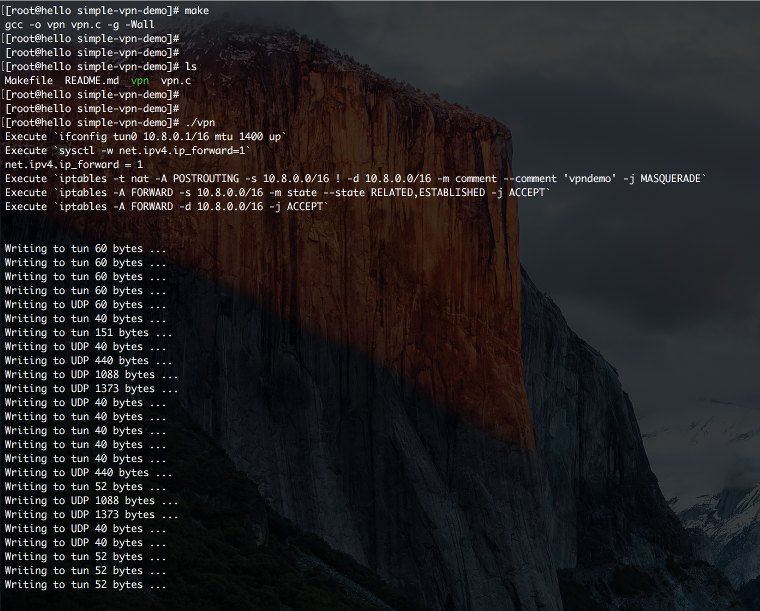
After build & run
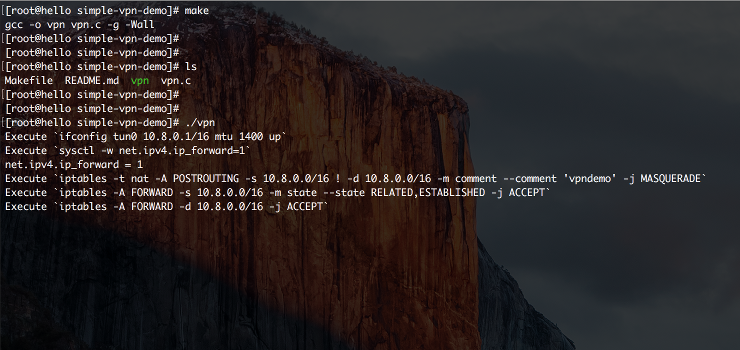
simple-vpn-demo, your terminal should be like this. -
After build & run
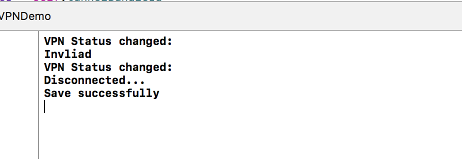
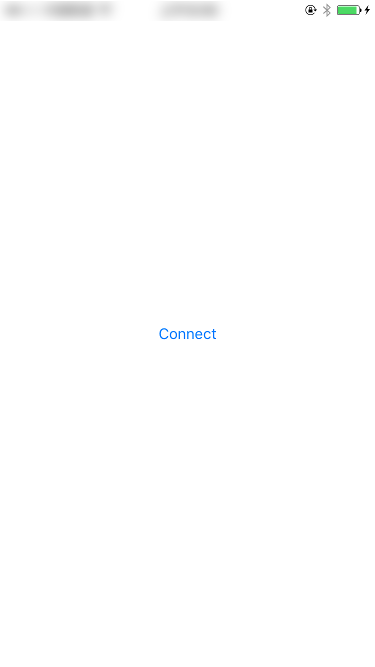
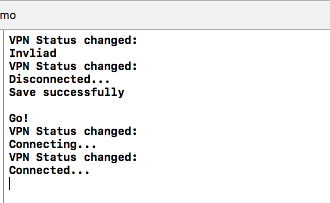
NEPacketTunnelVPNDemoon your iPhone, Xcode log window should look like this, iPhone screen should look like this. -
The
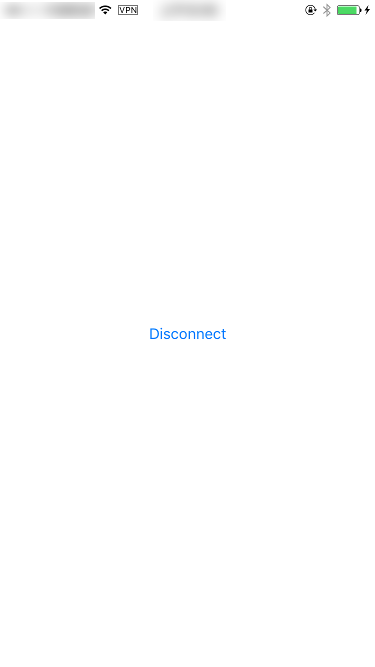
Connectat the center of iPhone screen is a BUTTON, after you click it, your iPhone screen should look like this, and Xcode log window should look like this.simple-vpn-demoterminal window should look like this, which means VPN server is now receiving traffic. -
Your IP address displaying on http://whatismyipaddress.com/ on your iPhone should be different before and after click the
Connectbutton. thus Q.E.D.
Related Skills
node-connect
340.5kDiagnose OpenClaw node connection and pairing failures for Android, iOS, and macOS companion apps
frontend-design
84.2kCreate distinctive, production-grade frontend interfaces with high design quality. Use this skill when the user asks to build web components, pages, or applications. Generates creative, polished code that avoids generic AI aesthetics.
openai-whisper-api
340.5kTranscribe audio via OpenAI Audio Transcriptions API (Whisper).
commit-push-pr
84.2kCommit, push, and open a PR