
PyQMMM
Collection of tools for running MD, QM, and QM/MM calculations
Install / Use
/learn @davidkastner/PyQMMMREADME
 pyQMMM

PyQMMM Package
Table of Contents
- Overview
- Tutorials
- quickCSA
- Installation
- Download the package from GitHub
- Creating a python environment
- Developer install of pyQMMM
- Supporting installations
- What is included?
- File structure
- Command Line Interface
- Documentation
- Update the ReadTheDocs
- GitHub refresher
1. Overview
PyQMMM is a package for accelerating structure to simulation QM, MD, and QM/MM workflows. The package contains useful tools for all stages of multiscale simulation preparation. As the package is designed to accelerate research in the Kulik group at MIT, much of the functionality is built around the Amber-TeraChem interface. It's current purpose is to act as a utility sandbox for several in-house projects.
2. Tutorials
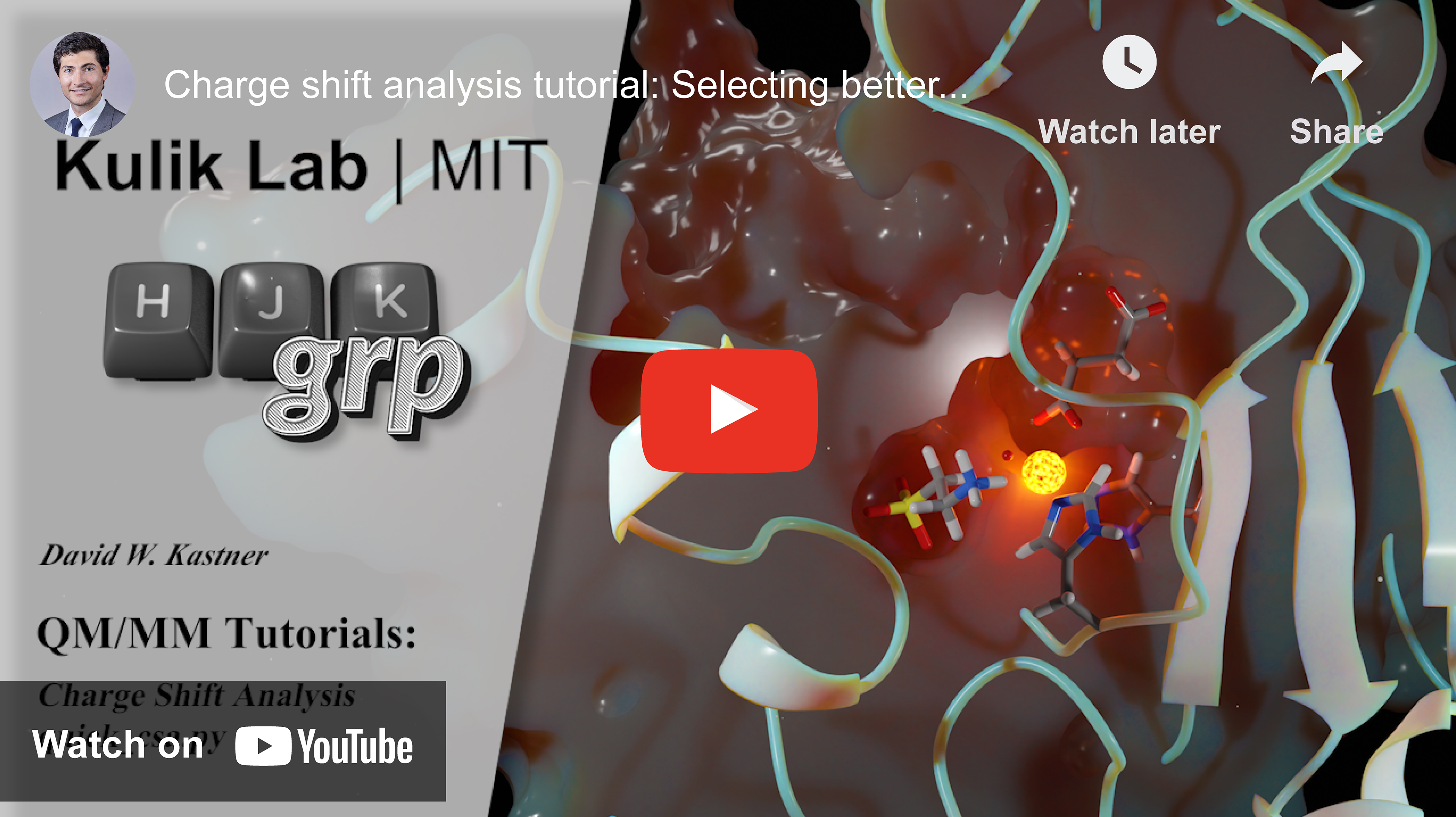
To improve the usuability of the pyQMMM package, this section will contain video-style tutorials. You can also find additional information and README's in the tutorials folder.
quickCSA
3. Installation
Install the package by running the follow commands inside the downloaded repository. This will perform a developmental version install. It is good practice to do this inside of a virtual environment.
Download the package from GitHub
git clone git@github.com:davidkastner/pyQMMM.git
Creating python environment
All the dependencies can be loaded together using the prebuilt environment.yml file. Compatibility is automatically tested for python versions 3.8 and higher. Installing all dependencies together has shown to produce more robust installations.
cd pyQMMM
conda env create -f environment.yml
conda activate pyqmmm
source activate pyqmmm  #Alternatively used on some clusters
Developer install of pyQMMM
cd pyqmmm
python -m pip install -e .
Supporting installations
To have complete access to all pyQMMM functionality, you should also install following dependencies. This should be done inside you pyqmmm virtual environment. pyQMMM contains automated workflows for modelling in missing loops using Modeller.
conda install -c salilab modeller
4. What's included?
pyQMMM is built as both a library and a collection of pre-built scripts. The scripts aim to accelerate data processesing and automation of calculations. If a script is not already included for procedure, many of the functions may be useful in building a procedure.
File structure
.
|── cli.py      # Command-line interface entry point
├── docs        # Readthedocs documentation site
├── pyqmmm      # Directory containing pyQMMM modules
│   ├── md      # Processes for setting MD optimizations prior to QM/MM
│   └── qm      # Processes for running and anlayzing QM cluster model jobs
└── ...
Command Line Interface
The contents of the library are designed to be navigated through the commandline interface. Add the following line to your bash.rc
alias pyqmmm='python /the/path/to/pyQMMM/cli.py'
5. Documentation
Accurate documentation will always be a high priority for the project. You can find documentation at the project's ReadtheDocs.
Update the ReadTheDocs
make clean
make html
GitHub refresher
Push new changes
git status
git pull
git add -A
git commit -m "Change a specific functionality"
git push -u origin main
Making a pull request
git checkout main
git pull

# Before you begin making changes, create a new branch
git checkout -b new-feature-branch
git add -A
git commit -m "Detailed commit message describing the changes"
git push -u origin new-feature-branch

# Visit github.com to add description, submit, merge the pull request

# Once finished on github.com, return to local
git checkout main
git pull

# Delete the remote branch
git branch -d new-feature-branch
Handle merge conflict
git stash push --include-untracked
git stash drop
git pull
Copyright
© 2022, Kulik group at MIT
Acknowledgements
Author: David W. Kastner MolSSi template version 1.6.
