
OrgChart
It's a simple and direct organization chart plugin. Anytime you want a tree-like chart, you can turn to OrgChart.
Install / Use
/learn @dabeng/OrgChartREADME

简体文档, 繁體文档
ES6 Version
Web Components Version
Vue.js Version
Angular Version
React Version
Foreword
First of all, thanks a lot for wesnolte's great work:blush: -- jOrgChart. The thought that using nested tables to build out the tree-like organization chart is amazing. This idea is more simple and direct than its counterparts based on svg Unfortunately, it's long time not to see the update of jOrgChart. on the other hand, I got some interesting ideas to add, so I choose to create a new repo.
- Since version 3.0, we use nested ul to construct tree-like chart instead of nested table.
- Since version 4.0, users build up the ajax datasoure by themselves.
Features
- Supports both local data and remote data (JSON).
- Smooth expand/collapse effects based on CSS3 transitions.
- Align the chart in 4 orientations.
- Allows user to change orgchart structure by drag/drop nodes.
- Allows user to edit orgchart dynamically and save the final hierarchy as a JSON object.
- Supports exporting chart as a picture or pdf document.
- Supports pan and zoom.
- Allows user to customize the internal structure for every node.
- Users can adopt multiple solutions to build up a huge organization chart(please refer hybrid layout sections).
- touch-enabled plugin for mobile device.
CDN
Users could find the related CDN support for OrgChart's CSS and JavaScript.

Installation
Of course, you can directly use the standalone build by including dist/js/jquery.orgchart.js and dist/css/jquery.orgchart.css in your webapps.
Install with Bower
# From version 1.0.2 on, users can install orgchart and add it to bower.json dependencies
$ bower install orgchart
Install with npm
# From version 1.0.4 on, users can install orgchart with npm
$ npm install orgchart
require('orgchart') will load orgchart plugin onto the jQuery object. The orgchart module itself does not export anything.
FYI, How to use jQuery Orchart in React
Demos on github pages
Demos based on nested ul
Demos based on nested table (obsolete)
online demos
-
using ul datasource(this feature comes from Tobyee's good idea :blush:)
-
I wanna align orgchart with different orientation**(this feature comes from the good idea of fvlima and badulesia :blush:)
Top to Bottom -- default direction, as you can see all other examples on this page.
-
I wanna show/hide left/right sibling nodes respectively by clicking left/right arrow

Note: users use should set the relationship property of datasource by themselves. All of these staff are used to generate the correct expanding/collapsing arrows for nodes.
Here, we need the help from html2canvas.
Note:
(1) if you wanna export something in IE or Edge, please introduce es6-promise.auto.js firstly.
(2) if your OS is windows, please check your display scaling settings. For the perfact exported picture, you'd better adjust "Change the size of text, apps, and other items" to 100%.(thanks for sayamkrai's exploration)
(3) Besides, if you wanna export a pdf format or your orgchart includes picture, you have to introduce jspdf and set "exportFileextension" option to "pdf".
You need to set crossorigin to anonymous for your img tags.
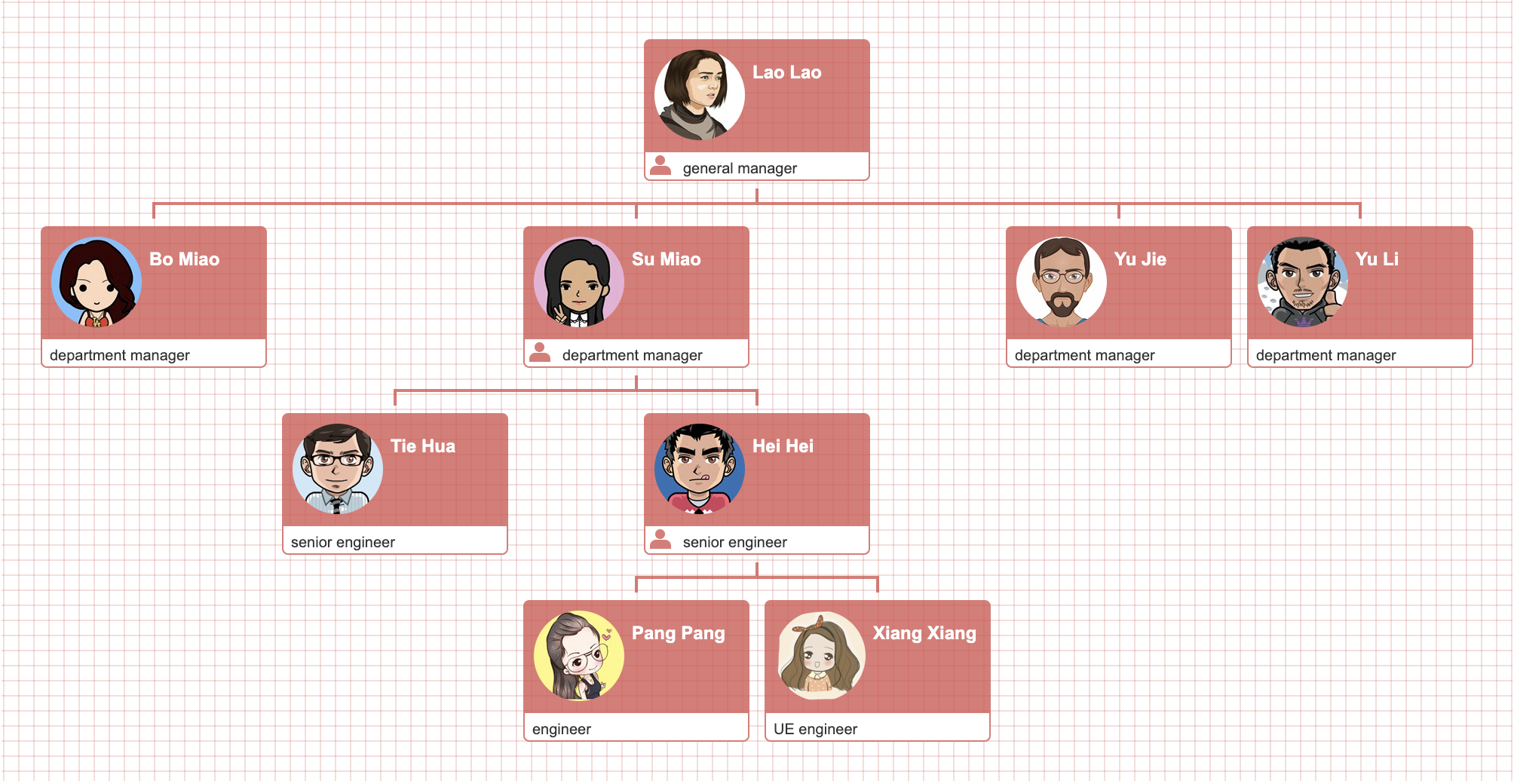
Here, we fall back on OpenLayers. It's the most aewsome open-source js library for Web GIS you sholdn't miss.
With the help of exposed core methods(addParent(), addSiblings(), addChildren(), removeNodes()) of orgchart plugin, we can finish this task easily.
Users are allowed to drag & drop the nodes of orgchart when option "draggable" is assigned to true(Note: this feature doesn't work on IE due to its poor support for HTML5 drag & drop API).
Furthermore, users can make use of option dropCriteria to inject their custom limitations on drag & drop. As shown below, we don't want an manager employee to be under a engineer under no circumstance.
That's where getHierarchy() comes in.
It's a so easy task, we just need to append id or className property to node data.
This feature is inspired by the issues(Aligning Children Vertical, Hybrid(horizontal + vertical) OrgChart). Thank mfahadi and Destructrix for their constructive suggestions:blush: Special thanks to tedliang for his wonderful hybrid mode solution.
From now on, users never have to worry about how to align a huge of nodes in one screen of browser. The option "verticalLevel" allows users to align child nodes vertically from the given level.
Note: currently, this option is incompatible with many other options or methods, like direction, drag&drop, addChildren(), removeNodes(), getHierarchy() and so on. These conflicts will be solved one by one in the later versions.
No problem. You just need to adjust a little detail of datasource with the help of option "collapse" and className "slide-up".
It's not a big deal. You just turn to the method init().
No problem. With the help of ES6 Template literals, we can customize the any complex node structure rather than the common title and content sections.
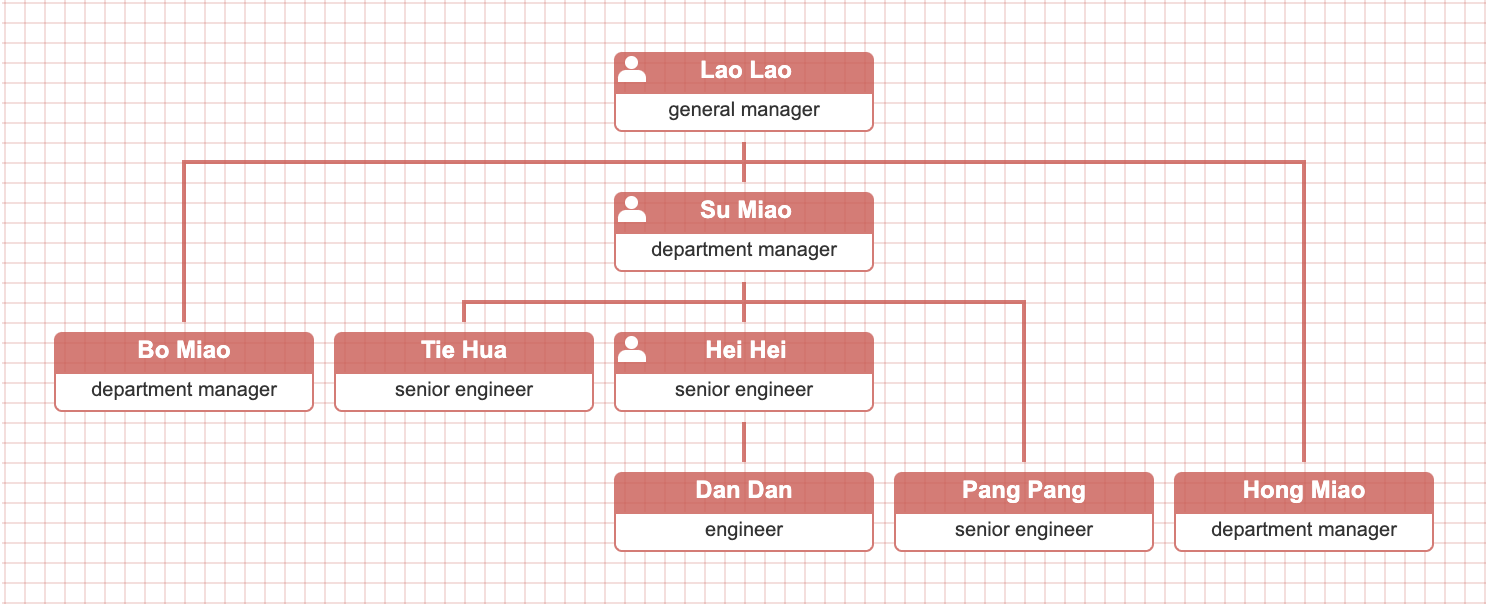
You need the solution based on new datasource structure with levelOffset data prop + callback createNode() + CSS custom properties(variables)
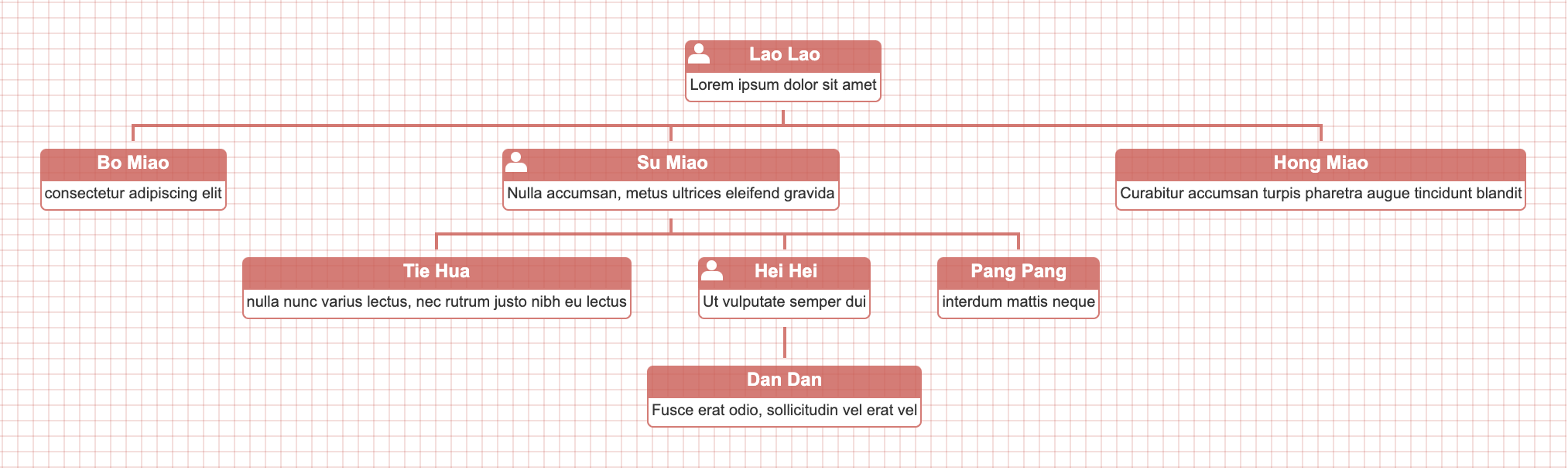
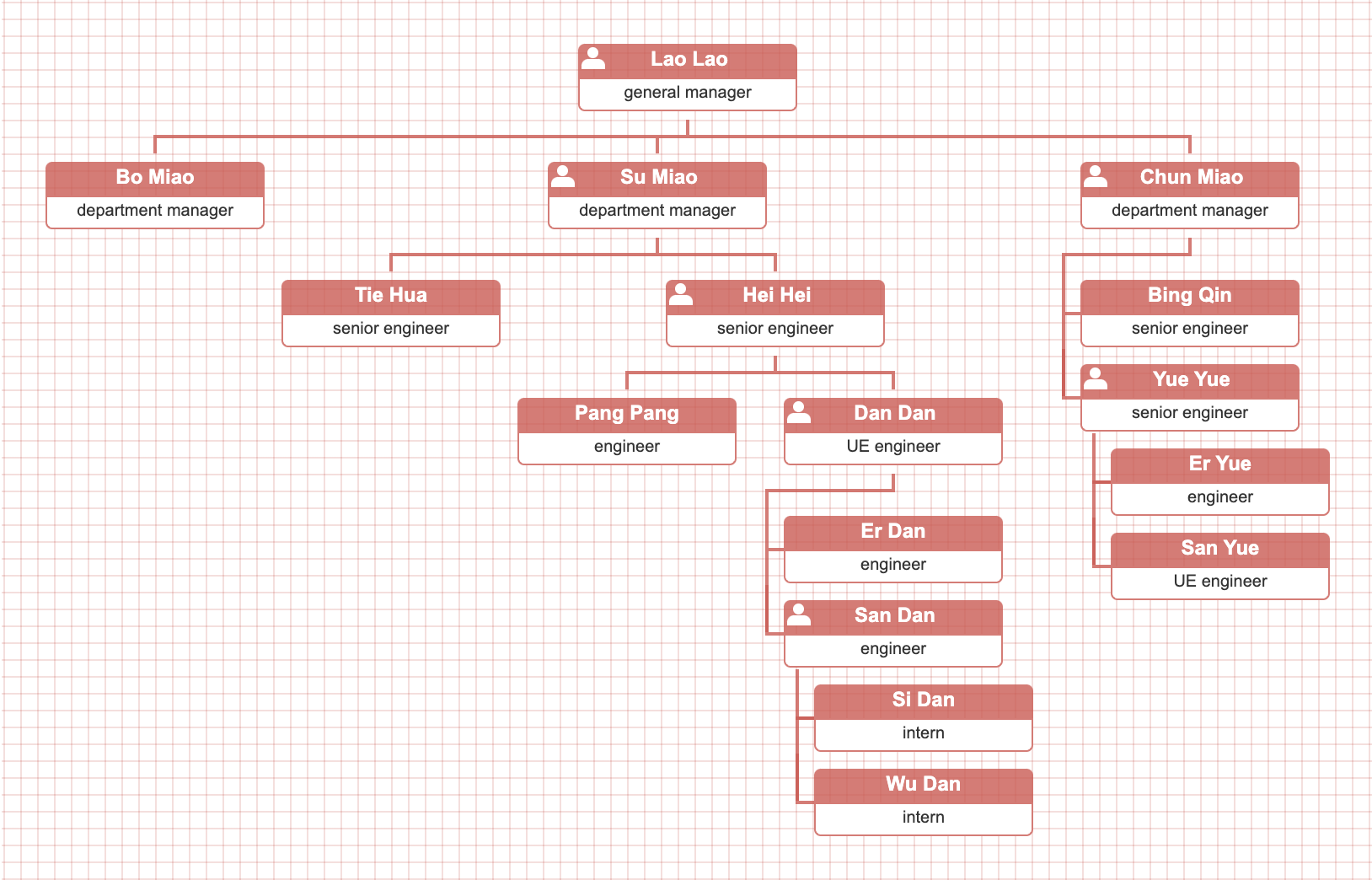
hybrid data property is designed for your use case. Once node data includes a "hybrid" prop with truthy value, its descendant nodes will be arranged vertically.
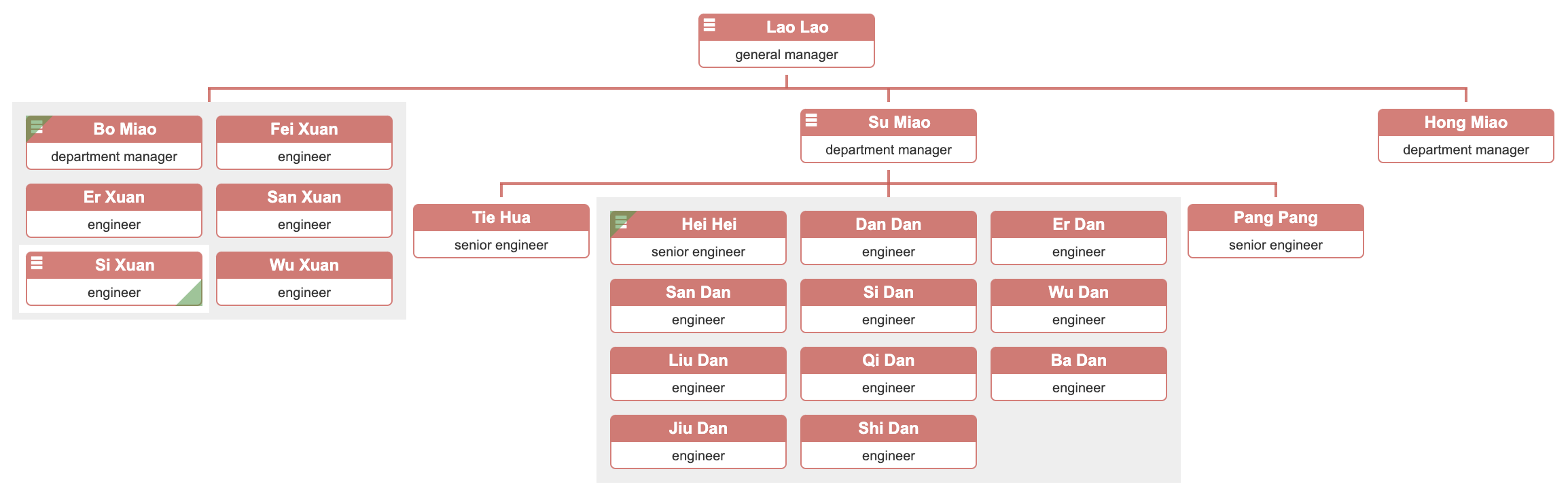
compact data property is designed for your use case. Once no
Related Skills
node-connect
342.5kDiagnose OpenClaw node connection and pairing failures for Android, iOS, and macOS companion apps
frontend-design
85.3kCreate distinctive, production-grade frontend interfaces with high design quality. Use this skill when the user asks to build web components, pages, or applications. Generates creative, polished code that avoids generic AI aesthetics.
openai-whisper-api
342.5kTranscribe audio via OpenAI Audio Transcriptions API (Whisper).
qqbot-media
342.5kQQBot 富媒体收发能力。使用 <qqmedia> 标签,系统根据文件扩展名自动识别类型(图片/语音/视频/文件)。
