
Magicavoxel2mcpi
Python script to connect MagicaVoxel to Minecraft PI.
Install / Use
/learn @creativival/Magicavoxel2mcpiQuality Score
Category
Development & EngineeringSupported Platforms
README
magicavoxel2mcpi
MagicaVoxel モデルを Minecraft PI にコピーする Python スクリプトです。
<img width="1440" alt="screenshot_1122" src="https://user-images.githubusercontent.com/33368327/44855279-ab667500-aca5-11e8-8320-a025afcab091.png">対応バージョン: Minecraft Pi (Raspberry Pi) または Minecraft (JAVA EDITION) + Forge + RaspberryJamMod
使い方
MagicaVoxel でボクセルモデルを作り、"ply" (polygon file format) 形式でエキスポートします。
python-scripts.zip をダウンロードします。
https://github.com/arpruss/raspberryjammod/releases
python-scripts.zip を解凍して、ルートディレクトリーにコピーします。
magicavoxel2mcpi/
    ├ data/  # ply files
    │    ├ piyo.py
    │    └ ...
    ├ mcpi/  # add
    │    ├ block.py
    │    └ minecraft.py
    ├ magicavoxel2mcpi.py
    ├ ...
    ├ ...
マインクラフトでワールドを開いてから、次のコマンドを実行します。
cd magicavoxel2mcpi
python magicavoxel2mcpi.py
色
16色の色を再現できます。
colors = [
    [255, 255, 255],  # white
    [255, 127, 0],  # orange
    [255, 0, 255],  # magenta
    [127, 127, 255],  # lightblue
    [255, 255, 0],  # yellow
    [0, 255, 0],  # lime
    [255, 127, 127],  # pink
    [127, 127, 127],  # gray
    [191, 191, 191],  # lightgray
    [0, 255, 255],  # cyan
    [127, 0, 127],  # purple
    [0, 0, 255],  # blue
    [127, 0, 0],  # brown
    [0, 127, 0],  # green
    [255, 0, 0],  # red
    [0, 0, 0],  # black
]
MagicaVoxel でモデルを作るとき、16色だけのパレットを使うことをお勧めします。 'pal_16colors.png' は、'images'ディレクトリーに含まれています。


回転
# Rotation degree (MagicaVoxel)
alpha = 0  # x-axis
beta = 0  # y-axis
gamma = 0  # z-axis
alpha (x軸回転 度)
beta (y軸回転 度)
gamma (z軸回転 度)
注意: 回転軸は MagicaVoxel で実装しました。Minecraft ではありません。

アニメーション
複数のボクセルモデルを作成し、'data'ディレクトリーにコピーします。
magicavoxel2mcpi_animation.py を編集します。
magicavoxel2mcpi_animation.py
ply_files = ['xxx1.ply', 'xxx2.ply', 'xxx3.ply',...]
マインクラフトでワールドを開いてから、次のコマンドを実行します。
python magicavoxel2mcpi_animation.py
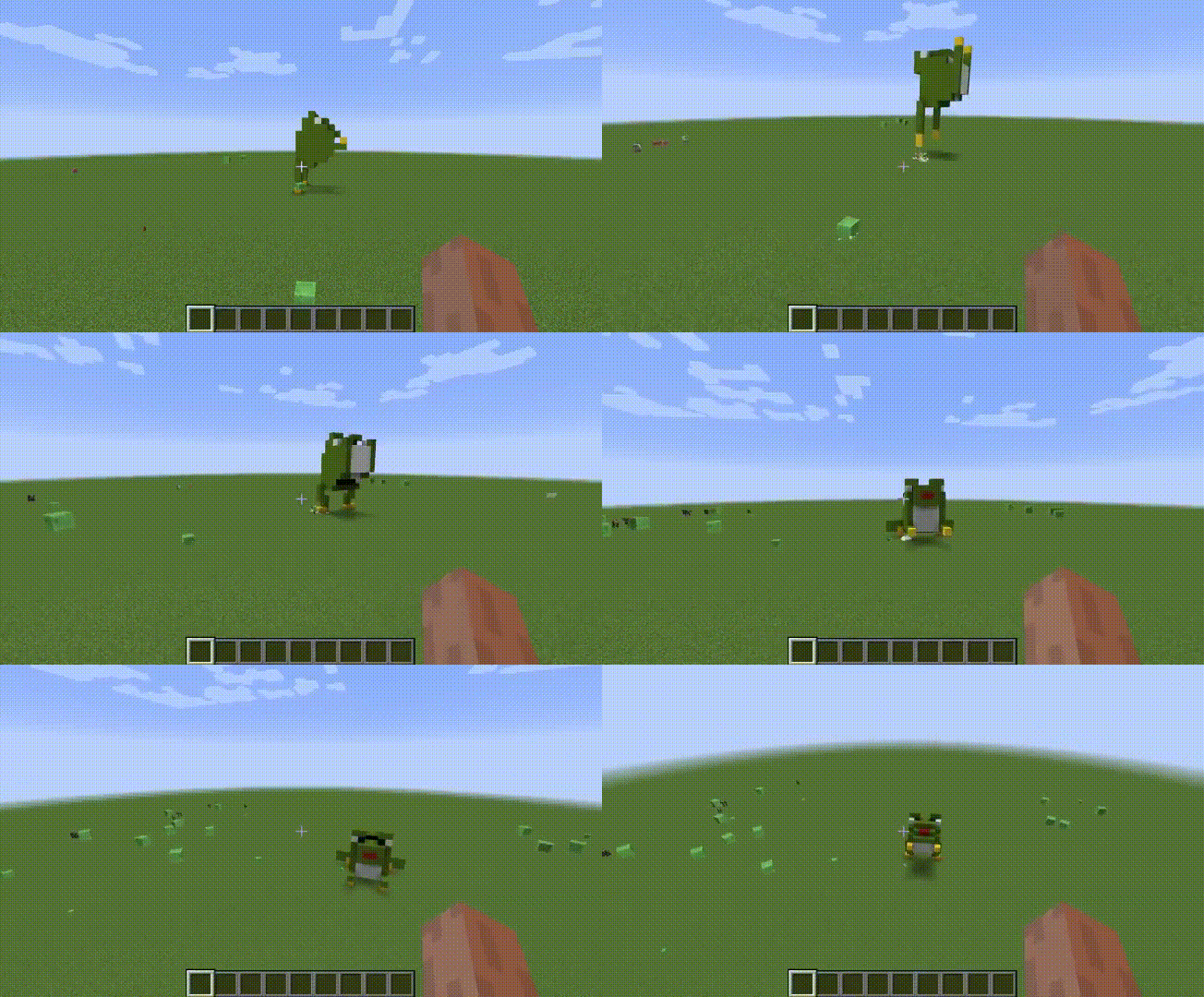
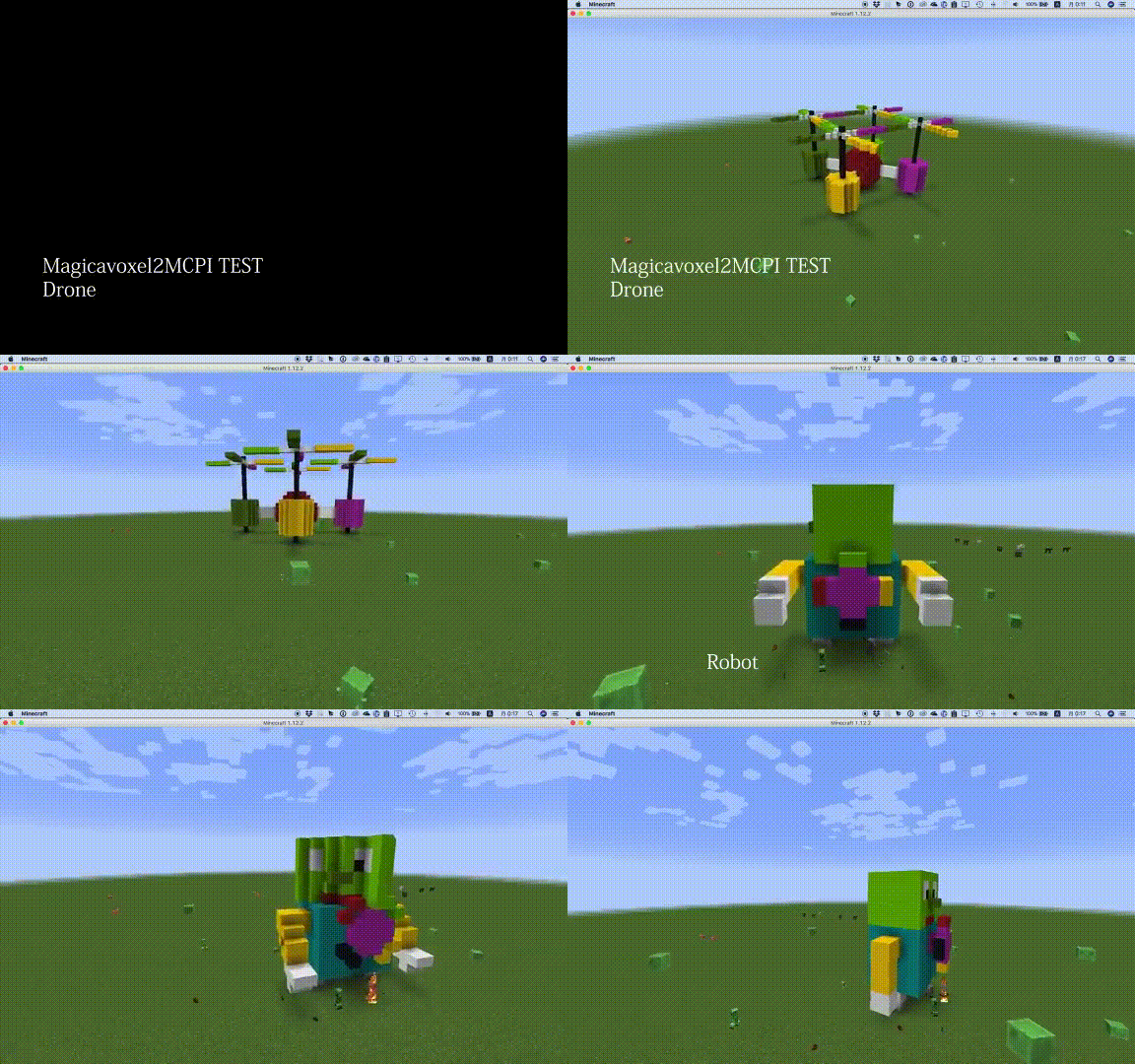
回転アニメーション
回転部分と固定部分を別のモデルとして作成します。それらを 'data'ディレクトリーにコピーします。
magicavoxel2mcpi_rotation_robot.py または rotation_drone.py を編集して、モデルを読み込みます。
# polygon file format exported from MagicaVoxel
body_ply_file = 'robot-body.ply'
head_ply_file = 'robot-head.ply'
hands_ply_file = 'robot-hands.ply'
propeller_ply_file = 'robot-propeller.ply'
回転軸を調整します。
# shift rotate axis
model_settings['offset_x'] = 0.5
model_settings['offset_y'] = 0.5
model_settings['offset_z'] = 6.5
マインクラフトでワールドを開いてから、次のコマンドを実行します。
python magicavoxel2mcpi_rotation_robot.py
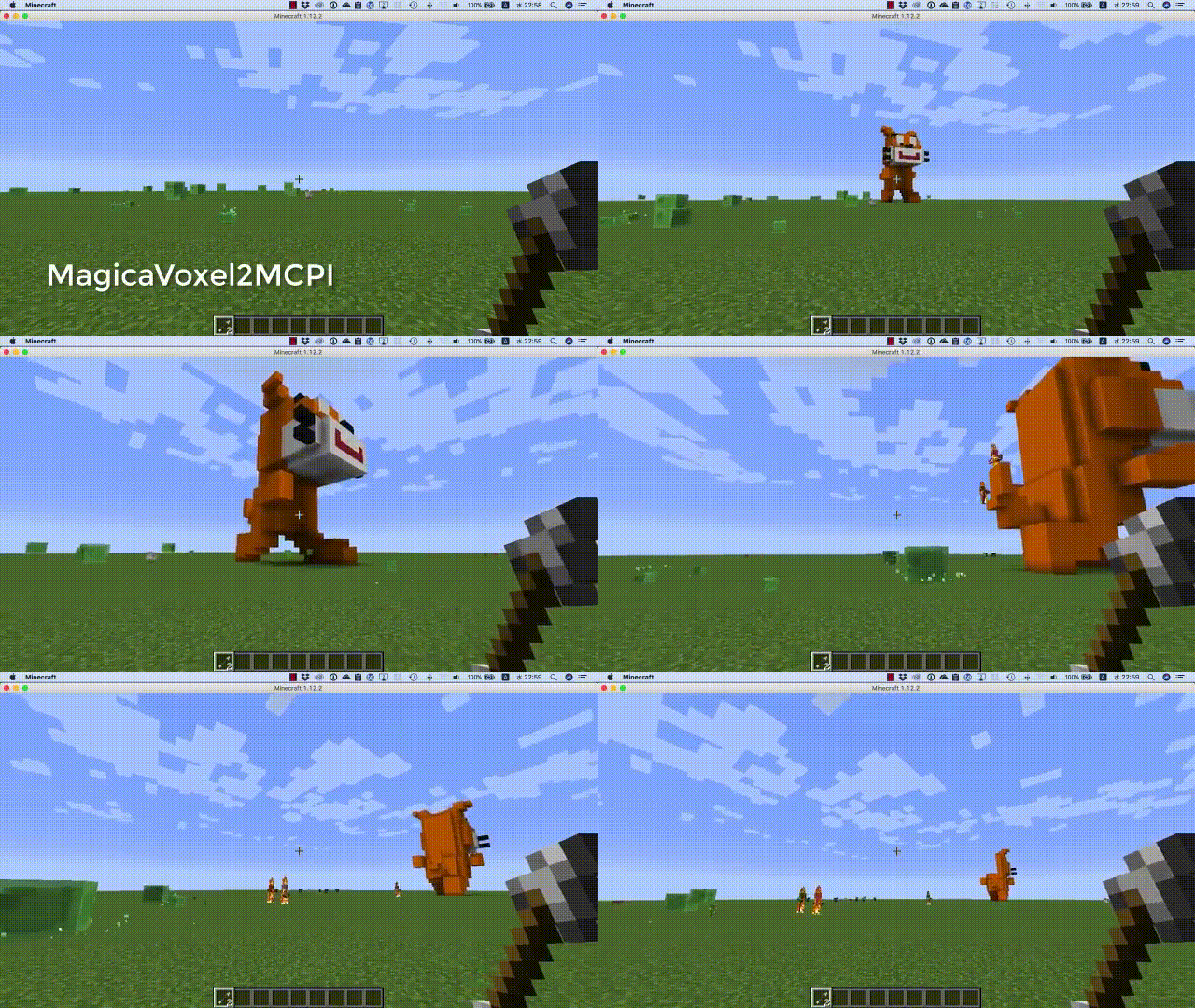
歩く猫
腕と体を別のモデルとして作成し、'data'ディレクトリーにコピーします。
magicavoxel2mcpi_walking_cat.py を編集して、モデルを読み込みます。
# polygon file format exported from MagicaVoxel
body_ply_file = 'walking_cat_body.ply'
part_ply_file = 'walking_cat_limbs.ply'
part_reverse_ply_file = 'walking_cat_limbs_reverse.ply'
マインクラフトでワールドを開いてから、次のコマンドを実行します。
python magicavoxel2mcpi_walking_cat.py
Related Skills
node-connect
349.9kDiagnose OpenClaw node connection and pairing failures for Android, iOS, and macOS companion apps
frontend-design
109.8kCreate distinctive, production-grade frontend interfaces with high design quality. Use this skill when the user asks to build web components, pages, or applications. Generates creative, polished code that avoids generic AI aesthetics.
openai-whisper-api
349.9kTranscribe audio via OpenAI Audio Transcriptions API (Whisper).
qqbot-media
349.9kQQBot 富媒体收发能力。使用 <qqmedia> 标签,系统根据文件扩展名自动识别类型(图片/语音/视频/文件)。
