
Edward
Web editor as express middleware
Install / Use
/learn @cloudcmd/EdwardREADME
Edward 

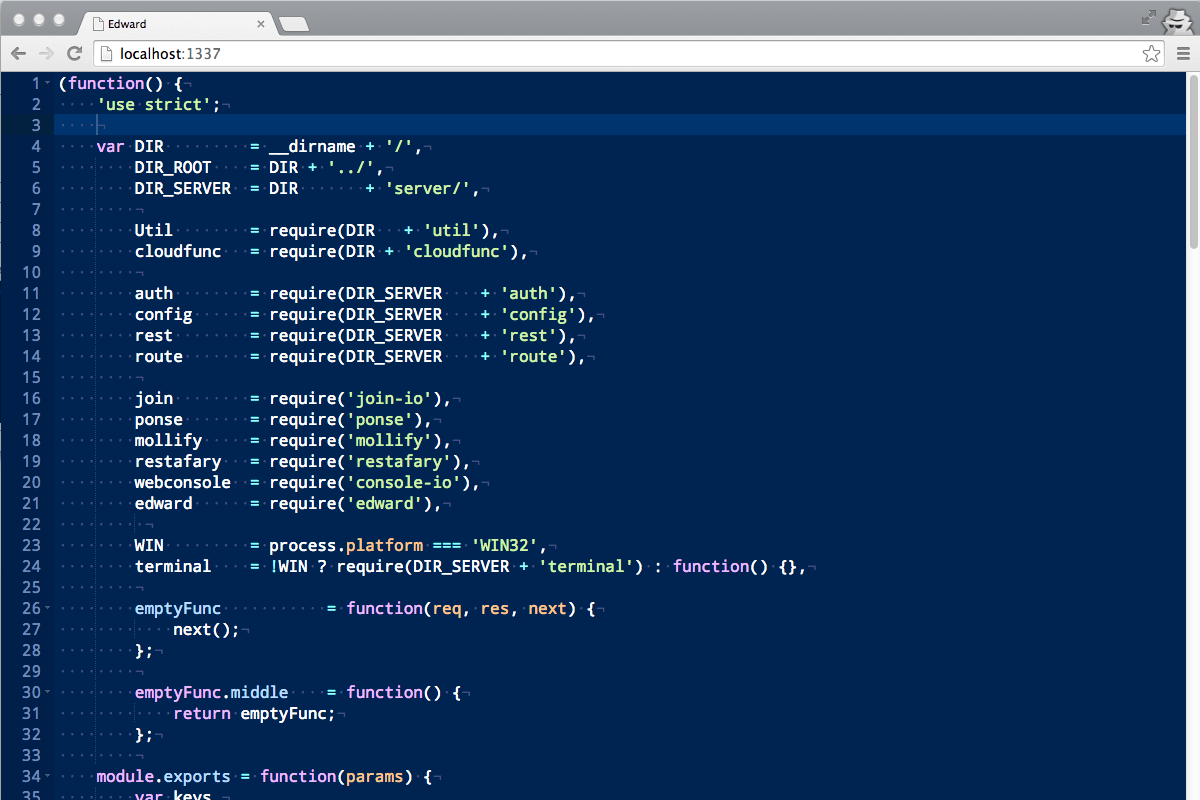
Web editor used in Cloud Commander based on Ace.
Features
- Syntax highlighting based on extension of file for over 110 languages.
- Built-in
emmet(for html files) - Drag n drop (drag file from desktop to editor).
- Configurable options (json/edit.json could be overriden by
~/.edward.json)
Install
npm i edward -g

Command line parameters
Usage: edward [filename]
|Parameter |Operation
|:----------------------|:--------------------------------------------
| -h, --help | display help and exit
| -v, --version | output version information and exit
Hot keys
|Key |Operation
|:----------------------|:--------------------------------------------
| Ctrl + s | save
| Ctrl + f | find
| Ctrl + h | replace
| Ctrl + g | go to line
| Ctrl + e | evaluate (JavaScript only supported)
For more details see Ace keyboard shortcuts.
API
Edward could be used as middleware for express. For this purpuse API could be used.
Server
edward(options)
Middleware of edward. Options could be omitted.
import {edward} from 'edward';
import express from 'express';

const app = express();

app.use(edward({
    root: '/', // default
    online: true, // default
    diff: true, // default
    zip: true, // default
    dropbox: false, // optional
    dropboxToken: 'token', // optional
}));

app.listen(31_337);
edward.listen(socket)
Could be used with socket.io to handle editor events with.
import {Server} from 'socket.io';

const socket = new Server(server);

edward.listen(socket, {
    root: '/', // optional
    prefixSocket: '/edward', //optional
    auth: (accept, reject) => (username, password) => {
        accept();
    },
});
Client
Edward uses ace on client side, so API is similar.
All you need is put minimal html, css, and js into your page.
Minimal html:
<div class="edit" data-name="js-edit"></div>
<script src="/edward/edward.js"></script>
Minimal css:
html, body, .edit {
    height: 100%;
    margin: 0;
}
Minimal js:
edward('[data-name="js-edit"]', (editor) => {
    editor.setValue('Hello edward!');
});
For more information you could always look around into assets and bin directory.
Related
- Dword - web editor based on Codemirror.
- Deepword - web editor based on Monaco.
License
MIT
Related Skills
node-connect
351.4kDiagnose OpenClaw node connection and pairing failures for Android, iOS, and macOS companion apps
frontend-design
110.7kCreate distinctive, production-grade frontend interfaces with high design quality. Use this skill when the user asks to build web components, pages, or applications. Generates creative, polished code that avoids generic AI aesthetics.
openai-whisper-api
351.4kTranscribe audio via OpenAI Audio Transcriptions API (Whisper).
qqbot-media
351.4kQQBot 富媒体收发能力。使用 <qqmedia> 标签,系统根据文件扩展名自动识别类型(图片/语音/视频/文件)。
