
HexVolumeRenderer
A program for rendering hexahedral meshes in the form of transparent volumes.
Install / Use
/learn @chrismile/HexVolumeRendererREADME
HexVolumeRenderer
A program for rendering hexahedral meshes in the form of transparent volumes.
This repository was created for the following paper.
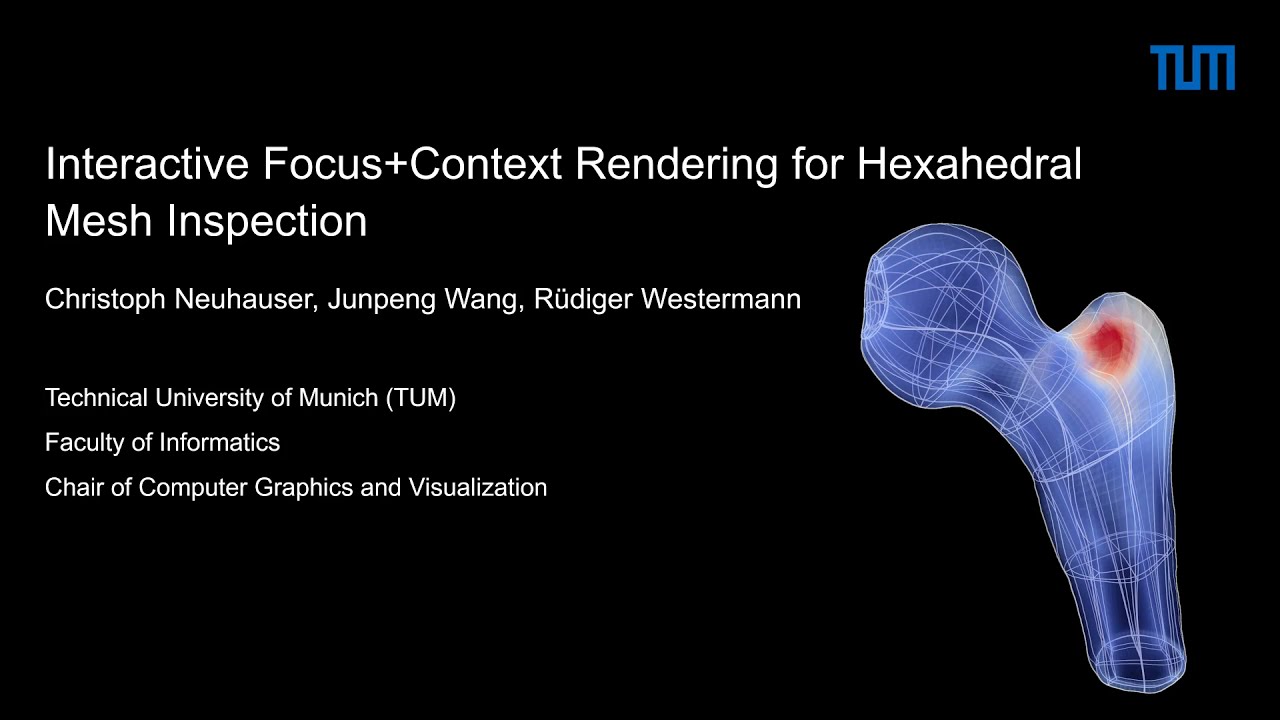
Interactive Focus+Context Rendering for Hexahedral Mesh Inspection
Christoph Neuhauser, Junpeng Wang, Rüdiger Westermann
IEEE Transactions on Visualization and Computer Graphics (TVCG), 2021
DOI: 10.1109/TVCG.2021.3074607
[Project page]
[Paper]
[Preprint]
[BIB]
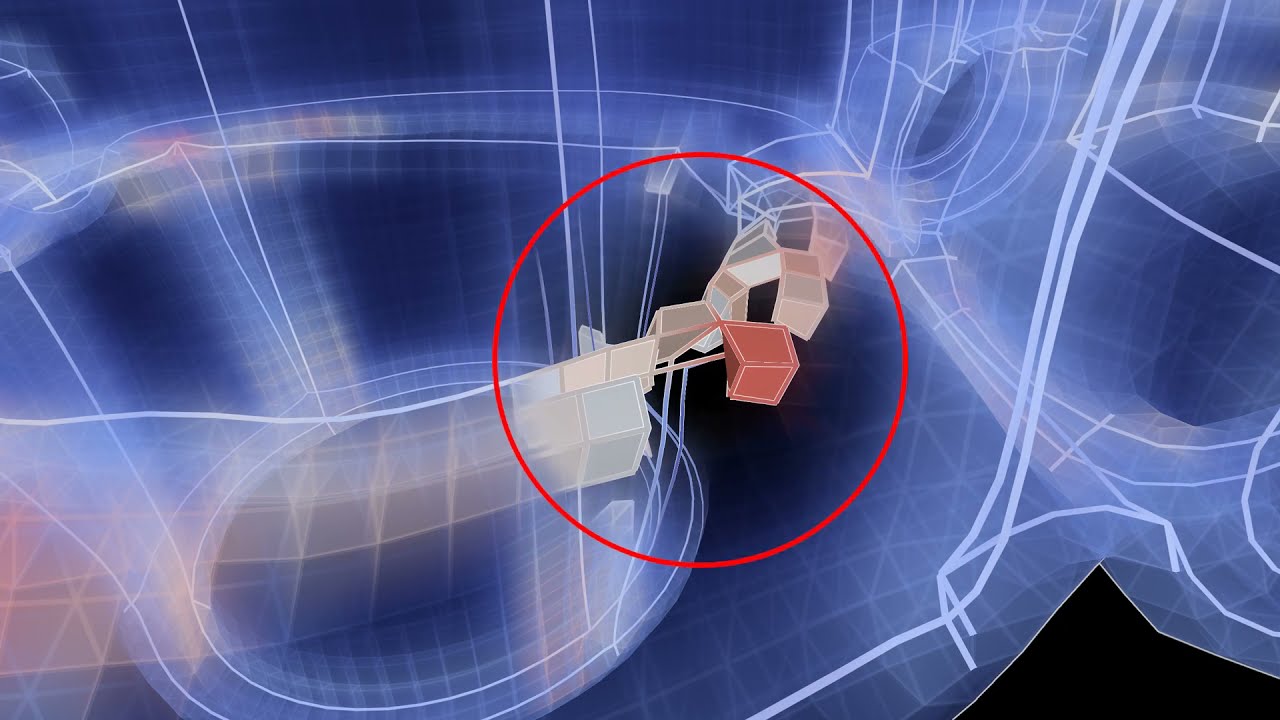
The rendering mode discussed in the paper can be used when selecting the renderer "ClearView (Unified)" in the program (see the screenshot below for an example). The LOD structure discussed can be viewed with the renderer "LOD Lines (Preview, Sheets)".

The model in the image above is courtesy of J. Gregson, A. Sheffer, E. Zhang (https://onlinelibrary.wiley.com/doi/abs/10.1111/j.1467-8659.2011.02015.x).
Building and running the program
Currently, there are multiple ways to compile the program:
- Linux: Using the system package manager to install all dependencies (tested: apt on Ubuntu, pacman on Arch Linux, dnf/yum on Fedora).
- Linux & Windows: Installing all dependencies using vcpkg (by using the flag
./build.sh --vcpkgon Linux orbuild-msvc.baton Windows). - Windows: Using MSYS2 to install all dependencies (by using
./build.shin a MSYS2 shell). - Linux: Installing all dependencies with conda (by using the flag
./build.sh --conda). - Linux: Installing all dependencies with Nix (by invoking
./build.shafter callingnix-shell).
A build script build.sh is available in the project root directory that builds the application using the system
package manager on Linux and MSYS2 on Windows. Please download and install MSYS2 from https://www.msys2.org/ if you wish
to use this build script and run the script from an MSYS2 shell.
Alternatively, we recommend to use vcpkg if the users wants to compile the application with Microsoft Visual Studio.
A build script using MSVC and vcpkg, build-msvc.bat, is available in the project root directory.
Guides for manual compilation for the different build types can be found in the directory docs/compilation.
How to add new data sets
This program optionally supports downloading data sets from HexaLab. The user is responsible himself or herself that he or she has the rights to do this. For more details on HexaLab see:
HexaLab.net: an online viewer for hexahedral meshes
Matteo Bracci<sup>x</sup>, Marco Tarini<sup>1,2,x</sup>, Nico Pietroni<sup>1,4</sup>, Marco Livesu<sup>3</sup>, Paolo Cignoni<sup>1</sup>
Computer-Aided Design, Volume 110, May 2019
DOI:10.1016/j.cad.2018.12.003
(preprint available on arxiv)
Copyright 2018
Visual Computing Lab
ISTI - CNR
Live view on www.hexalab.net
- <sup>x</sup> Joint first authors
- <sup>1</sup> ISTI - CNR
- <sup>2</sup> Universit? degli Studi di Milano ("La Statale")
- <sup>3</sup> IMATI - CNR
- <sup>4</sup> University of Technology, Sidney
Furthermore, the user can edit the index.json file in the directory Data/Meshes/ to add meshes manually. Please note that the file is overwritten when using the downloading functionality.
External Code, Assets and Data Sets
The program uses code excerpts from HexaLab (https://github.com/chrismile/HexaLab, see above) and code from Robust Hexahedral Re-Meshing (https://github.com/gaoxifeng/Robust-Hexahedral-Re-Meshing).
"Robust Structure Simplification for Hex Re-meshing", Xifeng Gao, Daniele Panozzo, Wenping Wang, Zhigang Deng, Guoning Chen, In ACM Transactions on Graphics (Proceedings of SIGGRAPH ASIA 2017)
The code from HexaLab is covered by the MIT License (see LICENSE file). The code from Gao et al. is covered by the MPL 2.0 License (see LICENSE file). The code of the application itself is covered by the BSD 2-Clause License (see LICENSE file). The font Droid Sans in the directory Data/Fonts/ is covered by the Apache Version 2.0 License (see LICENSE file).
Please note that different licenses apply to the data sets, dependencies and other assets downloaded. License information of used libraries can be found in the directory 'docs/license-libraries'. These libraries are used without modifications to the upstream version of the code of the respective libraries. Thus, the code is not provided in the repository.
Replicability
For more details on the TVCG Replicability Stamp, please refer to replicability/README.md.
Video 1: IEEE TVCG 2021 Paper Short Intro
Video 2: IEEE TVCG 2021 Paper Presentation
Related Skills
node-connect
337.4kDiagnose OpenClaw node connection and pairing failures for Android, iOS, and macOS companion apps
frontend-design
83.2kCreate distinctive, production-grade frontend interfaces with high design quality. Use this skill when the user asks to build web components, pages, or applications. Generates creative, polished code that avoids generic AI aesthetics.
openai-whisper-api
337.4kTranscribe audio via OpenAI Audio Transcriptions API (Whisper).
commit-push-pr
83.2kCommit, push, and open a PR
