
C64stream
C64 Stream is an OBS Studio source plugin for streaming video and audio from Commodore 64 Ultimate devices
Install / Use
/learn @chrisgleissner/C64streamREADME
C64 Stream




Bridge your Commodore 64 Ultimate directly to OBS Studio for seamless streaming and recording over your network connection.
<img src="./docs/images/c64stream.png" alt="C64 Stream Logo" width="200"/>This plugin implements a native OBS source that receives video and audio streams from a Commodore 64 Ultimate or Ultimate 64.
The plugin connects directly to the Ultimate's network interface, eliminating the need for capture cards or composite video connections.
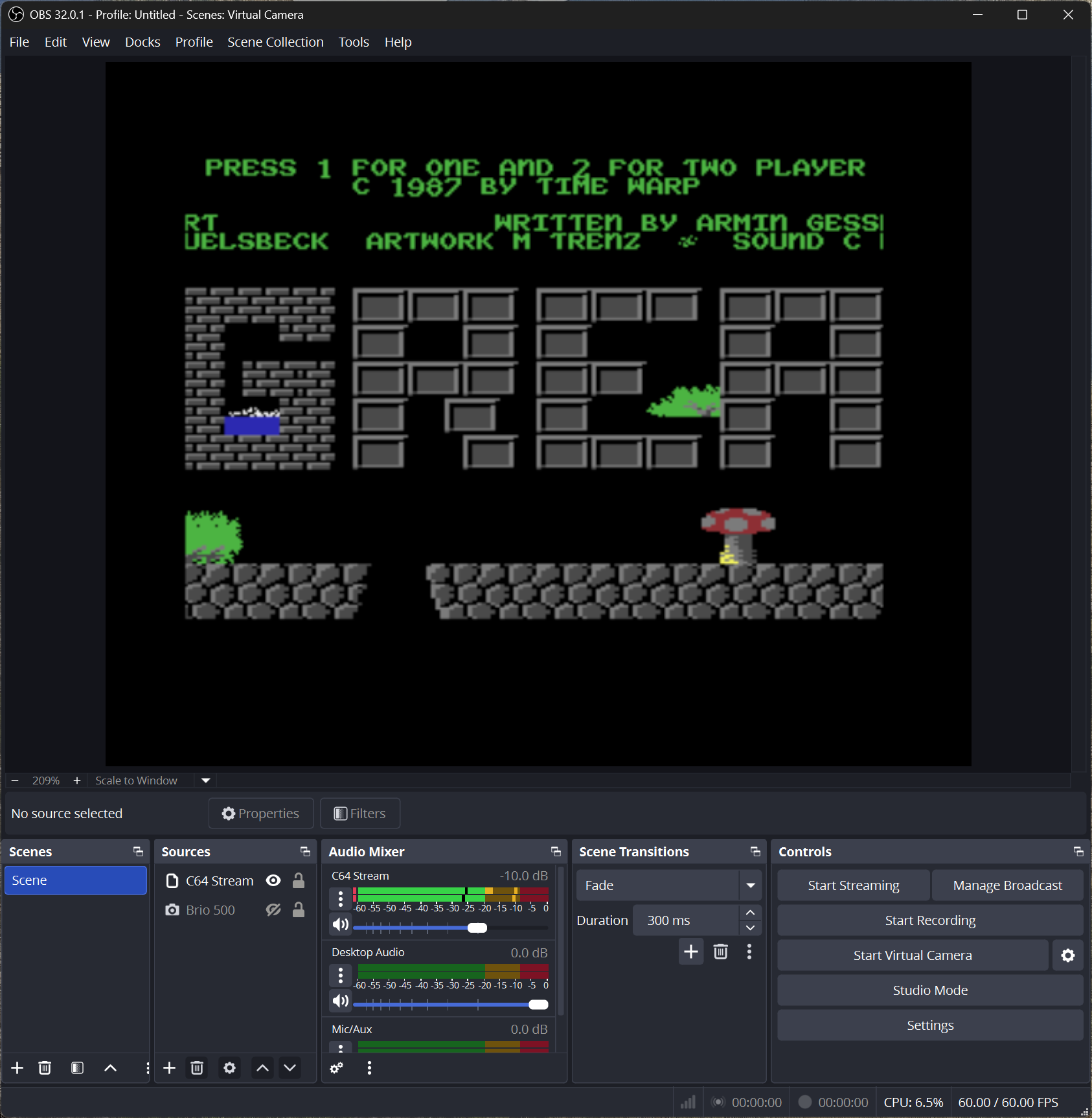
Features:
- Direct C64U → OBS streaming: Video/audio streams received directly from a Commodore 64 Ultimate or Ultimate 64 over UDP/TCP (no capture card).
- Two native OBS plugins: A C64 Stream input source plus a C64 Stream Effects filter (they share the same effects engine; most setups use one or the other).
- Real-time video + audio: PAL 384x272 and NTSC 384x240 video, plus synchronized 16-bit stereo audio at ~48kHz.
- CRT effects + palettes: GPU-accelerated CRT effects with configurable presets (scan lines, bloom, tint, pixel geometry) and automatic VIC-II color space conversion.
- Built-in recording + diagnostics: Record BMP frames, AVI video, and WAV audio, plus optional CSV timing logs (
obs.csv/network.csv) for debugging. - Keyboard capture: Click the
Interactbutton below the preview to type directly into the C64. - Script-based automation: C64Script, a BASIC-inspired language for programmatic control of your stream (spec).
Contents
- C64 Stream
🚀 Quick Start
What You'll Need
- OBS Studio 32.0.1 or above
- Commodore 64 Ultimate or Ultimate 64
- The Ultimate device must be connected via its Ethernet port. The OBS computer may connect via Wi-Fi if both are on the same network, but using Ethernet all the way to OBS is recommended for the most stable connection.
- For complete and up-to-date hardware and software requirements, please refer to the OBS Studio System Requirements.
[!NOTE] The plugin has been verified to work on the systems listed below. Other environments have not been verified and are not supported explicitly, but community contributions are always welcome.
Installation
In the following instructions, replace $VERSION with the latest released version as shown on the Releases page.
Windows (X64)
The following applies if you have an Intel or AMD CPU. It has been verified to work on Windows 11:
- Close OBS Studio
- Download the plugin package with name
c64stream-$VERSION-windows-x64.zip. It should now be in yourDownloadsfolder (typicallyC:\Users\<YourName>\Downloads). - Install the plugin to
C:\ProgramData\obs-studio\pluginsby either extracting the ZIP with a tool of your choice or by running the following in PowerShell:
Expand-Archive -Path "$env:USERPROFILE\Downloads\c64stream-*-windows-x64.zip" -DestinationPath "C:\ProgramData\obs-studio\plugins" -Force
- Start OBS Studio
If you are using Windows Firewall and block all incoming connections, you may have to set up an exception to allow incoming UDP connections to port 11000 (Video) and 11001 (Audio) from the C64 Ultimate, as follows. Be sure to adjust the RemoteAddress from 192.168.1.64 to the IP of your C64 Ultimate before you run this in PowerShell:
New-NetFirewallRule -DisplayName "C64 Stream" -Direction Inbound -Protocol UDP -LocalPort 11000,11001 -RemoteAddress 192.168.1.64 -Action Allow
Windows (ARM64)
[!NOTE] Windows on ARM64 support is experimental and has not yet been fully tested. If you would like to help with testing, please reach out via the Discussions tab of this repository.
- Download and unzip the ARM64 build of OBS Studio: https://github.com/obsproject/obs-studio/releases/download/32.0.4/OBS-Studio-32.0.4-Windows-arm64.zip
- Ensure OBS Studio is closed.
- Download the plugin package
c64stream-$VERSION-windows-arm64.zipto yourDownloadsfolder. - Install the plugin exactly as described in Windows (X64) above.
Windows (Portable Mode)
[!NOTE] This section applies only if OBS Studio is run in portable mode, for example when
portable_mode.txtexists in the root directory of OBS. If you installed OBS using the Windows installer, use the Standard Installation instructions above.
In portable mode, OBS does **
