
Nebula
Nebula is a WordPress theme framework that focuses on enhancing development. The core features of Nebula make it a powerful tool for designing, developing, and analyzing WordPress websites consistently, yet its deliberately uncomplicated code syntax also serves as a learning resource for programmers themselves.
Install / Use
/learn @chrisblakley/NebulaREADME

Nebula is a WordPress theme framework that focuses on enhancing development
The core features of Nebula make it a powerful tool for designing, developing, and analyzing WordPress websites consistently, but its deliberately uncomplicated code syntax also serves as a learning resource for programmers themselves.




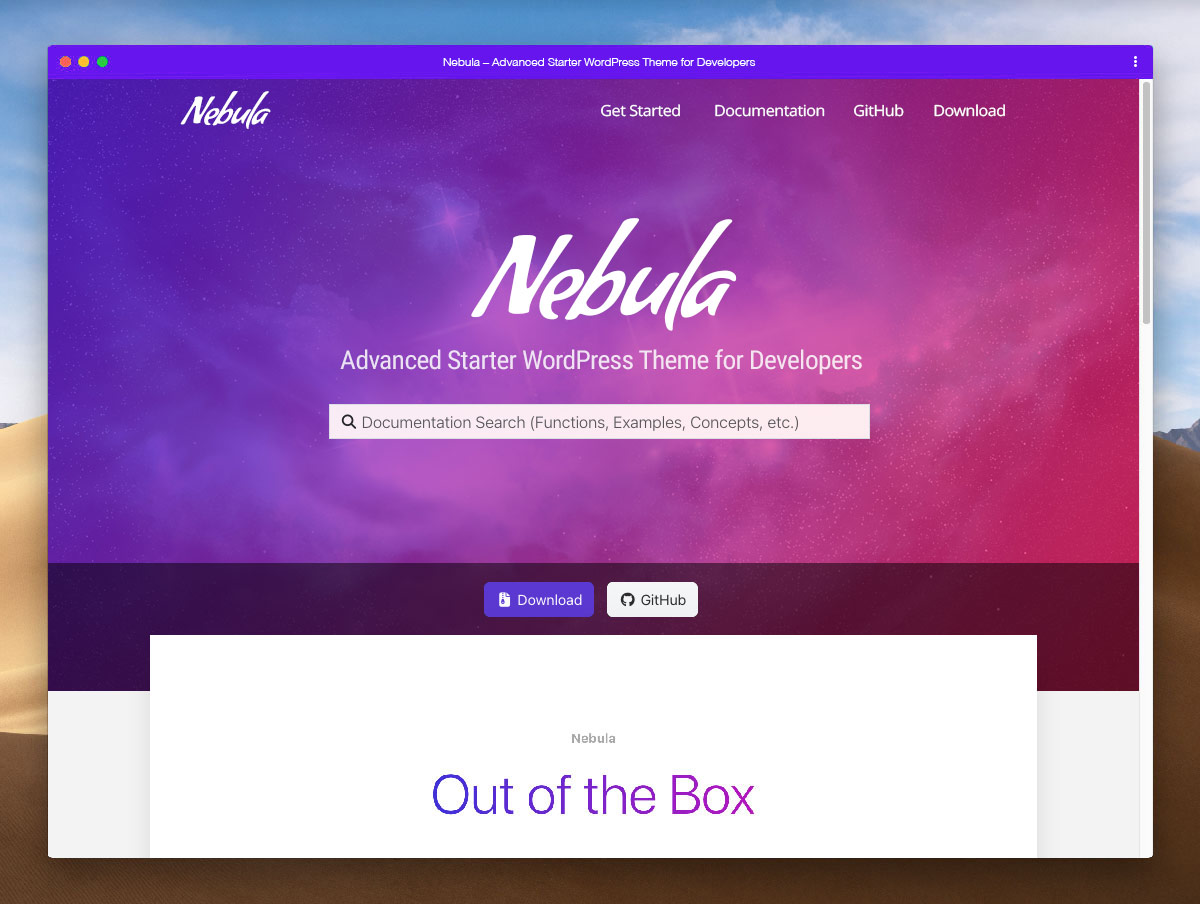
Getting Started
These instructions will get Nebula setup to its recommended baseline.
Requirements & Recommendations
Nebula follows WordPress recommended requirements, and does not require any additional server software. Browsers with >1% market share are officially supported.
To take full advantage of Nebula's features, the following are recommended:
- WordPress Latest
- PHP 8.0+
- MySQL 5.6+
- SSL
Prerequisites
Download and install WordPress.
Installation & Setup
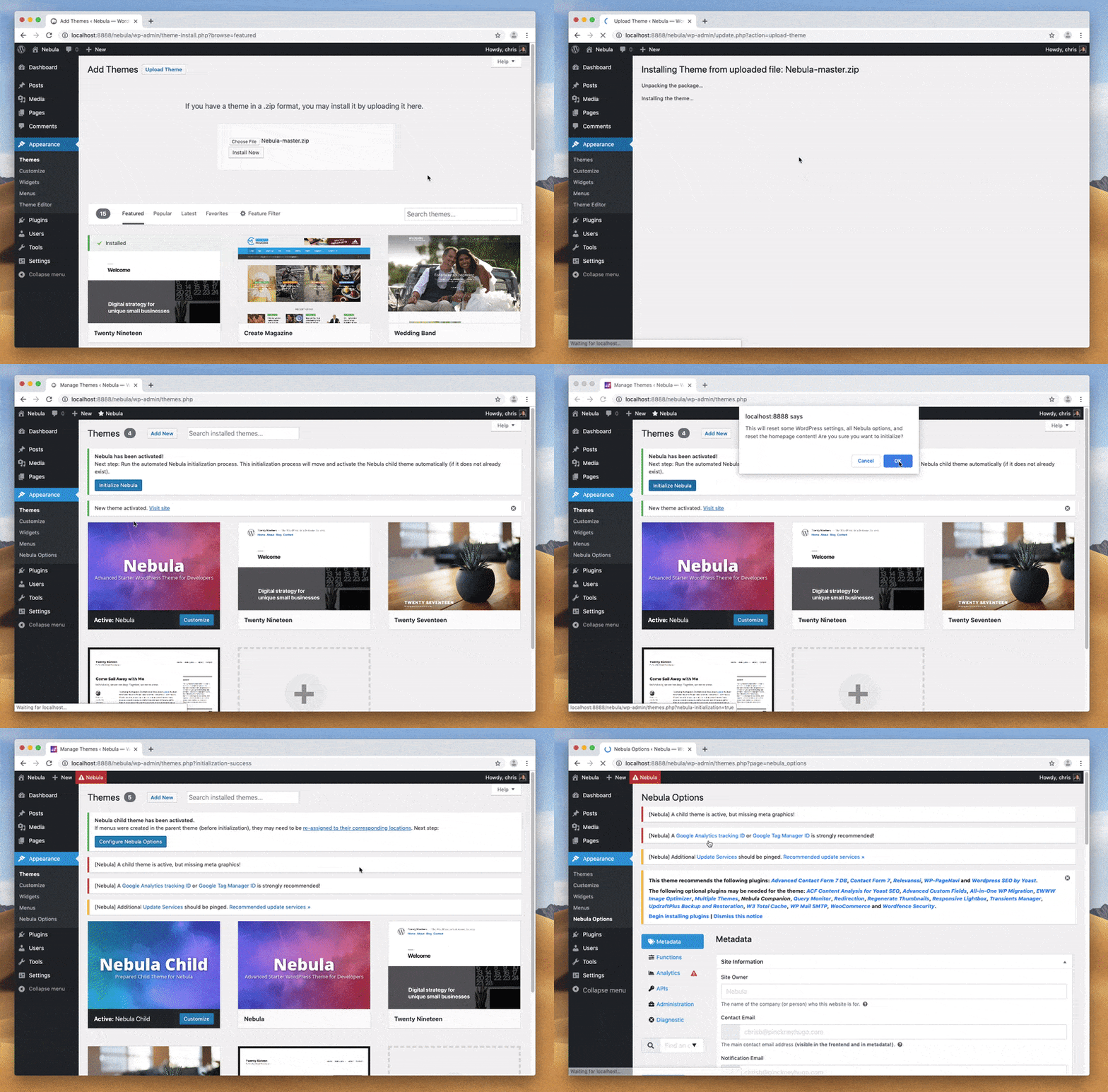
- Download the .zip file of the Nebula theme. Upload to the WordPress
/wp-content/themes/directory. - Activate the Nebula theme and run the automated initialization.
- This will automatically install and activate the Nebula Child theme.
- It is recommended to rename the child theme (in
/assets/scss/style.scssand the directory name itself). - Create a
/assets/img/meta/directory in the child theme (or copy it from the Nebula parent) and customize icons. - Install and activate recommended plugins.
- Customize Nebula Options (including enabling Sass if desired)
Documentation
Comprehensive documentation is available at https://nebula.gearside.com/ along with a testing checklist and launch guide.
Performance
Performance data is updated automatically every hour. Your performance may vary depending on your hosting, plugins, and many other variables. This graphic is to simply illustrate Nebula's performance capabilities. <br/><br/><img src="https://nebula.gearside.com/speedtest.svg" width="600px">
