
Choco
Chocolatey - the package manager for Windows
Install / Use
/learn @chocolatey/ChocoREADME
Chocolatey - like yum or apt-get, but for Windows
You can just call me choco.





- Build Status
- Chat Room
- Support Chocolatey!
- See Chocolatey In Action
- Etiquette Regarding Communication
- Information
- Submitting Issues
- Contributing
- Committers
- Credits
Build Status
| GitHub Action |
|----------------------------------------------------------------------------------------------------------------------------------------------------------------------------------------------------------------|
| 
Chat Room
Come join in the conversation about Chocolatey in our Community Chat Room.

Please make sure you've read over and agree with the etiquette regarding communication.
Support Chocolatey!
See Chocolatey In Action
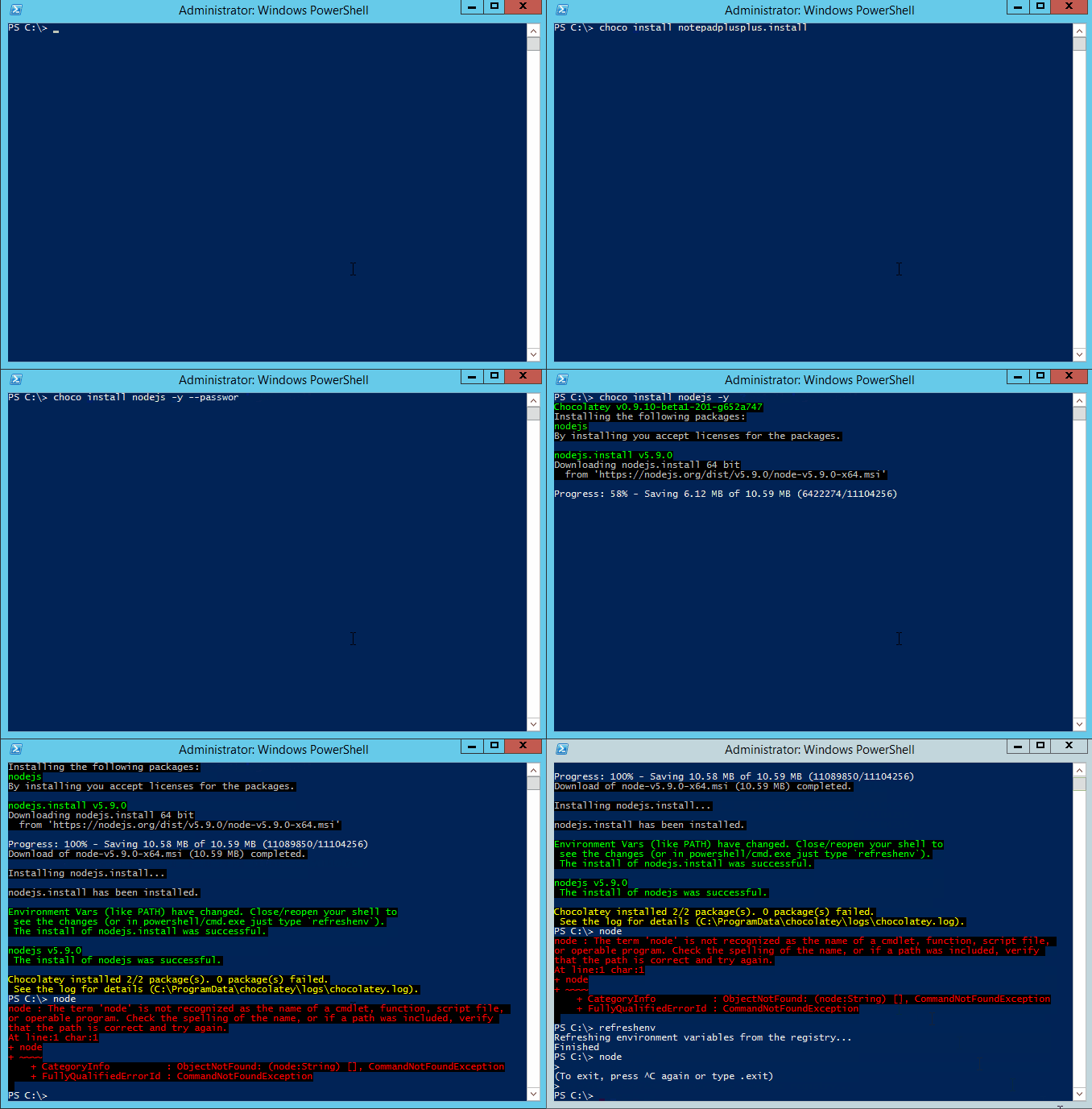
Chocolatey FOSS install showing tab completion and refreshenv (a way to update environment variables without restarting your shell):
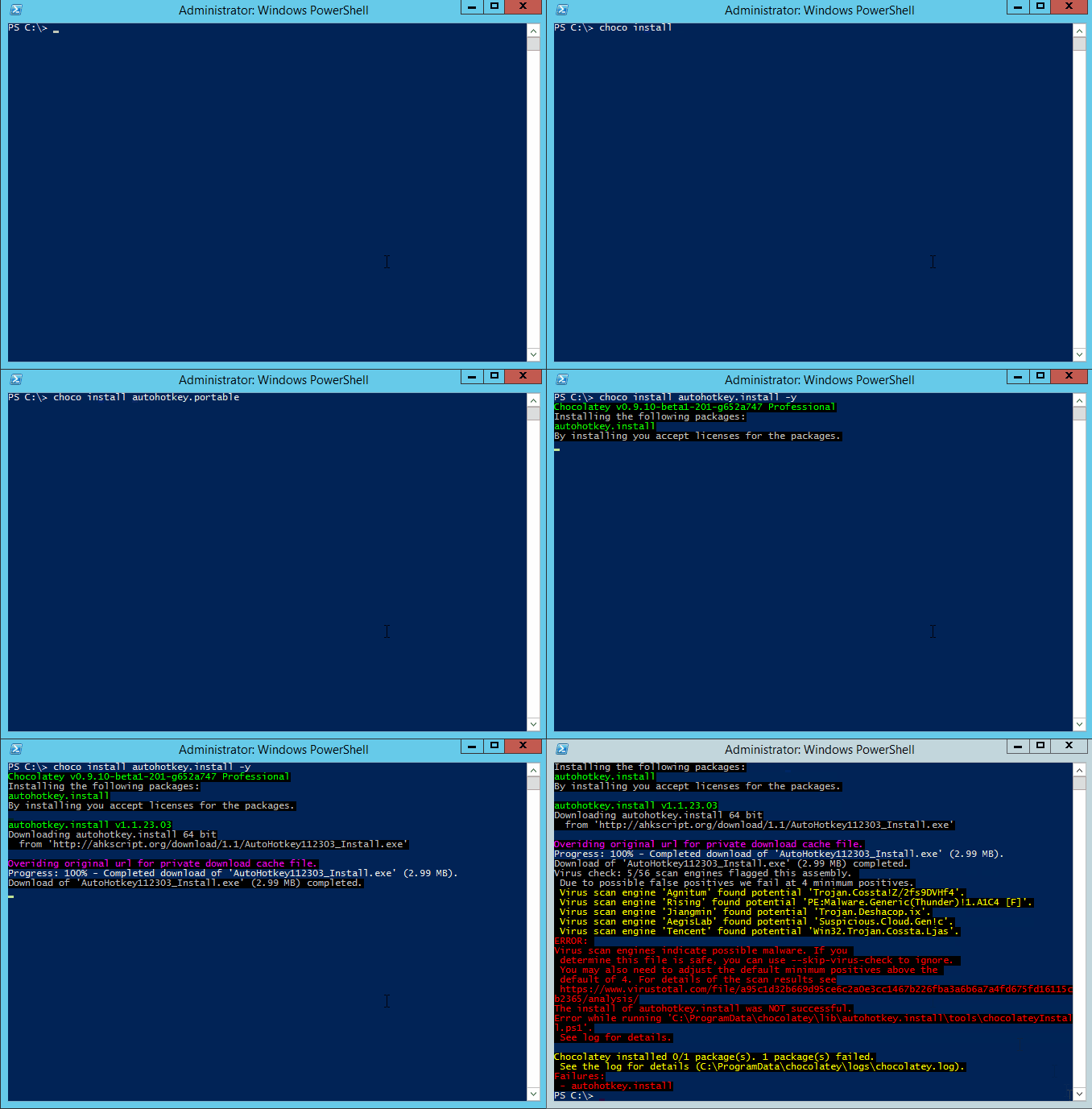
Chocolatey Pro showing private CDN download cache and virus scan protection:
Etiquette Regarding Communication
If you are an open source user requesting support, please remember that most folks in the Chocolatey community are volunteers that have lives outside of open source and are not paid to ensure things work for you, so please be considerate of others' time when you are asking for things. Many of us have families that also need time as well and only have so much time to give on a daily basis. A little consideration and patience can go a long way. After all, you are using a pretty good tool without cost. It may not be perfect (yet), and we know that.
If you are using a commercial edition of Chocolatey, you have different terms! Please see support.
Information
- Chocolatey Website and Community Package Repository
- Mailing List / Release Announcements Only Mailing List / Build Status Mailing List
- Twitter / Facebook / GitHub
- Blog / Newsletter
- Documentation / Support
Documentation
Please see the docs
Give choco.exe --help a shot (or choco.exe -h). For specific commands, add the command and then the help switch e.g. choco.exe install --help.
Requirements
- .NET Framework 4.8+
- PowerShell 2.0+
- Windows Server 2008 R2+ / Windows 10+
- See our documentation on the support lifecycle and supported operating systems for additional information
License / Credits
Apache 2.0 - see LICENSE and NOTICE files.
Submitting Issues

- If you are having issue with a package, please see Request Package Fixes or Updates / Become a maintainer of an existing package.
- If you are looking for packages to be added to the community feed (aka https://community.chocolatey.org/packages), please see Package Requests.
- Start with Troubleshooting and the FAQ to see if your question or issue already has an answer.
- If not found or resolved, please follow one of the following avenues:
- If you are a licensed customer, please see support. You can also log an issue to Licensed Issues and we will submit issues to all other places on your behalf. Another avenue is to use email support to have us submit tickets and other avenues on your behalf (allowing you to maintain privacy).
- If it is an enhancement request or issue with the website (the community package repository aka https://community.chocolatey.org), please submit the issue to the Chocolatey.org repo.
- If you have found an issue with the GUI (Chocolatey GUI) or you want to submit an enhancement, please see the ChocolateyGUI repository.
- If you have found an issue with the client (choco.exe), you are in the right place. Keep reading below.
Observe the following help for submitting an issue:
Prerequisites:
- The issue has to do with choco itself and is not a package or website issue.
- Please check to see if your issue already exists with a quick search of the issues. Start with one relevant term and then add if you get too many results.
- You are not submitting an "Enhancement". Enhancements should observe CONTRIBUTING guidelines.
- You are not submitting a question - questions are better served as emails or Community Chat questions.
- Please make sure you've read over and agree with the etiquette regarding communication.
Submitting a ticket:
- We'll need debug and verbose output, so please run and capture the log with
-dvor--debug --verbose. You can submit that with the issue or create a gist and link it. - Please note that the debug/verbose output for some commands may have sensitive data (passwords or API keys) related to Chocolatey, so please remove those if they are there prior to submitting the issue.
- choco.exe logs to a file in
$env:ChocolateyInstall\log\. You can grab the specific log output from there so you don't have to capture or redirect screen output. Please limit the amount included to just the command run (the log is appended to with every command). - Please save the log output in a gist (save the file as
log.sh) and link to the gist from the issue. Feel free to create it as secret so it doesn't fill up against your public gists. Anyone with a direct link can still get to secret gists. If you accidentally include secret information in your gist, please delete it and create a new one (gist history can be seen by anyone) and update the link in the ticket (issue history is not retained except by email - deleting the gist ensures that no one can get to it). Using gists this way also keeps accidental secrets from being shared in the ticket in the first place as well. - We'll need the entire log output from the run, so please don't limit it down to areas you feel are relevant. You may miss some i
